Welcome Guest ( Log In | Register )

Outline · [ Standard ] · Linear+

 Euro Trip! (new photos added post 16)

views
     
TSlost123
post Jan 12 2015, 08:55 PM, updated 11y ago

Regular
******
Senior Member
1,024 posts

Joined: Apr 2007


Went to a couple of countries in Europe which includes, France (Paris & Lourdes), Spain (Barcelona), Portugal (Lisbon) and UK.

Here are a couple of shots I took during my vacation. Sigh... I miss travelling.

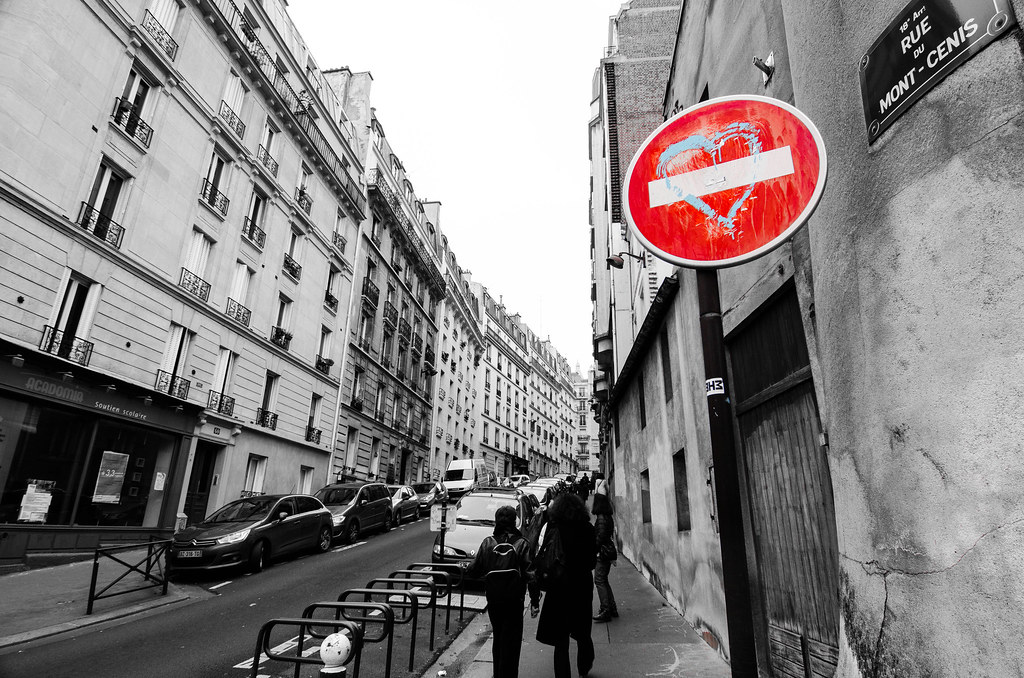
1. Welcome to Paris, The City of LOVE
user posted image

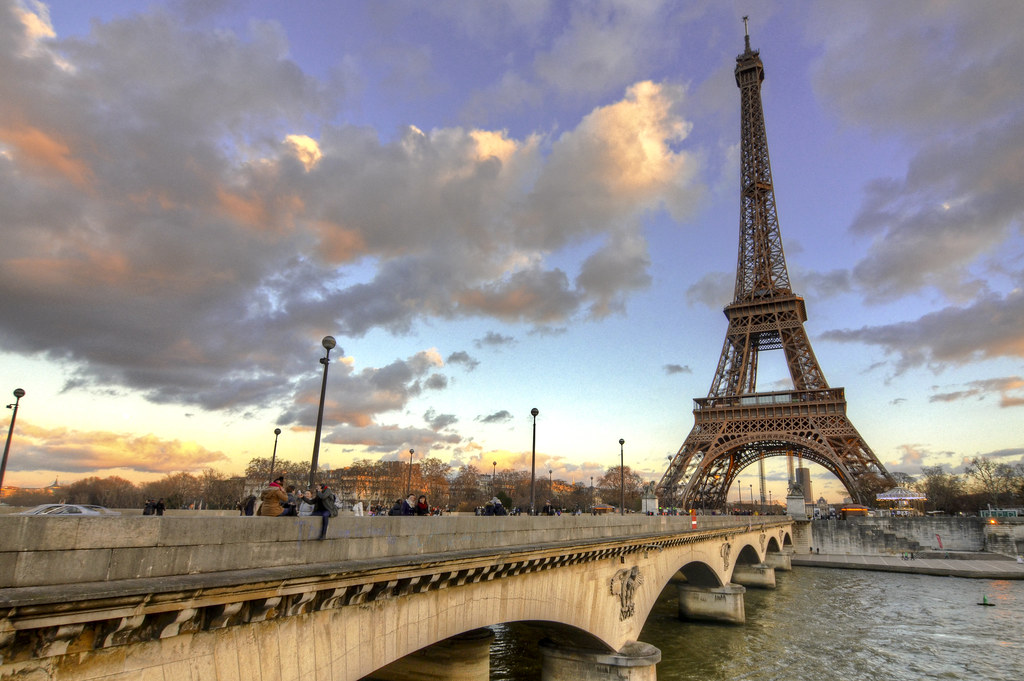
2.Along La Seine
user posted image

3.Setting Sun Behind the Rock
user posted image

4. The Eiffel Tower
user posted image

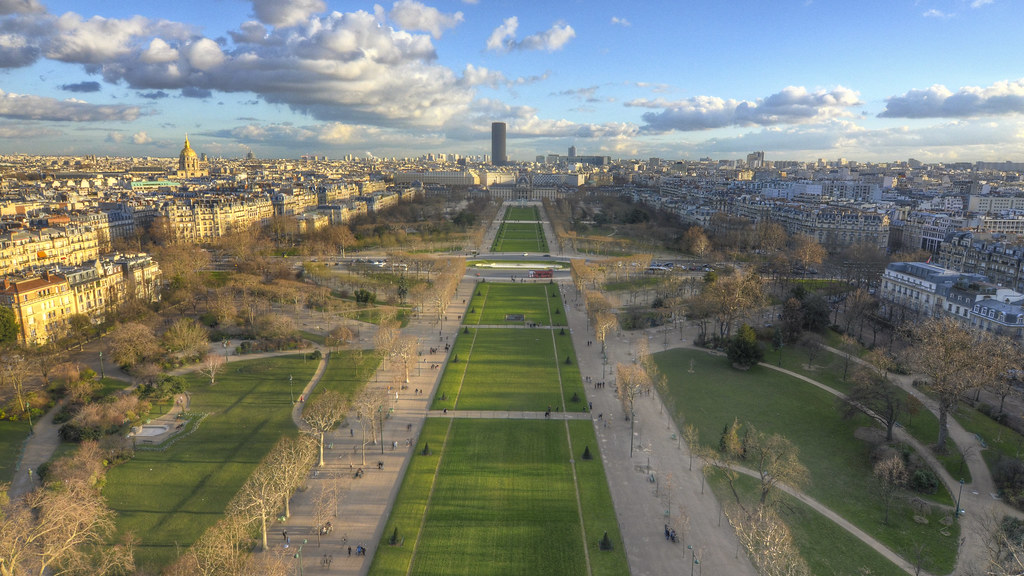
5. Paris
user posted image

6. Gaudi's amazing stairs inside La Sagrada Familia
user posted image

7. Behind the scene in Park Guell
user posted image

8. Streets of Lisbon
user posted image

9. Jeronimos Monastery
user posted image

10. Belem Tower
user posted image

MORE PICS ADDED IN THE POST BELOW (Post 16)

This post has been edited by lost123: Jul 31 2015, 03:39 PM
[PF] T.J.
post Jan 12 2015, 11:45 PM

20k VIP Club
Group Icon
Elite
24,193 posts

Joined: Feb 2010
From: Perak
Wah, been to so many awesome places!
Great collection of photos mate!

Mind sharing how you take shots 3, 4 and 10? notworthy.gif

I don't know much about landscapes but my photos' colours are usually not nice one huhu T____T
TSlost123
post Jan 13 2015, 10:41 AM

Regular
******
Senior Member
1,024 posts

Joined: Apr 2007


QUOTE(PF T.J. @ Jan 12 2015, 11:45 PM)
Wah, been to so many awesome places!
Great collection of photos mate!

Mind sharing how you take shots 3, 4 and 10? notworthy.gif

I don't know much about landscapes but my photos' colours are usually not nice one huhu T____T
*
Thanks mate!

Photos 3 and 10 are HDR. For pic number 3, I took 3 pics, processed it in photomatix. In photomatix, I tried to make the HDR a little more natural coz I dont like it when u can see halos nor do i like overprocessed HDR pics. After that I further processed it in lightroom to give it a slight boost.

Pic 10 was my luck as I was at that very location as the sun was starting to set, I noticed that the sun gave a nice glow to the tower. But as usual, the dynamic range on my DSLR was not fantastic and it looked so much better in person. So again, took 3 pics (+-2) and made a HDR pic out of it so that the foreground would be well visible. And again, further did some light tweaking in lightroom.

Pic 4 was a single shot pic. Was walking back to our car when sun was setting behind the cliff. Had a nice glow, so took a pic and made sure it was slightly under exposed. Editted in Lightroom, lifted the shadows (increased fill lights- depending on which edition of lightroom).Bumped up the contrasts and clarity a little coz fill lights make it look a little washed out. Finally used the gradient filter tool for the top portion to drop down the brightness and increase the saturation slightly up top to make the rays of light a little more visible.

So bottom line is, none of these pics came out the way it did on my camera =P

This post has been edited by lost123: Jan 13 2015, 10:46 AM

woaychee
post Jan 13 2015, 10:58 AM

Getting Started
**
Junior Member
162 posts

Joined: Jan 2003
From: Kuala Lumpur


awesome photo!
[PF] T.J.
post Jan 13 2015, 11:44 AM

20k VIP Club
Group Icon
Elite
24,193 posts

Joined: Feb 2010
From: Perak
QUOTE(lost123 @ Jan 13 2015, 10:41 AM)
Thanks mate!

Photos 3 and 10 are HDR. For pic number 3, I took 3 pics, processed it in photomatix. In photomatix, I tried to make the HDR a little more natural coz I dont like it when u can see halos nor do i like overprocessed HDR pics. After that I further processed it in lightroom to give it a slight boost.

Pic 10 was my luck as I was at that very location as the sun was starting to set, I noticed that the sun gave a nice glow to the tower. But as usual, the dynamic range on my DSLR was not fantastic and it looked so much better in person. So again, took 3 pics (+-2) and made a HDR pic out of it so that the foreground would be well visible. And again, further did some light tweaking in lightroom.

Pic 4 was a single shot pic. Was walking back to our car when sun was setting behind the cliff. Had a nice glow, so took a pic and made sure it was slightly under exposed. Editted in Lightroom, lifted the shadows (increased fill lights- depending on which edition of lightroom).Bumped up the contrasts and clarity a little coz fill lights make it look a little washed out. Finally used the gradient filter tool for the top portion to drop down the brightness and increase the saturation slightly up top to make the rays of light a little more visible.

So bottom line is, none of these pics came out the way it did on my camera =P
*
Hey man, thanks for the elaborated explanation! Very detailed and useful thumbup.gif

Ahh, I've tried a bit of HDR before this and mine really sucked haha, will try again, inspired haha notworthy.gif

How you took Pic4 was brilliant! Underexposed parts (non-sky) of a photo will retain more details than overexposed bits (sky), then can readjust during post-processing! Very useful when don't have tripod or time, I should try this too ngek ngek laugh.gif

Thanks again for sharing, really appreciate it! thumbup.gif
TSlost123
post Jan 13 2015, 04:48 PM

Regular
******
Senior Member
1,024 posts

Joined: Apr 2007


QUOTE(PF T.J. @ Jan 13 2015, 11:44 AM)
Hey man, thanks for the elaborated explanation! Very detailed and useful  thumbup.gif

Ahh, I've tried a bit of HDR before this and mine really sucked haha, will try again, inspired haha  notworthy.gif

How you took Pic4 was brilliant! Underexposed parts (non-sky) of a photo will retain more details than overexposed bits (sky), then can readjust during post-processing! Very useful when don't have tripod or time, I should try this too ngek ngek  laugh.gif

Thanks again for sharing, really appreciate it!  thumbup.gif
*
No problem man!

Oh wait.. I mixed my images, the single shot one was pic 3 and the hdr one was pic 4... Whoops! My bad.. But Yea, same technique nonetheless. Hope to see your hdr pics soon! =)
mingyuyu
post Jan 14 2015, 12:09 AM

B A N N E D
Group Icon
Elite
3,249 posts

Joined: Oct 2011


nice pictures, beautifully done HDR biggrin.gif (something a lot of people can't achieve, including me haha).

a little bit nit picking but #2 shows a lot of CA on the corner even with website viewing and #6 looks blurry (not sure if handshake or misfocus).

other than that, the composition and processing are really nice smile.gif
TSlost123
post Jan 14 2015, 01:49 PM

Regular
******
Senior Member
1,024 posts

Joined: Apr 2007


QUOTE(woaychee @ Jan 13 2015, 10:58 AM)
awesome photo!
*
Thanks bro!
TSlost123
post Jan 14 2015, 02:01 PM

Regular
******
Senior Member
1,024 posts

Joined: Apr 2007


QUOTE(mingyuyu @ Jan 14 2015, 12:09 AM)
nice pictures, beautifully done HDR biggrin.gif (something a lot of people can't achieve, including me haha).

a little bit nit picking but #2 shows a lot of CA on the corner even with website viewing and #6 looks blurry (not sure if handshake or misfocus).

other than that, the composition and processing are really nice smile.gif
*
Thanks man!

I noticed the CA during my post processing, however although how much i tried to remove or minimize it, it just didnt turn out well.

For pic #6 it was a little of both, the stairwell was quite dim, so my shutter speed dropped to 1/20. Aperture was already the widest and ISO already 1600 (3200 is pretty darn noisy on my camera). I just tried to make the best of the situation.

anyway, greatly appreciate your comments smile.gif
??!!
post Jan 27 2015, 10:11 PM

Look at all my stars!!
*******
Senior Member
2,548 posts

Joined: May 2005
Magnificent ! Good shots rclxms.gif
Makes me want to take out my camera again .
TSlost123
post Feb 25 2015, 07:25 PM

Regular
******
Senior Member
1,024 posts

Joined: Apr 2007


QUOTE(??!! @ Jan 27 2015, 10:11 PM)
Magnificent ! Good shots  rclxms.gif
Makes me want to take out my camera again .
*
Thanks bro!

You should. I think I should as well, my camera has been collecting dust since my last vacation.
Variants
post Mar 12 2015, 04:54 PM

<3 Mill
****
Junior Member
503 posts

Joined: Sep 2010


nice collection. how i wish i can smell overseas air. wew
watching this makes me feel amaze how great it is.
nice composition
TSlost123
post Jul 31 2015, 03:08 PM

Regular
******
Senior Member
1,024 posts

Joined: Apr 2007


QUOTE(Variants @ Mar 12 2015, 04:54 PM)
nice collection. how i wish i can smell overseas air. wew
watching this makes me feel amaze how great it is.
nice composition
*
Thanks, im sure u will travel to these places one day soon enough.

Just save money and go travelling. Explore the world man!
TSlost123
post Jul 31 2015, 03:09 PM

Regular
******
Senior Member
1,024 posts

Joined: Apr 2007


QUOTE(Goodygod @ May 17 2015, 01:00 PM)
Very nice photo bro
*
Thanks bro, i will be uploading some new pics soon.
TSlost123
post Jul 31 2015, 03:21 PM

Regular
******
Senior Member
1,024 posts

Joined: Apr 2007


Couldnt seem to add more pics up there, so had to add it down here

11. The Louvre
user posted image

12. Paris in motion
user posted image


This post has been edited by lost123: Jul 31 2015, 03:26 PM
em0kia
post Aug 4 2015, 10:54 PM

Photography+Musician+Travelling
******
Senior Member
1,311 posts

Joined: Jan 2012


QUOTE(lost123 @ Jul 31 2015, 03:21 PM)
Couldnt seem to add more pics up there, so had to add it down here

11. The Louvre
user posted image

12. Paris in motion
user posted image
*
I love the picture 12 a lot!
Mind sharing how did you get such effect?

I tried many times but failed sad.gif
TSlost123
post Aug 5 2015, 04:02 PM

Regular
******
Senior Member
1,024 posts

Joined: Apr 2007


QUOTE(em0kia @ Aug 4 2015, 10:54 PM)
I love the picture 12 a lot!
Mind sharing how did you get such effect?

I tried many times but failed sad.gif
*
Thanks! biggrin.gif

What i did was basically a long shutter speed.

I put a ND filter on my lens which allowed me to drop my shutter speed down to 4 seconds. And then i used a small aperture of f13 and a low ISO. I could have dropped the aperture to an even smaller f18-20, which would then allow me to get an even longer shutter speed, but i chose against it as my lens is the sharpest between f8-14 and i also tot that 4 seconds would allow me to get the effect i want without too much blurring from the clouds. (and if the shutter speed was too long, the cars might just disappear)

At the moment i didnt have a full size tripod with me, but luckily enough i had my gorillapod which i mounted on the railings and tried my best to hold it down to prevent any movement.

Beyond that, it was just snapping the pic. I ended up taking about 3 to 5 pics, but this was my favourite.

Hope that answers your question
em0kia
post Aug 5 2015, 06:26 PM

Photography+Musician+Travelling
******
Senior Member
1,311 posts

Joined: Jan 2012


QUOTE(lost123 @ Aug 5 2015, 04:02 PM)
Thanks!  biggrin.gif

What i did was basically a long shutter speed.

I put a ND filter on my lens which allowed me to drop my shutter speed down to 4 seconds. And then i used a small aperture of f13  and a low ISO. I could have dropped the aperture to an even smaller f18-20, which would then allow me to get an even longer shutter speed, but i chose against it as my lens is the sharpest between f8-14 and i also tot that 4 seconds would allow me to get the effect i want without too much blurring from the clouds. (and if the shutter speed was too long, the cars might just disappear)

At the moment i didnt have a full size tripod with me, but luckily enough i had my gorillapod which i mounted on the railings and tried my best to hold it down to prevent any movement.

Beyond that, it was just snapping the pic. I ended up taking about 3 to 5 pics, but this was my favourite.

Hope that answers your question
*
Haha! Thanks for such an input! how about the post process? How did you create the moody film-like effect? hmm.gif
TSlost123
post Aug 5 2015, 06:58 PM

Regular
******
Senior Member
1,024 posts

Joined: Apr 2007


QUOTE(em0kia @ Aug 5 2015, 06:26 PM)
Haha! Thanks for such an input! how about the post process? How did you create the moody film-like effect?  hmm.gif
*
The moody film like effect was edited in Adobe lightroom.

Didn't do much editing, adjusted the white balance to get the colour (which is why I always shoot in raw format). Increased clarity a little, lifted a bit of the shadows, and reduced the saturation a little. Besides that, didn't do too much.
kiwibird
post Oct 17 2015, 01:58 PM

Getting Started
**
Junior Member
141 posts

Joined: Jan 2012
Hey bro, nice shots! May I know what lens are you using for all the wide angle shots?

2 Pages  1 2 >Top
 

Change to:
| Lo-Fi Version
0.0226sec    0.61    5 queries    GZIP Disabled
Time is now: 20th December 2025 - 08:31 AM