QUOTE(300thecat @ Sep 1 2014, 03:15 PM)
Hmm, I didn't know that this was possible. The alternative you provided is better, I think I'd modify my code for that.
Btw, do you happen to know how to code that between the right Windows key and the right Ctrl on the Majestouch 2 basic? It currently works like a mouse right-click.
Still figuring out how to get these scripts to work automatically on startup. I can't find the 'Reload this script' button...
I'll let you know when I run out of options

Right click the toolbar icon of Autohotkey, and you will see "Reload This Script".
If you want to code work during startup, then you drag the software to startup folder.
That is not mouse right click. That is PC_Application key.
That key is scan code as below.
CODE
SC15D
Edit: Adding example for clearer understanding
Example 1: Remap "PC Application to Right Control Modifier.
CODE
SC15D::RCtrl
Example 2: Remap "(PC Application + Right Cursor) to play music | pause music.
CODE
SC15D & Right::Send {Media_Play_Pause}
This post has been edited by quovadis123: Sep 1 2014, 04:12 PM 

 Sep 1 2014, 01:00 AM


 Quote
Quote

 )
)


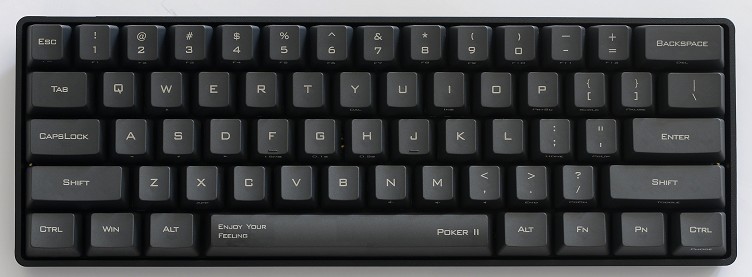


 for RM 350 in Czone LYP


 0.0519sec
 0.38
0.38
 7 queries
 GZIP Disabled