QUOTE(Hou_JaI @ Aug 3 2014, 12:00 PM)
Complete noob here .... Currently, i have like 10 - 15 pictures that i want to convert it into physical photos(3R or 4R ...)
I have checked the dimensions of the photo in pc are like mixture of
400 x 400 ish
500 x 500 ish
1920 x 1000 ish
2000 x 3000 ish
3000 x 2000 ish
4000 x 3000 ish
I need to know whether all these pictures can be printed out via photo kiosk? to the size of 3r or 4r ?
Please help

also, how much would it be? TQ
Let's tackle the aspect ratio first, since this is the obvious problem. The aspect ratio is the ratio of the length to the width of the photo. The aspect ratio of a 4R photo is (6in / 4in = 1.5). For a 3R photo, it is (5 in / 3.5in = 1.43). The bigger the aspect ratio number, the "longer" the photo is.
If your image jpg is 400x400, the aspect ratio is (400pixels / 400pixels = 1.0). It is perfectly square. There is a problem here. Your image jpg is perfectly square, but the photo paper you want to print the image on is not. It is a rectangle. They are different shapes. So how do you print a square image onto a rectangular piece of paper?
1. forcibly stretch the image, to make a 400x400 image become 600x400. Nobody does this. People will become either very fat or very thin if you do this.
2. fit the image onto the paper. Zoom the image until it exactly fits the paper, so that the entire image is on the paper. This will leave white borders on either side of the paper where no image is printed. The size of these borders is exactly 1 inch.
3. crop the image to fit the paper. Zoom the image until there is no blank space on the paper. Obviously this means that part of the image will be "outside" the paper and will not be printed. On a 400x400 pixel picture, you will crop out 67 pixels from the top and 67 pixels from the bottom of the image, if you print it like this on a 4R paper.
Most photo shops will do (3), unless you specifically ask for (2). Or if doing (2), something very weird will happen to your picture. Most kiosks are probably set to automatically default to (3), though you can adjust the "zoom" to anything you want.
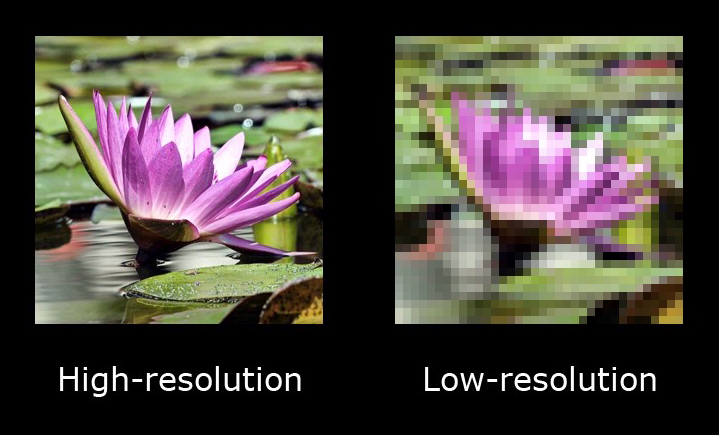
If you print a 400x400 image onto 4R paper using the "fit" method, it will be fine, because the picture will print at 100dpi (400pixels / 4inch). If you print it using the "crop" method, it will be 67dpi (400pixels / 6inch). 67dpi will be pretty ugly and pixelated.
500x500 image printed on 4R paper using the "crop" method would be 83dpi. Kind of "soft", might look a bit blur to some people. Others might consider it fine. It's up to the person, his eyes, and the actual image (yes, the contents of the image affects our perception of how sharp or blur it is).
400x400 printed using the "crop" method on 3R paper would be 80dpi (400pixels / 3.5inch). 500x500 printed using the "crop" method on 3R paper would be 100dpi (500pixels / 5inch).
Generally, for small photos at 3R or 4R sizes, anything down to about 100dpi would be good and sharp. Many commercial grade printers and papers are not able to print much better than that anyway. More importantly, most people would not be able to see better than that. Not unless they're staring at the photo at a distance of 2 inches from the eyeballs.

90 to 100dpi, picture would be not as sharp, but still generally acceptable, because viewed from normal reading distance of about 9 to 12inches or more, they still look good (unless you have Edwin Hubble's eyes).
Below 90dpi, photos start to look "not so good". A bit "soft".
Below 80dpi, photos start to look bad even at normal viewing distances.
Remember these dpi numbers are just general guides. They are not hard and fast rules. Exactly how low a dpi you can go, and how much the quality degrades depends on what is on the photo and the person looking at the photo. And the machine you use to print the photo.
Different printing machines, using different printing technologies, outputs photos of varying sharpness. If your input image have very high dpi, then the photo obviously looks better if you print on a machine that have high "sharpness" and can output a great deal of details. But if the input image does not have enough dpi to print at the photo size you require, the output from a machine that is less sharp would actually look better.


 Aug 3 2014, 12:00 PM, updated 12y ago


 Quote
Quote



 just did all the printing from harvey norman. and yes, those smaller pictures, i have to select do not crop option. This made the picture smaller and there are white borders around it.
 22 pictures at rm 13.20, all in 4R. reasonable ar?
 0.0203sec
 0.53
0.53
 5 queries
 GZIP Disabled