Welcome Guest ( Log In | Register )

Outline · [ Standard ] · Linear+

 Project: Simpa™, Water-cooling a Lian Li PC-V600

views
     
TSimnovice
post Apr 7 2014, 11:59 AM, updated 11y ago

Getting Started
**
Junior Member
115 posts

Joined: Dec 2009
From: Kuala Lumpur


user posted image

Hi guys, this is my very first time creating a thread here so any suggestions or criticism are very much appreciated.
I'm not aiming for building a beautiful & expensive rig here since I'm not a pro modder as many sifus here & I'm building on budget.
This build is gonna take quite some time to finish due to time constrains in which I will mod only on selected weekend.
My plan is to modify an old & obsolete Lian Li PC-V600 mainly for water-cooling.
Water-cooling itself is considered overkill to me for my current PC specs plus I only use my PC to surf this forum & facebook blush.gif
Just wanna have fun building a PC on my own way of customization.
As the title suggests, 'Simpa' (simple), I'll keep this project as simple as possible, minimizing damage & error and finish-able.
Okay, let's start.


Hardware specifications:

Processor: Intel Xeon E5 2660
Motherboard: Asus Rampage IV Gene
RAM: Corsair Value Select 4 GB (temporarily doing dual channel on the Asus board)
SSD: Intel X25-M 160GB G2
Hard drive: Hitachi Ultrastar 1 TB
Video card: Sapphire HD6870 > changing to other card, still deciding
PSU: PC Power & Cooling Silencer 610W
ODD: No plan so far

Cooling Components:

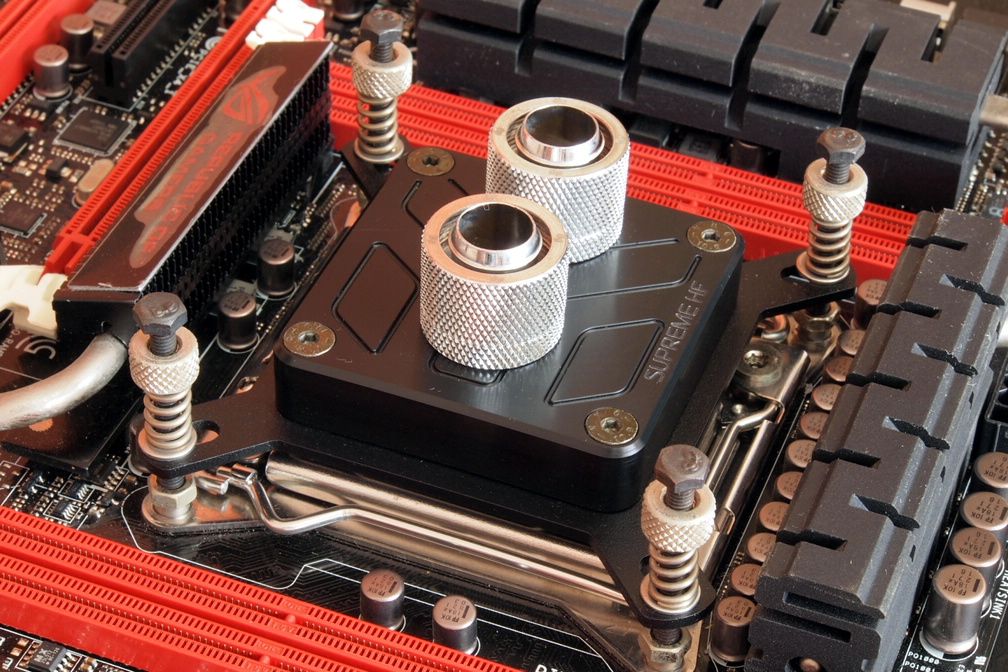
CPU waterblock: XSPC Rasa waterblock > changed to EK Supreme HF Nickel-Acetal
GPU waterblock: None so far
Pump, top: Koolance PMP-450S, COV-RP450 with reservoir > reservoir changed to Bitspower Water Tank Z-Multi 250 POM version
Radiator: HW Labs Black Ice GTX 240 & GTS 360
Fans: Some of generic 120mm fans, Sanyo Denki 120mm x 38mm (might change later)
Fitting: Bitspower compression 7/16" 5/8" silver shining
Tubing: Primochill Primoflex Advanced LRT Onyx Black

This post has been edited by imnovice: Dec 17 2014, 10:53 AM
TSimnovice
post Apr 7 2014, 12:16 PM

Getting Started
**
Junior Member
115 posts

Joined: Dec 2009
From: Kuala Lumpur


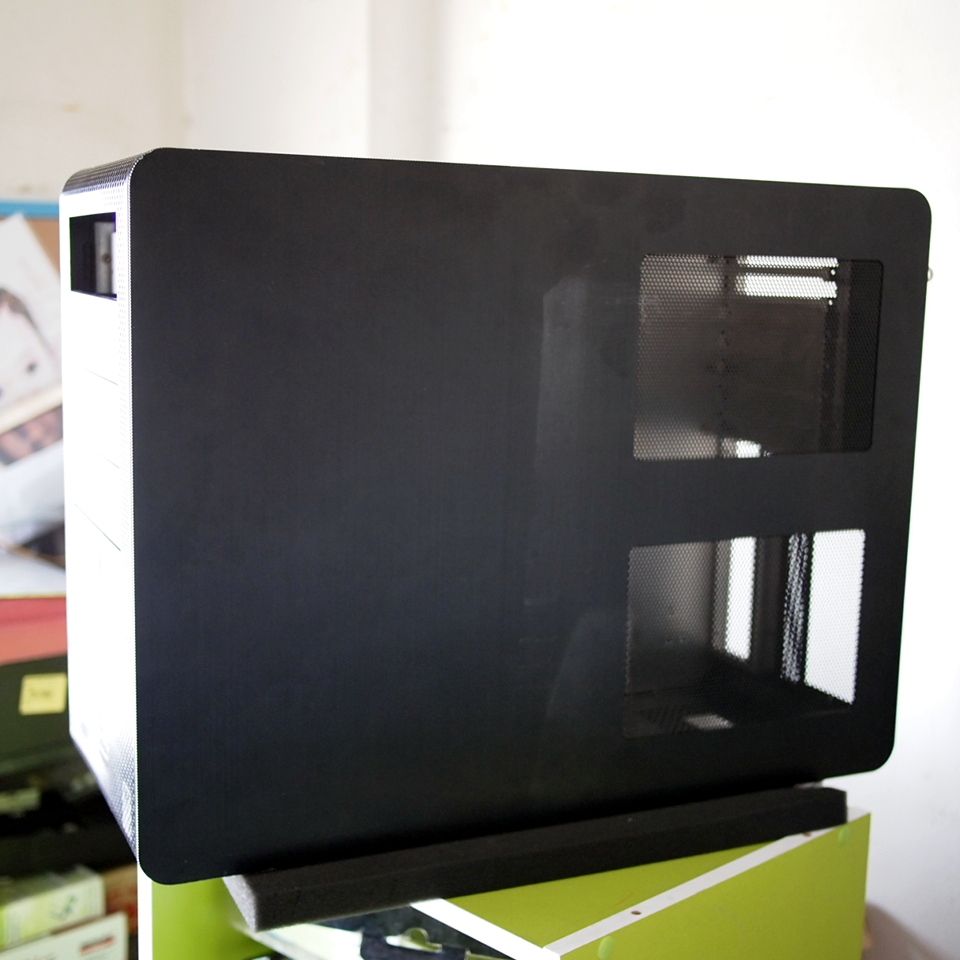
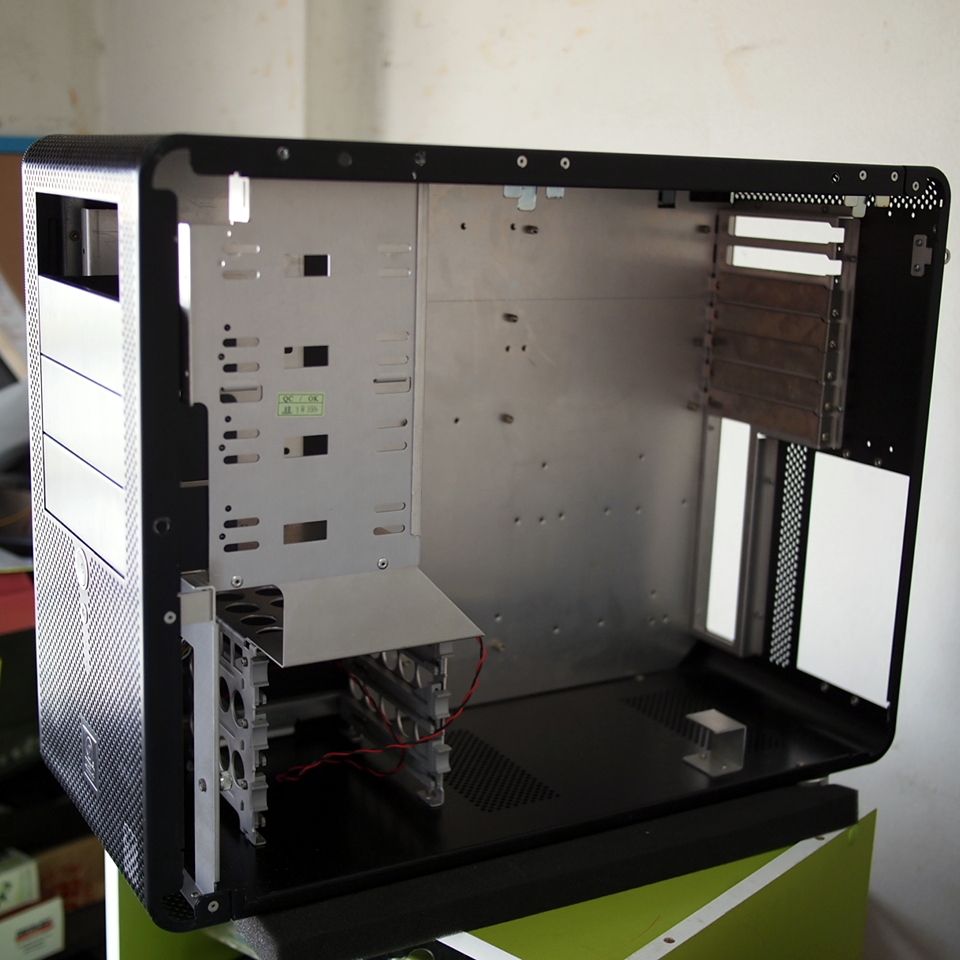
Meet the victim

user posted image
3D view of the case

user posted image
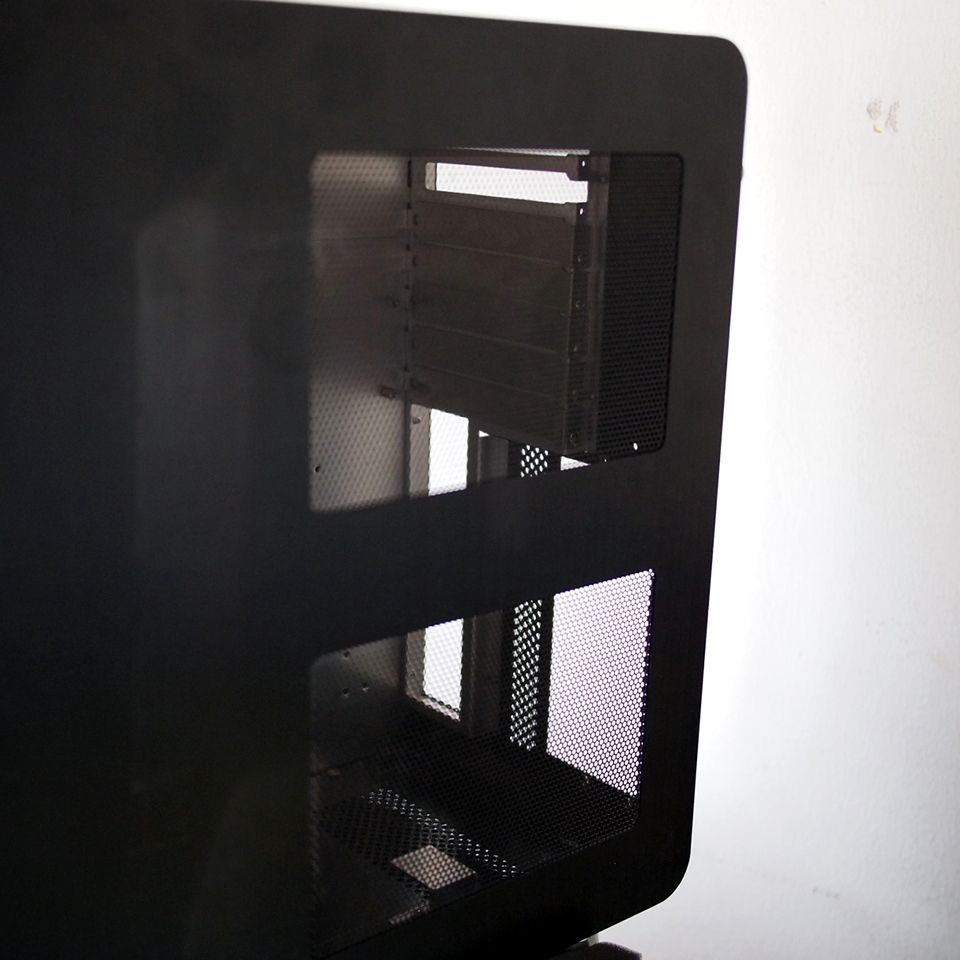
Side view. A windowed side panel is a must? Okay, I'll do something with it

user posted image
Side panel mesh. I'll reuse it

user posted image
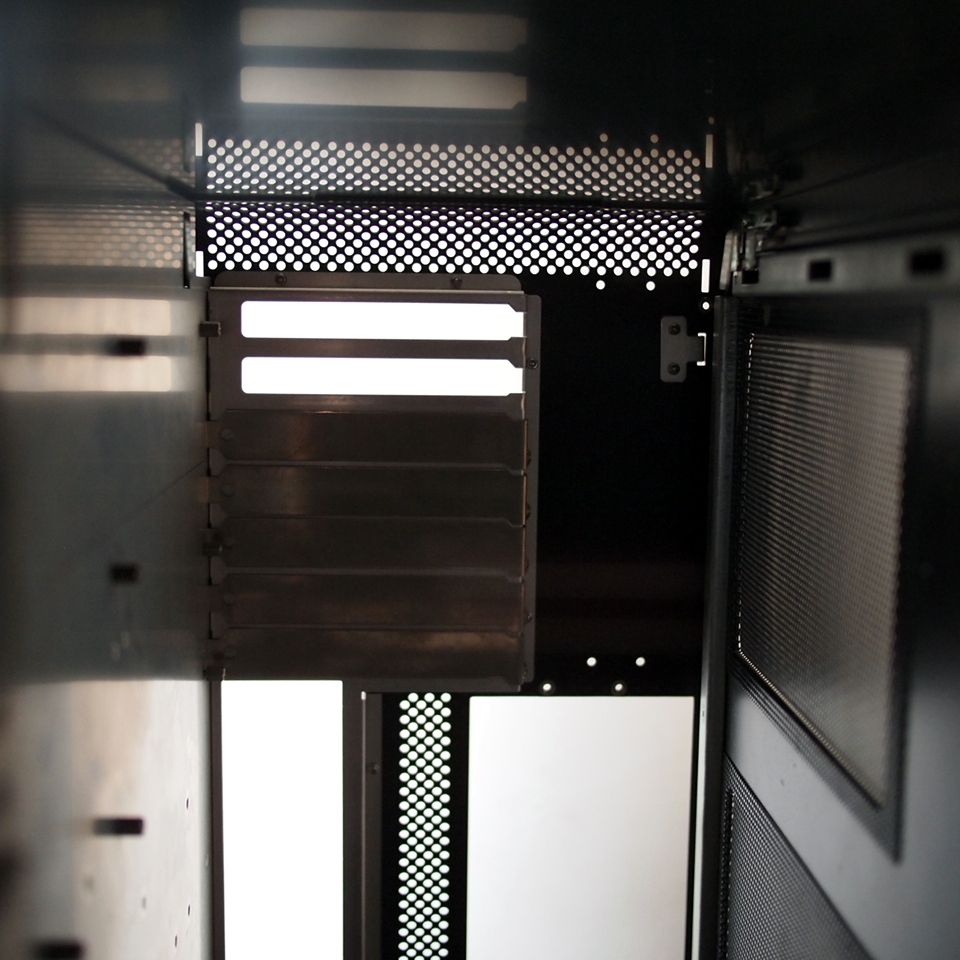
A quick look at the case's internals

user posted image
Side panel opened

This post has been edited by imnovice: Jun 3 2014, 03:36 PM
Lucassss
post Apr 7 2014, 12:53 PM

fanboy.
*******
Senior Member
2,878 posts

Joined: Nov 2010


Nice to see a fellow Xeon user modding. Can't wait to see it finished.
najmul
post Apr 7 2014, 01:08 PM

On my way
****
Senior Member
526 posts

Joined: Oct 2007


good luck ts, all the best thumbup.gif
TSimnovice
post Apr 7 2014, 02:42 PM

Getting Started
**
Junior Member
115 posts

Joined: Dec 2009
From: Kuala Lumpur


@Lucassss & najmul, thx guys smile.gif


Pop that rivet up!

user posted image
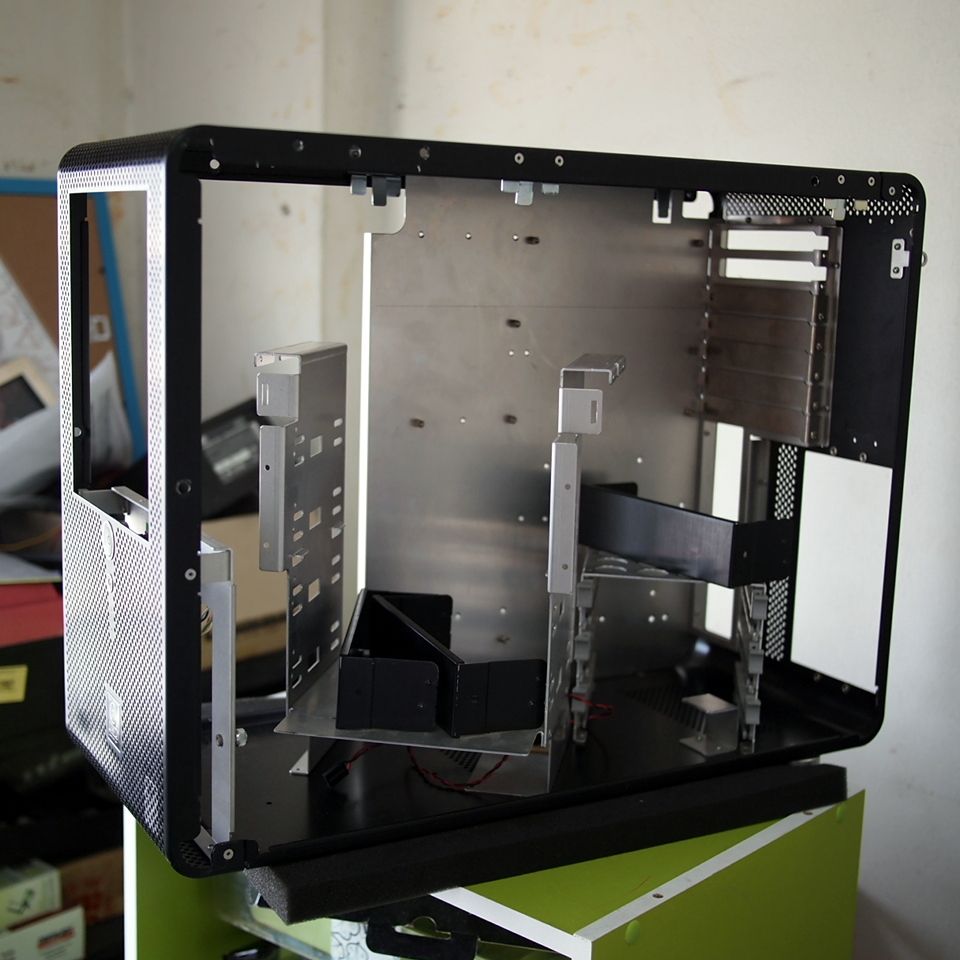
5.25" drive bay & hard drive cage dismantled

user posted image
Stripped it down & ideas started to come. Put this here, put this there

user posted image
Just another view

As a start, I'll settle the top part of the case 1st for fixing a 360mm radiator. I'm still waiting for the radiator & some other materials to arrive. A test fit for the radiator is needed, to be safe. I hope I can do something during this coming weekend. Stay tuned

This post has been edited by imnovice: Jun 3 2014, 03:37 PM
master2841
post Apr 10 2014, 12:55 AM

New Member
*
Junior Member
36 posts

Joined: Nov 2009
From: Up North


Can't wait to see the final product!
hafdin
post Apr 24 2014, 11:45 AM

Getting Started
**
Junior Member
162 posts

Joined: Feb 2010
any update? hm
TSimnovice
post Apr 26 2014, 04:38 AM

Getting Started
**
Junior Member
115 posts

Joined: Dec 2009
From: Kuala Lumpur


Small update

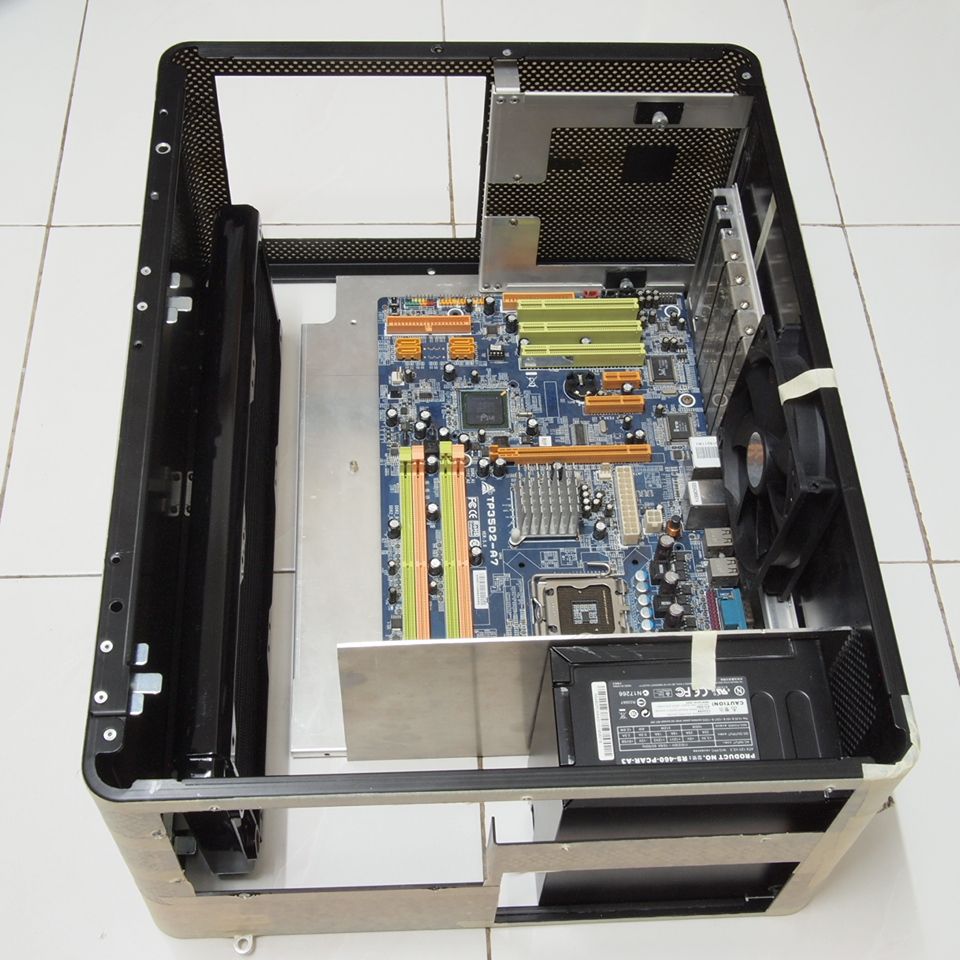
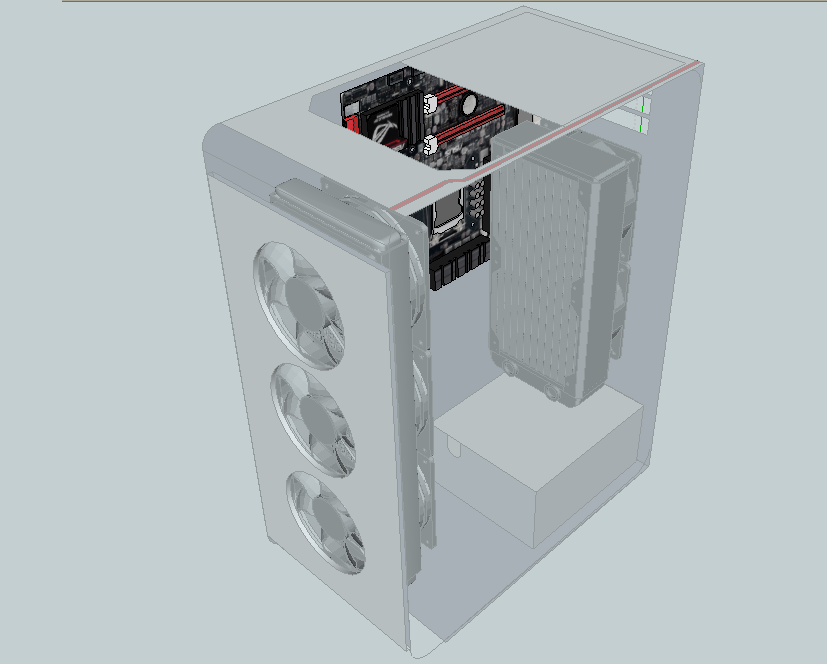
Sorry guys for not being able to update anything for the past weeks. I've received my 360mm radiator recently & done test fit for some of major components inside the case. I choose to rotate the the case 90 degree instead of existing layout. Thinking of cutting the motherboard tray to fit mATX motherboard only to gain more space so that I will be able to add another 120mm fan beside the processor. Test fit still in progress however to get the best placement of those components.


user posted image
Test fit for major components


user posted image
Uncompleted not-so-nice scketchup just for imagining how should I work on

This post has been edited by imnovice: Jun 3 2014, 03:38 PM
TSimnovice
post May 20 2014, 09:58 AM

Getting Started
**
Junior Member
115 posts

Joined: Dec 2009
From: Kuala Lumpur


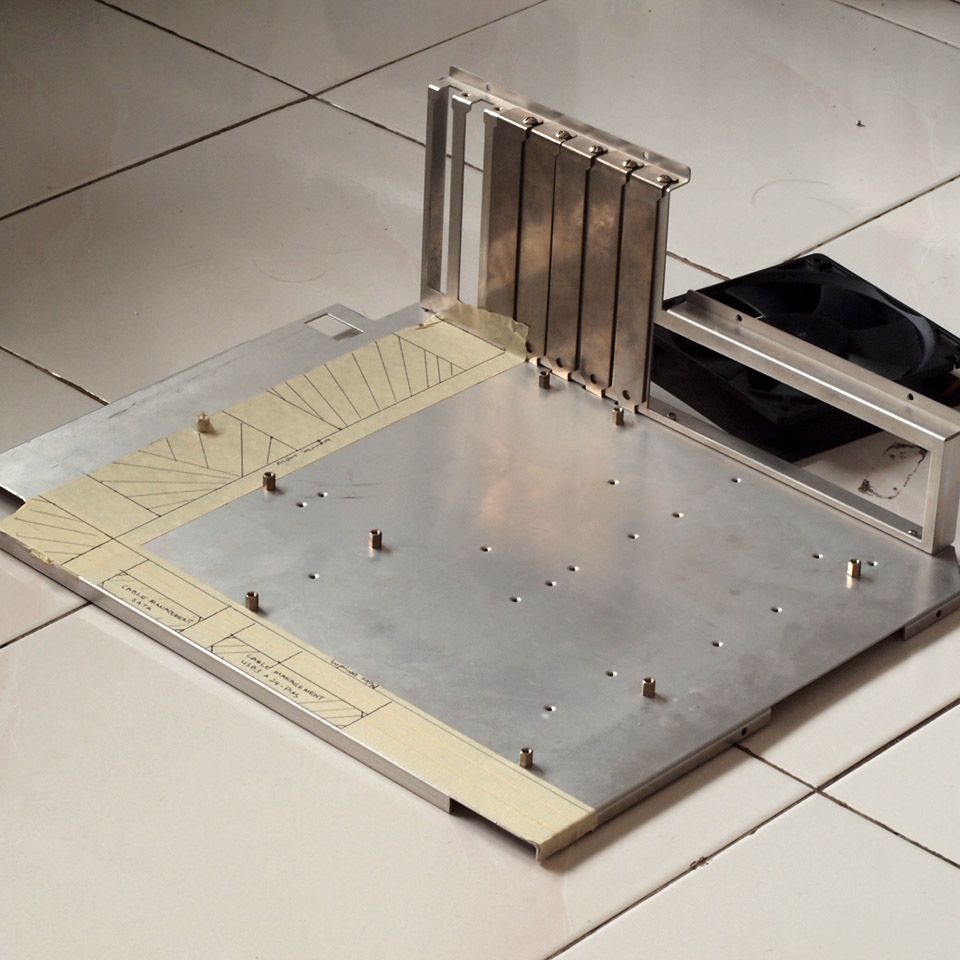
Progress

user posted image
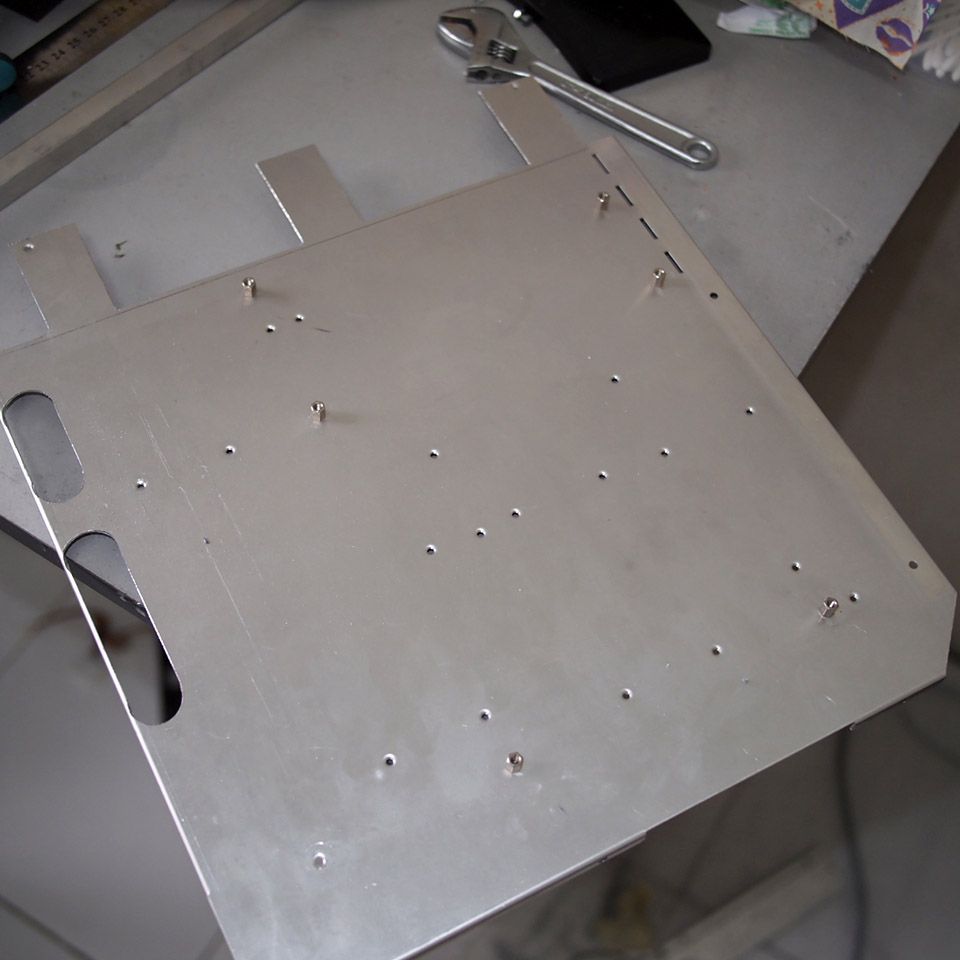
The ATX motherboard tray to be transformed to micro ATX

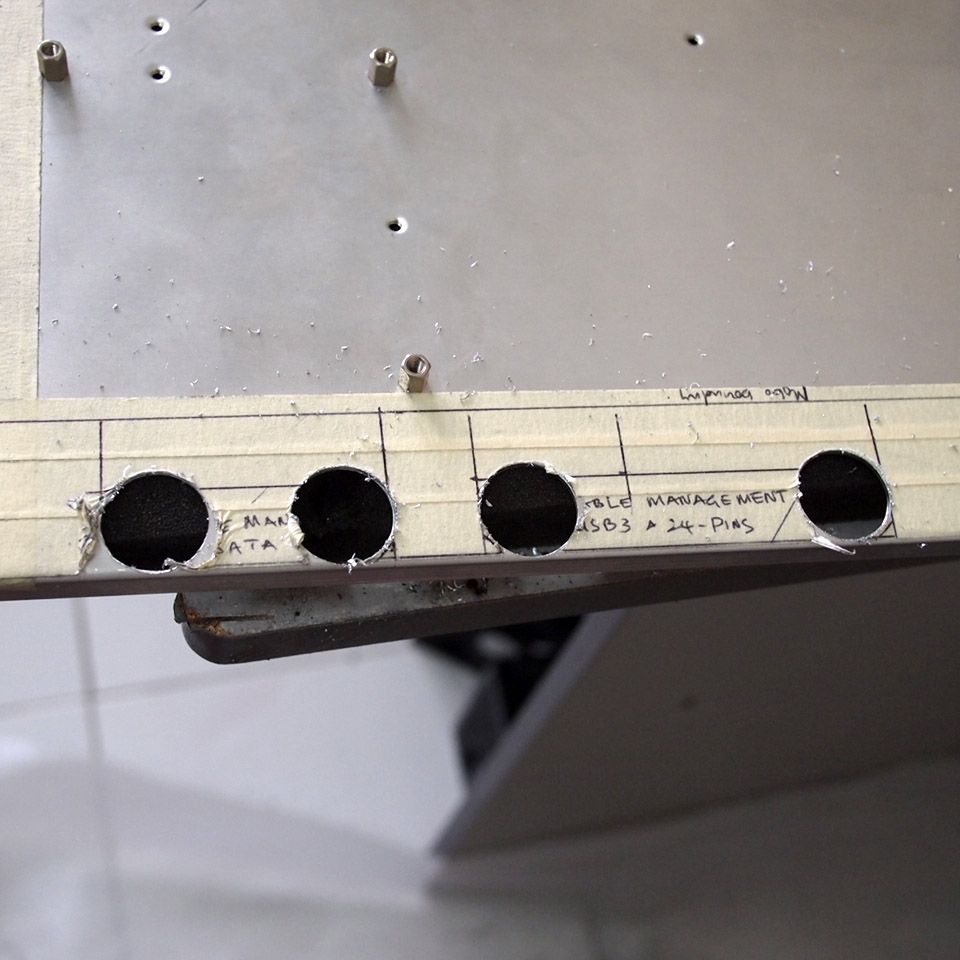
user posted image
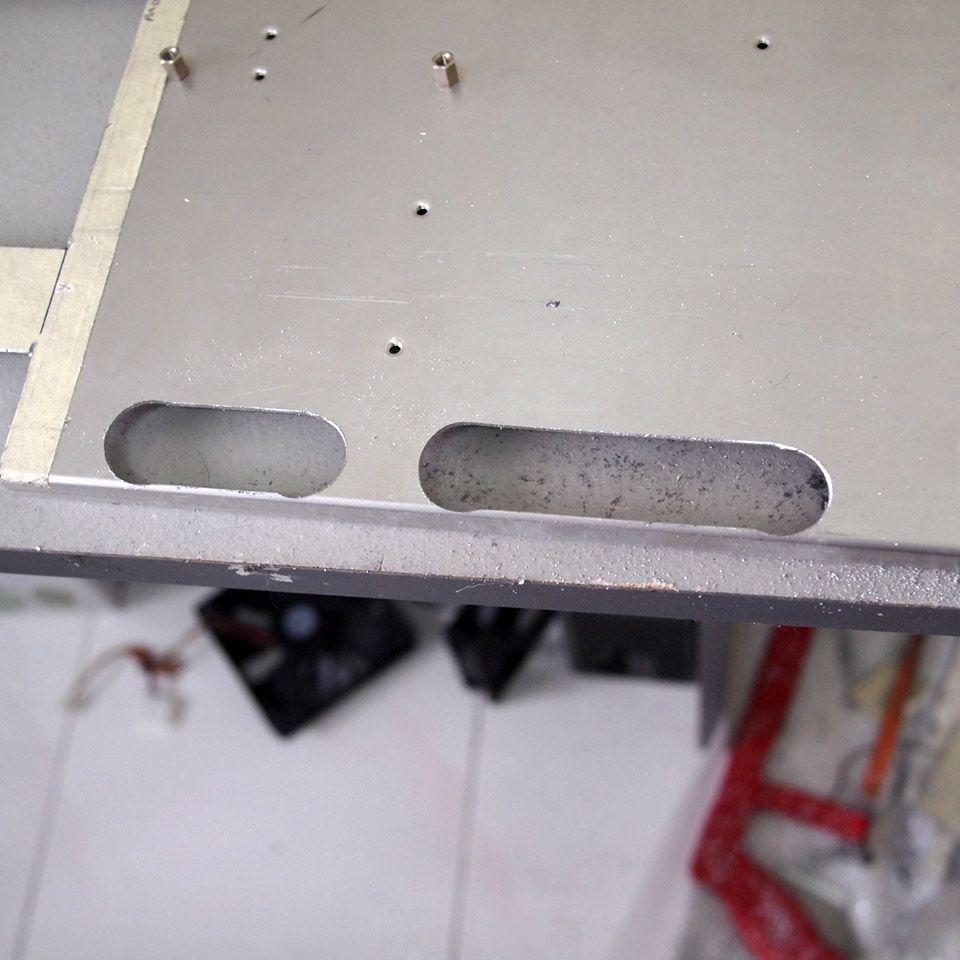
Making holes for cable management

user posted image
Holes done
user posted image
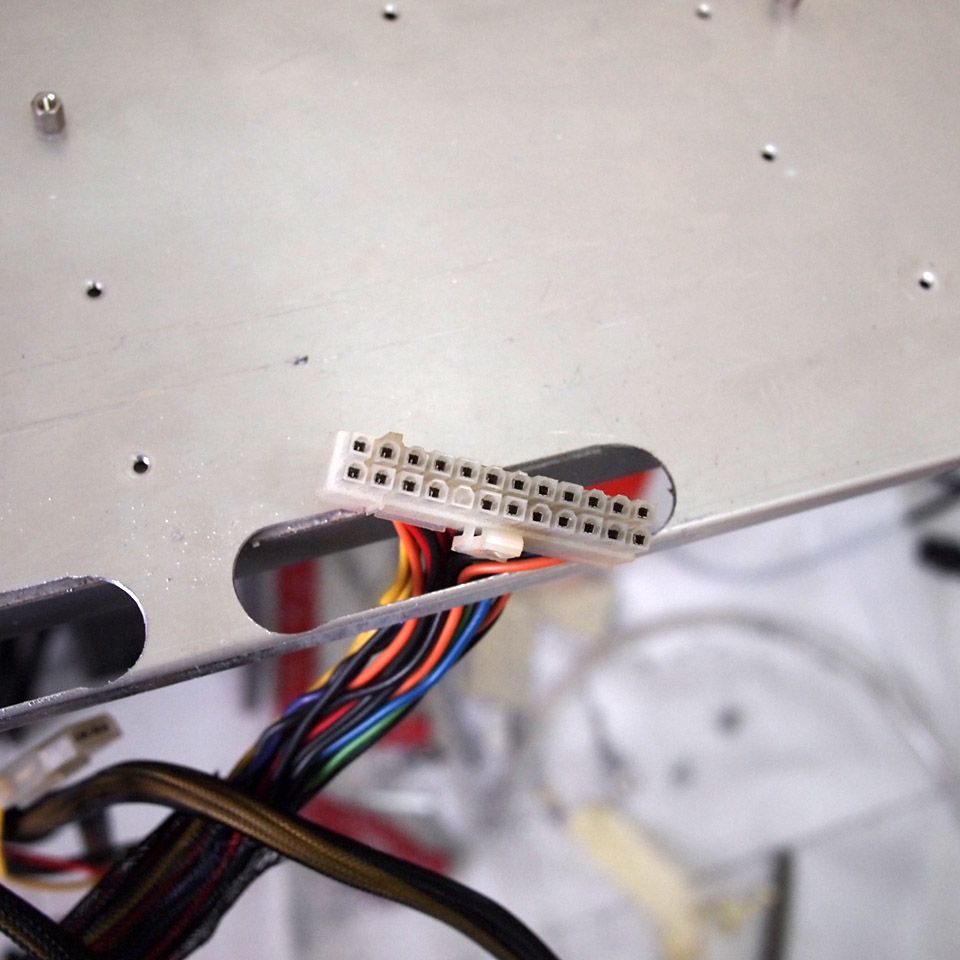
Trying with 24-pins connector

user posted image
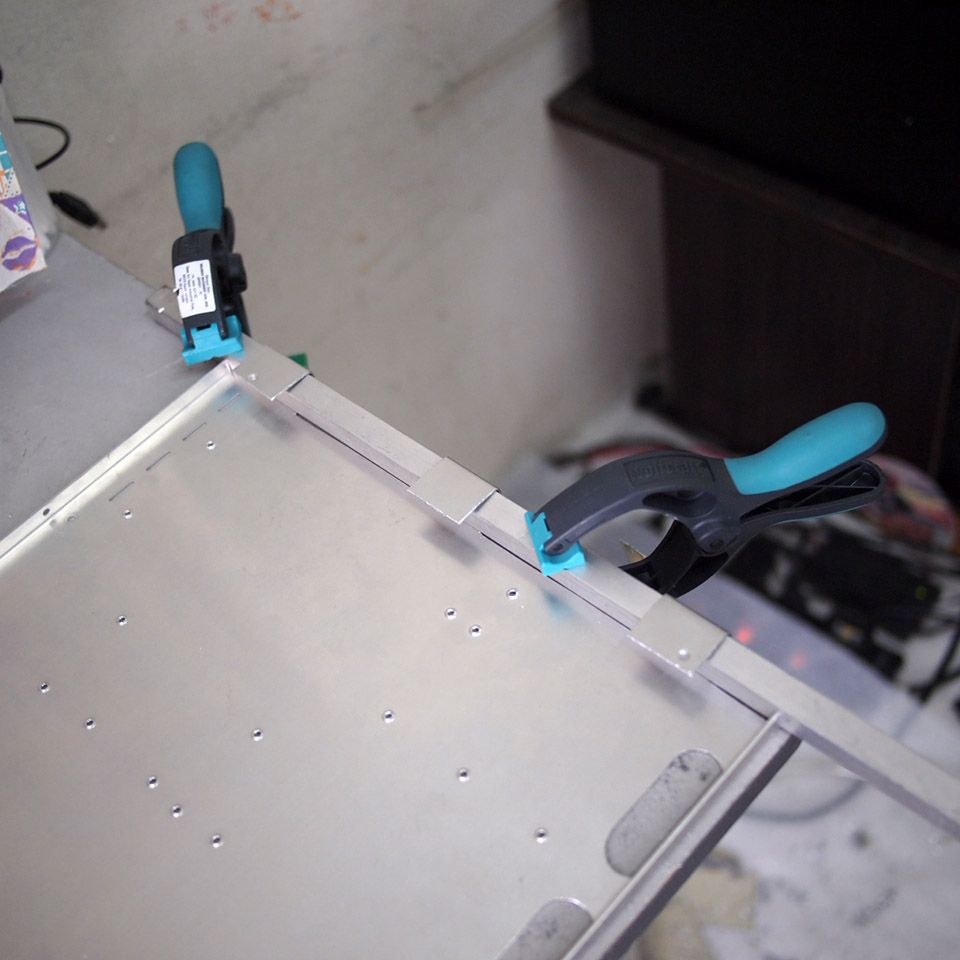
Initial plan for motherboard tray

user posted image
Bending them

user posted image
Bending done but I don't like it

user posted image
This looks better

This post has been edited by imnovice: Jun 3 2014, 03:39 PM
TSimnovice
post May 20 2014, 10:26 AM

Getting Started
**
Junior Member
115 posts

Joined: Dec 2009
From: Kuala Lumpur


user posted image
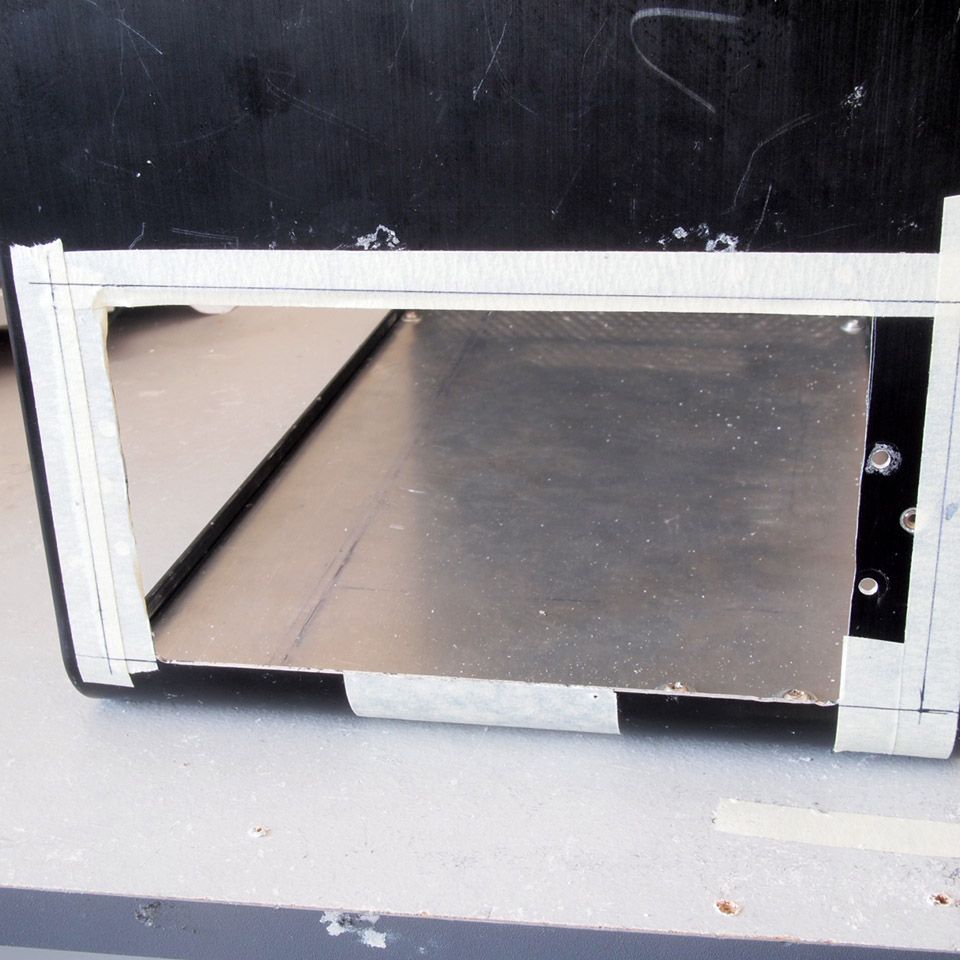
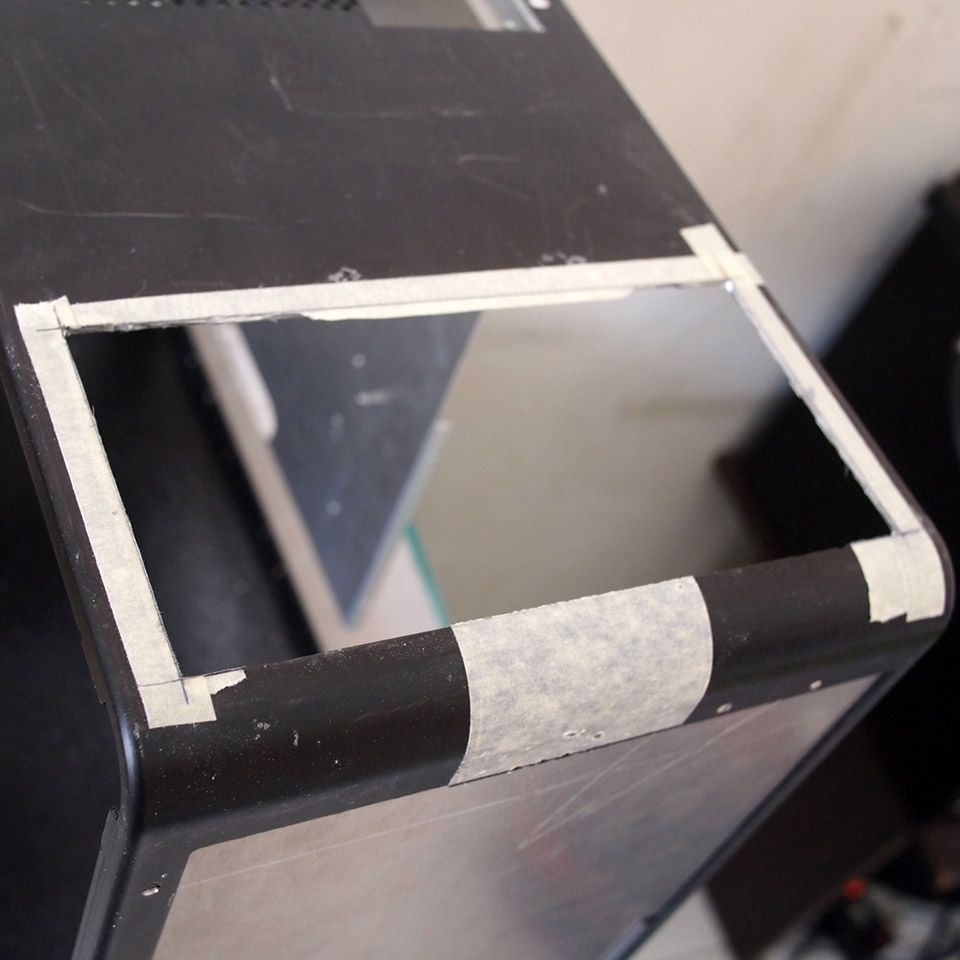
Initial plan for PSU placement. Marked for cutting

user posted image
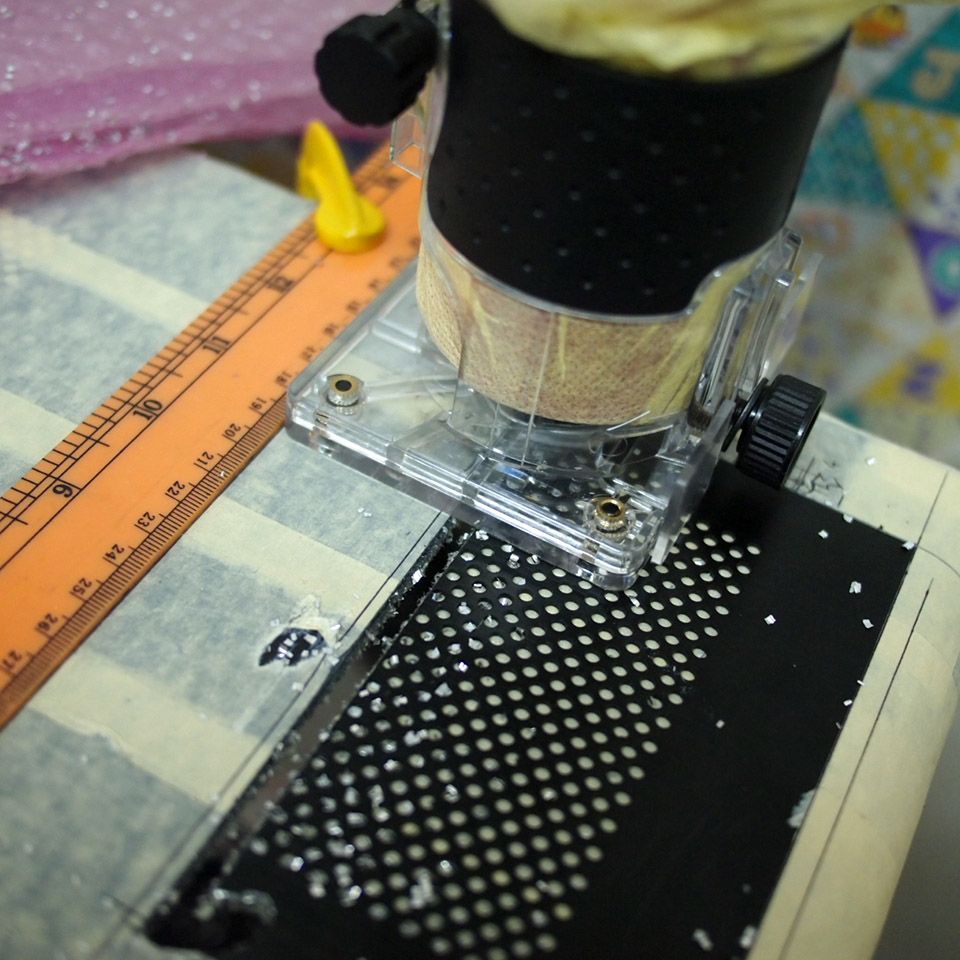
Cutting the PSU opening

user posted image
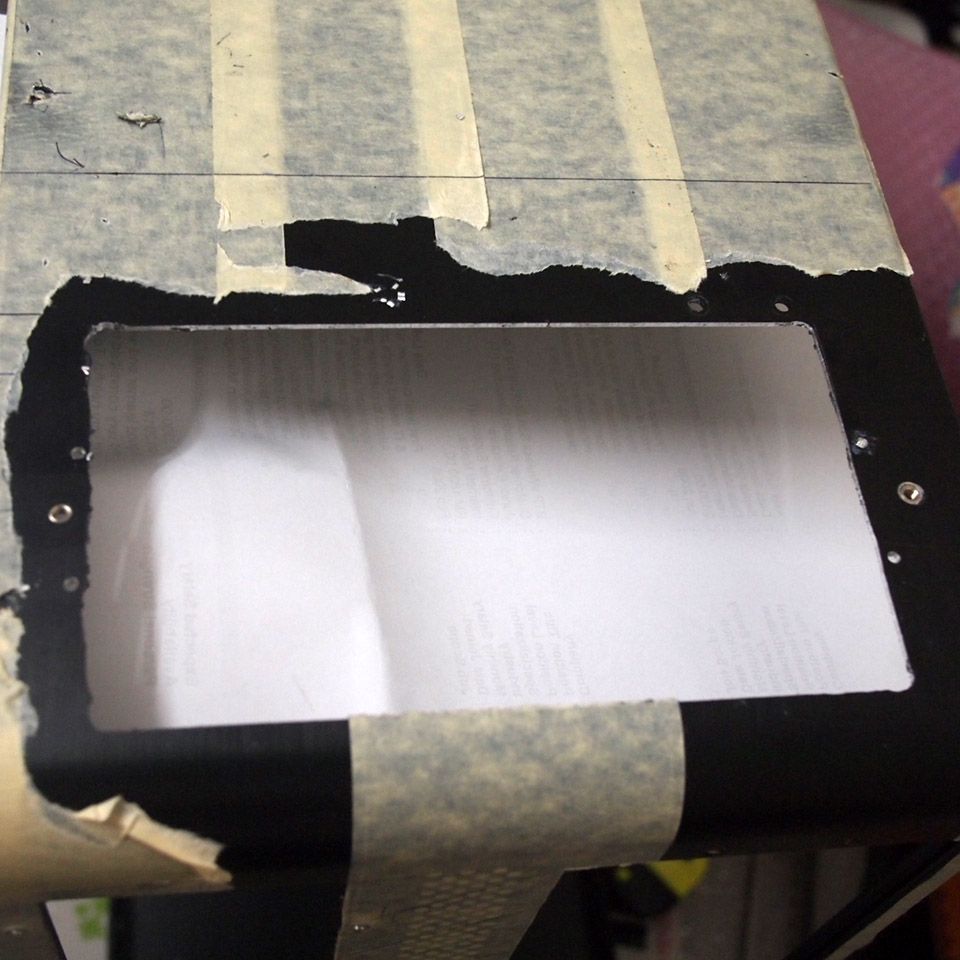
Cutting done but the outcome was bad. This cutting method is faster but needs to be done properly

user posted image
I cannot fully cover this opening with the PSU bracket so I'm going to redo it

user posted image
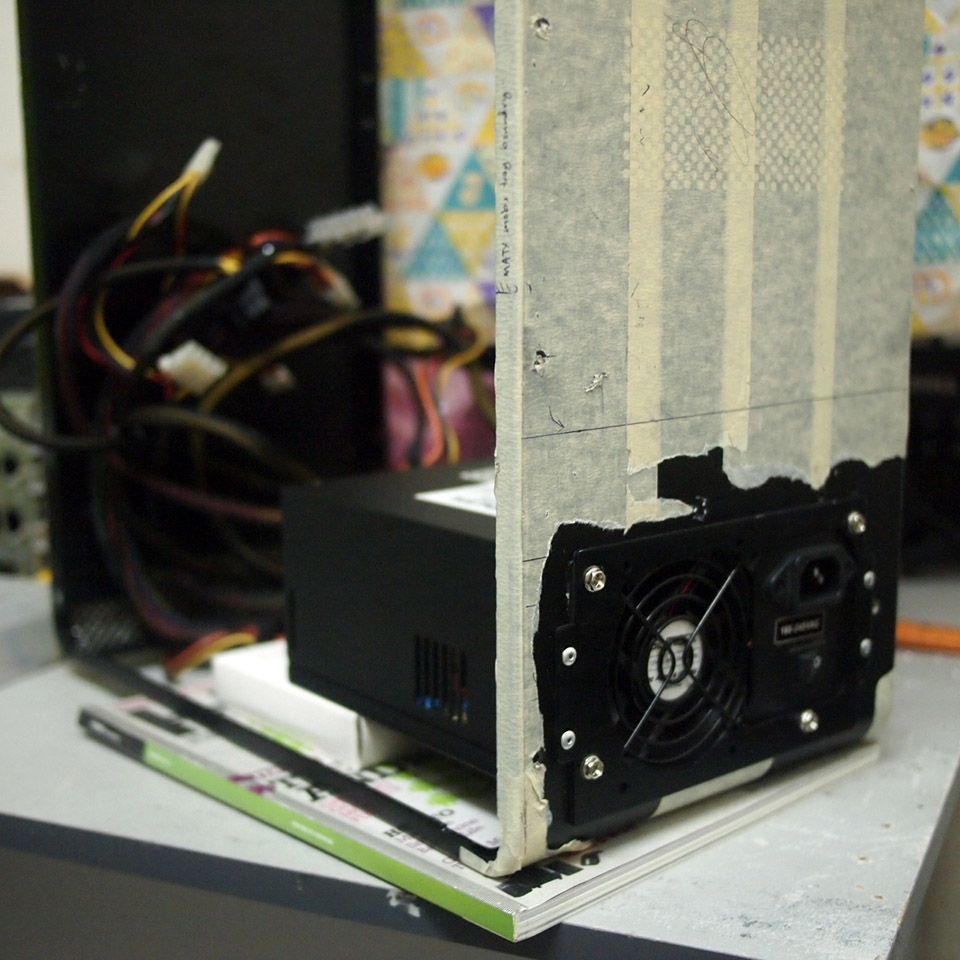
Additionally I realized that I could make use of the gap between PSU and chassis' base. I'm going to readjust the PSU placement later because...

user posted image
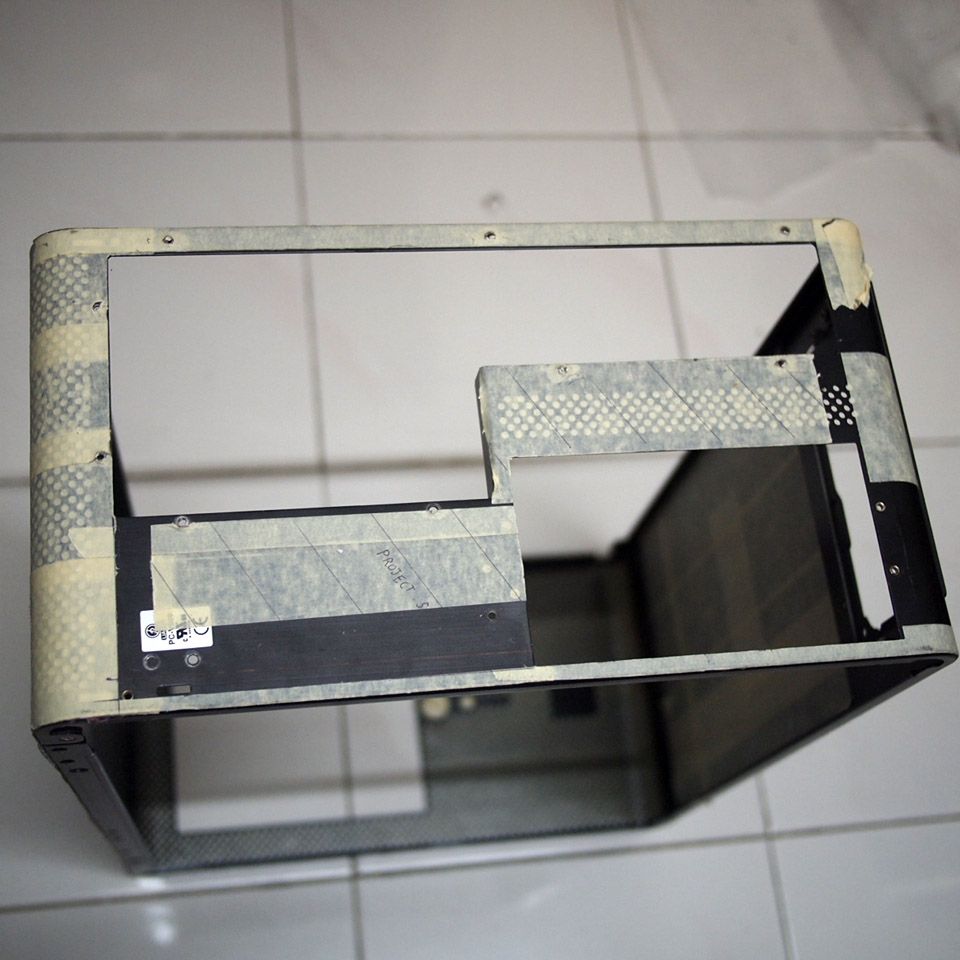
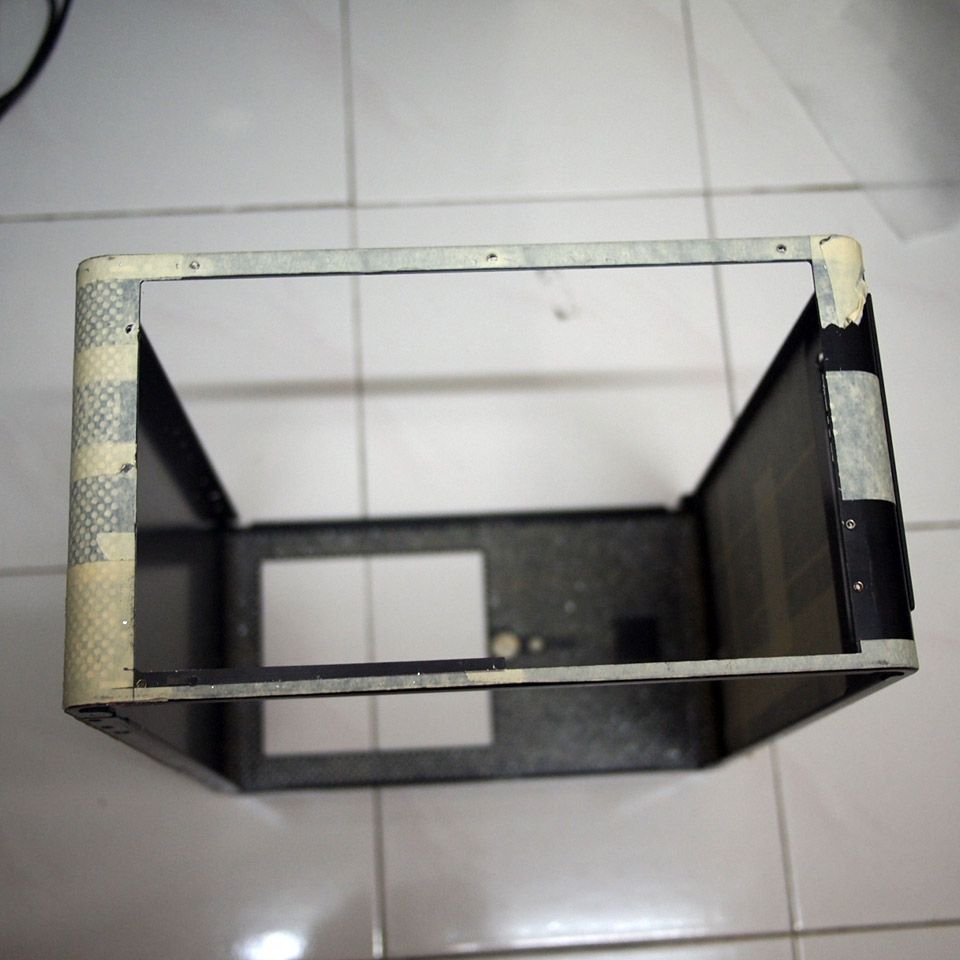
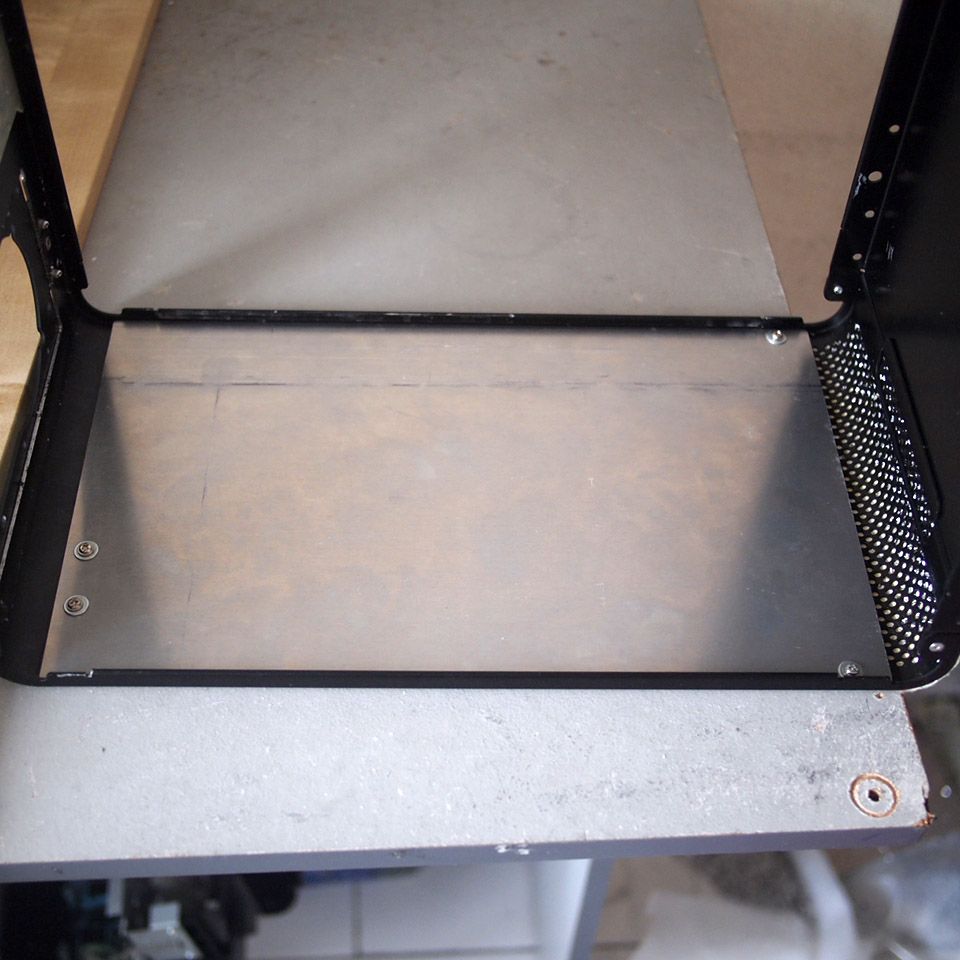
I need to make the base first. This is originally the chassis' backplane. Marked for cutting

user posted image
Cutting done

This post has been edited by imnovice: Jun 3 2014, 03:41 PM
TSimnovice
post May 20 2014, 10:59 AM

Getting Started
**
Junior Member
115 posts

Joined: Dec 2009
From: Kuala Lumpur


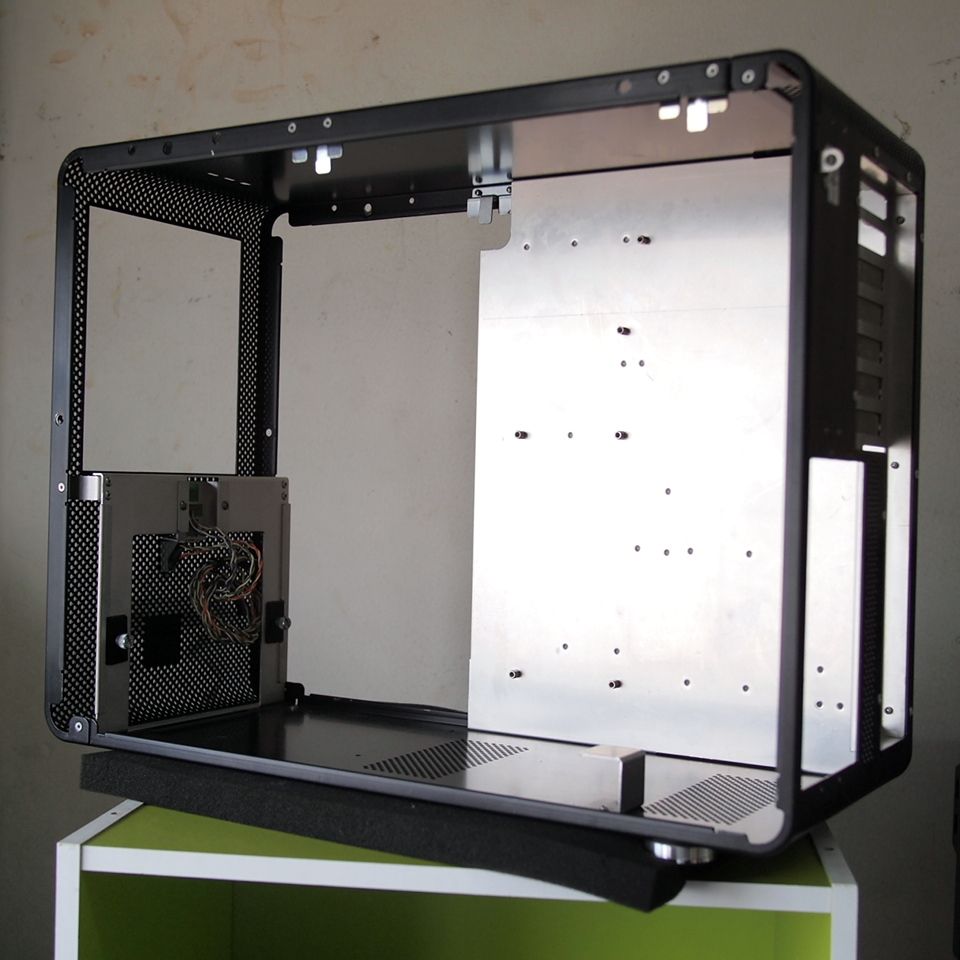
user posted image
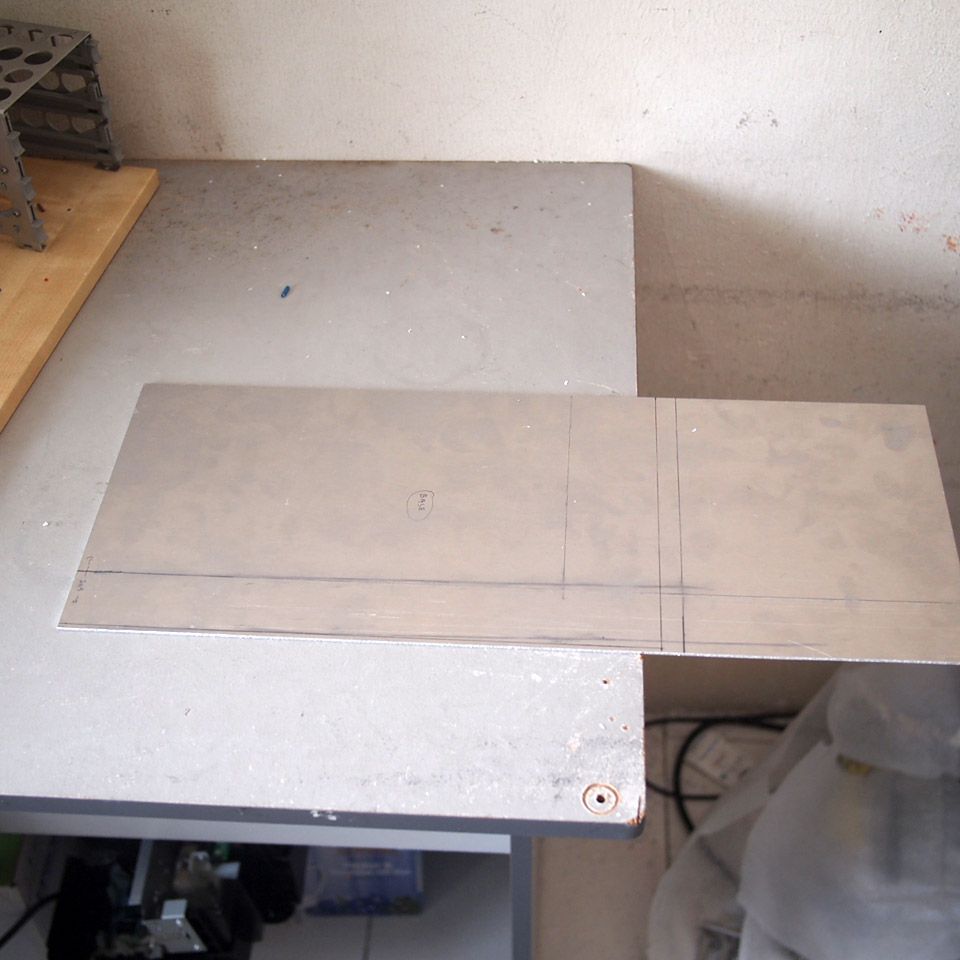
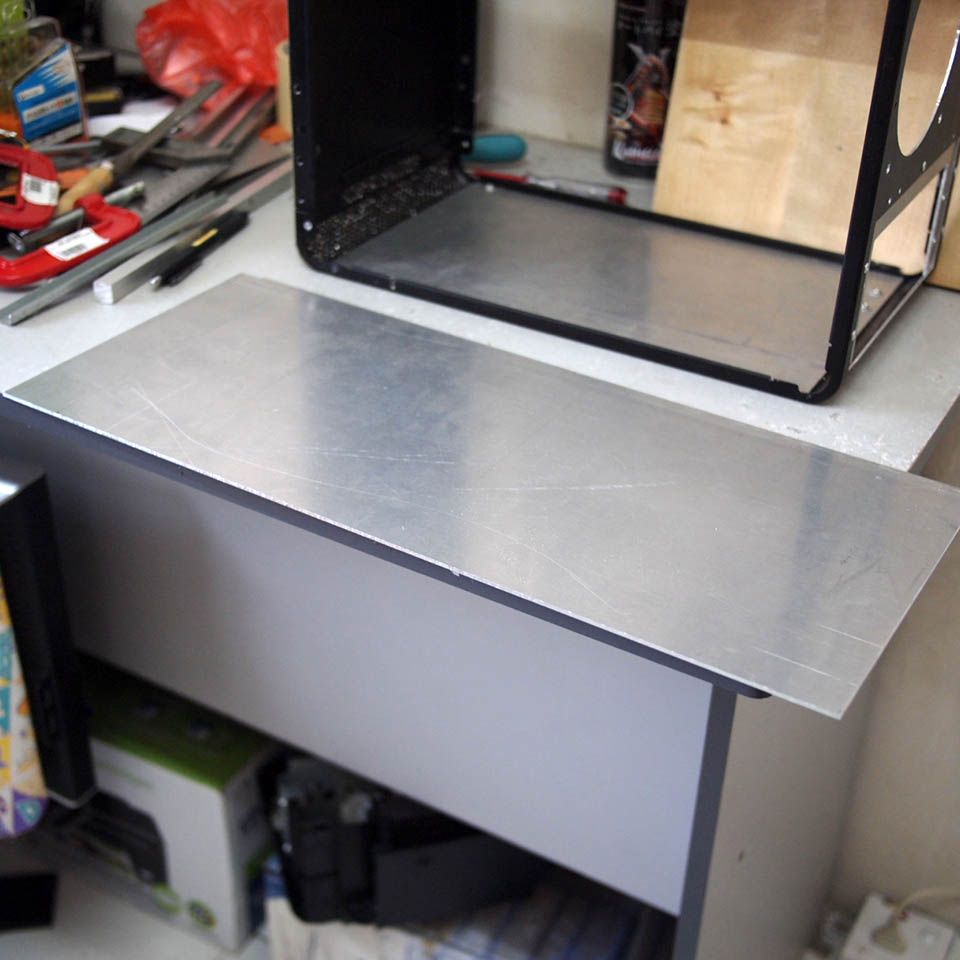
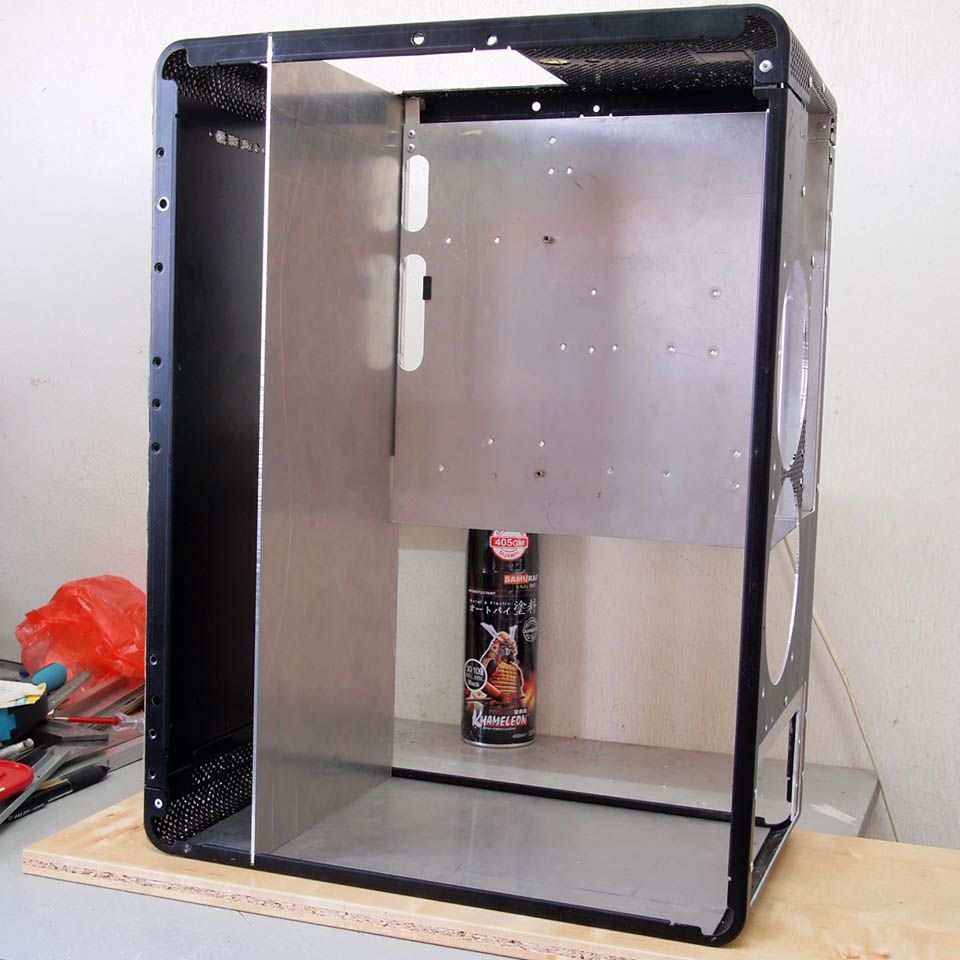
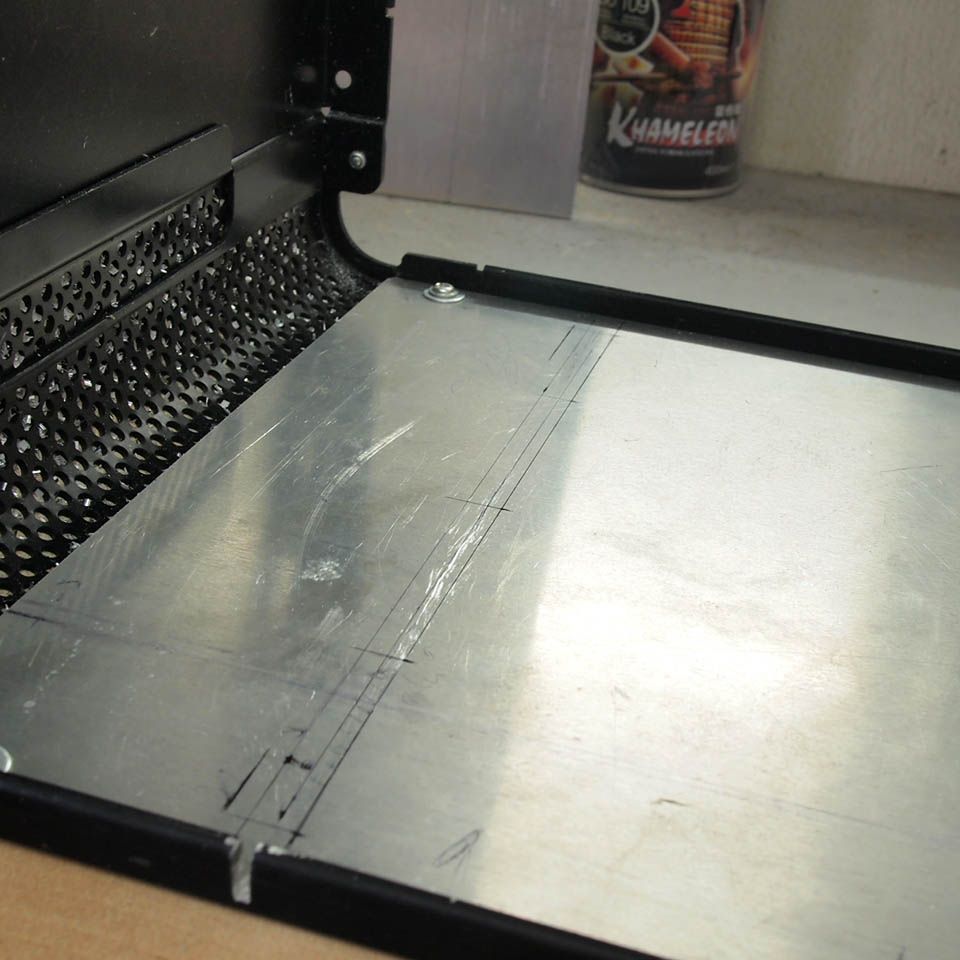
This aluminum sheet will be the chassis' base. Marked

user posted image
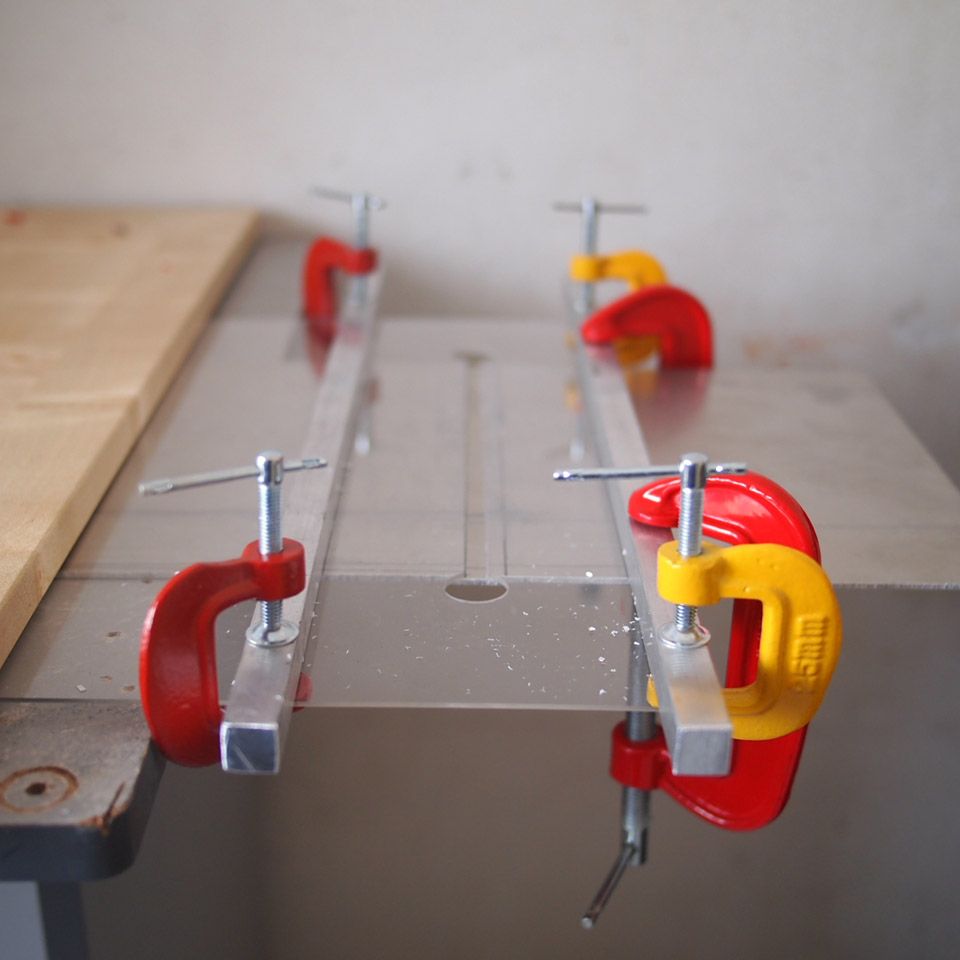
I made this simple guider to help me making straight cut

user posted image
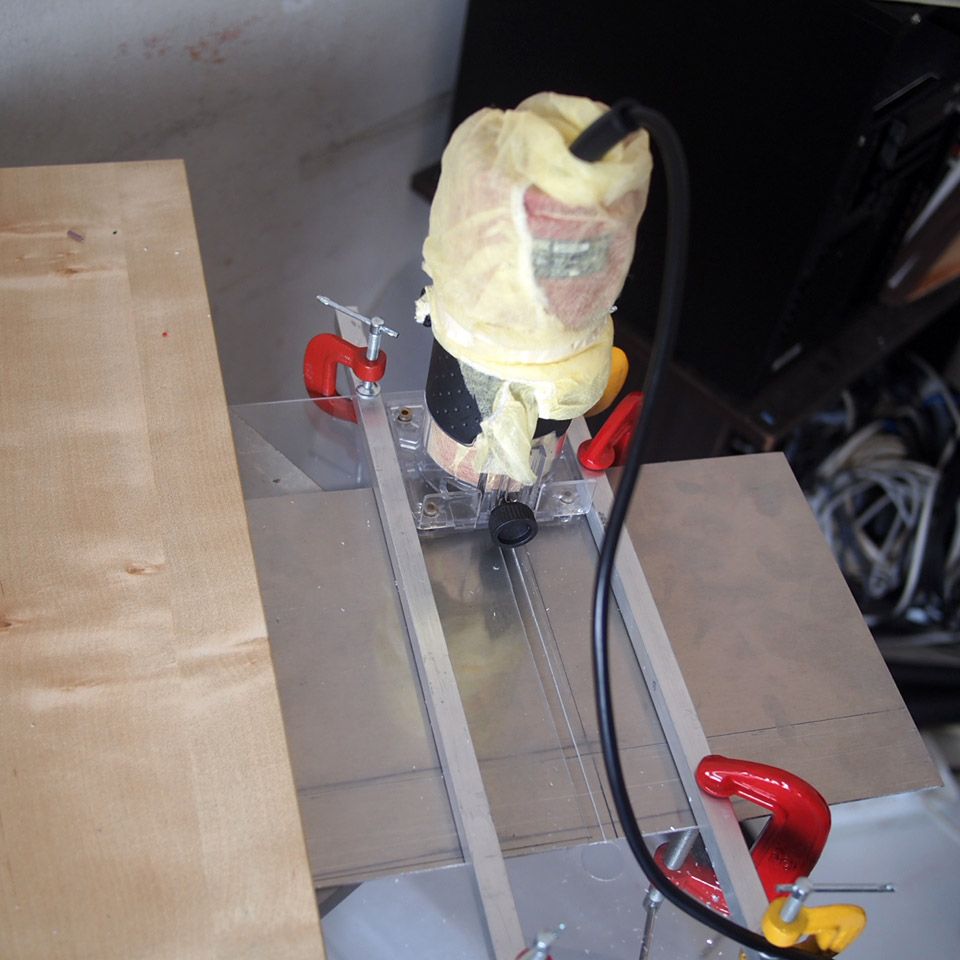
Cutting the 2mm thick of aluminum. Much faster than rotary tool although the best is to get a jigsaw

user posted image
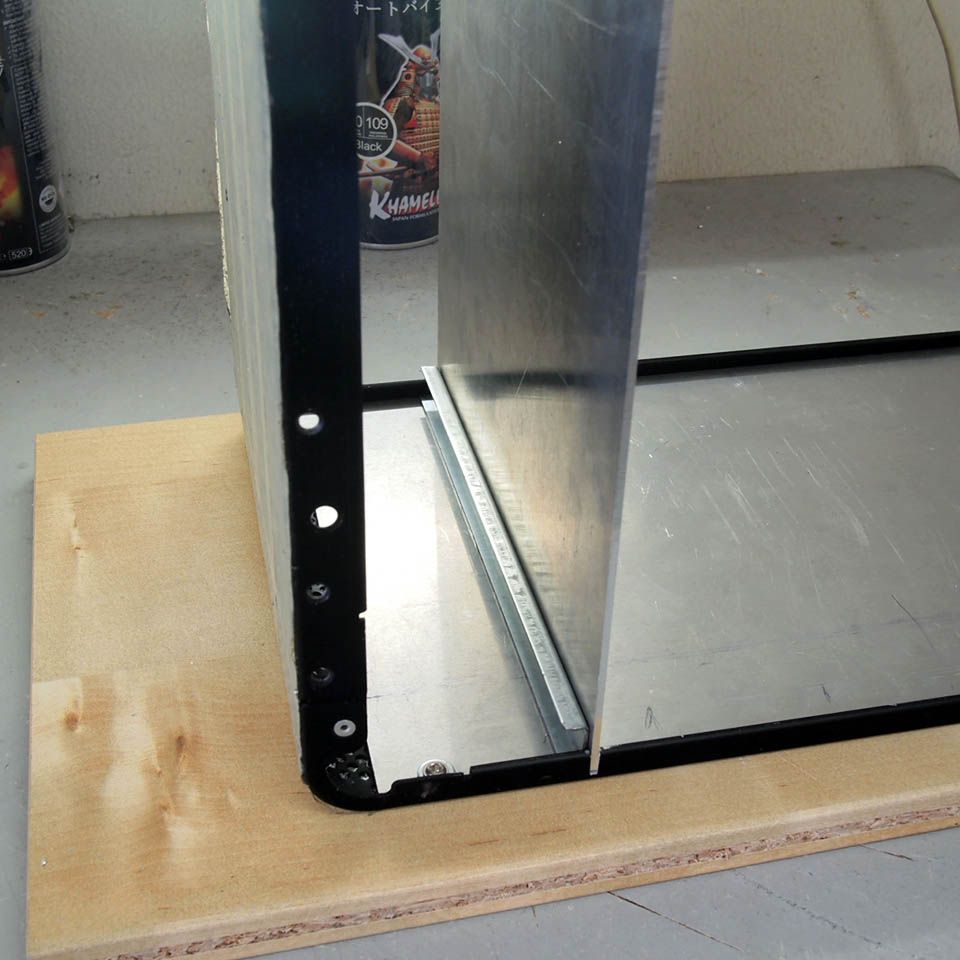
Fitted nicely

user posted image
Just another view

This post has been edited by imnovice: Jun 3 2014, 03:42 PM
TSimnovice
post May 20 2014, 11:44 AM

Getting Started
**
Junior Member
115 posts

Joined: Dec 2009
From: Kuala Lumpur


user posted image
Trying the motherboard tray placement before marking

user posted image
Marked for cutting

user posted image
Cutting done

user posted image
Trimming it

user posted image
Aligning the tray

user posted image
Riveting it

user posted image
The tray safely in place

This post has been edited by imnovice: Jun 3 2014, 03:43 PM
TSimnovice
post May 20 2014, 12:12 PM

Getting Started
**
Junior Member
115 posts

Joined: Dec 2009
From: Kuala Lumpur


user posted image
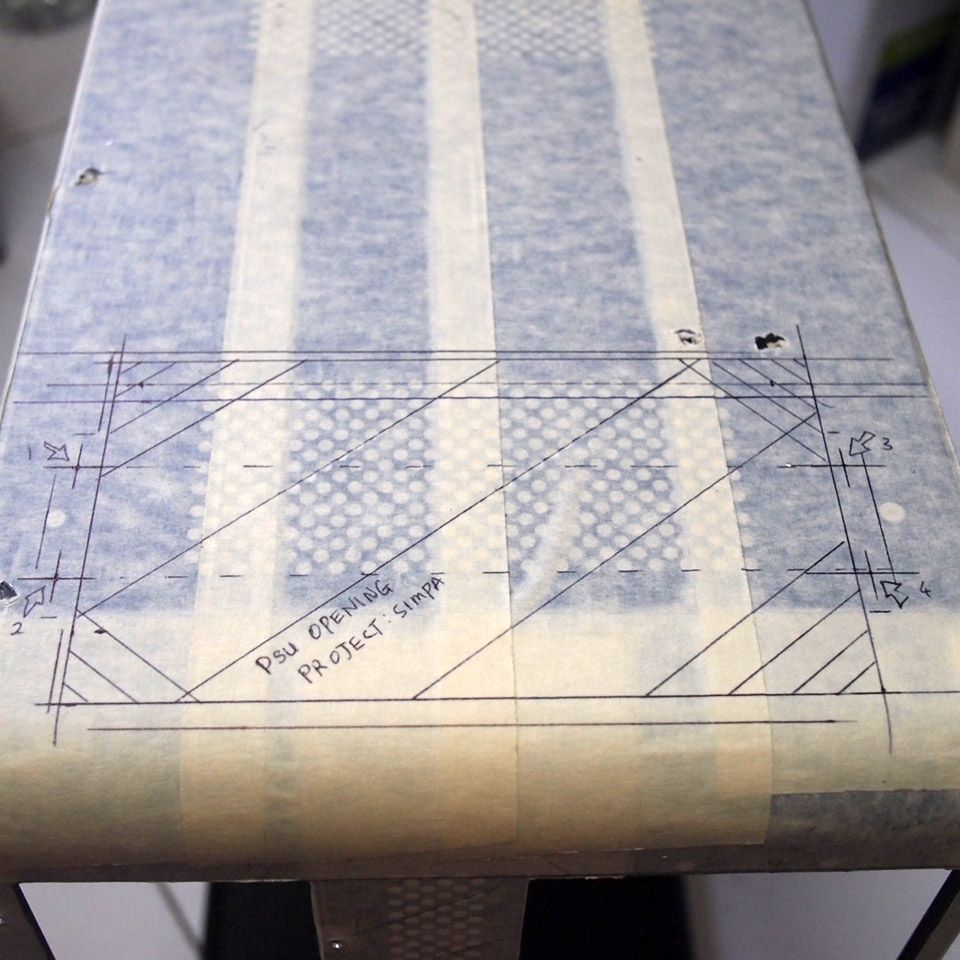
Redoing the PSU opening. Marked for cutting

user posted image
Cutting done

user posted image
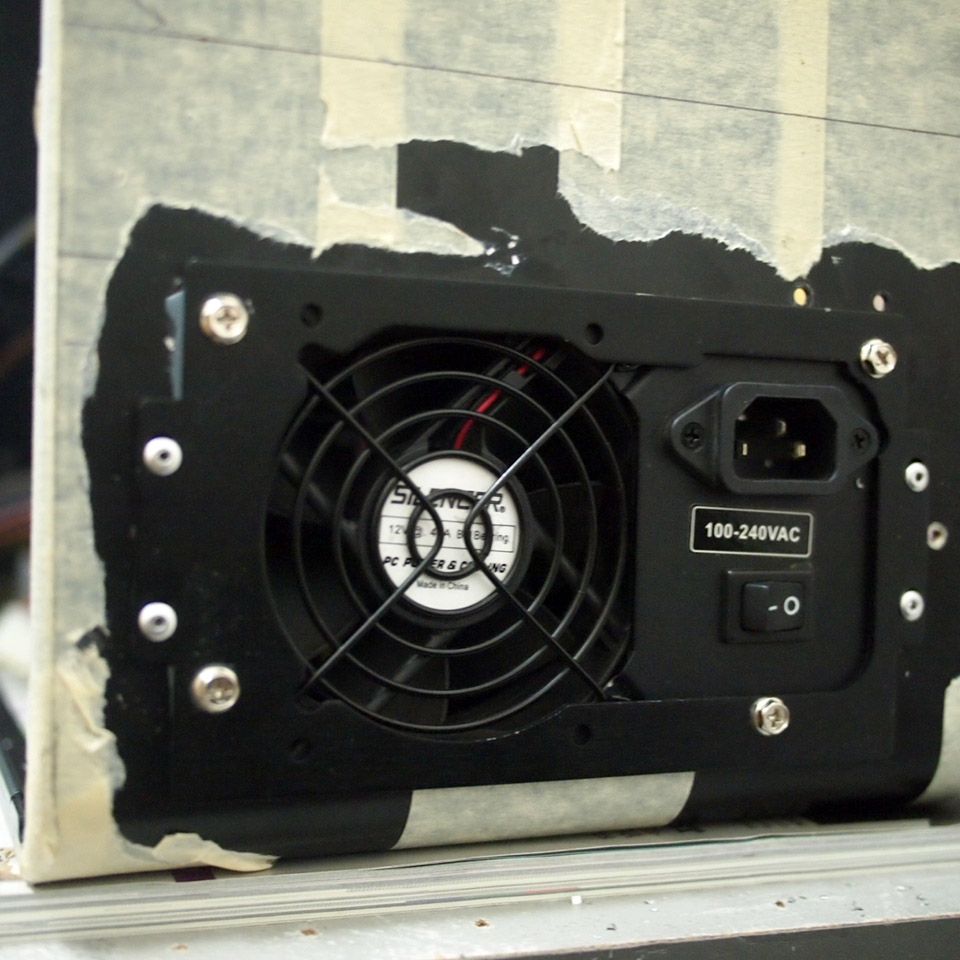
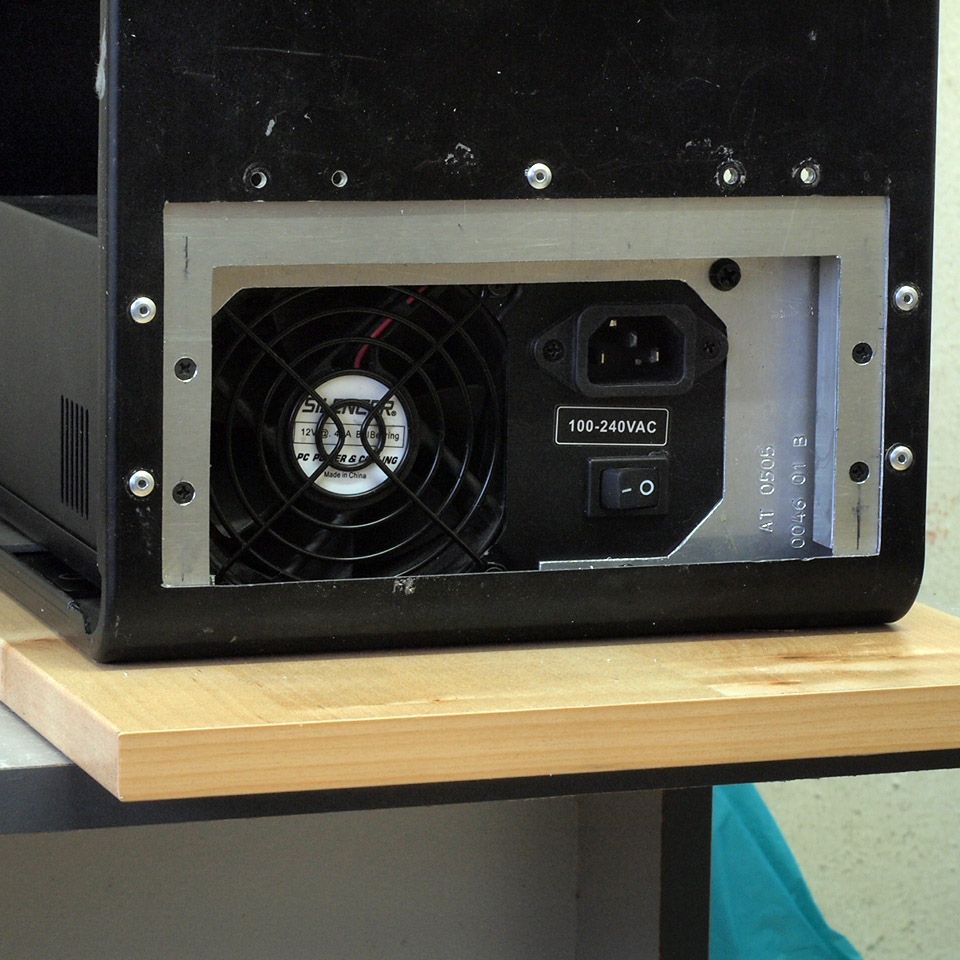
The new PSU opening

user posted image
Aluminum plate installed

user posted image
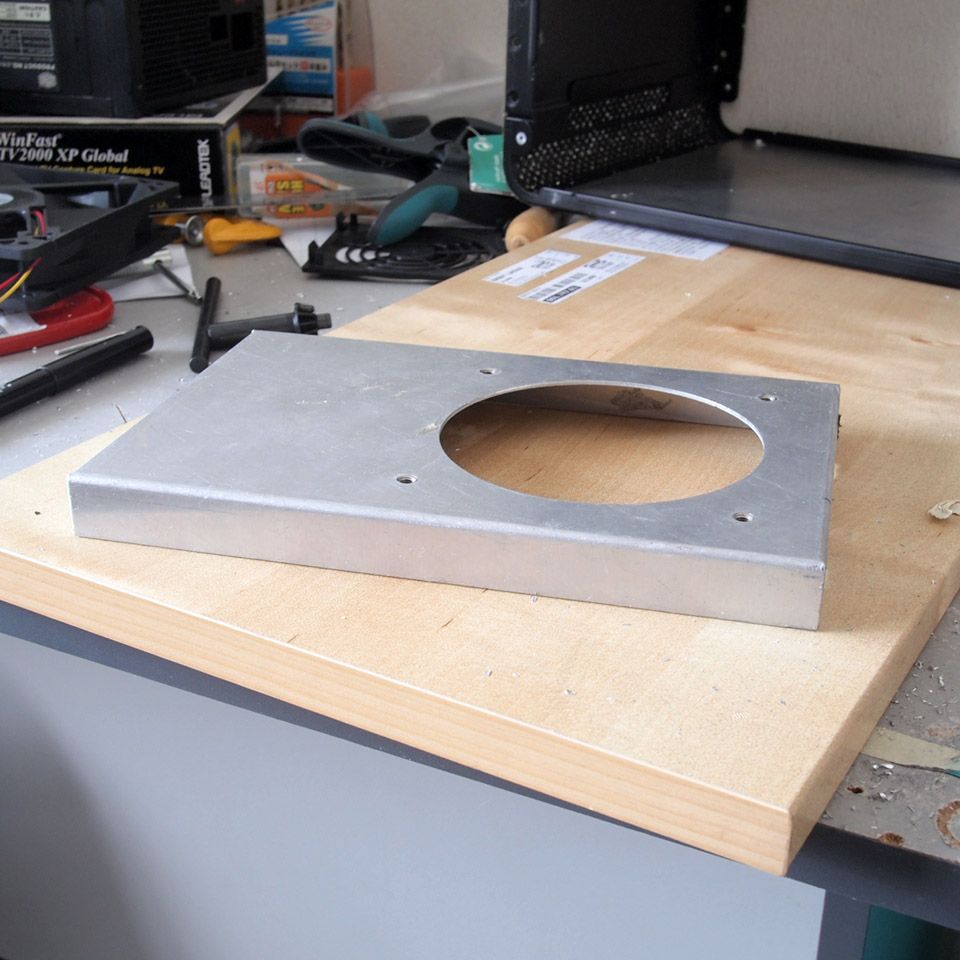
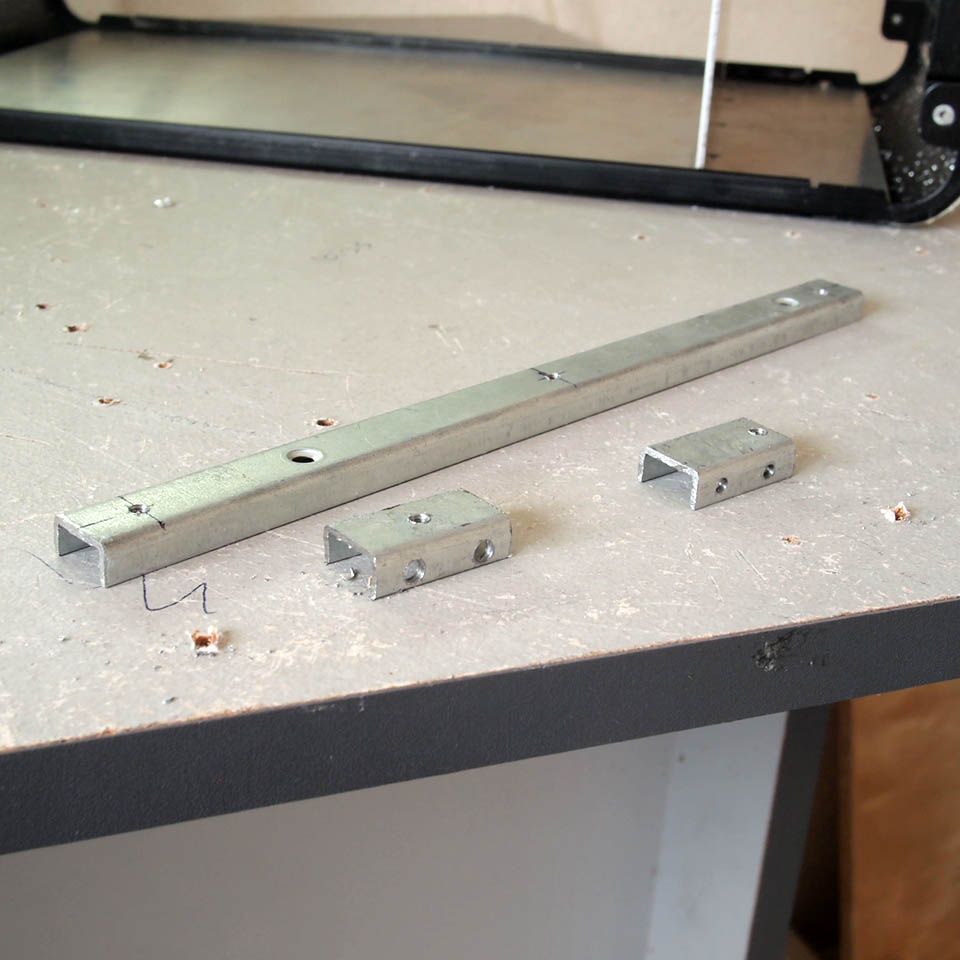
This thing will act as spacer between PSU and chassis' backplane

user posted image
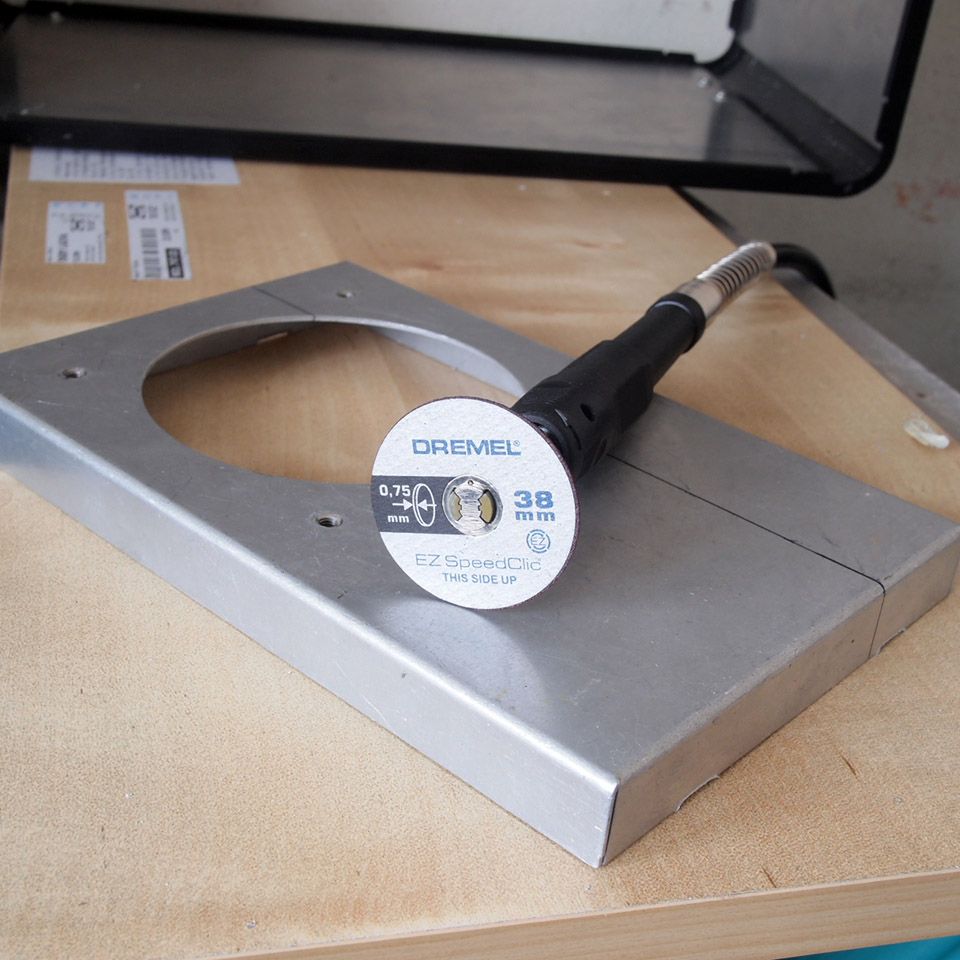
My second cutting disk for this project before I accidentally cut my finger with it. I need a glove!

This post has been edited by imnovice: Jun 3 2014, 03:44 PM
azilazwa
post May 20 2014, 12:31 PM

Enthusiast
*****
Senior Member
838 posts

Joined: May 2008
From: Setiu, Terengganu
Great job man! envy ur skills. wish i have more time, money and space to mod like u! hahaha notworthy.gif
TSimnovice
post May 26 2014, 08:35 AM

Getting Started
**
Junior Member
115 posts

Joined: Dec 2009
From: Kuala Lumpur


QUOTE(azilazwa @ May 20 2014, 12:31 PM)
Great job man! envy ur skills. wish i have more time, money and space to mod like u! hahaha notworthy.gif
*
Thanks brother but I only mod in very limited space, just those pictures didn't show lol
TSimnovice
post May 26 2014, 09:01 AM

Getting Started
**
Junior Member
115 posts

Joined: Dec 2009
From: Kuala Lumpur


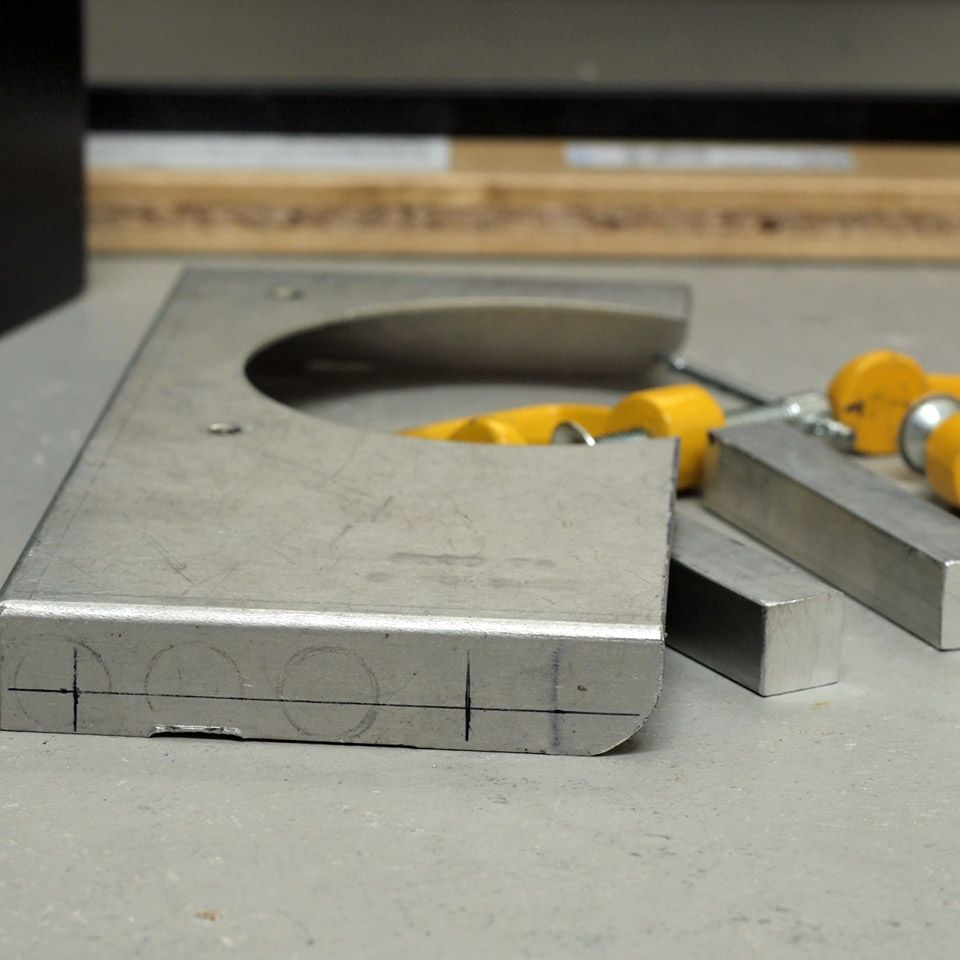
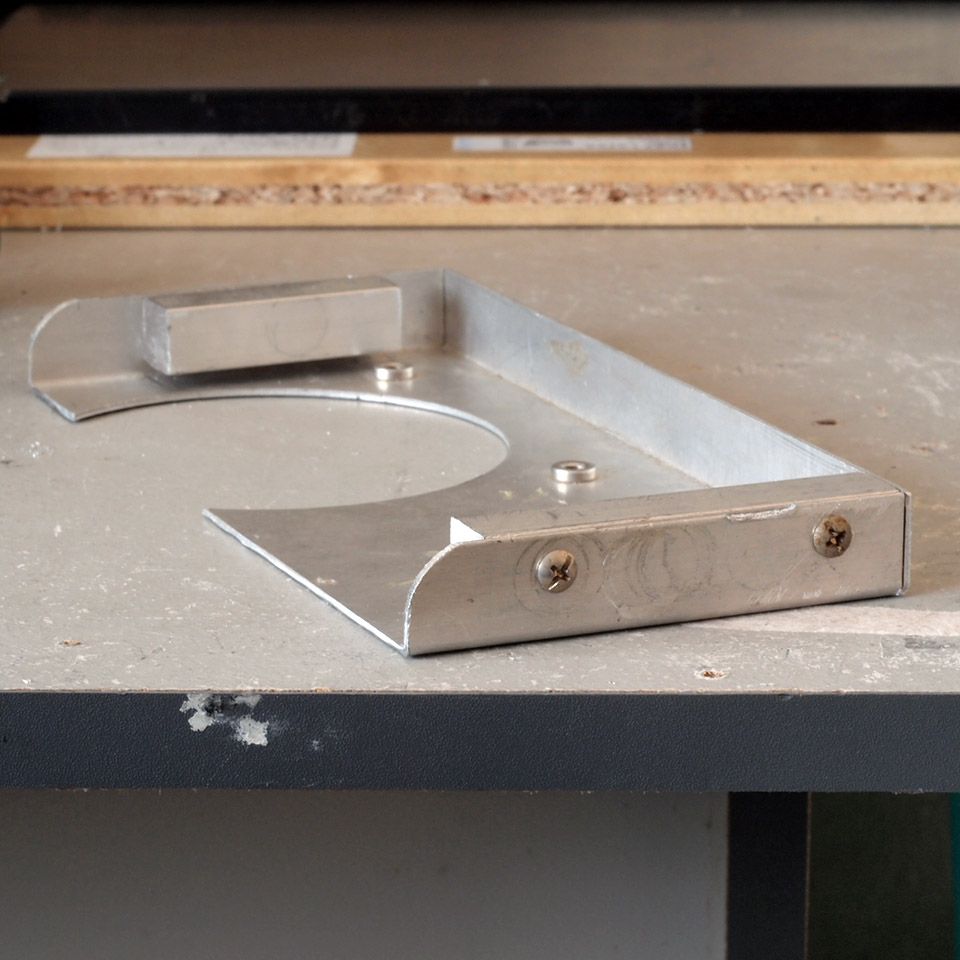
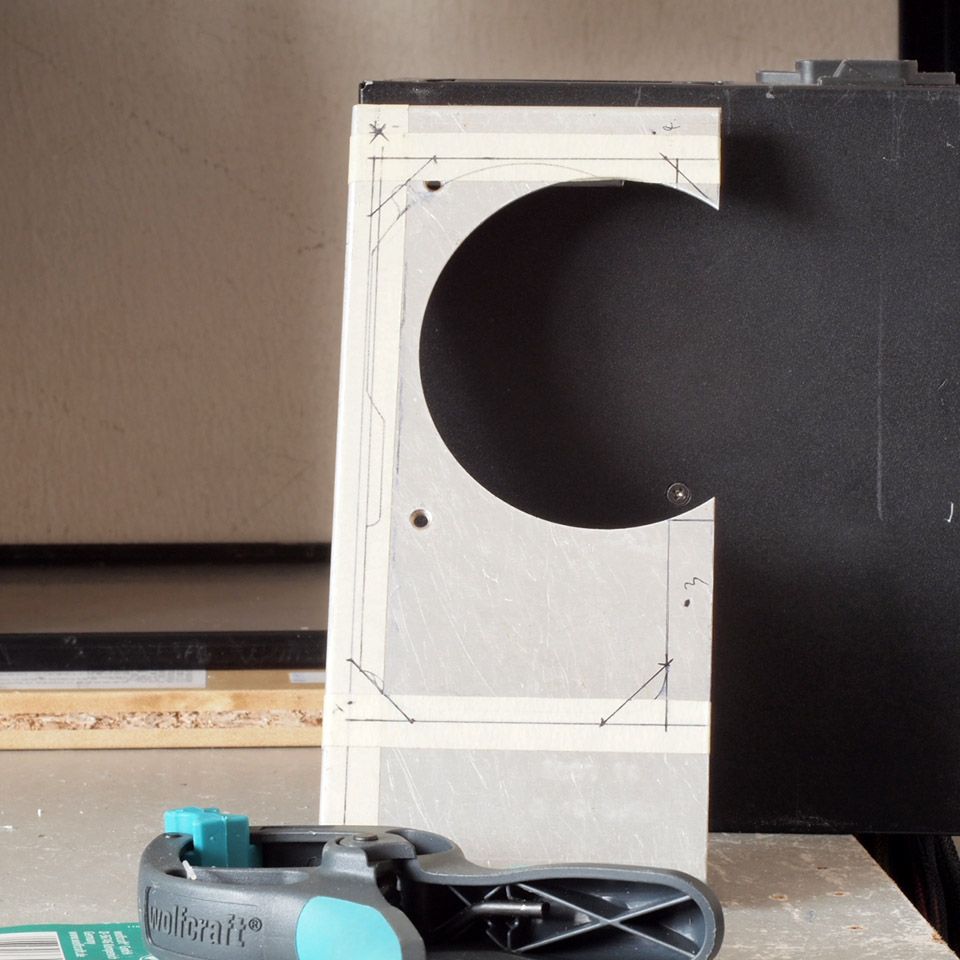
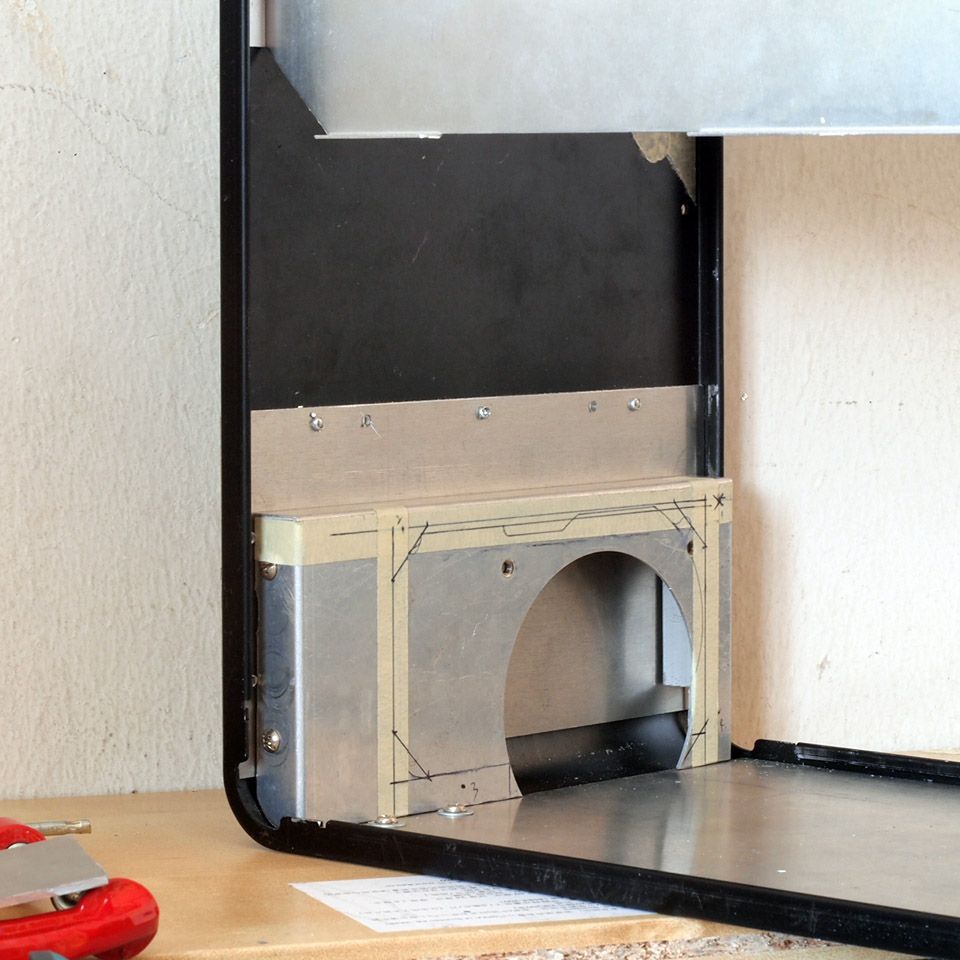
Small update. I've had some time to work on the PSU bracket yesterday.

user posted image
Material used

user posted image
Screwed in those square aluminum log

user posted image
PSU vent interface. Marked for cutting

user posted image
Test fit & how it should sit in the chassis

user posted image
Test fit with real PSU

user posted image
Cutting done with real PSU installed

user posted image
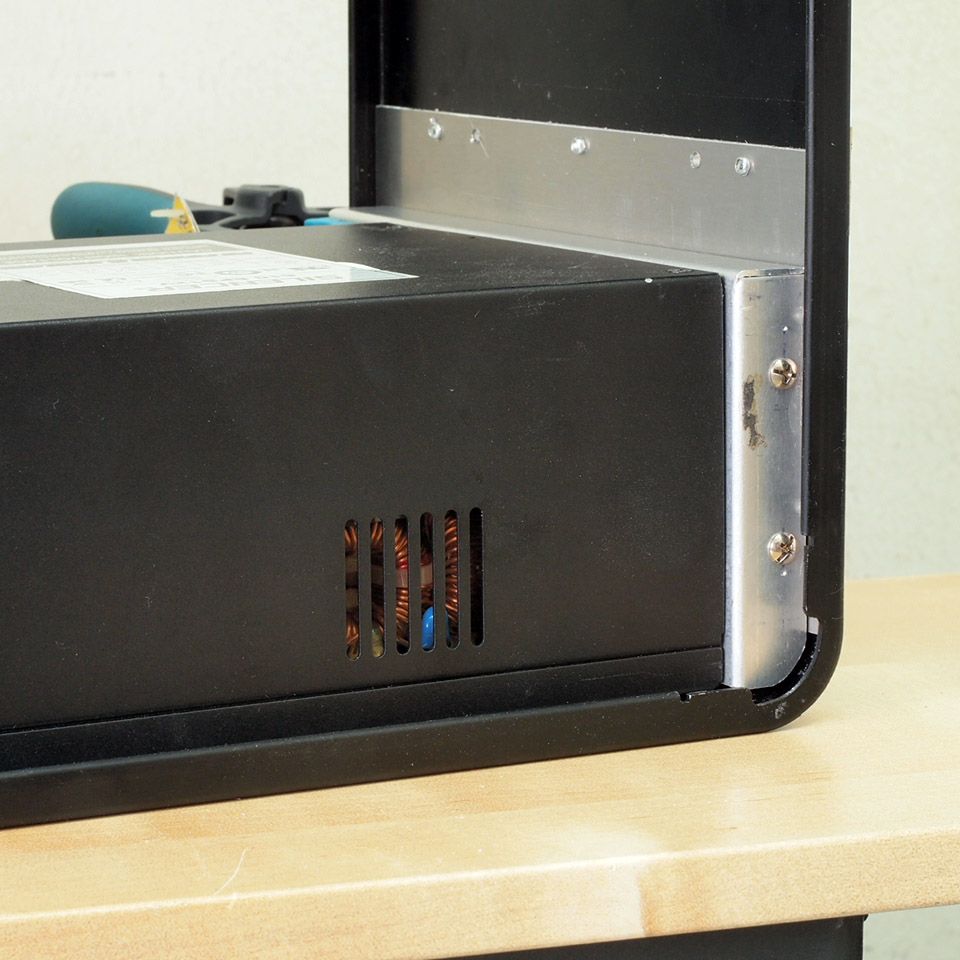
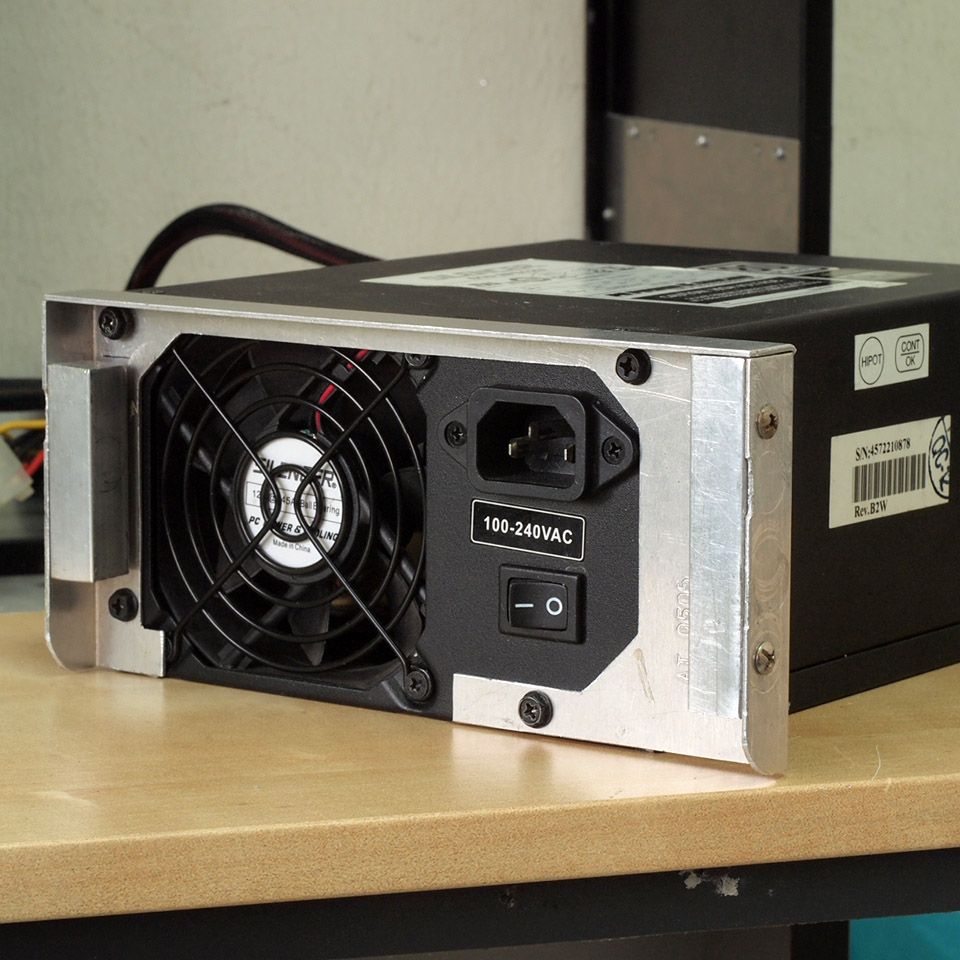
Finished product & installed on the chassis

This post has been edited by imnovice: Jun 3 2014, 03:46 PM
TSimnovice
post May 30 2014, 02:12 AM

Getting Started
**
Junior Member
115 posts

Joined: Dec 2009
From: Kuala Lumpur


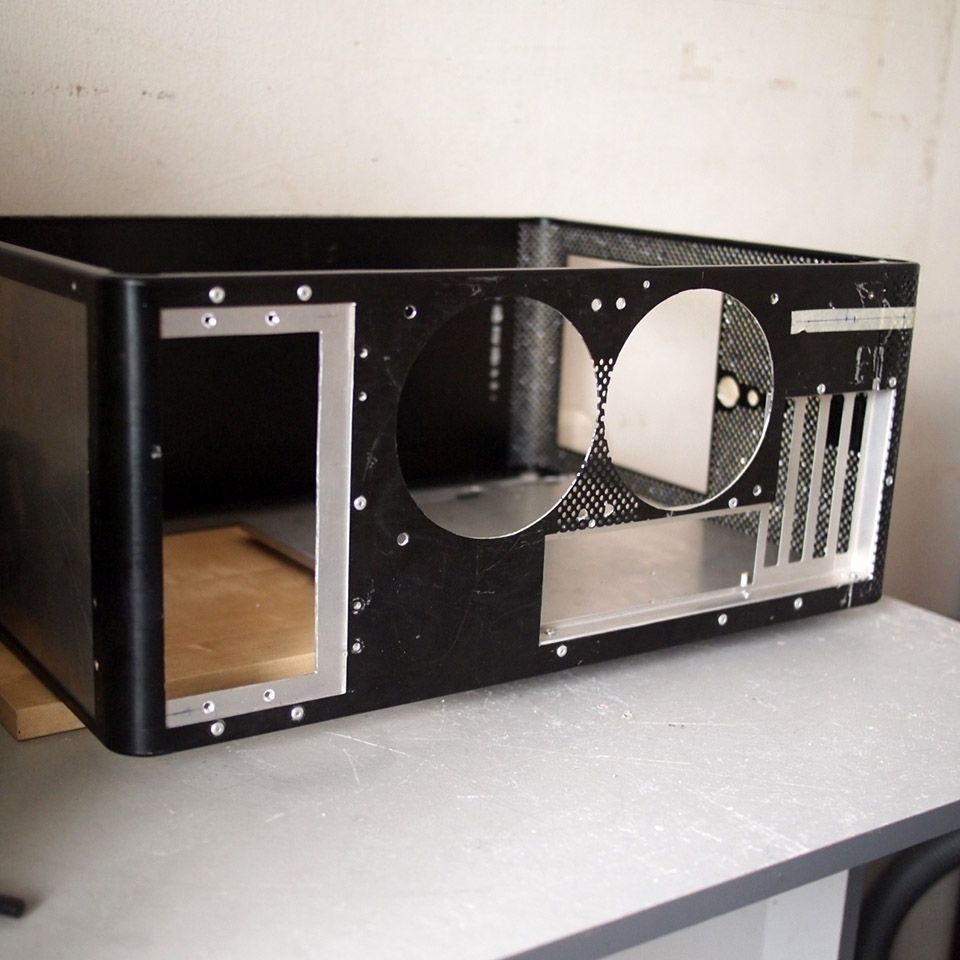
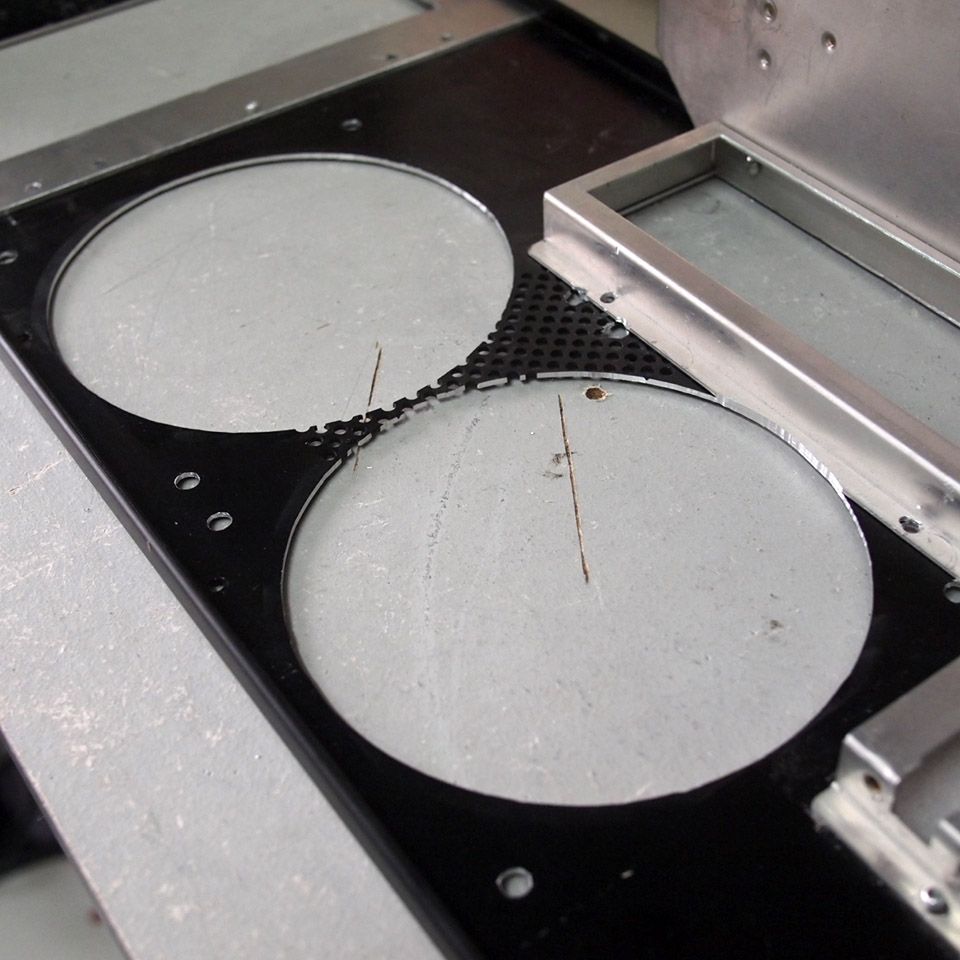
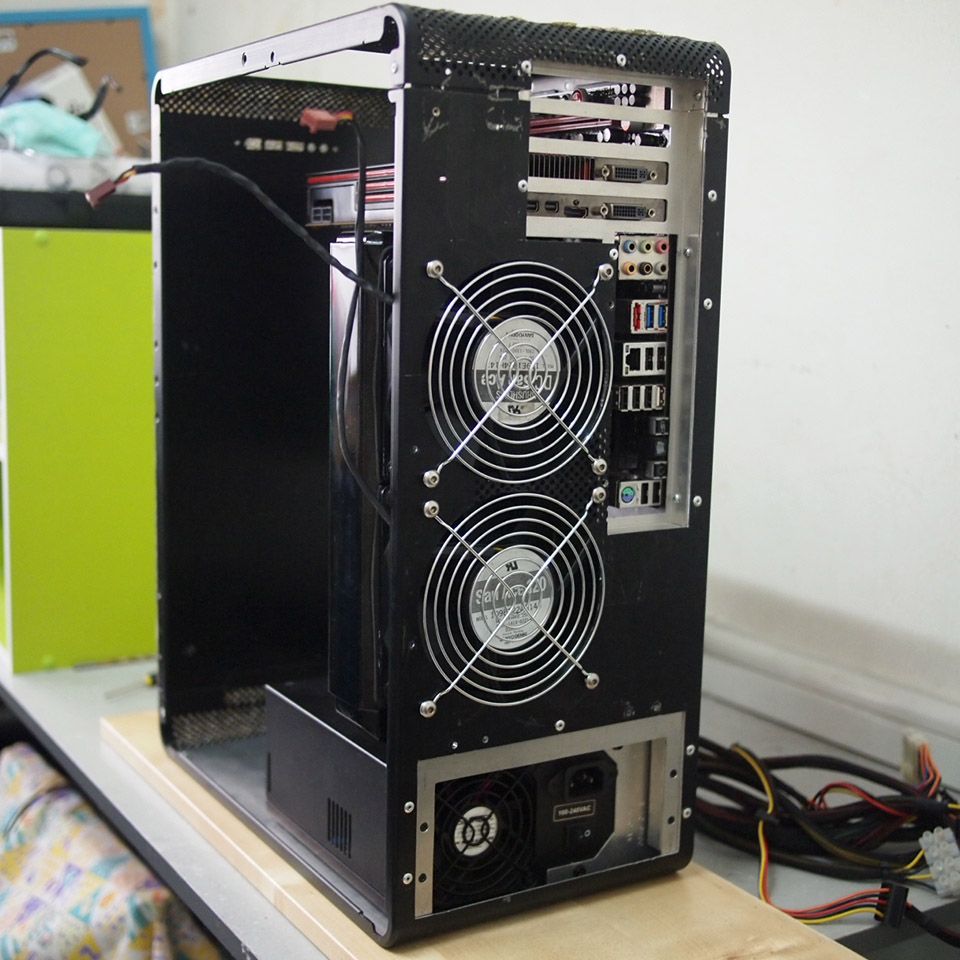
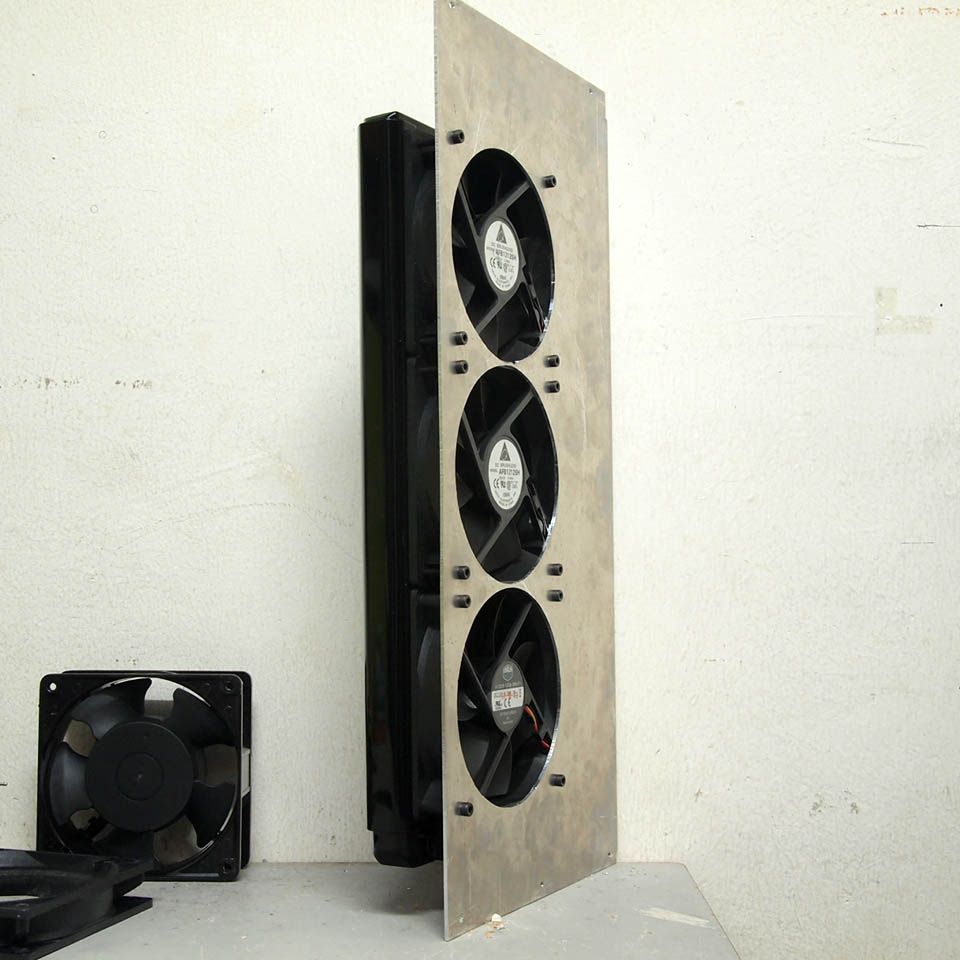
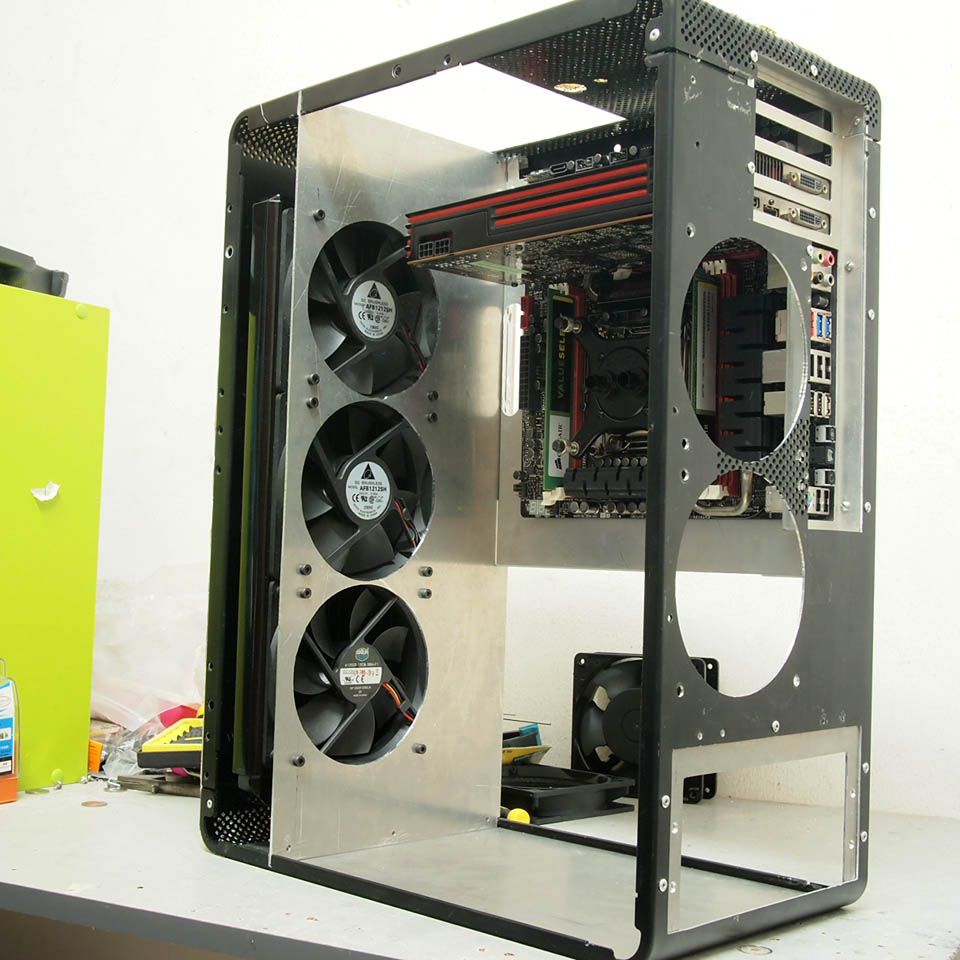
Good morning. Another small progress from me. I've done the fans' blow hole for backplane. Check these pictures out:

user posted image
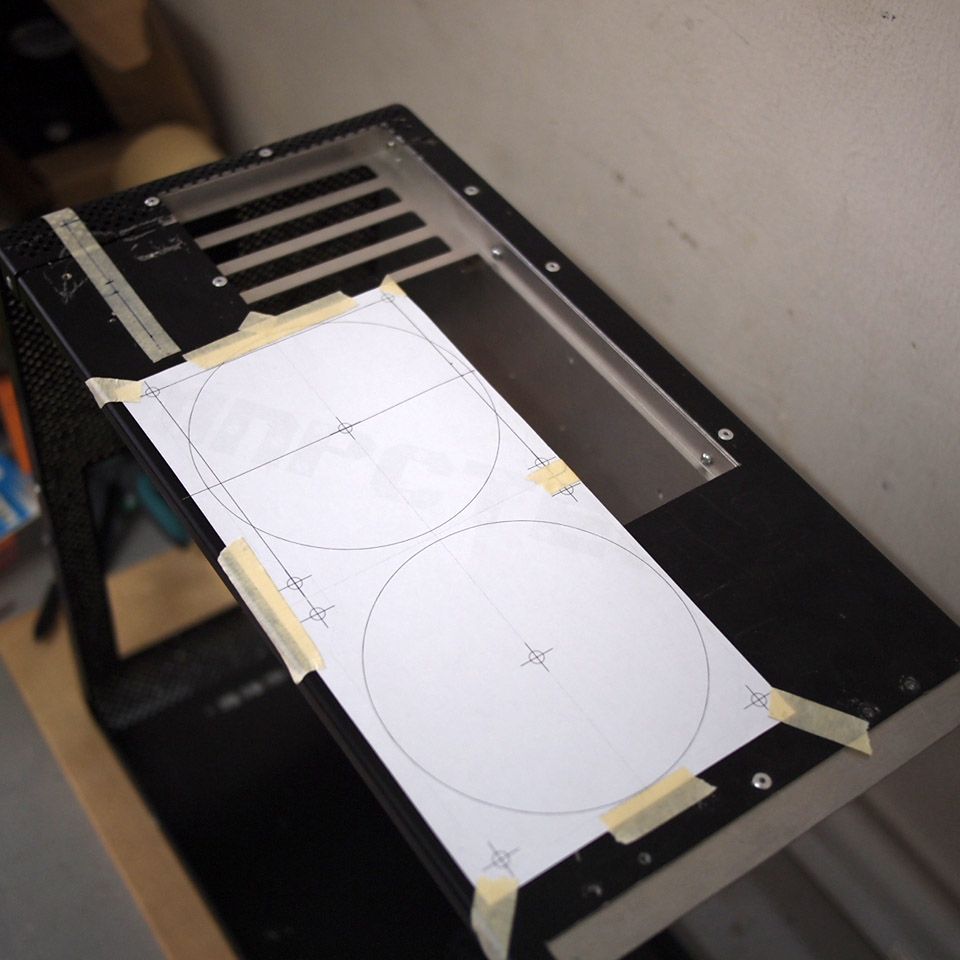
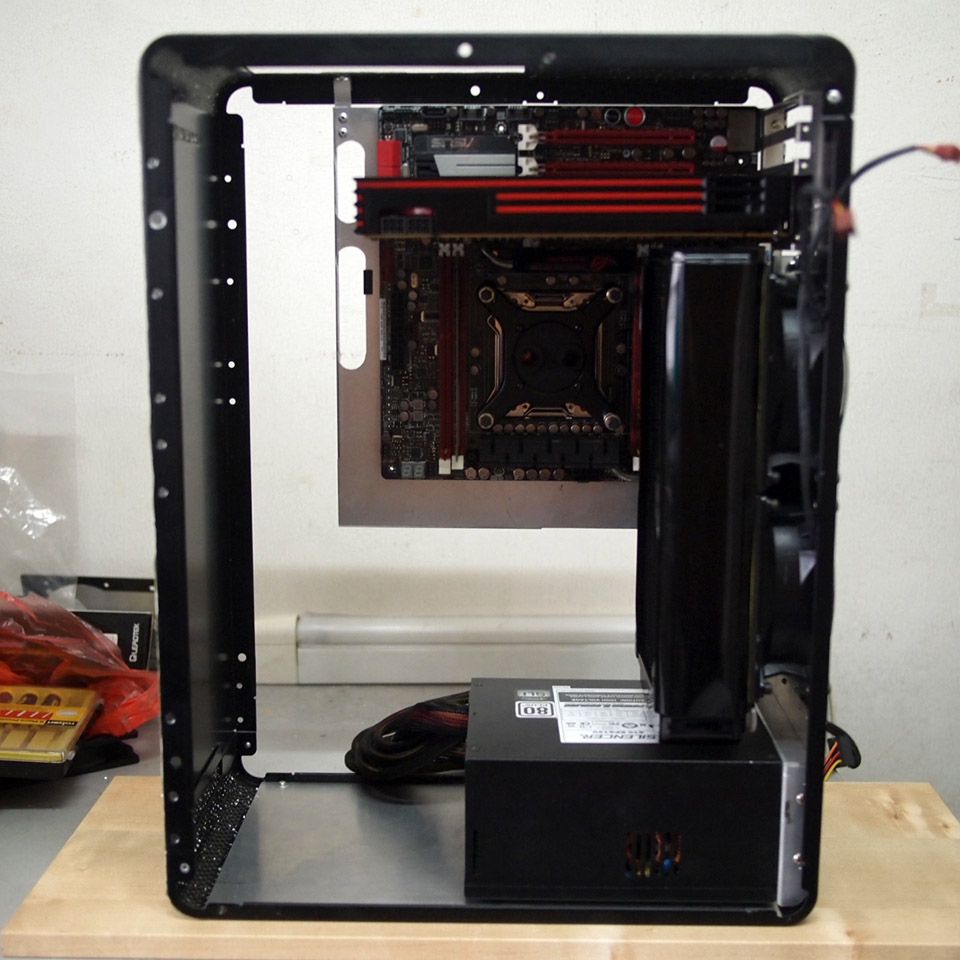
Planning for correct fans & radiator placement. Clearance between radiator, side panel & display card are critical here

user posted image
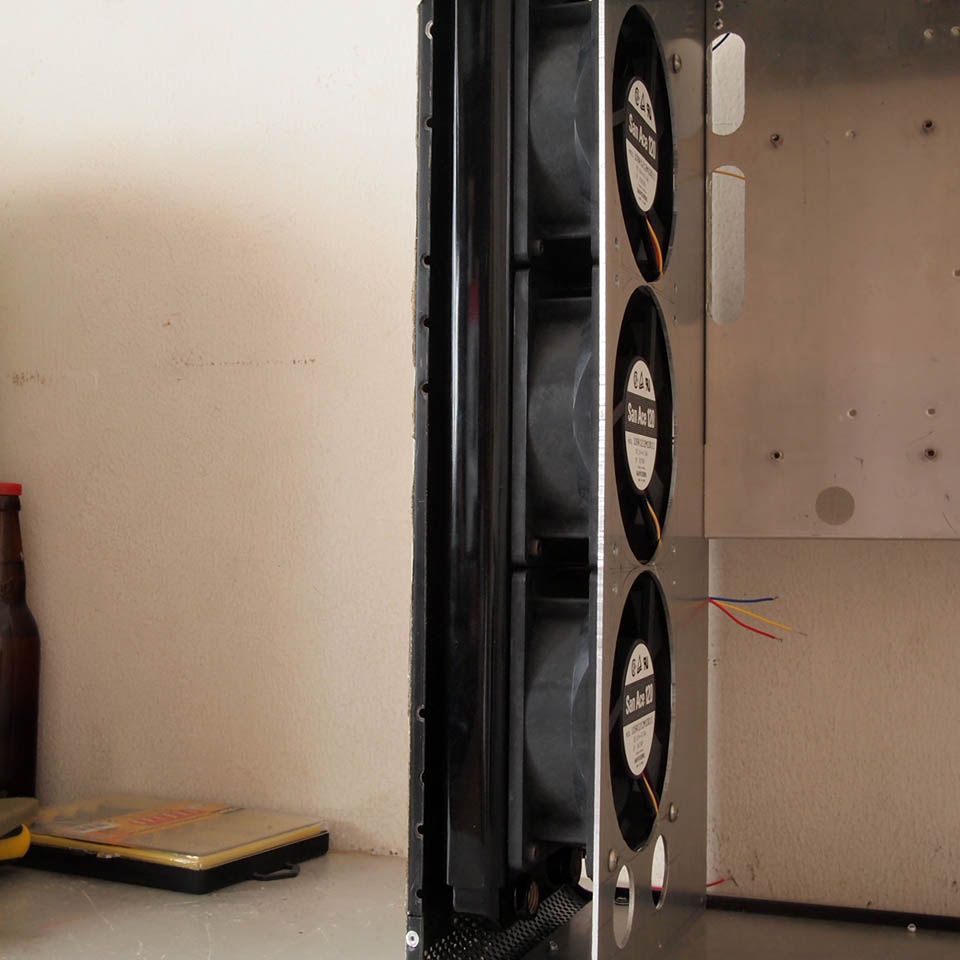
Fan's blow hole done

user posted image
Just another view

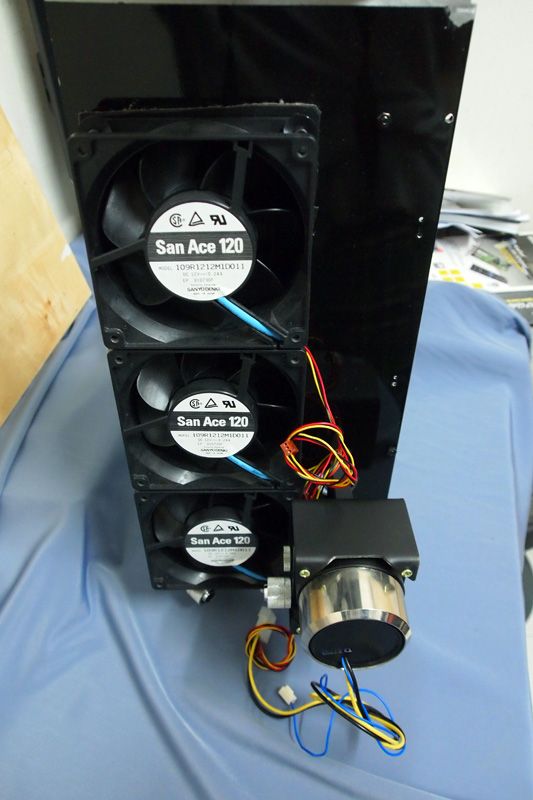
user posted image
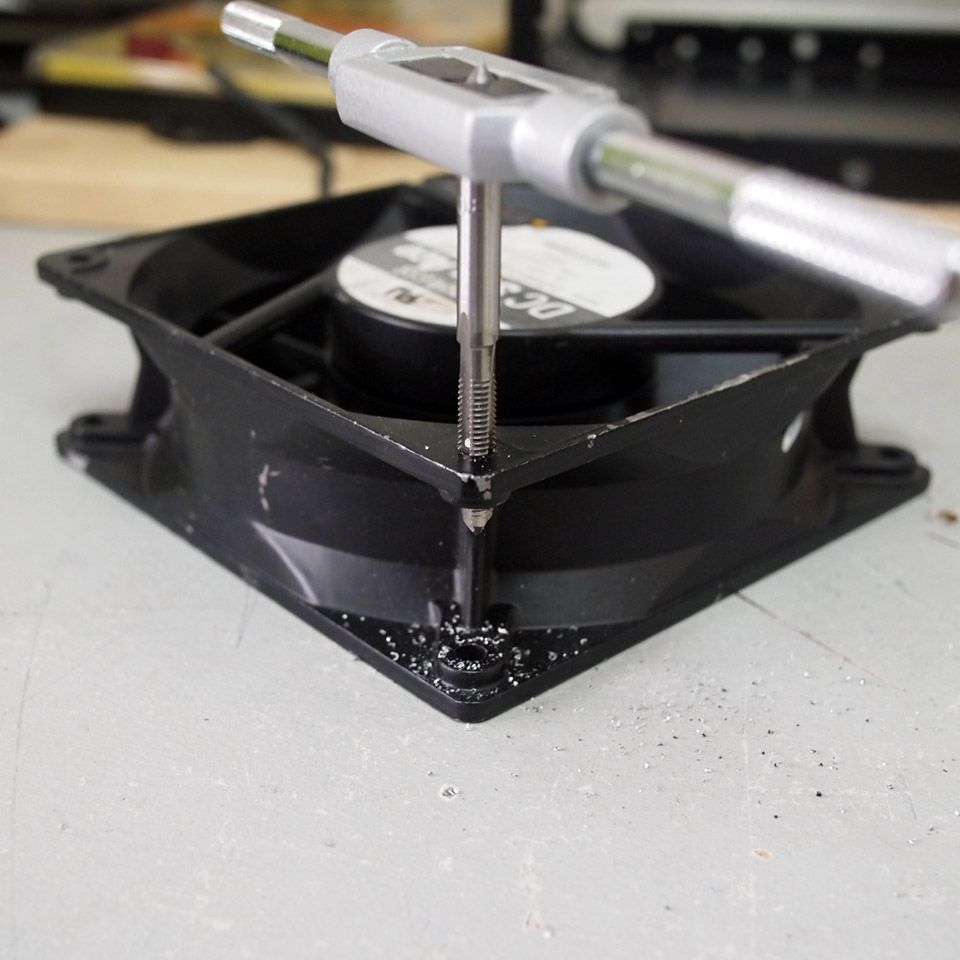
The San Ace fan tapped with M5

user posted image
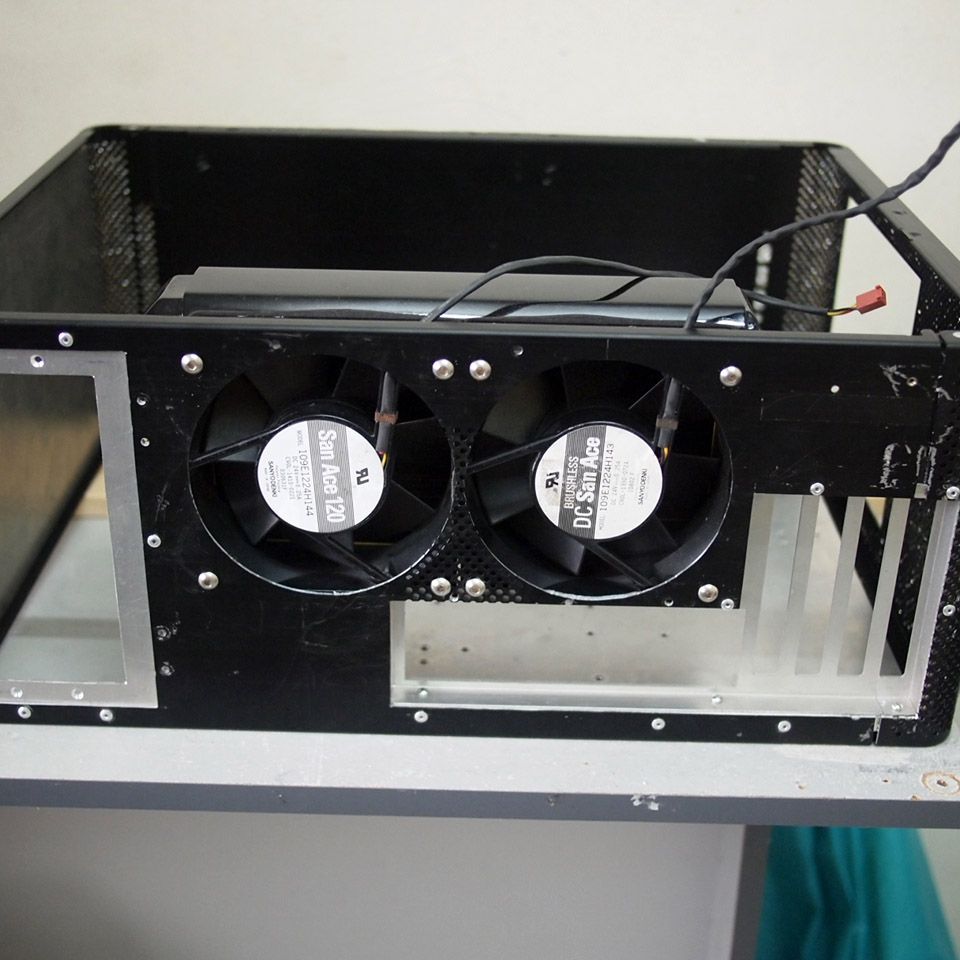
Test fit of those fans with radiator

user posted image
Final look of the backplane

user posted image
With most of major components in place

Another major thing to do is 360mm radiator mounting which would be my next job. Stay tuned smile.gif

This post has been edited by imnovice: Jun 3 2014, 03:47 PM
ijatneda
post May 30 2014, 09:04 AM

Casual
***
Junior Member
326 posts

Joined: Feb 2009
From: At 4K LCD


what a nice clean cut for the fan hole. can share with me how you cut it?
Is it using holesaw?
TSimnovice
post May 30 2014, 12:00 PM

Getting Started
**
Junior Member
115 posts

Joined: Dec 2009
From: Kuala Lumpur


QUOTE(ijatneda @ May 30 2014, 09:04 AM)
what a nice clean cut for the fan hole. can share with me how you cut it?
Is it using holesaw?
*
Hi, I used palm router to do it. Sorry for no photo snapped because things happened pretty fast.
TSimnovice
post Jun 17 2014, 09:25 AM

Getting Started
**
Junior Member
115 posts

Joined: Dec 2009
From: Kuala Lumpur


user posted image
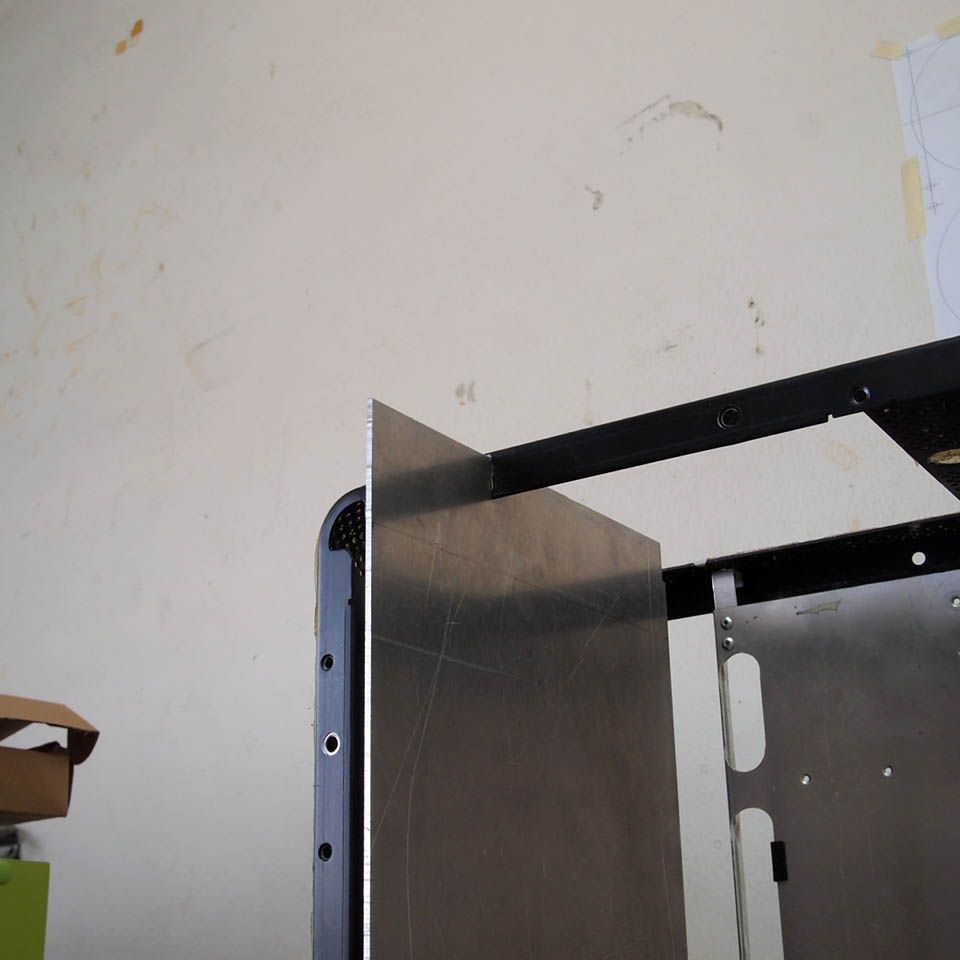
This 2mm thick aluminum sheet will be holding front 360mm radiator

user posted image
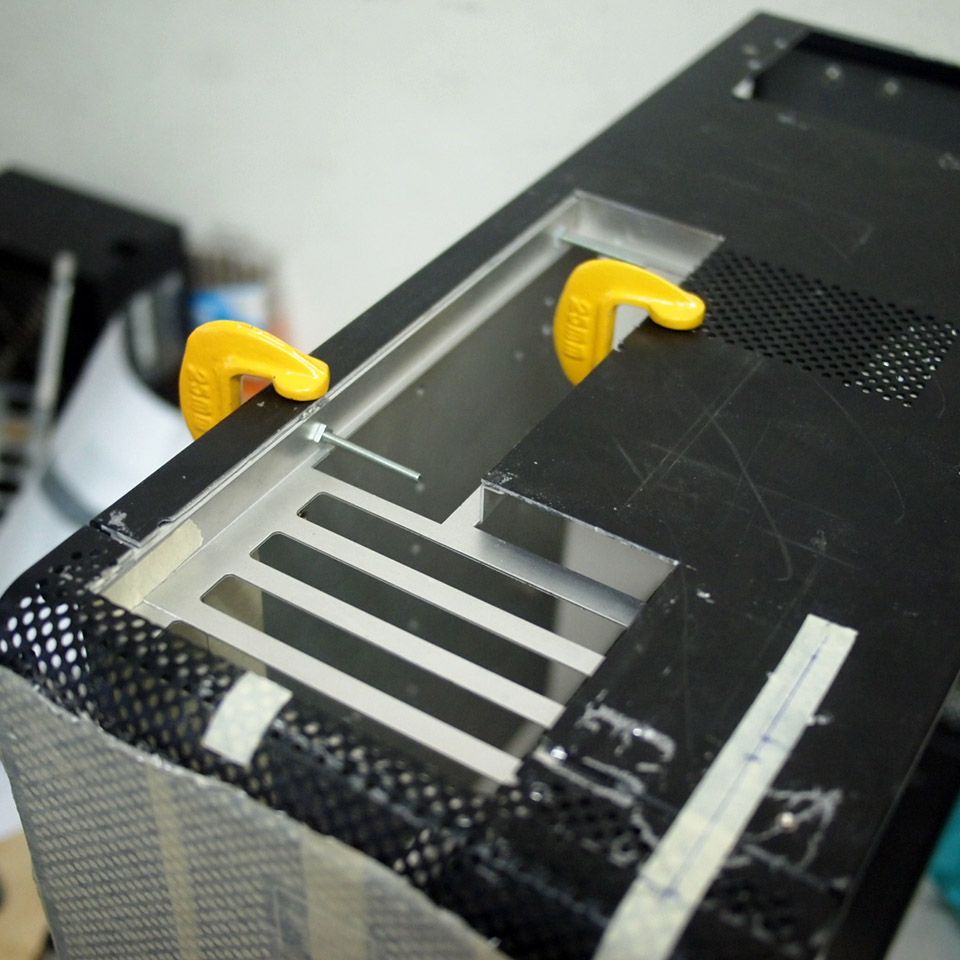
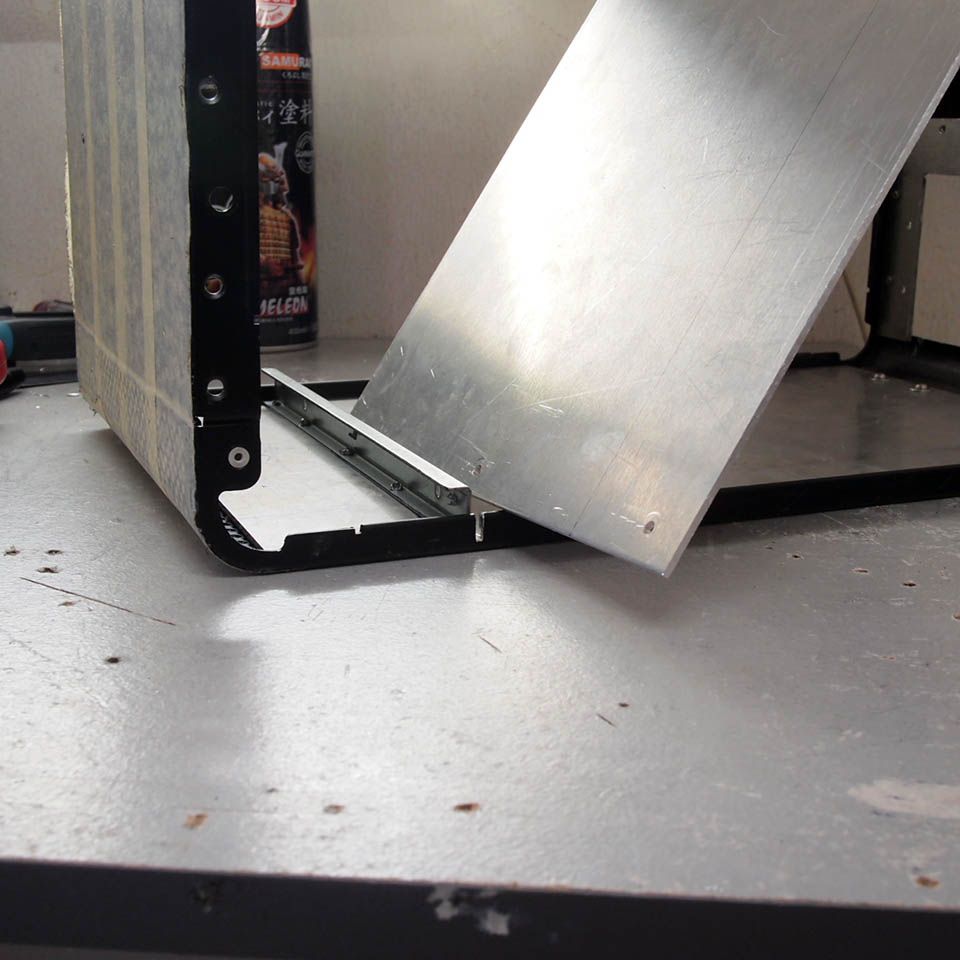
I've decided to cut this chassis' structure to allow for easy installation of front radiator

user posted image
Test fit of the plate

user posted image
The plate will be screwed on this metal thing

user posted image
Marked for riveting

user posted image
Tapped it with M3

user posted image
Safely in place


TSimnovice
post Jun 17 2014, 10:15 AM

Getting Started
**
Junior Member
115 posts

Joined: Dec 2009
From: Kuala Lumpur


user posted image
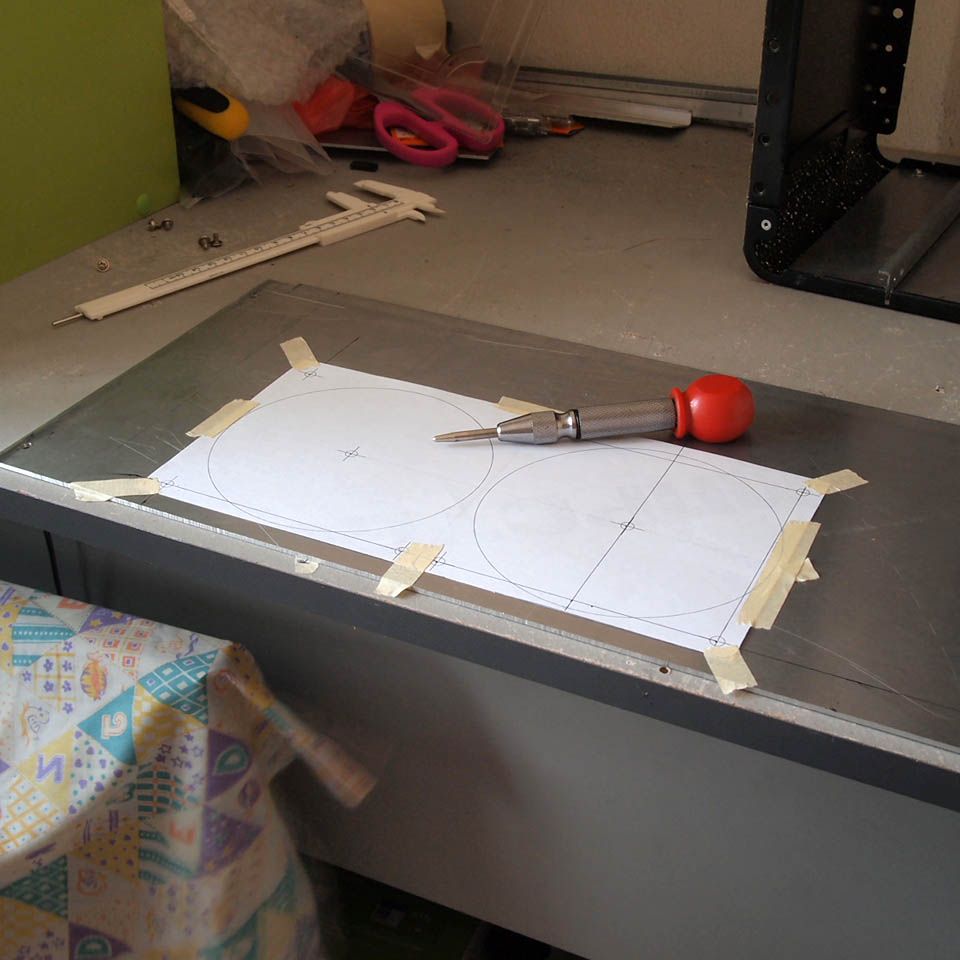
Marking for radiator's hole

user posted image
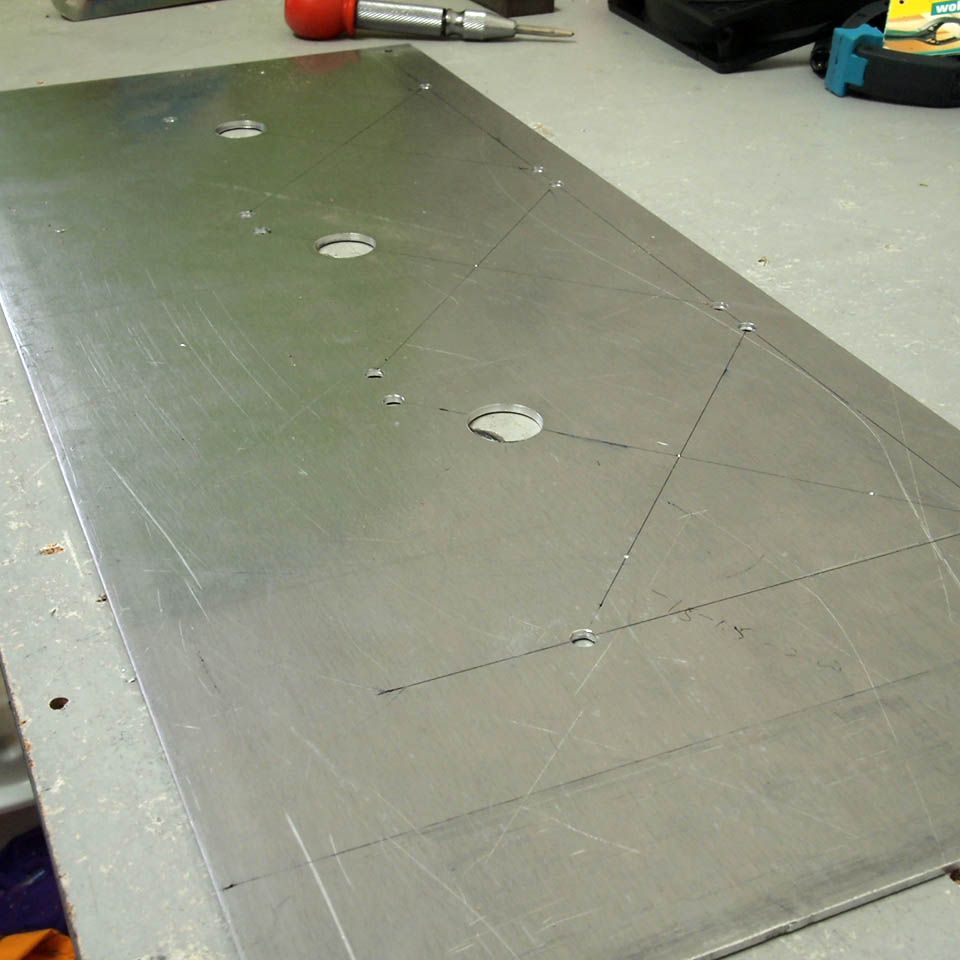
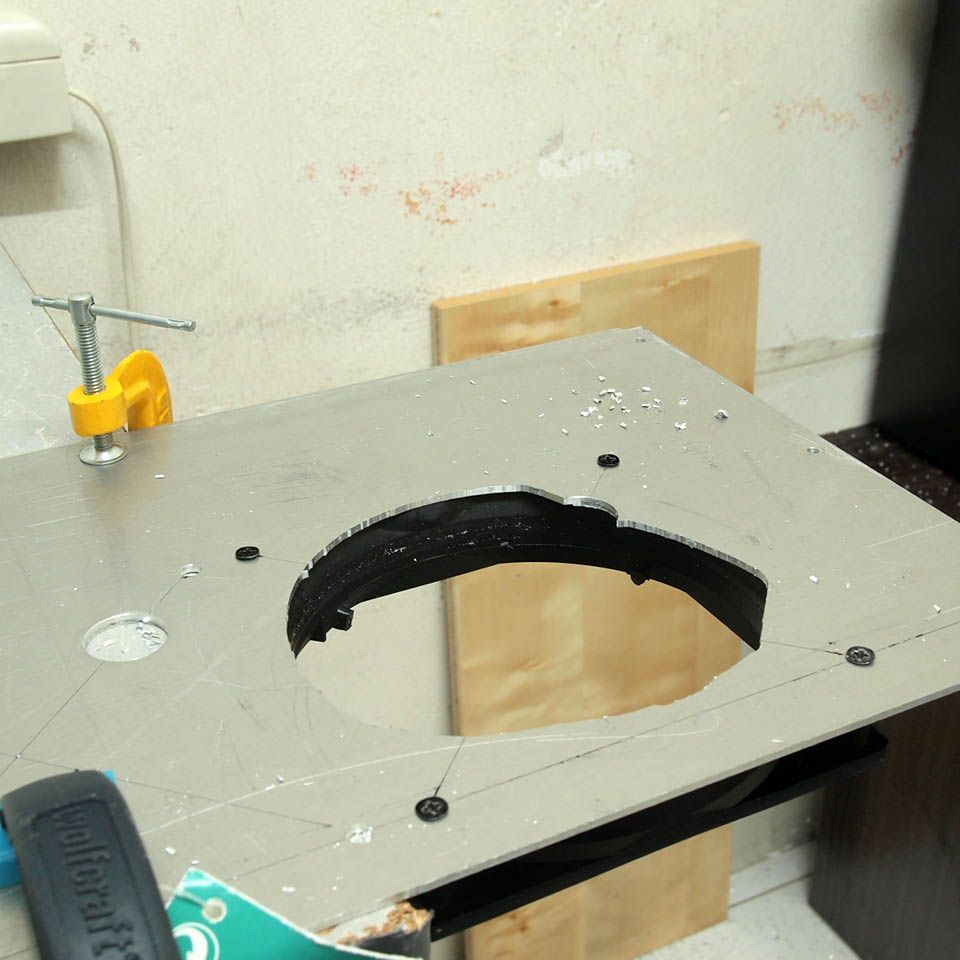
Drilled 12 fans screw holes with router's start/escape hole

user posted image
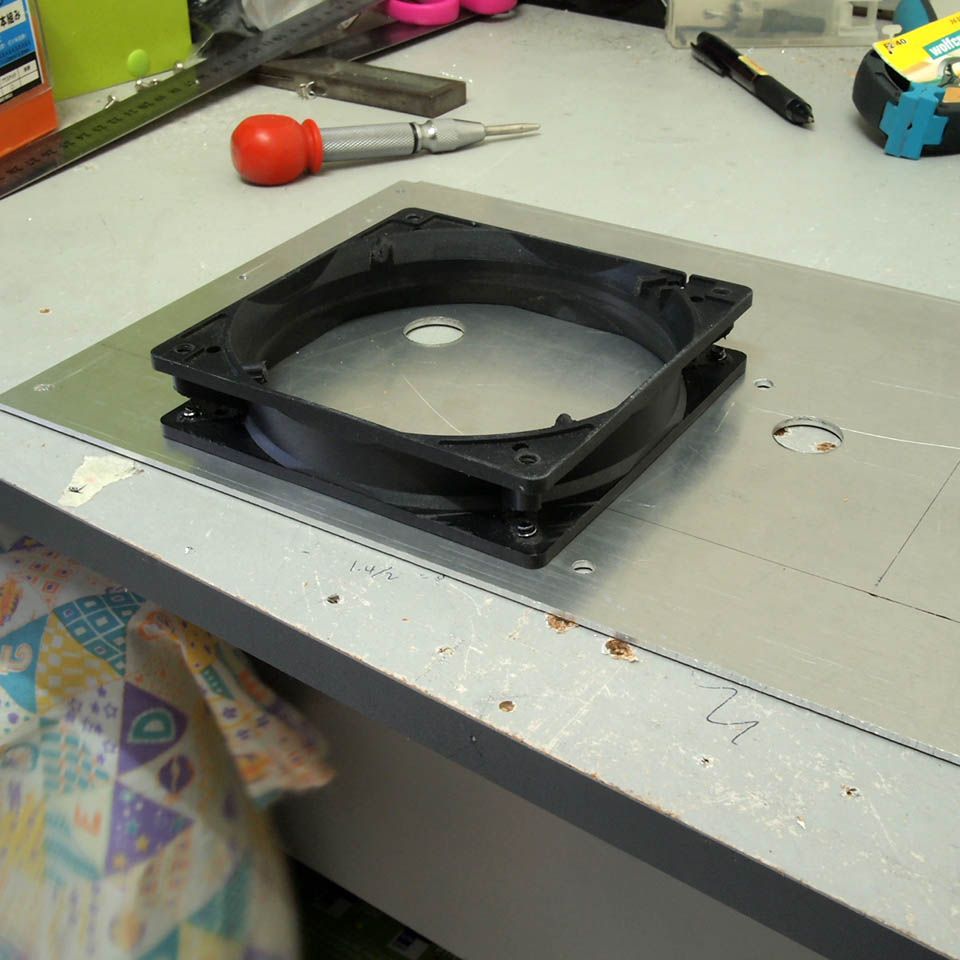
This fan's frame will be template for making fan's holes

user posted image
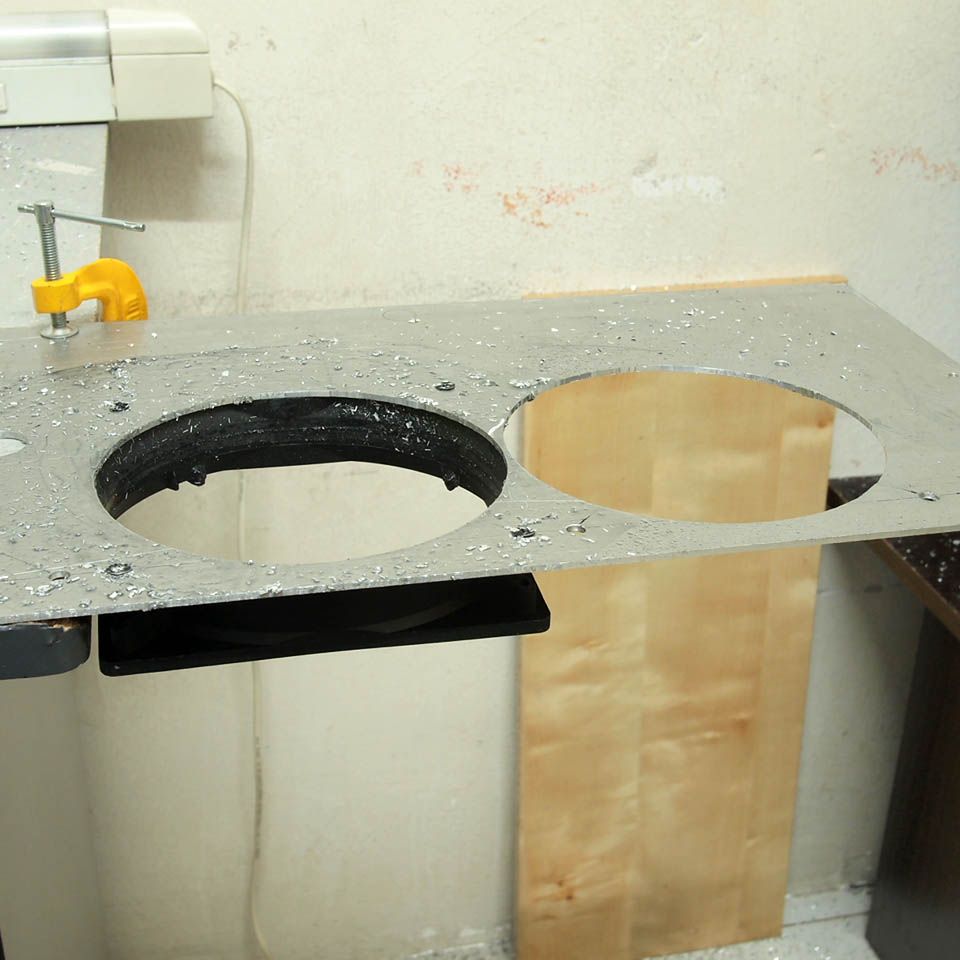
Cutting process in progress

user posted image
First & second hole done

user posted image
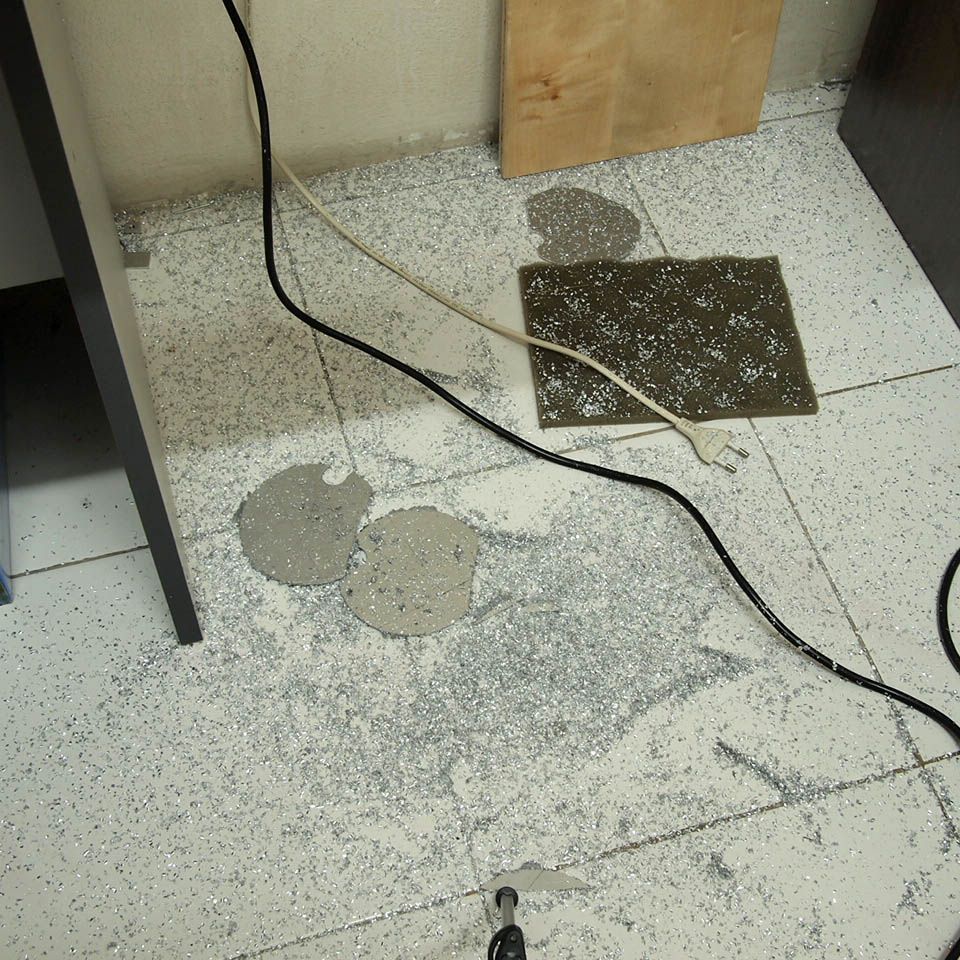
This is just too much for an in-room modding

user posted image
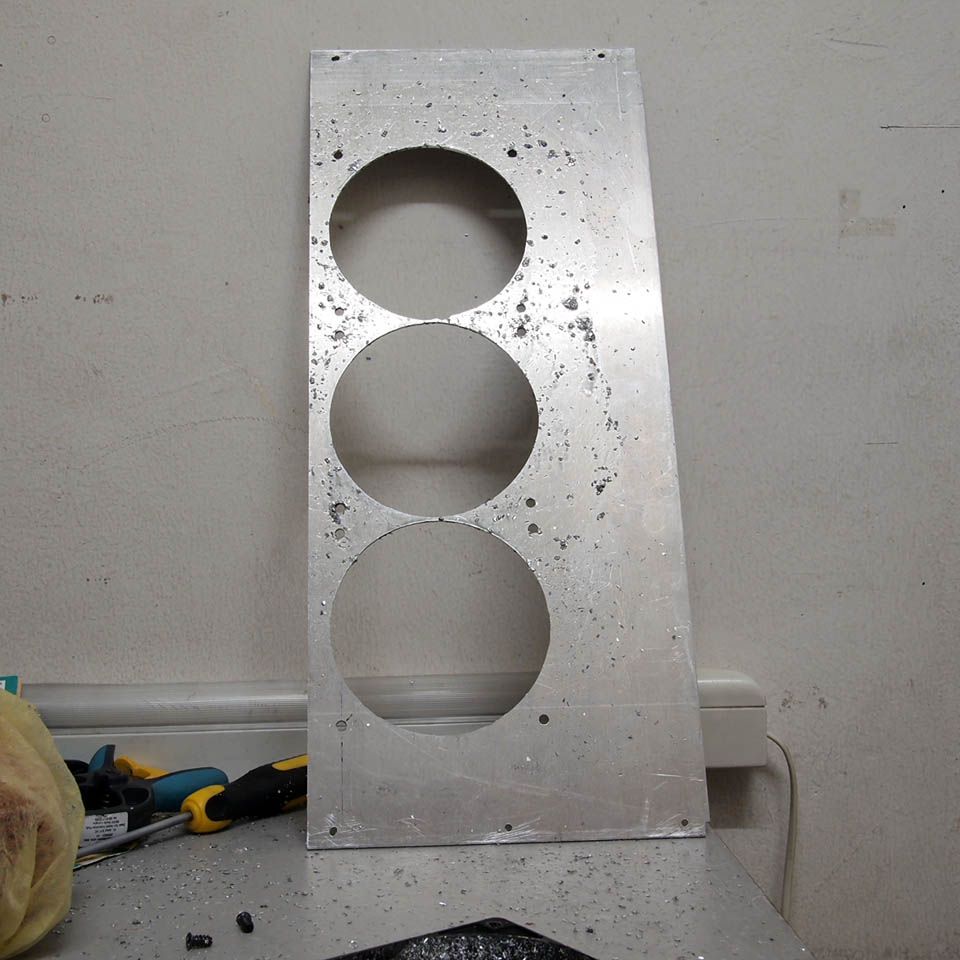
Fan's holes done

user posted image
Test fit with actual radiator. So far so good

user posted image
This is just to see how it looked like with motherboard & display card installed

TSimnovice
post Jun 17 2014, 11:40 AM

Getting Started
**
Junior Member
115 posts

Joined: Dec 2009
From: Kuala Lumpur


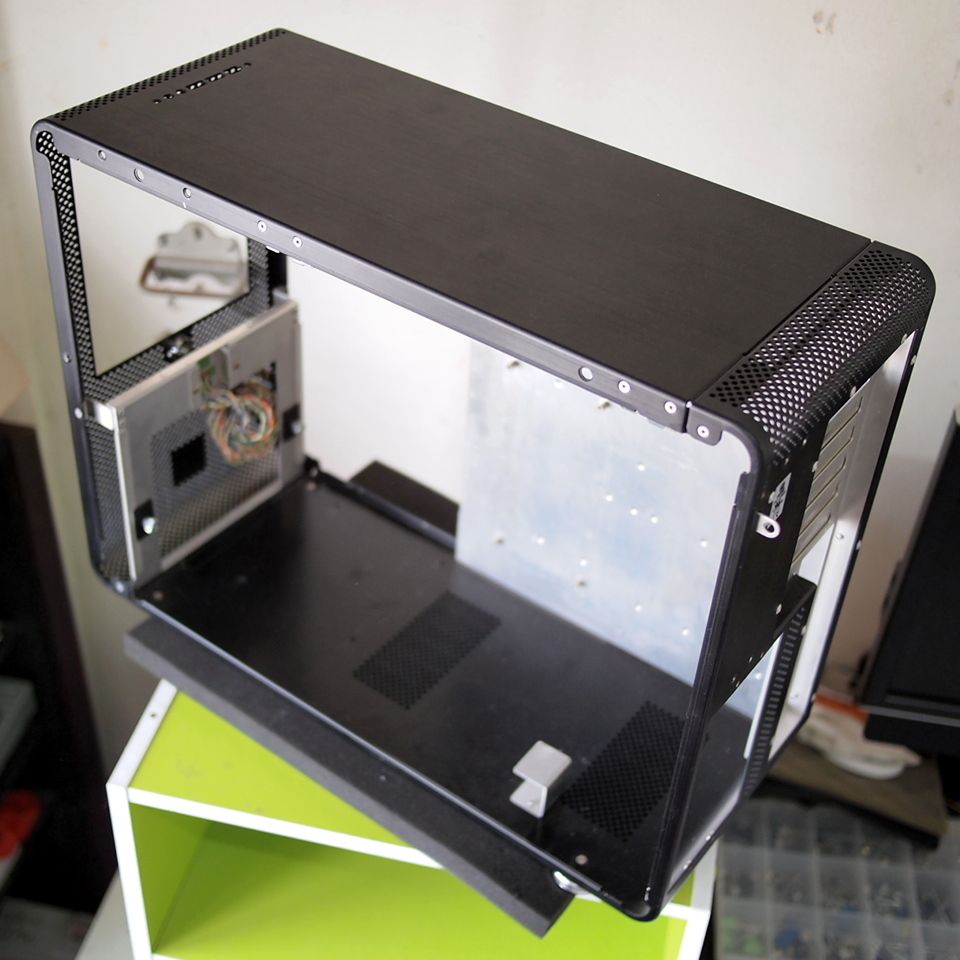
user posted image
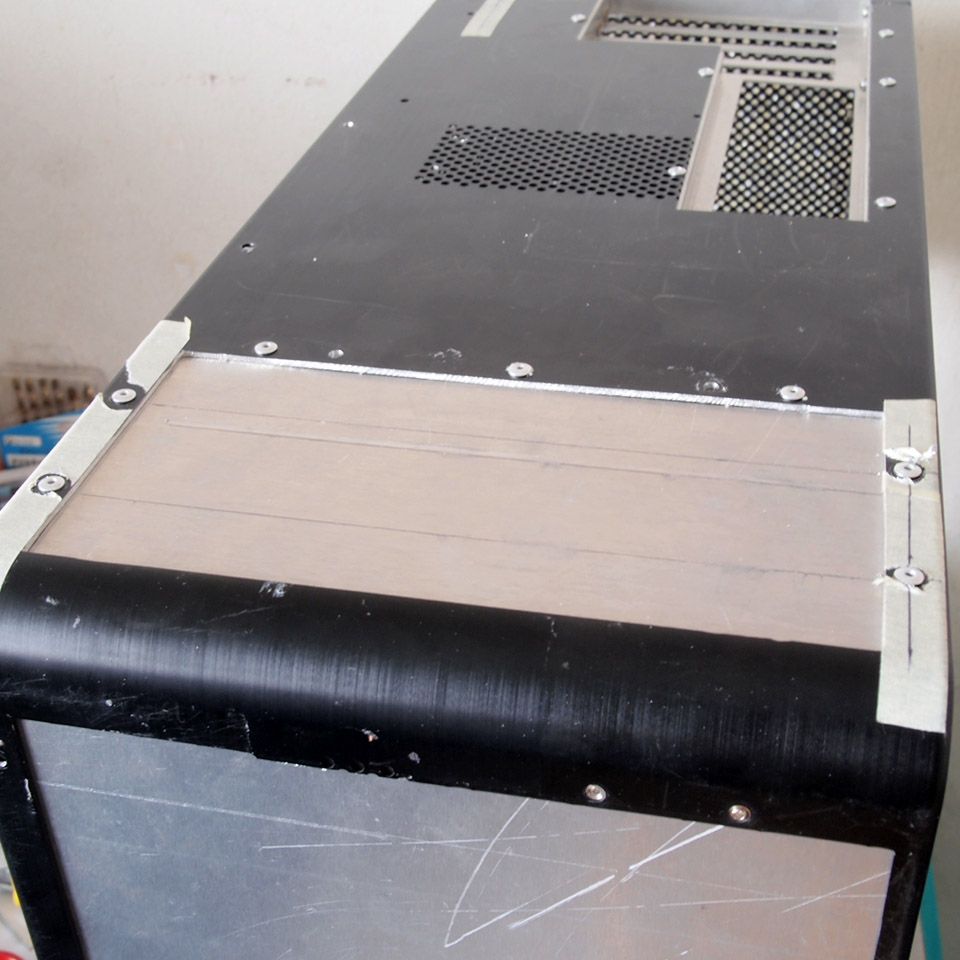
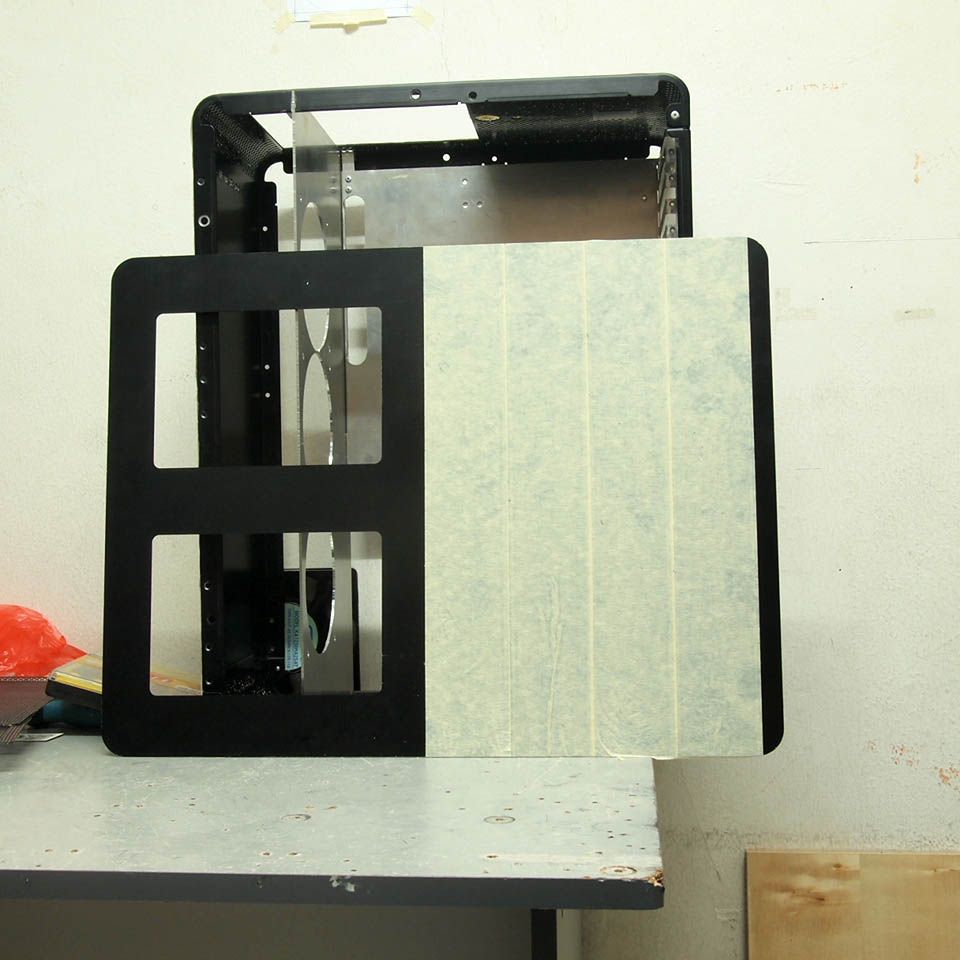
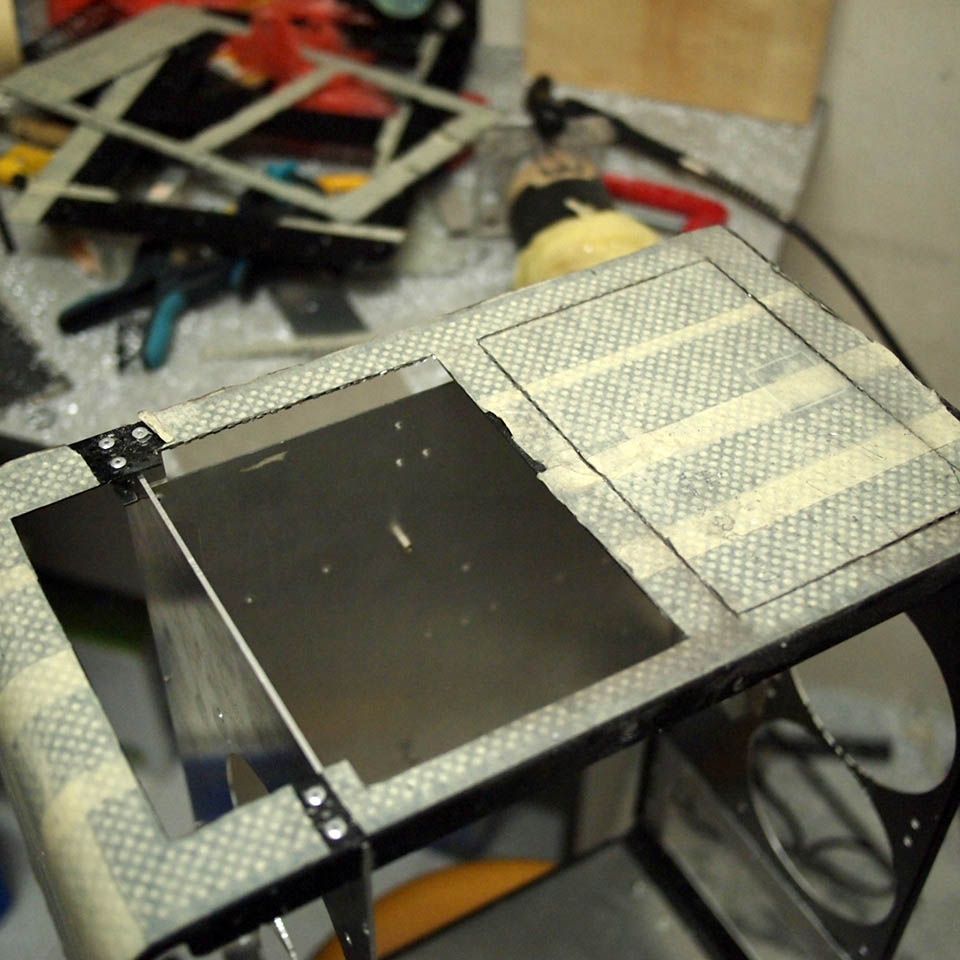
Bye bye to this side panel. I'm gonna use it as top cover of the case

user posted image
The original side panel's mesh opening used as template to duplicate it onto top cover sheet

user posted image
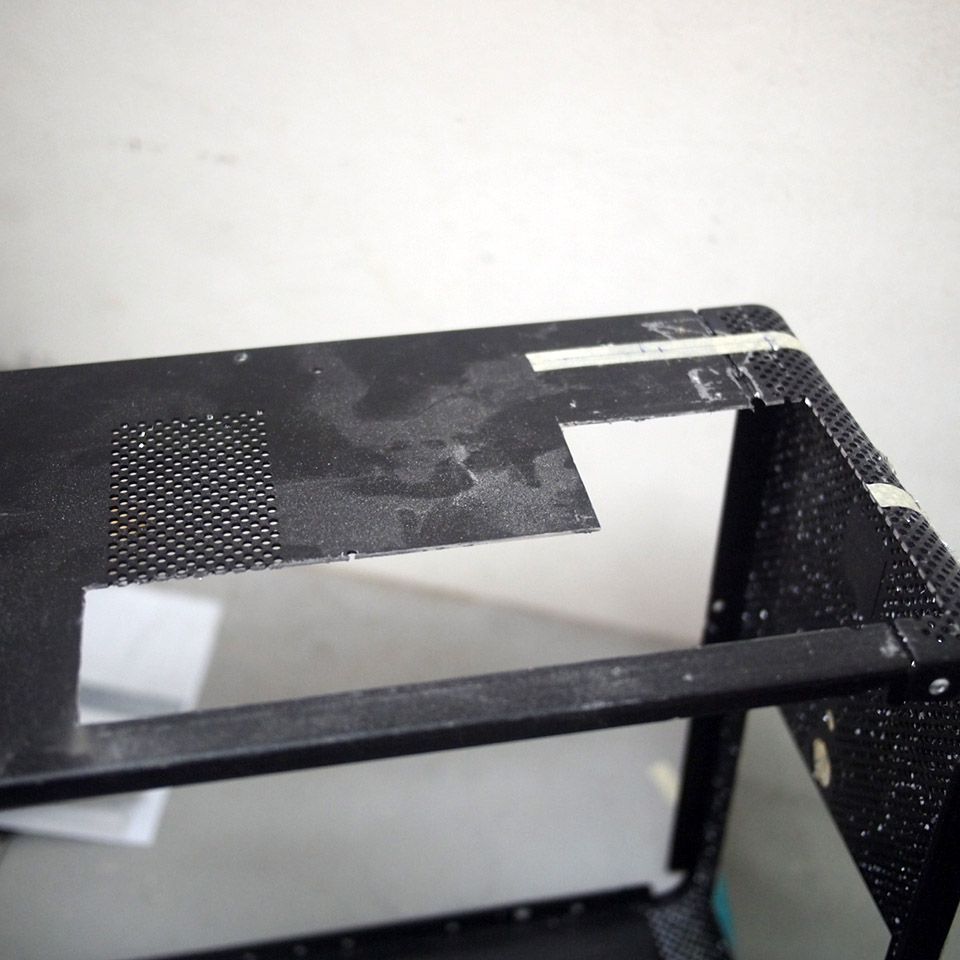
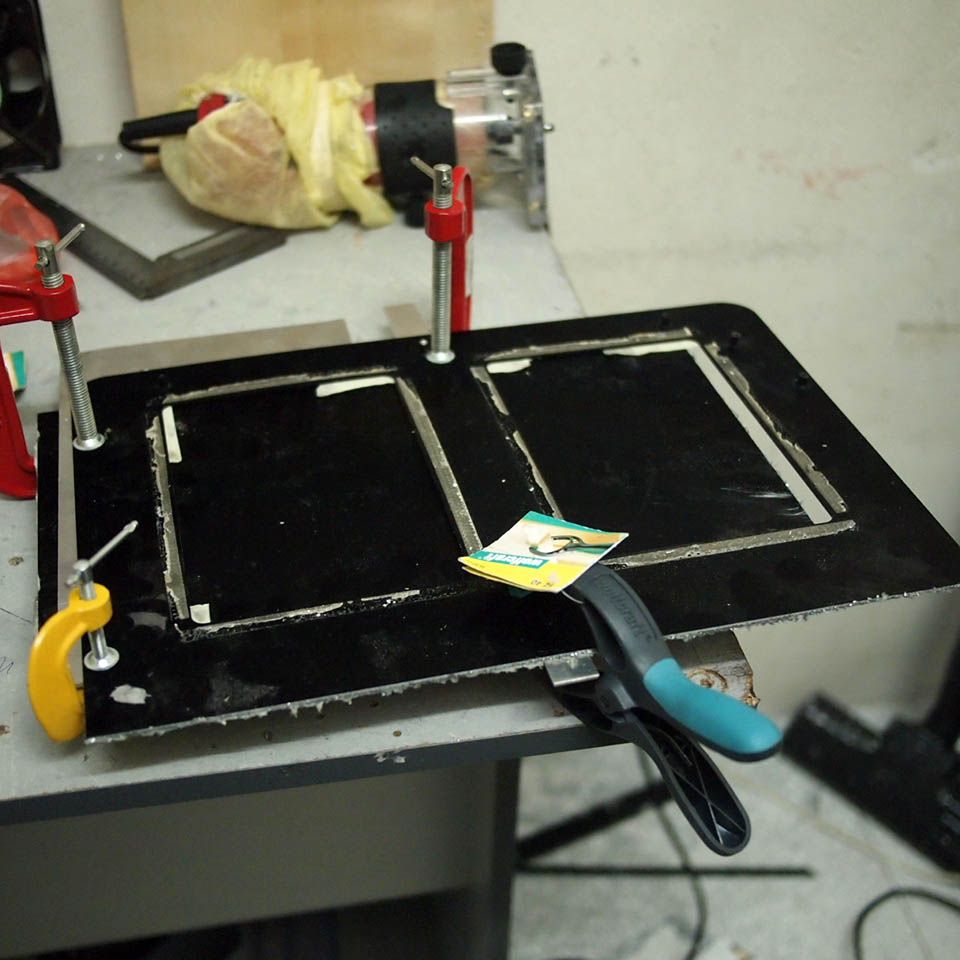
I cut this to get better airflow

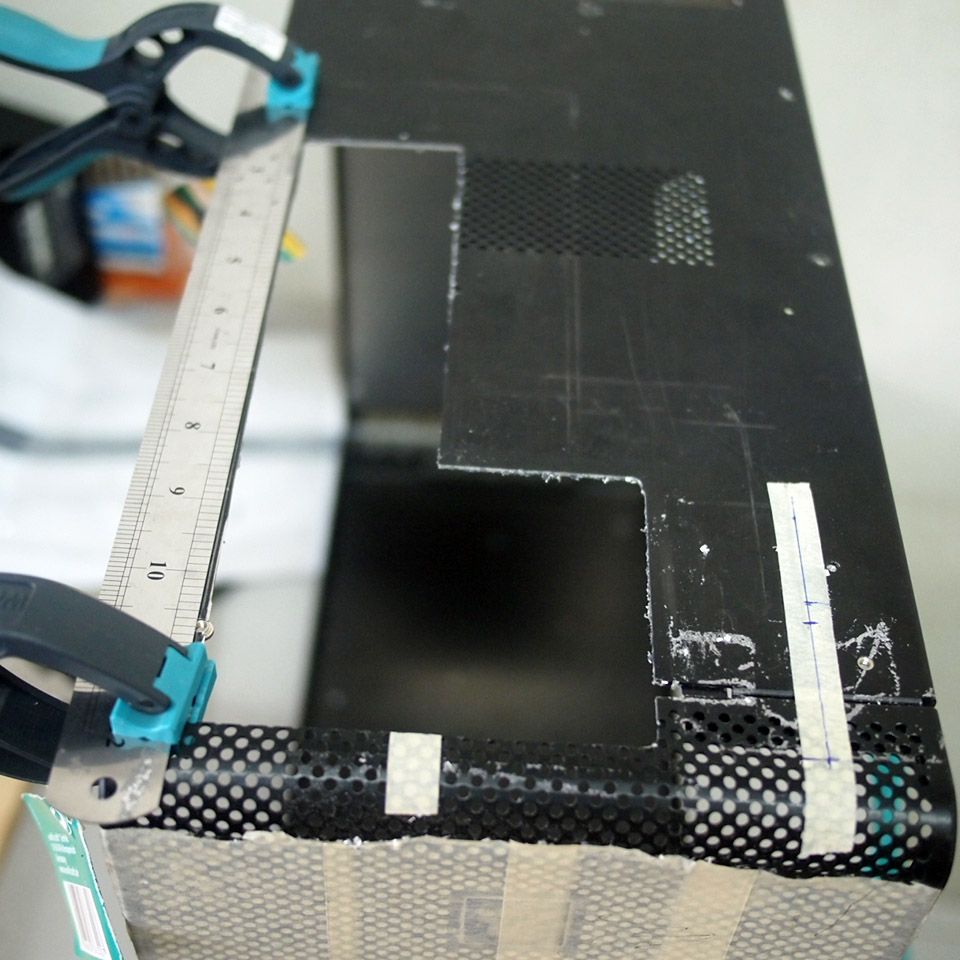
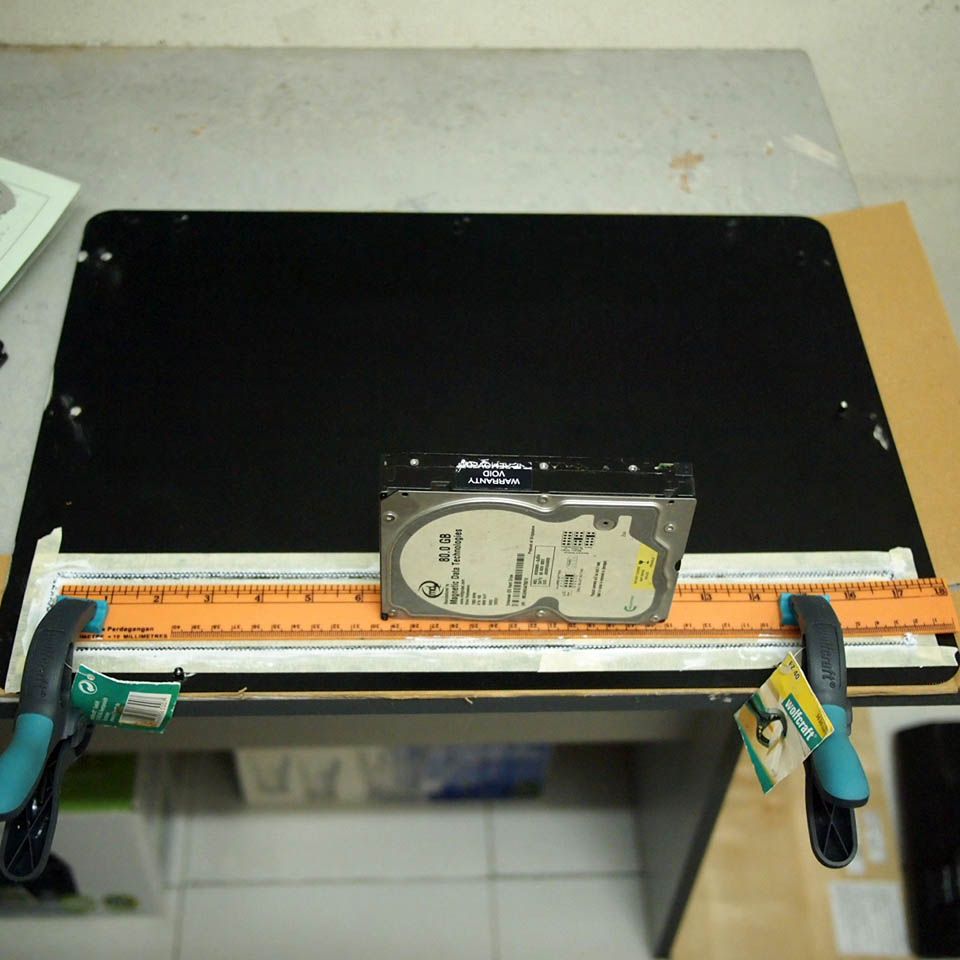
user posted image
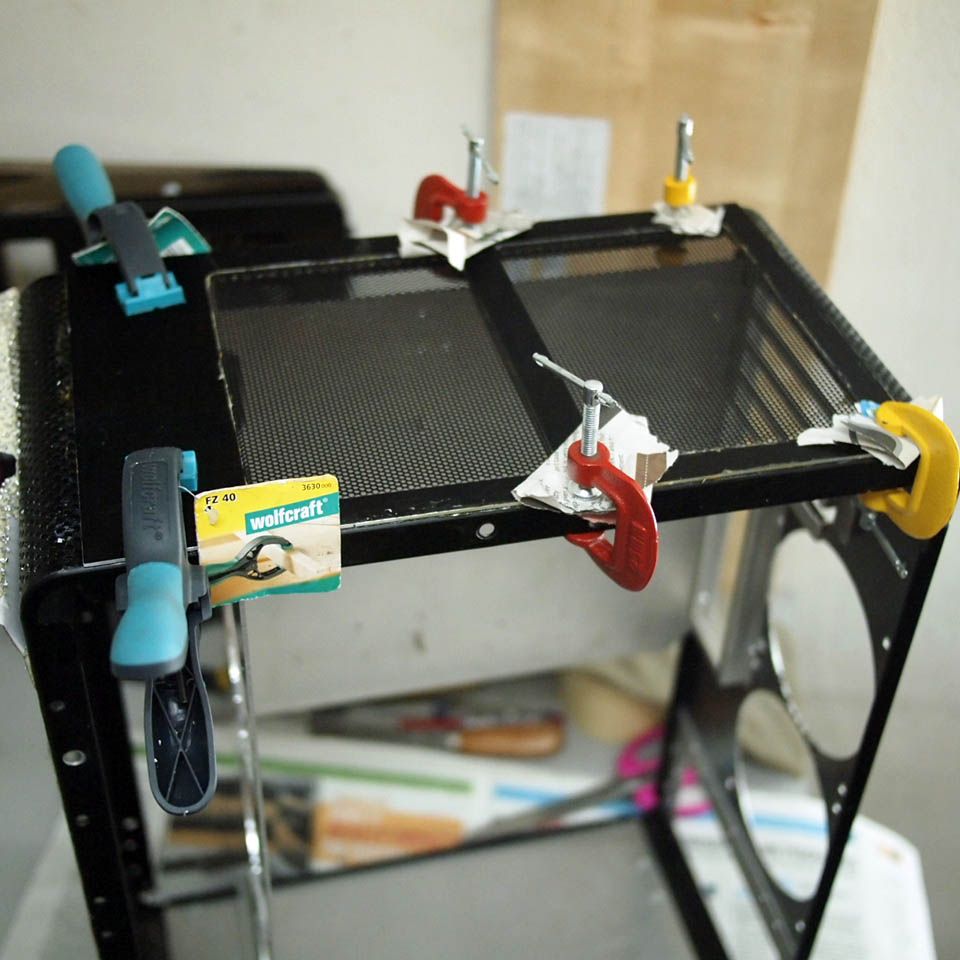
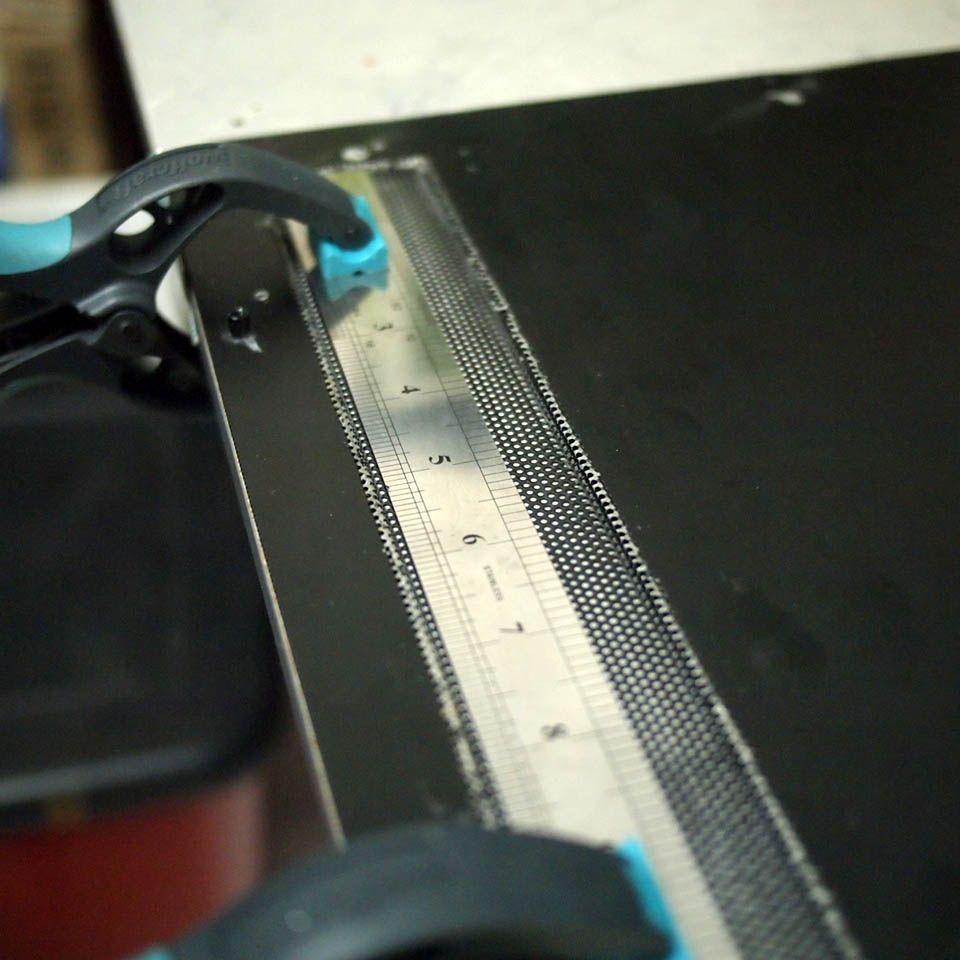
Finished top panel with mesh applied on top with dunlop glue & clamped for drying

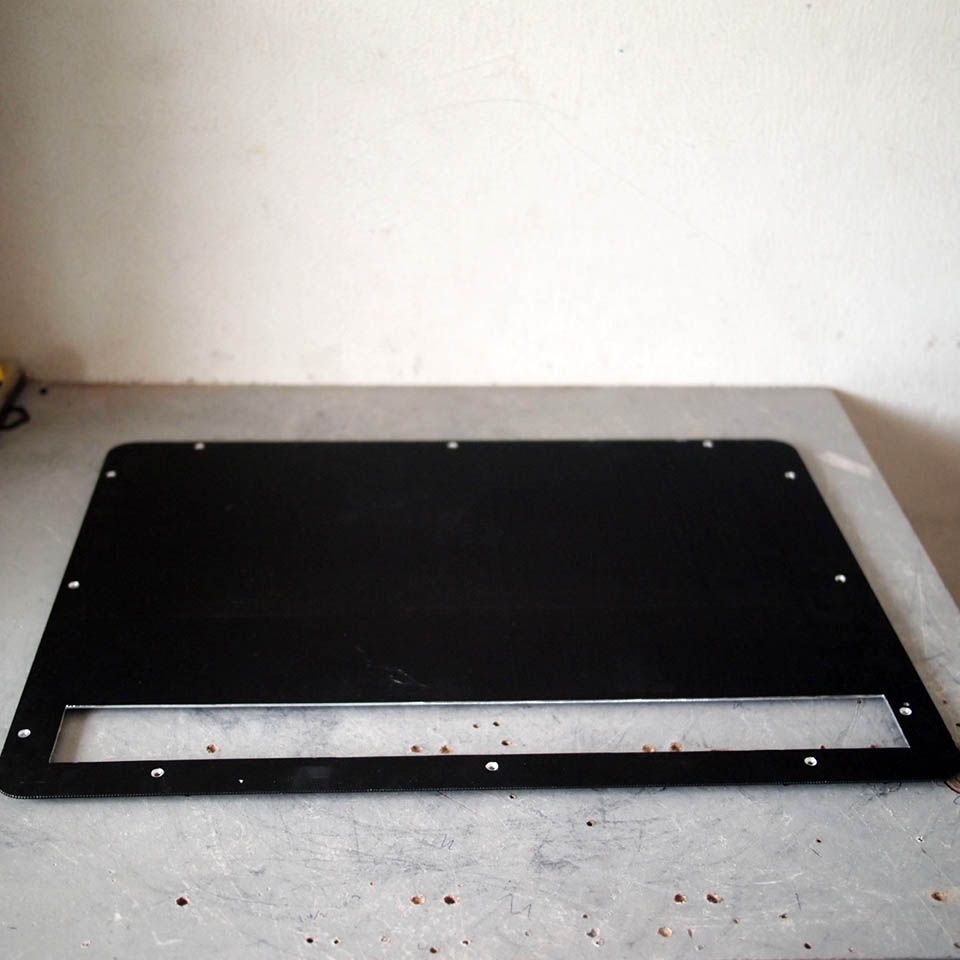
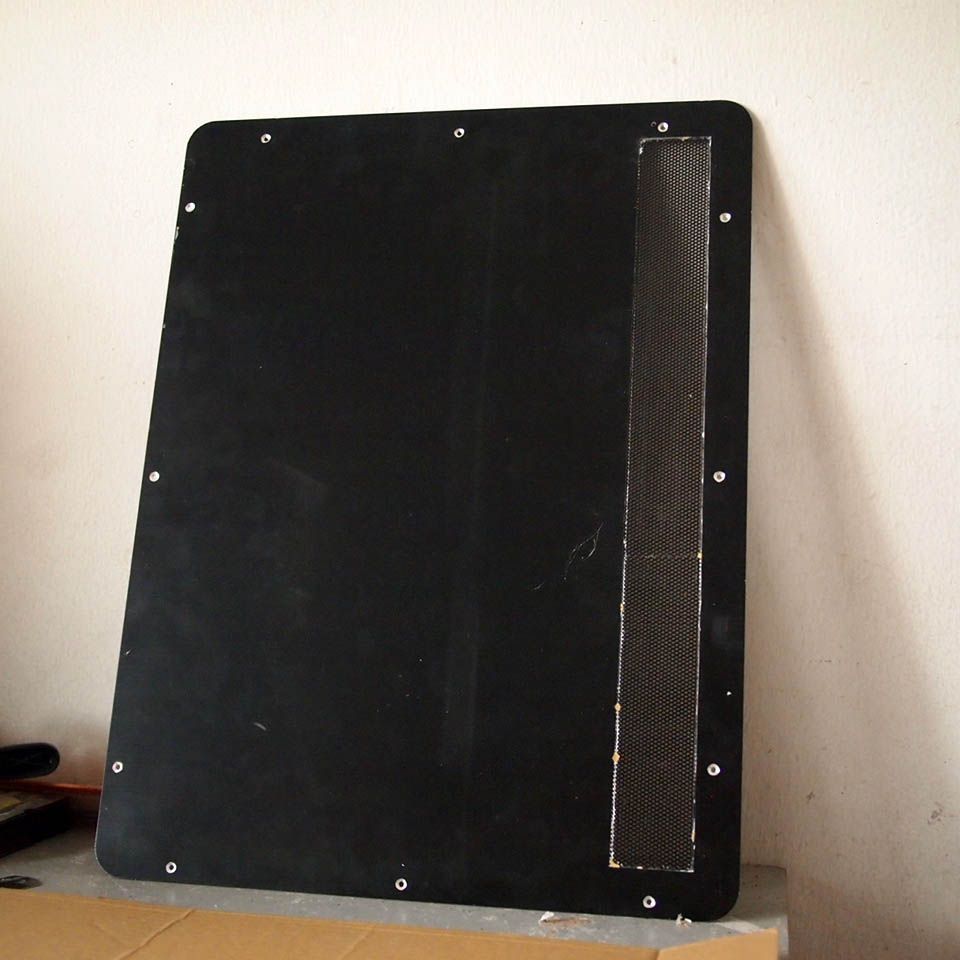
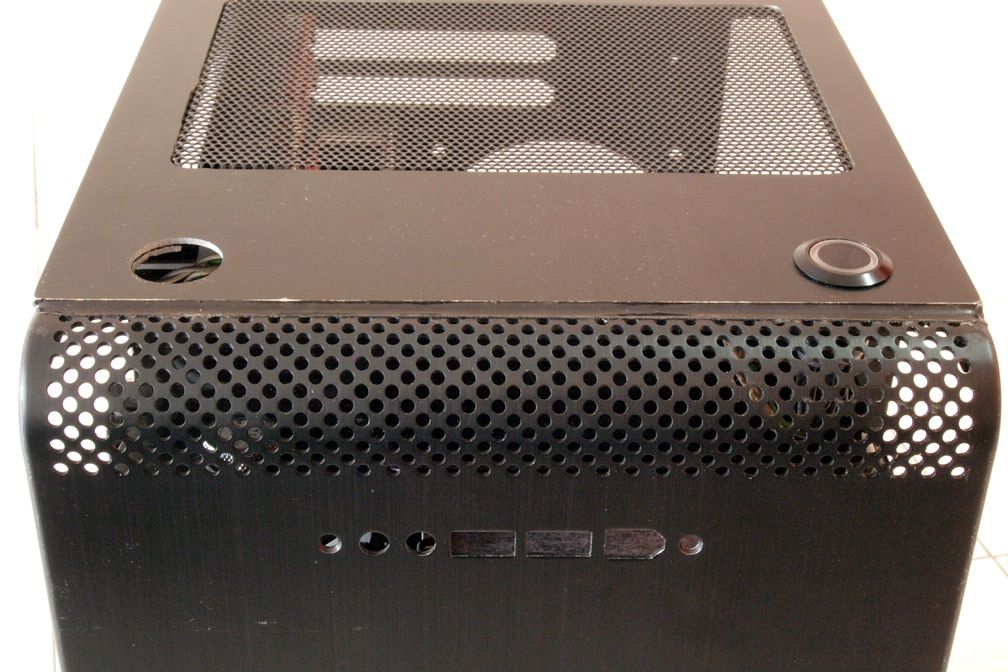
user posted image
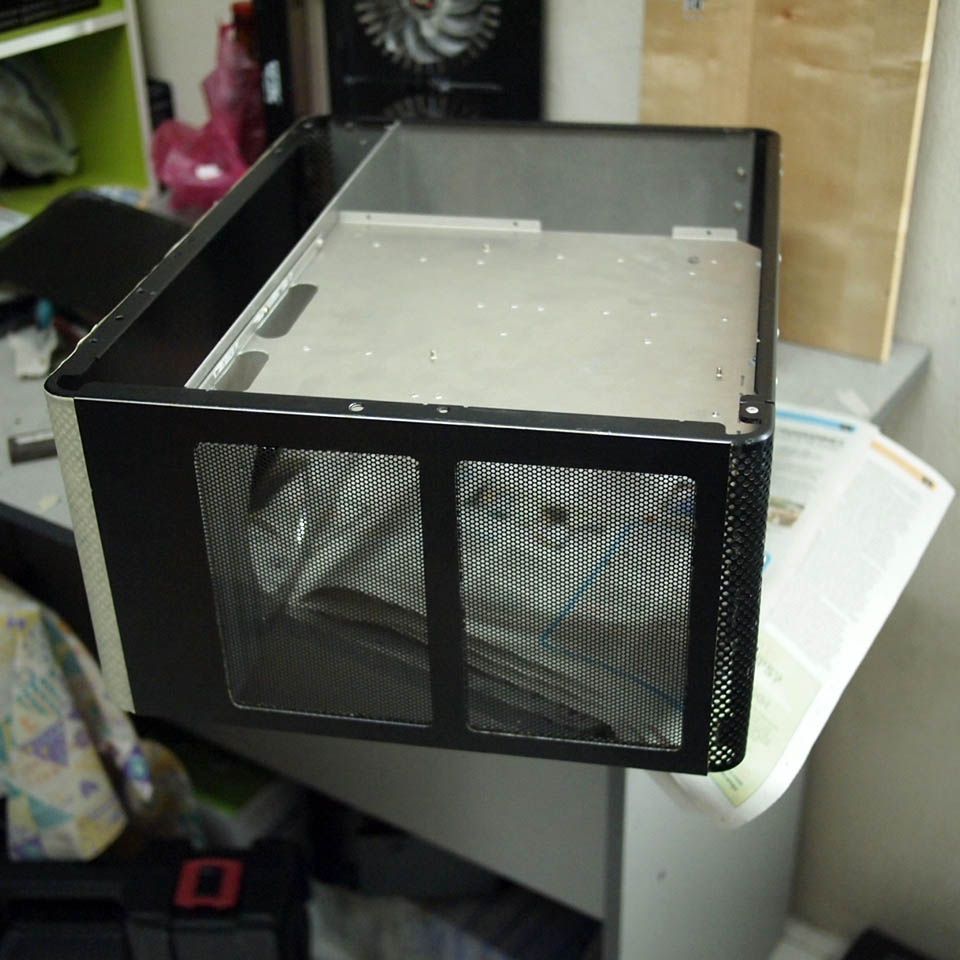
Finished top panel

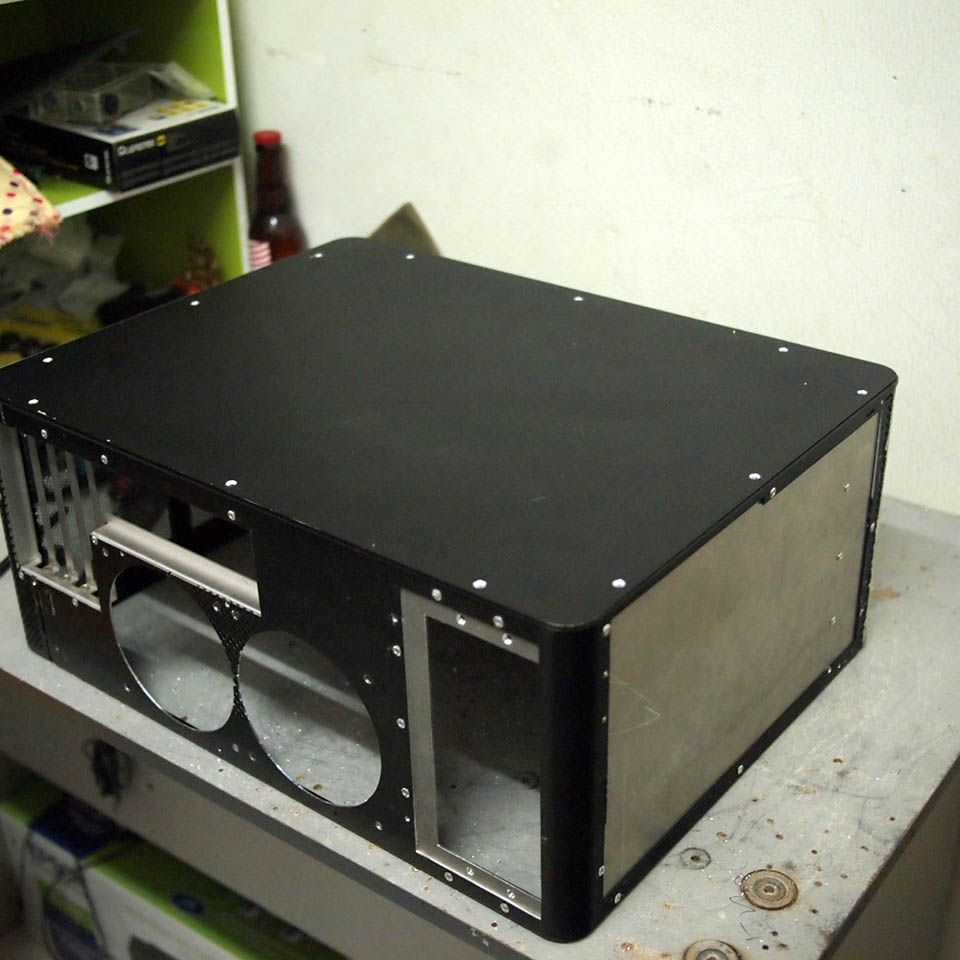
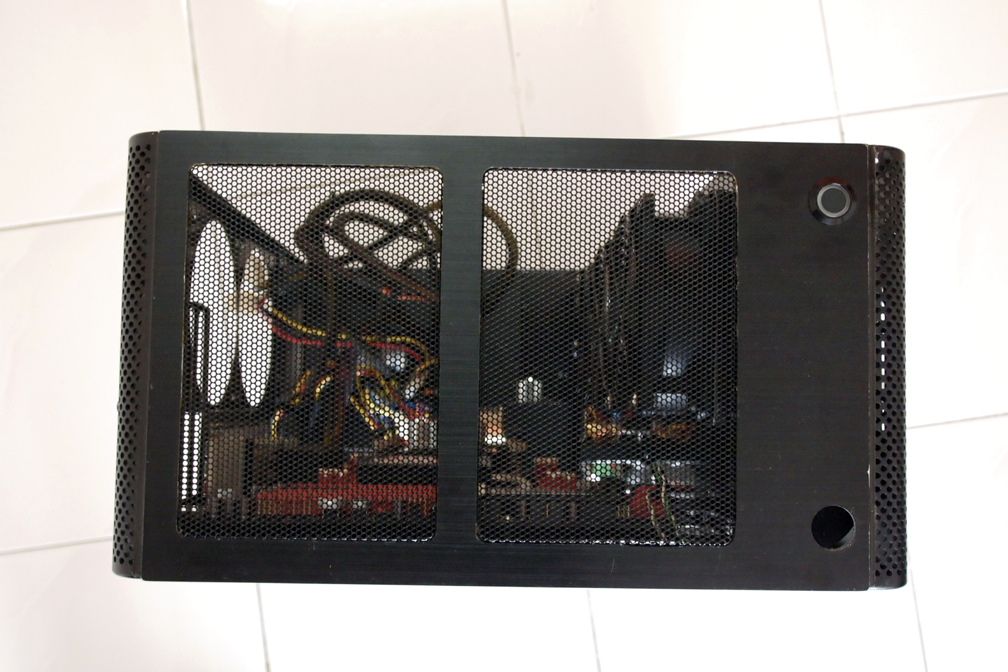
user posted image
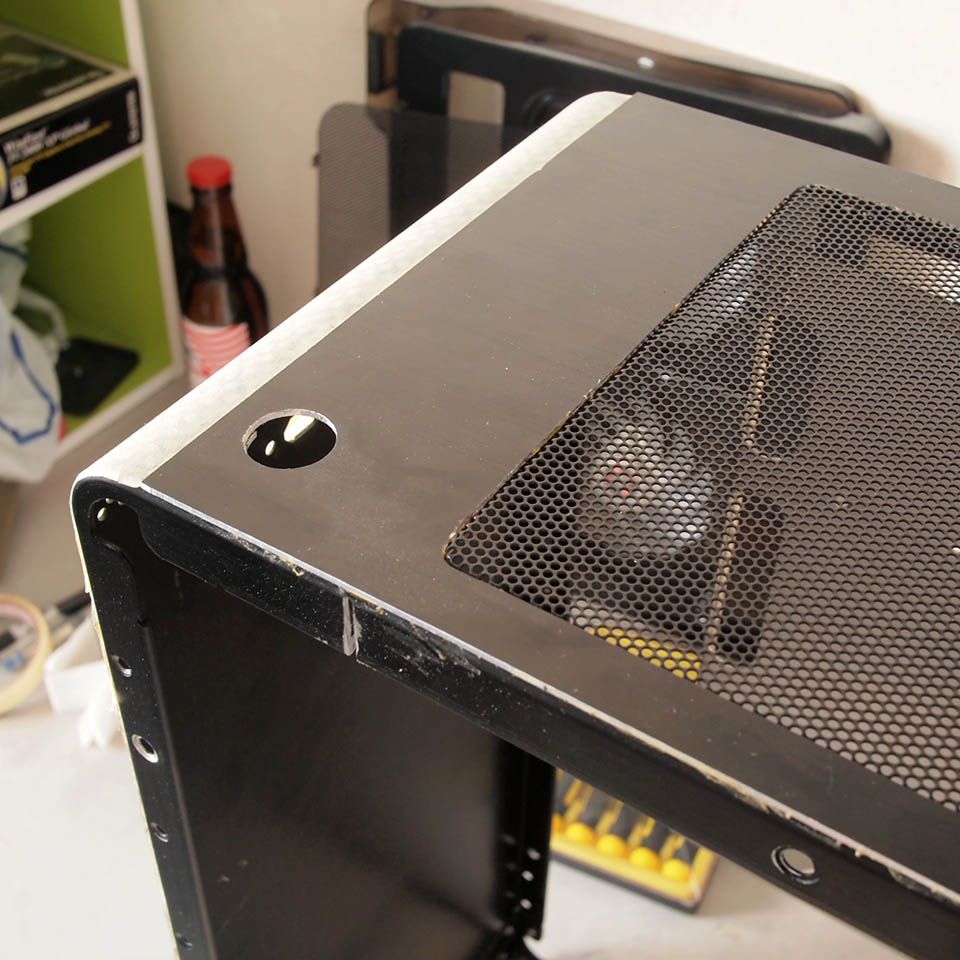
Hole for power switch


seerub senpai
post Jun 25 2014, 03:25 PM

Getting Started
**
Junior Member
87 posts

Joined: Jun 2011
moar~ moar~ biggrin.gif biggrin.gif biggrin.gif
TSimnovice
post Jul 11 2014, 06:16 AM

Getting Started
**
Junior Member
115 posts

Joined: Dec 2009
From: Kuala Lumpur


Hi, it's been a while since my last update. Hardly had time for modding but progress ran slowly in background. Here are couple of pictures as a small update.

user posted image
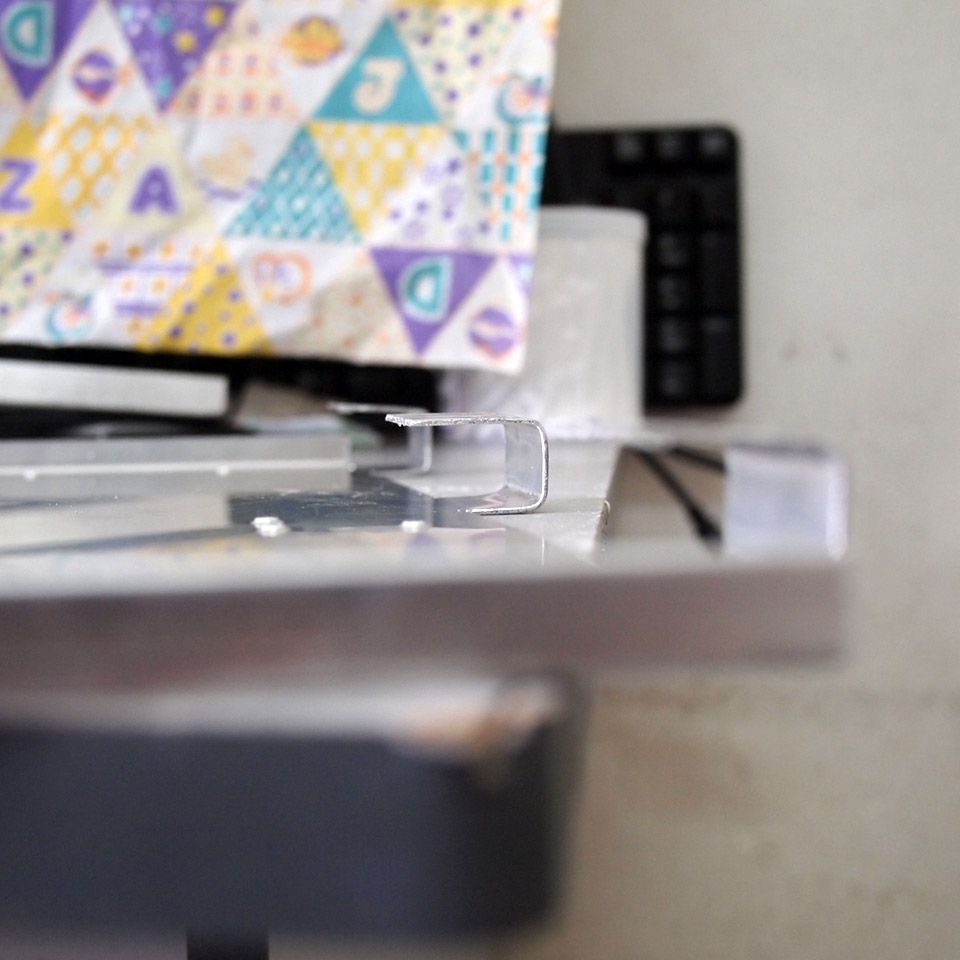
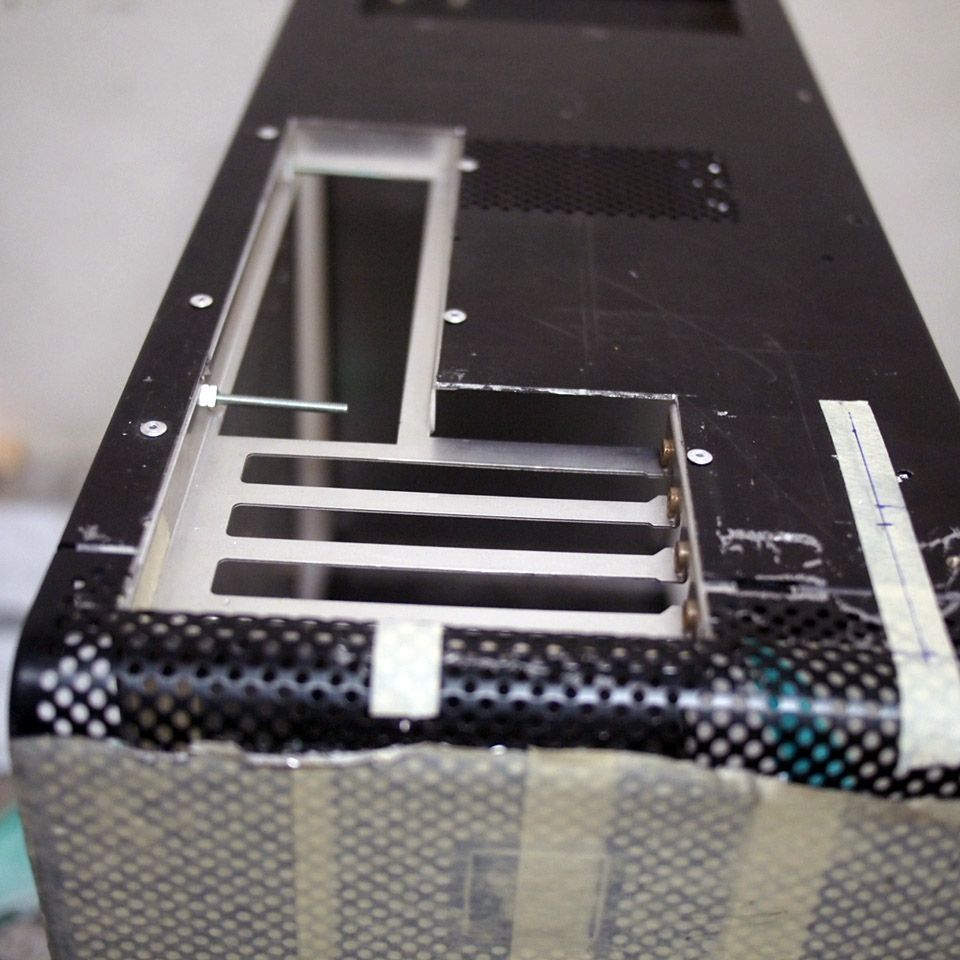
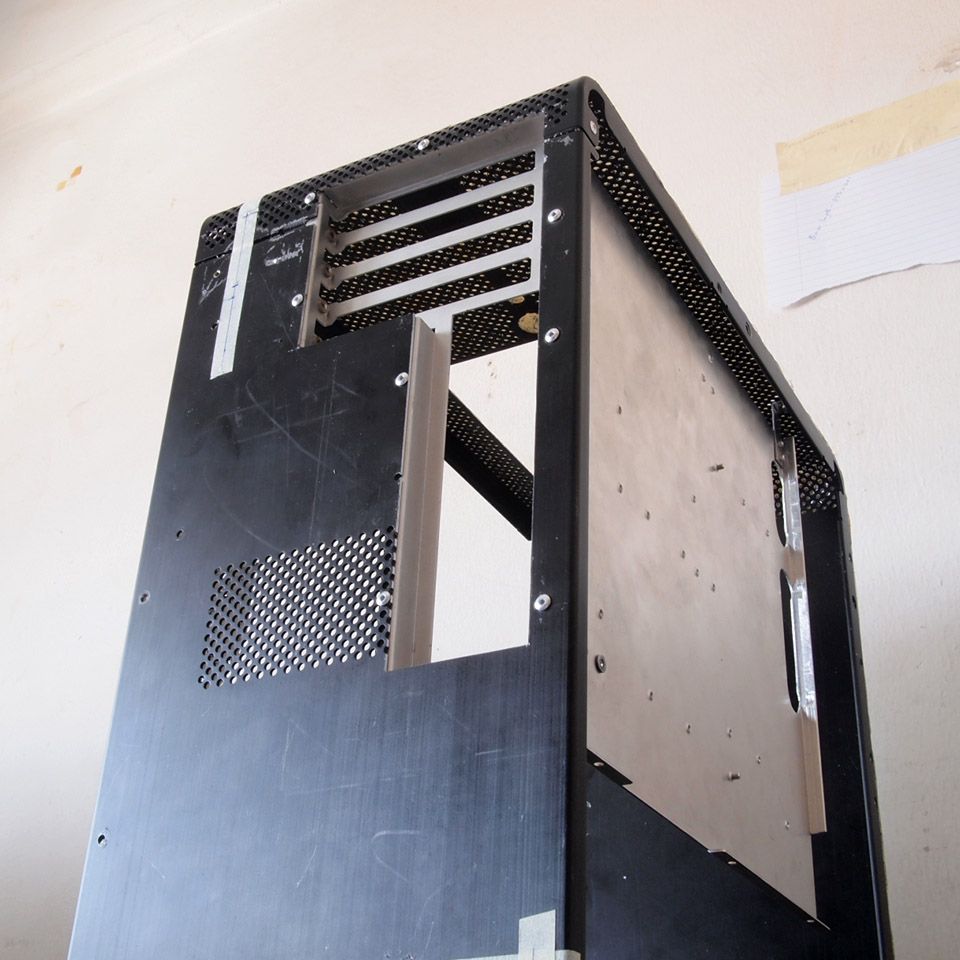
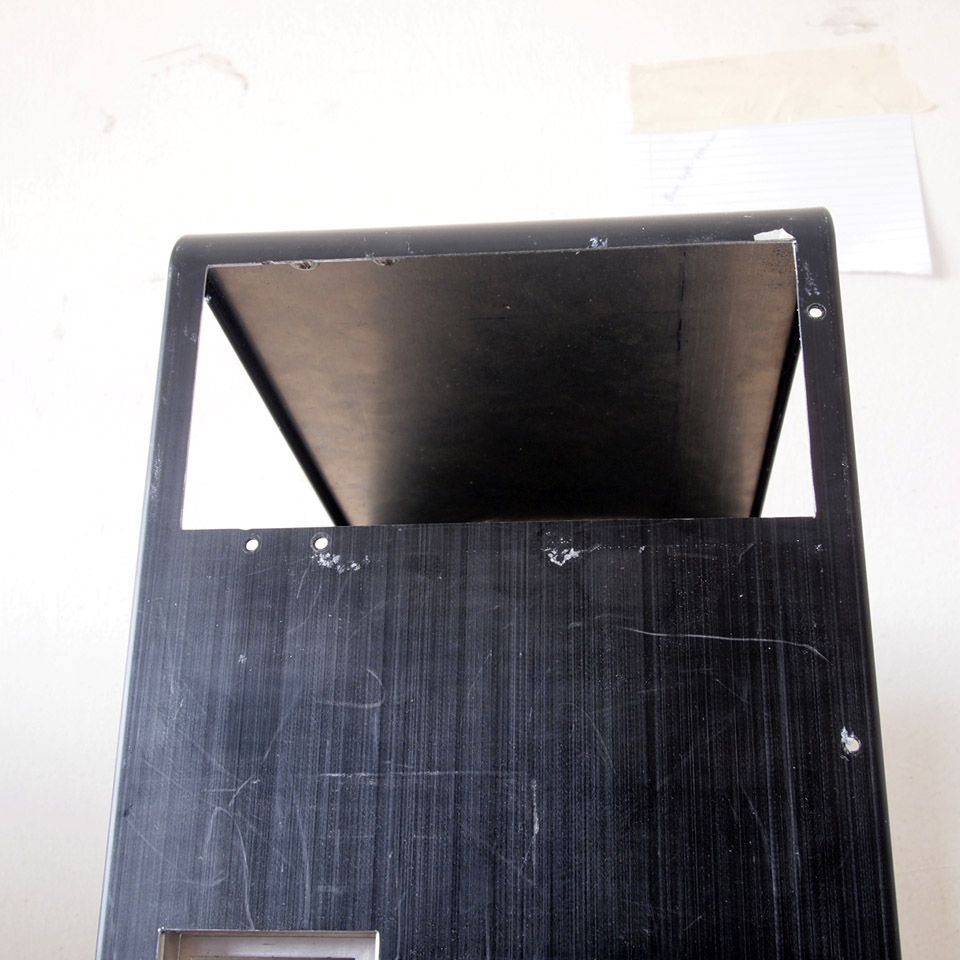
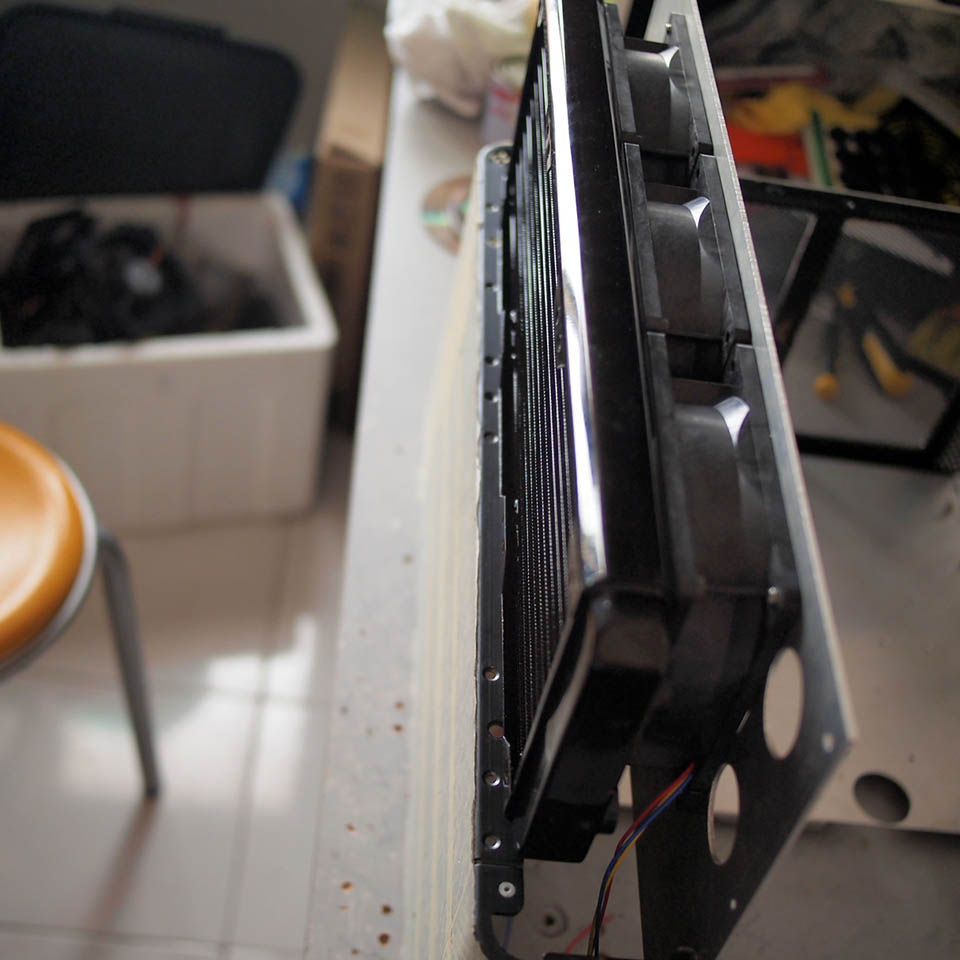
Test fit with Black Ice GTS 360mm radiator & Sanyo Denki 38mm thick fan revealed a clearance issue with the front panel

user posted image
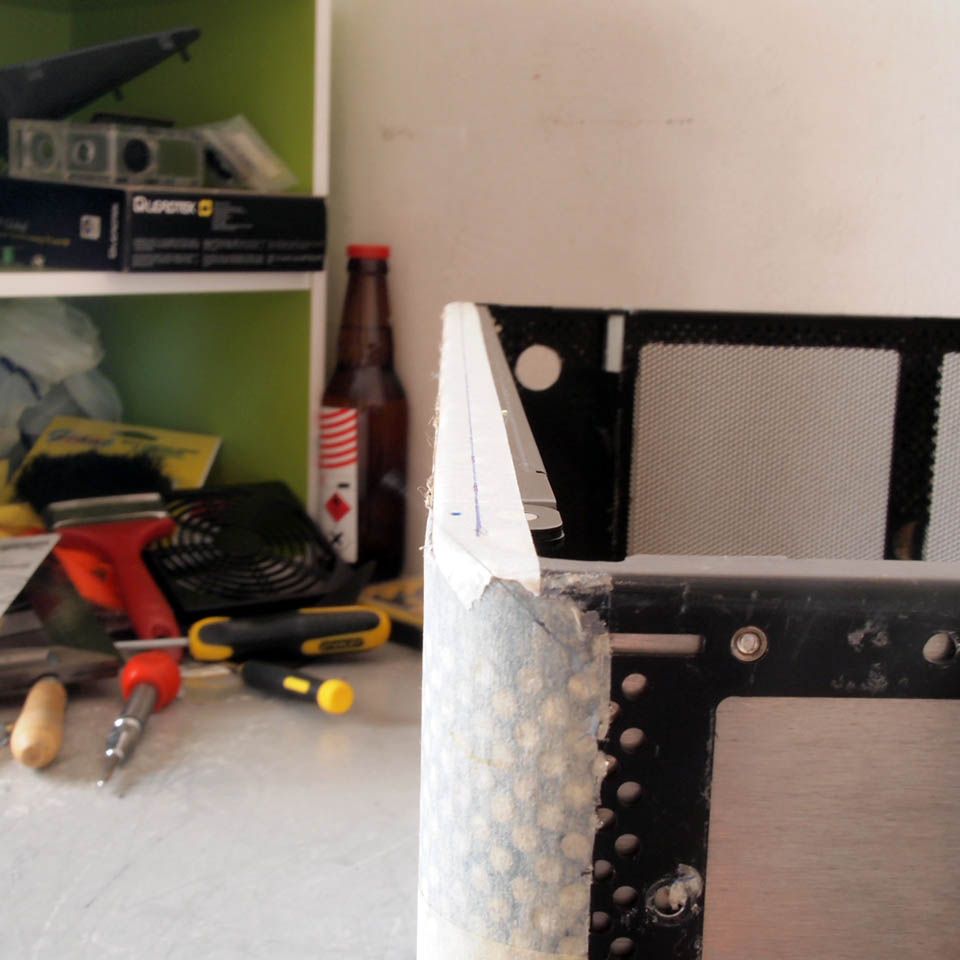
Marked this side metal part for cutting it & allowing easy slot-in of the radiator panel

user posted image
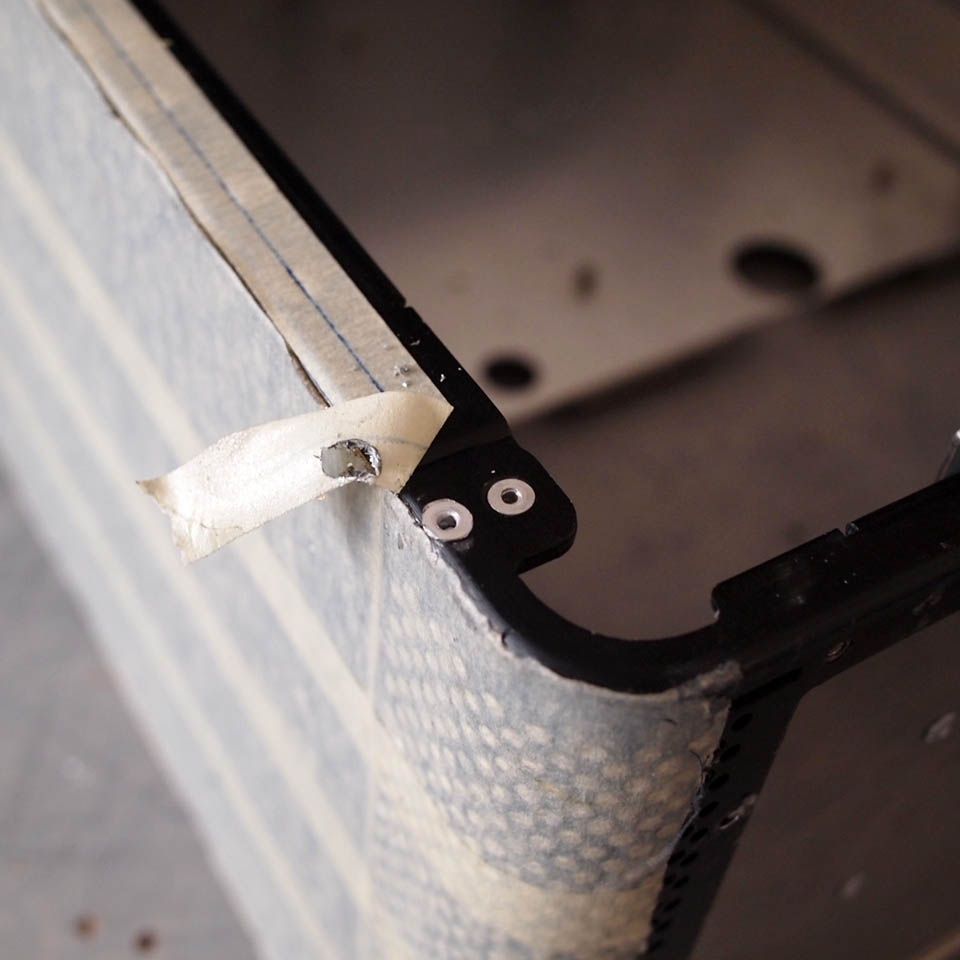
The existing rivet will go after cutting so I replaced it with another one

user posted image
Cutting done with rotary tool

user posted image
With radiator & fans slotted-in. Very limited space left between the radiator & front panel. Initially planned to make fan opening at the front panel as intake but I changed my mind to make side intake instead since lack of material & to reduce noise

This post has been edited by imnovice: Jul 11 2014, 06:17 AM
TSimnovice
post Jul 11 2014, 03:27 PM

Getting Started
**
Junior Member
115 posts

Joined: Dec 2009
From: Kuala Lumpur


user posted image
Work continued with one of the side panel (motherboard side)

user posted image
I chose to use M3 screw for fixing the panel. This is to mark where should I drill their holes

user posted image
12 holes done. Need to work harder to open the side panel for maintenance later hehe

user posted image
Opening made for air intake

user posted image
Installing metal mesh on the intake hole

user posted image
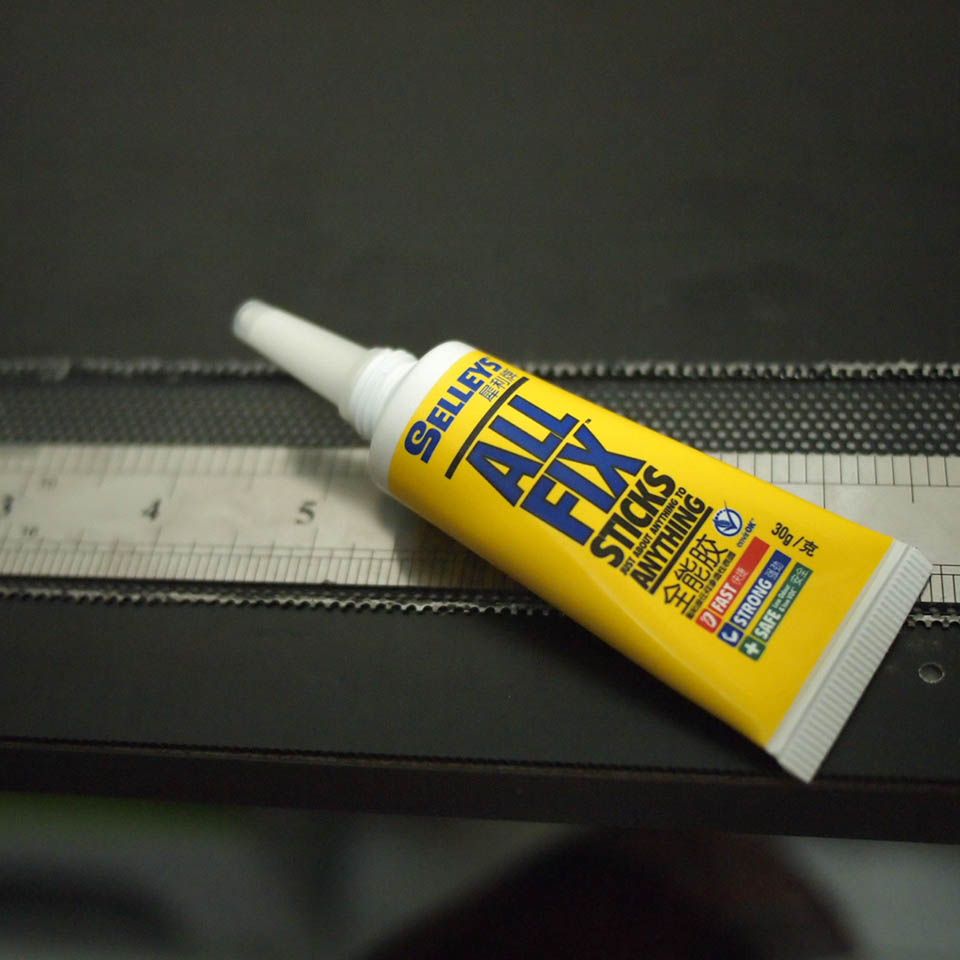
The glue I used

user posted image
Glue applied

user posted image
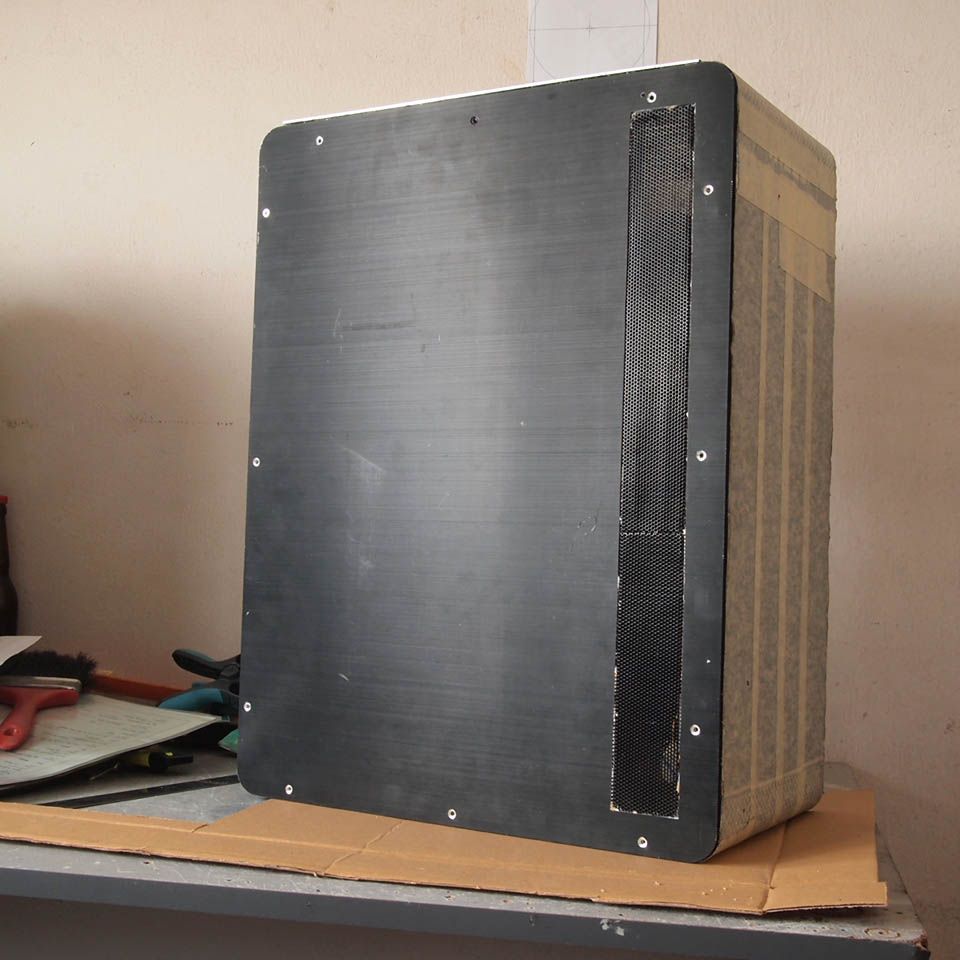
Finished product. The joint between 2 meshes looks kinda ugly, I'll cover it with sticker later. Please ignore it biggrin.gif

user posted image
Appearance test
ijatneda
post Jul 11 2014, 03:52 PM

Casual
***
Junior Member
326 posts

Joined: Feb 2009
From: At 4K LCD


Hi,
Where you buy the mesh metal? I try find at hardware. non of them sell it.
TSimnovice
post Jul 11 2014, 04:05 PM

Getting Started
**
Junior Member
115 posts

Joined: Dec 2009
From: Kuala Lumpur


QUOTE(ijatneda @ Jul 11 2014, 03:52 PM)
Hi,
Where you buy the mesh metal? I try find at hardware. non of them sell it.
*
Hi, I used mesh taken from notebook cooler. Some of notebook coolers quite cheap, you can just buy it and take out its mesh without regret.
ValityMental
post Jul 13 2014, 07:27 AM

I live my own life.
******
Senior Member
1,298 posts

Joined: Sep 2012


QUOTE(imnovice @ Jul 11 2014, 04:05 PM)
Hi, I used mesh taken from notebook cooler. Some of notebook coolers quite cheap, you can just buy it and take out its mesh without regret.
*
Creative way brows.gif
efariz
post Jul 13 2014, 07:45 AM

Network Engineer To Be
******
Senior Member
1,030 posts

Joined: Apr 2010
From: Kuala Lumpur-Cyberjaya-Subang Jaya


Wow..luckily I came accross this thread..!!
very creative modding by TS..
waiting for update..MOARRR~~!!

btw, i'm pin this thread fo future reference brows.gif brows.gif
TSimnovice
post Jul 23 2014, 05:42 AM

Getting Started
**
Junior Member
115 posts

Joined: Dec 2009
From: Kuala Lumpur


QUOTE(ValityMental @ Jul 13 2014, 07:27 AM)
Creative way  brows.gif
*
Cheap way summore rclxms.gif

QUOTE(efariz @ Jul 13 2014, 07:45 AM)
Wow..luckily I came accross this thread..!!
very creative modding by TS..
waiting for update..MOARRR~~!!

btw, i'm pin this thread fo future reference  brows.gif  brows.gif
*
Thanks bro but nothing much I've done, just cut here & there
TSimnovice
post Jul 23 2014, 05:56 AM

Getting Started
**
Junior Member
115 posts

Joined: Dec 2009
From: Kuala Lumpur


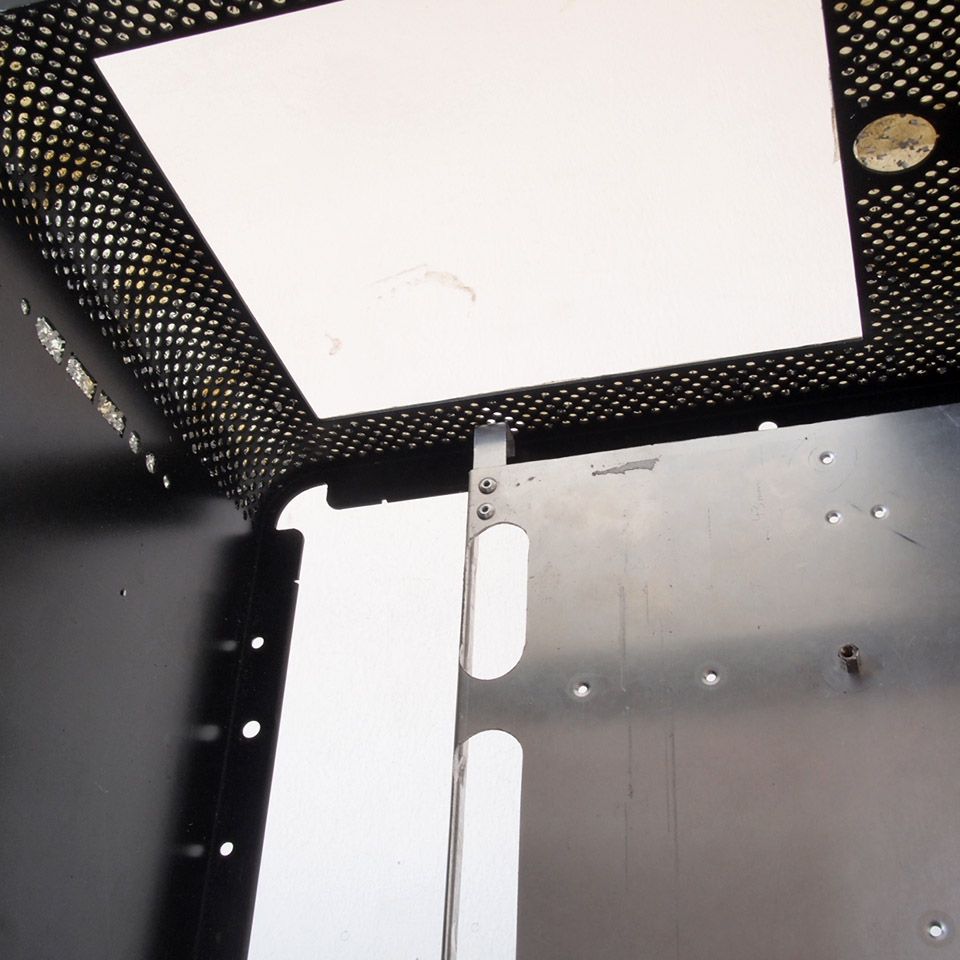
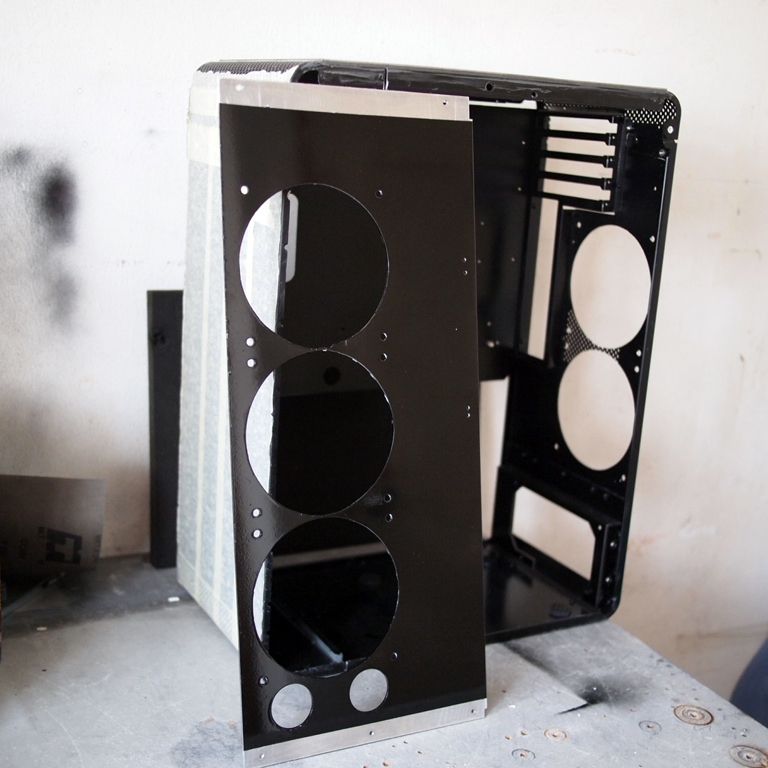
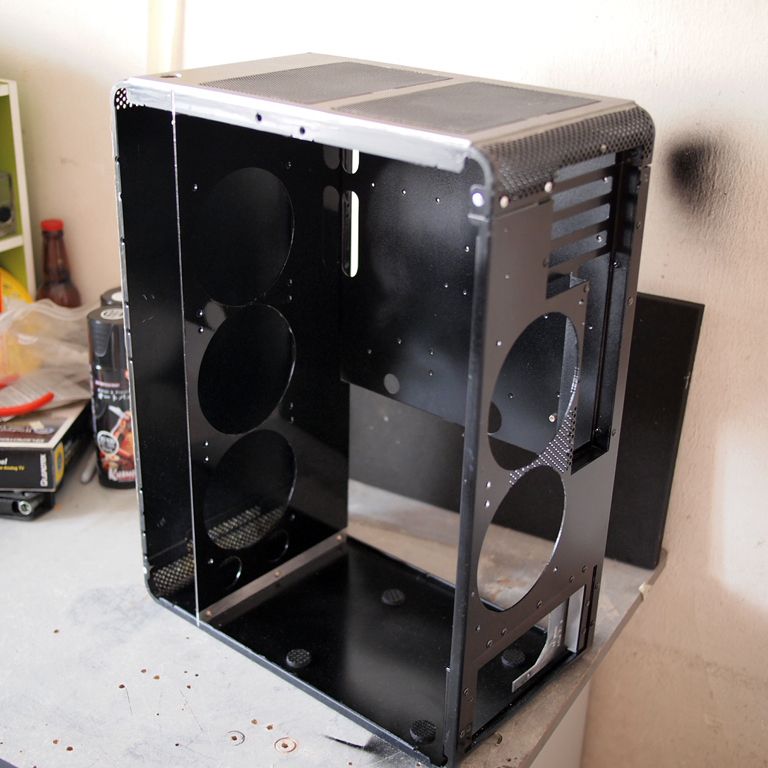
Small update here guys, I've painted the internal of the chassis black.

user posted image
Simple painting job done without primer. Quality is okey okey only but I'm okey with it

user posted image
Can't wait to start hardware installation!

TSimnovice
post Sep 2 2014, 11:14 AM

Getting Started
**
Junior Member
115 posts

Joined: Dec 2009
From: Kuala Lumpur


Hi, it'd been 2 months without update. I wish to share a picture or two here.

user posted image
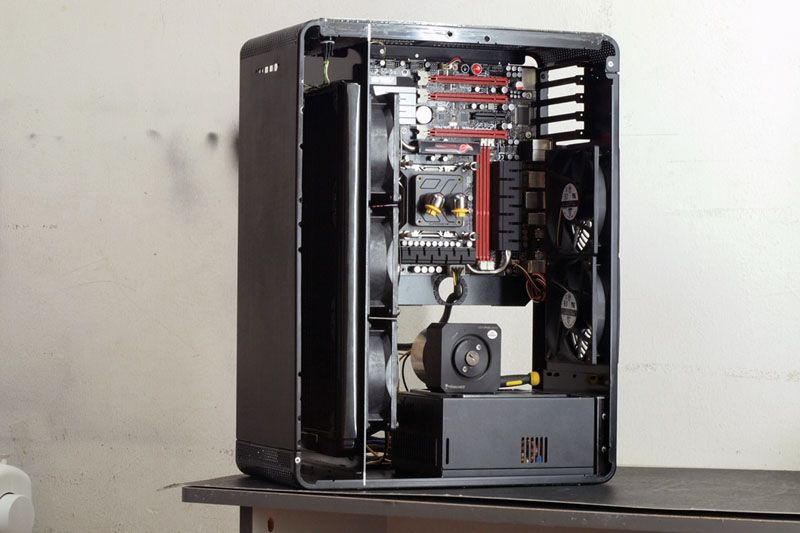
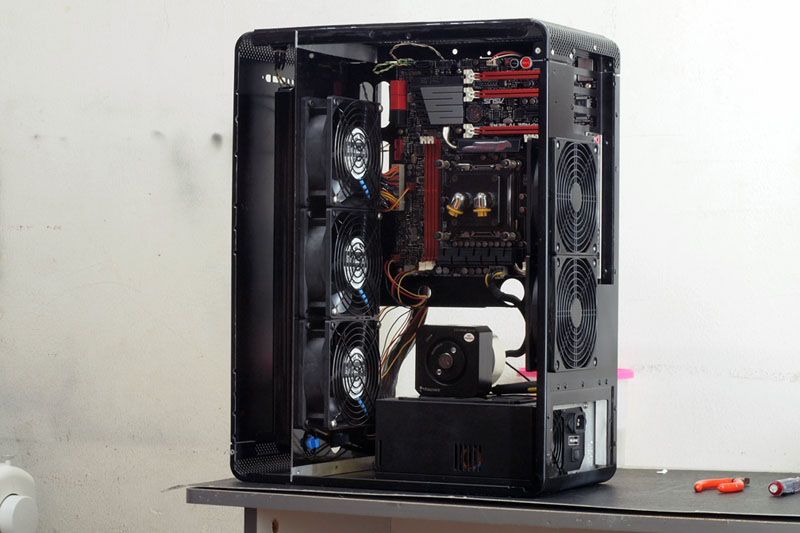
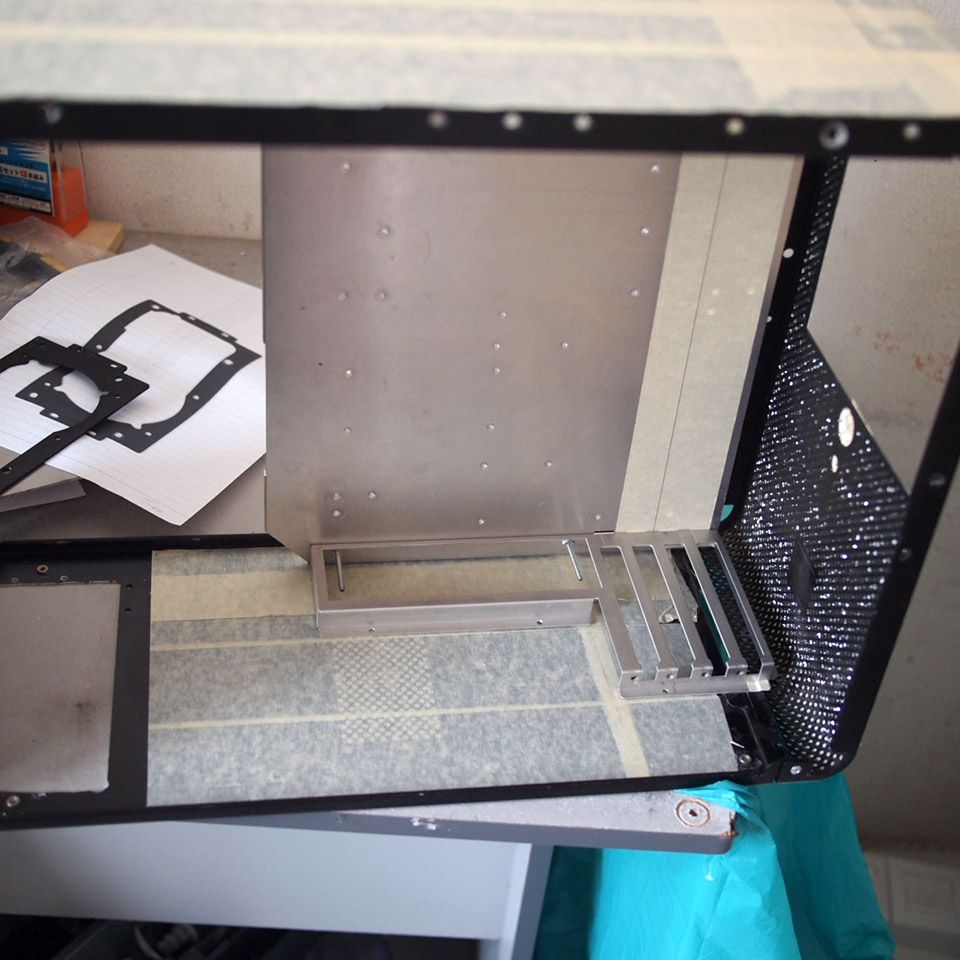
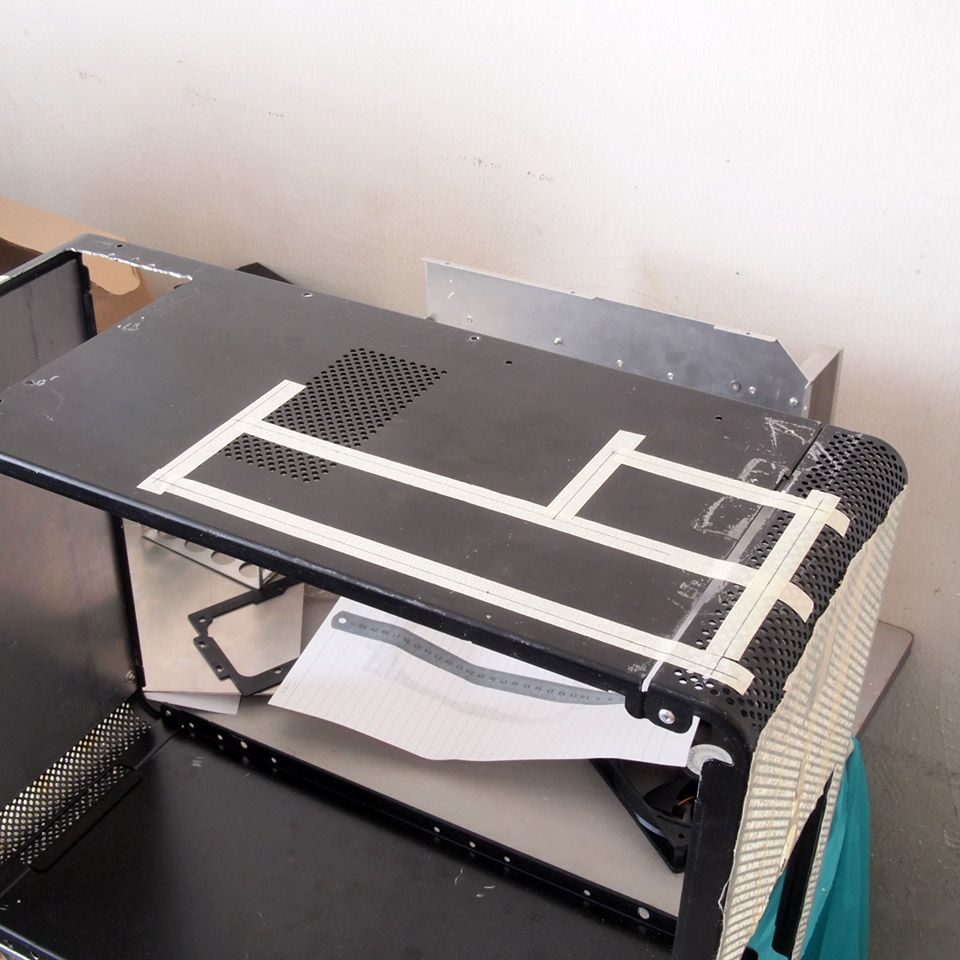
I installed the motherboard & PSU to see how should I put the 360mm radiator & Sanyo Denki fans in. Initial plan was to go with [front panel>rad>fan>rad plate] configuration but with those thick 38mm fans, there was no enough space for better airflow to enter the radiator. It could be worse with fan filter put in. This [front panel>rad>rad plate>fan] configuration is the best I found so far.

user posted image
Side view. Note that the fans are covering small part of motherboard area, preventing me from putting long video card in the 1st pci-e slot. I've sold my HD 6870 to get other card which I've not yet decided doh.gif
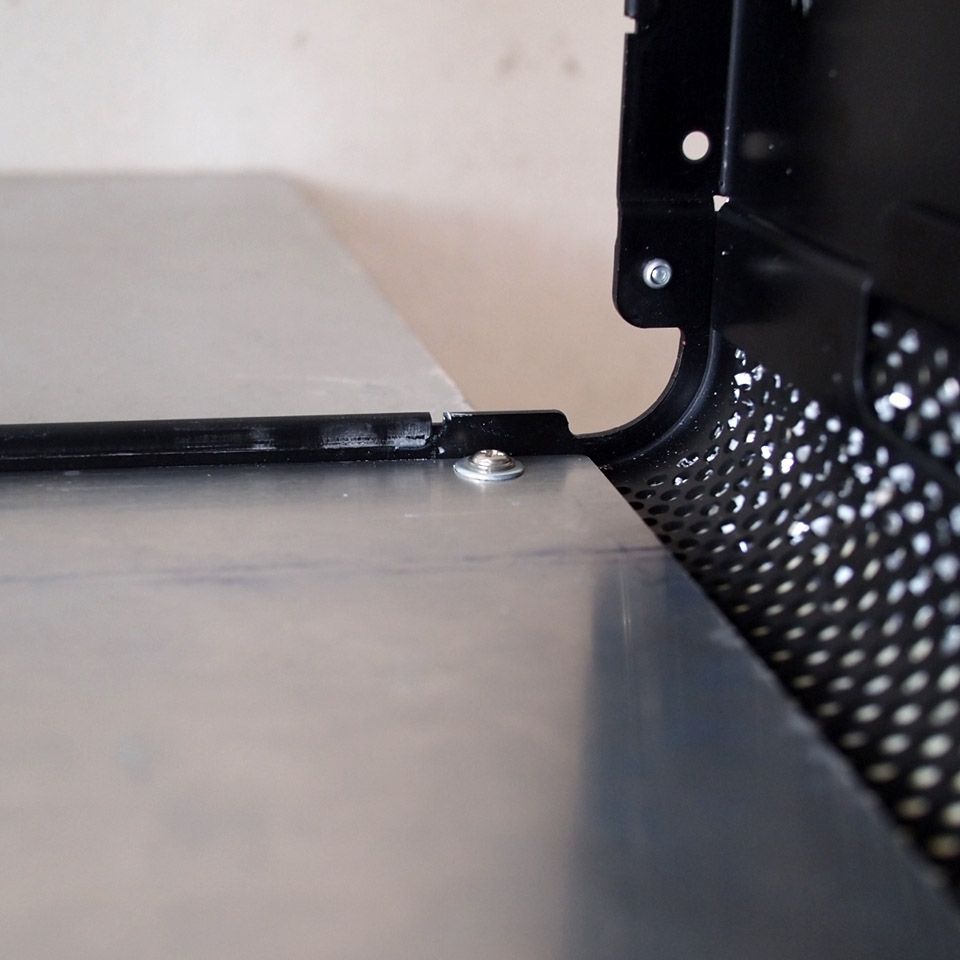
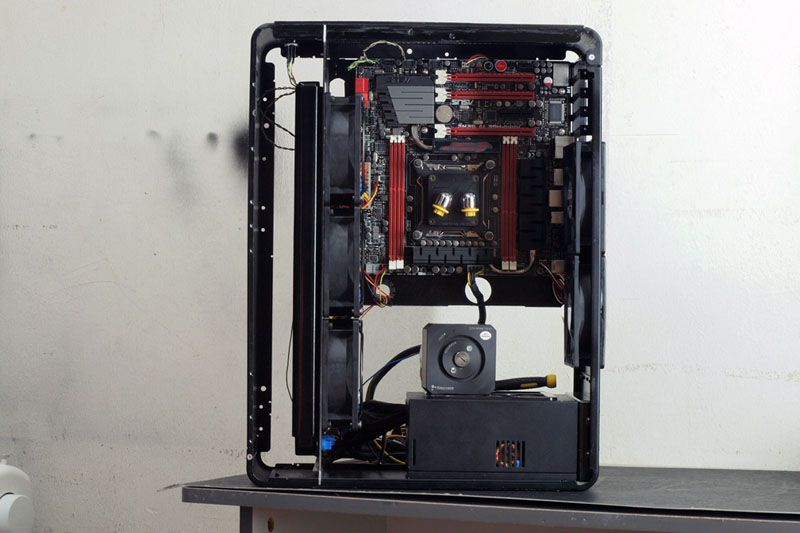
user posted image
Another view. The absence of GTX240 radiator gives more space inside. I'll probably skip from using it at the moment or change to a thinner radiator.

That's all for this time. My next tasks is to figure out how to put that bulky pump & hard drive in. Thanks for viewing! smile.gif

This post has been edited by imnovice: Sep 2 2014, 11:37 AM
overclockalbert
post Sep 15 2014, 10:26 AM

Regular
******
Senior Member
1,058 posts

Joined: Apr 2006
From: Penang , Malaysia


Massive intake fan. Wonder is that a low noice fan, TS?
Overall combo is pretty nice. Feel sweat.gif when TS sell your GC just for this mod.
Anyway, great mod. Keep it up!!!
snjvirtual
post Sep 15 2014, 12:15 PM

Getting Started
**
Junior Member
116 posts

Joined: Jul 2013
like to see how it goes. good luck
abubin
post Sep 15 2014, 05:39 PM

10k Club
********
All Stars
10,429 posts

Joined: Jan 2003


where are the HDDs?
TSimnovice
post Sep 22 2014, 09:07 AM

Getting Started
**
Junior Member
115 posts

Joined: Dec 2009
From: Kuala Lumpur


QUOTE(overclockalbert @ Sep 15 2014, 10:26 AM)
Massive intake fan. Wonder is that a low noice fan, TS?
Overall combo is pretty nice. Feel  sweat.gif  when TS sell your GC just for this mod.
Anyway, great mod. Keep it up!!!
*
Hi, they are mid-speed fans. I'll need a fan controller later although their full speed are not so loud. About the graphic card, I've sold it because planning to upgrade it a bit. Don't know yet which one to take. Thanks brother for your compliment smile.gif

QUOTE(snjvirtual @ Sep 15 2014, 12:15 PM)
like to see how it goes. good luck
*
Thanks fren.

QUOTE(abubin @ Sep 15 2014, 05:39 PM)
where are the HDDs?
*
Hi, planning to place Lian Li's original hard drive cage in front of rear fan but it need to tolerate the space with the pump as well. I hope everything will go fine later tongue.gif
onich4n
post Sep 22 2014, 09:32 AM

Getting Started
**
Junior Member
96 posts

Joined: Sep 2008


wahhhh..jaw dropping.. mind share what tools you use sir?
TSimnovice
post Sep 22 2014, 10:48 AM

Getting Started
**
Junior Member
115 posts

Joined: Dec 2009
From: Kuala Lumpur


QUOTE(onich4n @ Sep 22 2014, 09:32 AM)
wahhhh..jaw dropping.. mind share what tools you use sir?
*
Hi, I used router, dremel, hand saw & other generic modding tools.
efariz
post Sep 23 2014, 06:28 PM

Network Engineer To Be
******
Senior Member
1,030 posts

Joined: Apr 2010
From: Kuala Lumpur-Cyberjaya-Subang Jaya


moaarrr!! moaarr!!
TSimnovice
post Nov 18 2014, 11:24 AM

Getting Started
**
Junior Member
115 posts

Joined: Dec 2009
From: Kuala Lumpur


Hi, sorry for the long silence. Hardly had time to mod nowadays. Here is a little update.

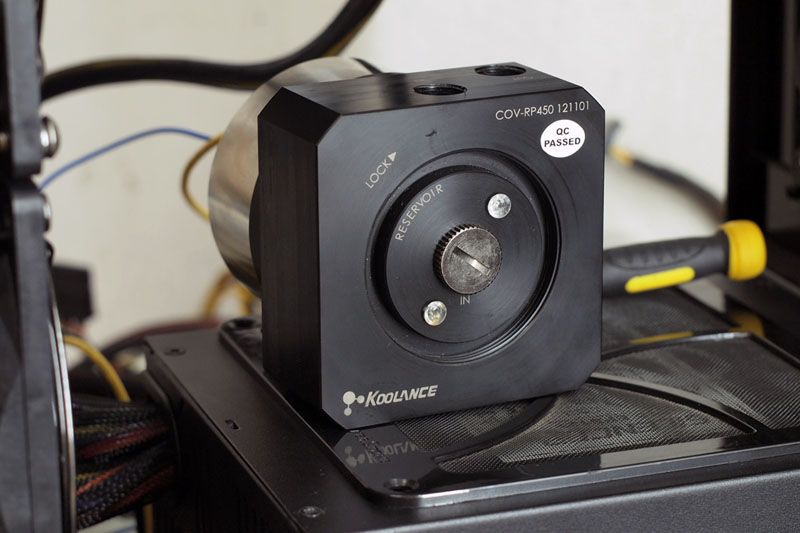
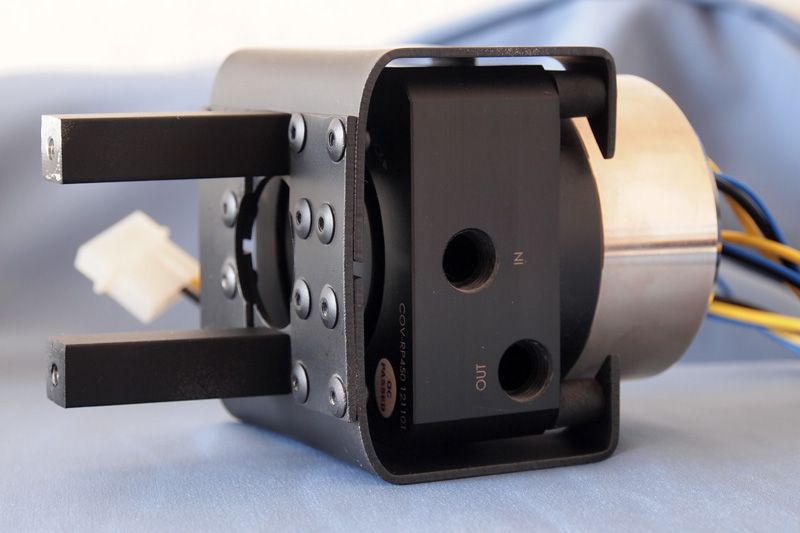
user posted image
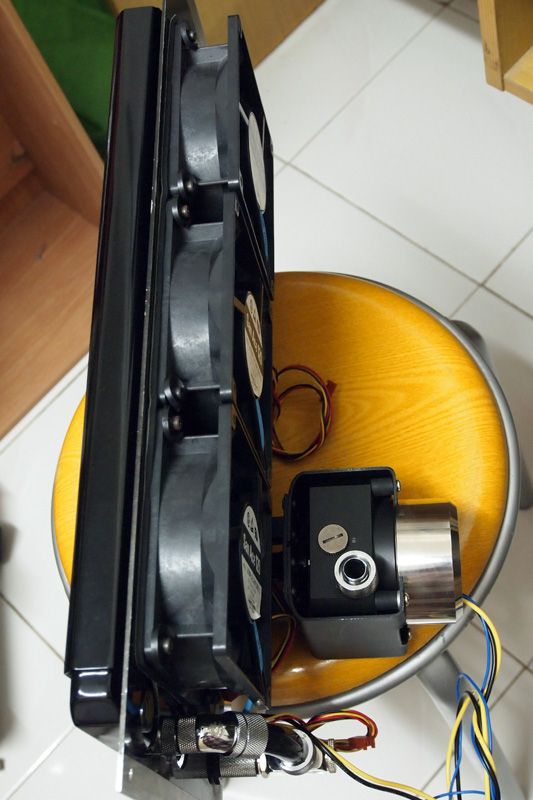
The pump with top I'm gonna use. Fixed speed D5 with Koolance COV-RP450

user posted image
The pump will be mounted directly to the radiator plate using a custom made mounting with vibration dumping rubber
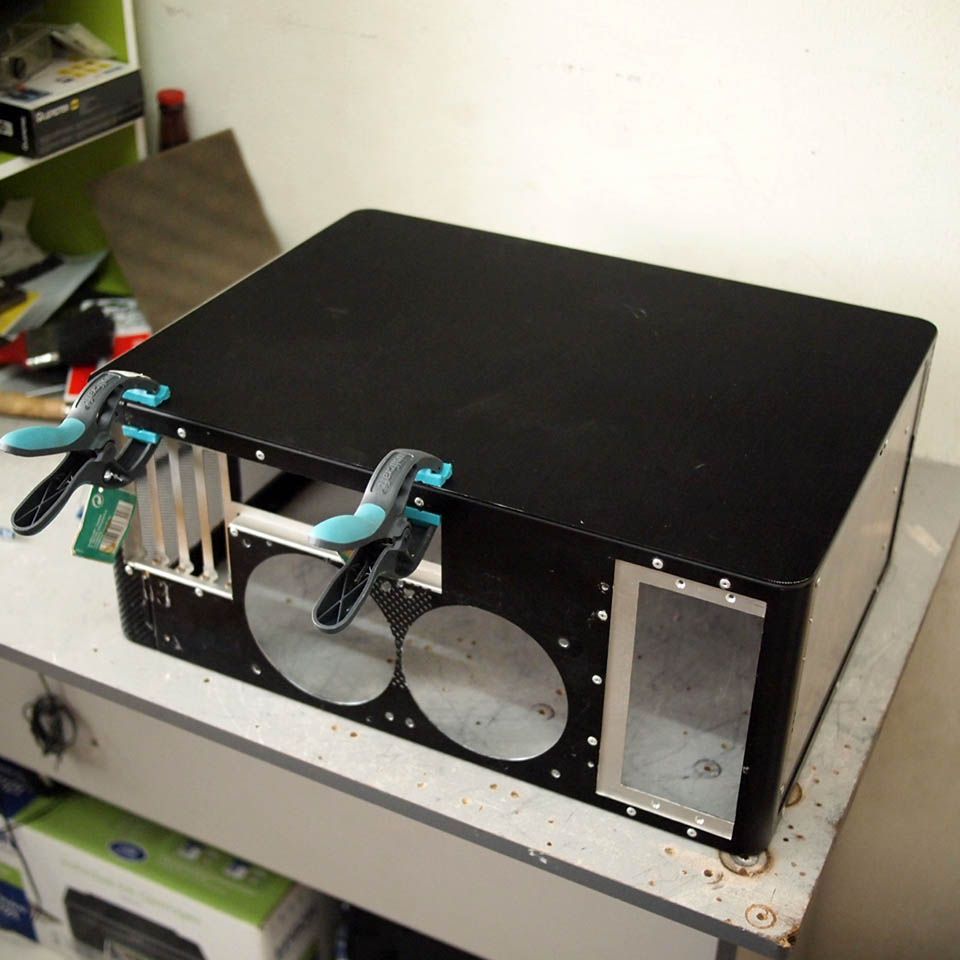
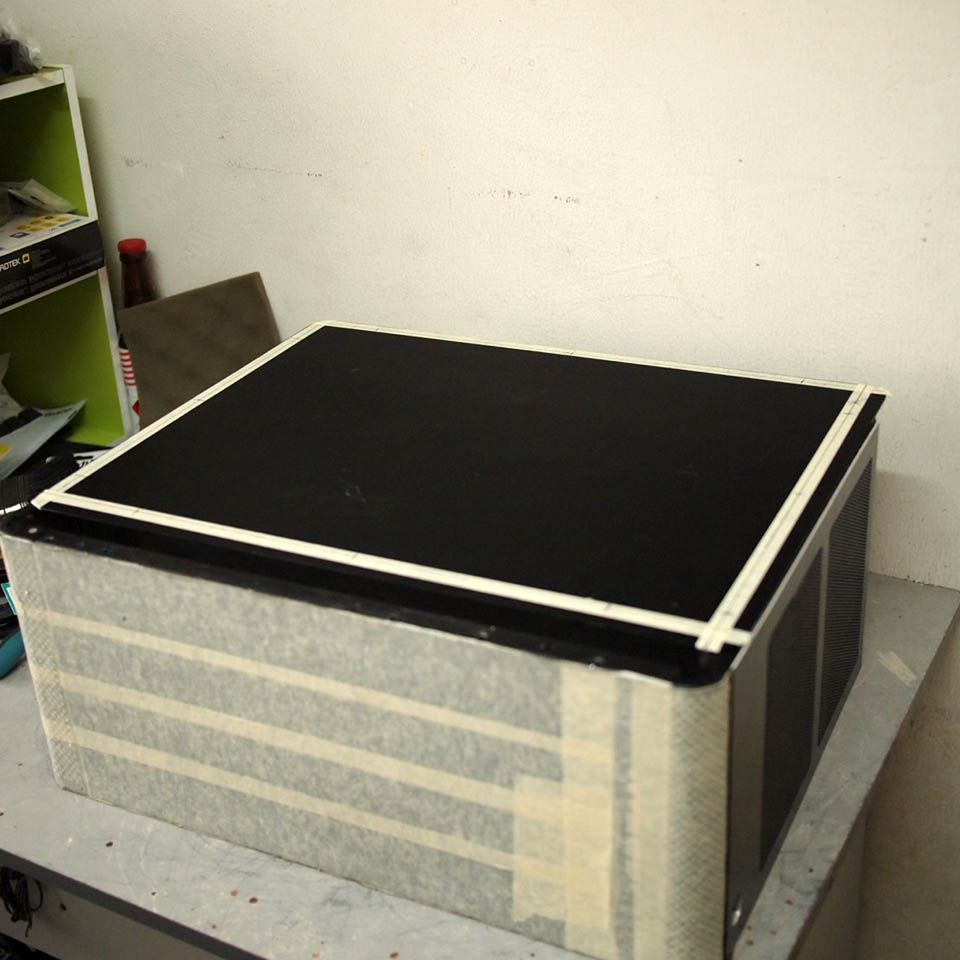
user posted image
The pump placement for ease of maintenance work

user posted image
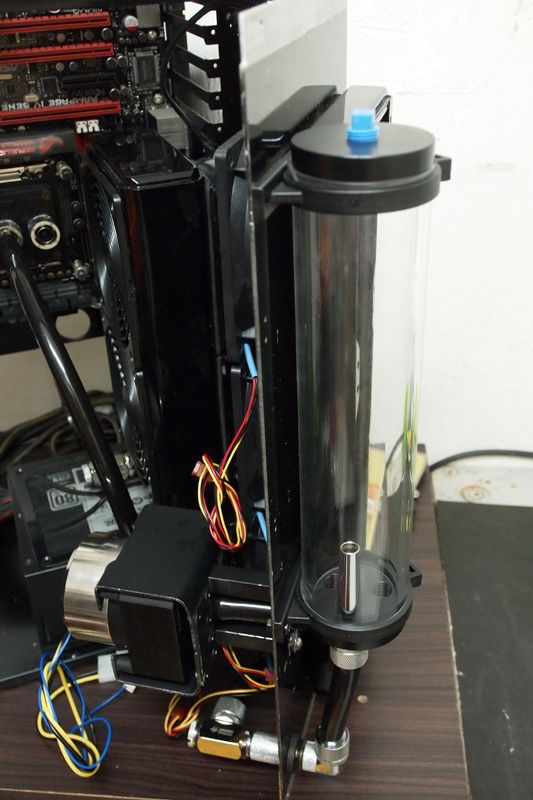
Some fittings installed

user posted image
Featuring Bitspower Water Tank-Z 250. Poor man's plumbing work with lack of fittings & adapters. No luck in finding Bitspower extender cry.gif

user posted image
Outlook testing

That's all for this update. I'll keep this updated if there is any development in future. Cheers.
efariz
post Mar 28 2015, 12:32 AM

Network Engineer To Be
******
Senior Member
1,030 posts

Joined: Apr 2010
From: Kuala Lumpur-Cyberjaya-Subang Jaya


waiting for final update from TS whistling.gif whistling.gif
TSimnovice
post Oct 5 2015, 03:44 PM

Getting Started
**
Junior Member
115 posts

Joined: Dec 2009
From: Kuala Lumpur


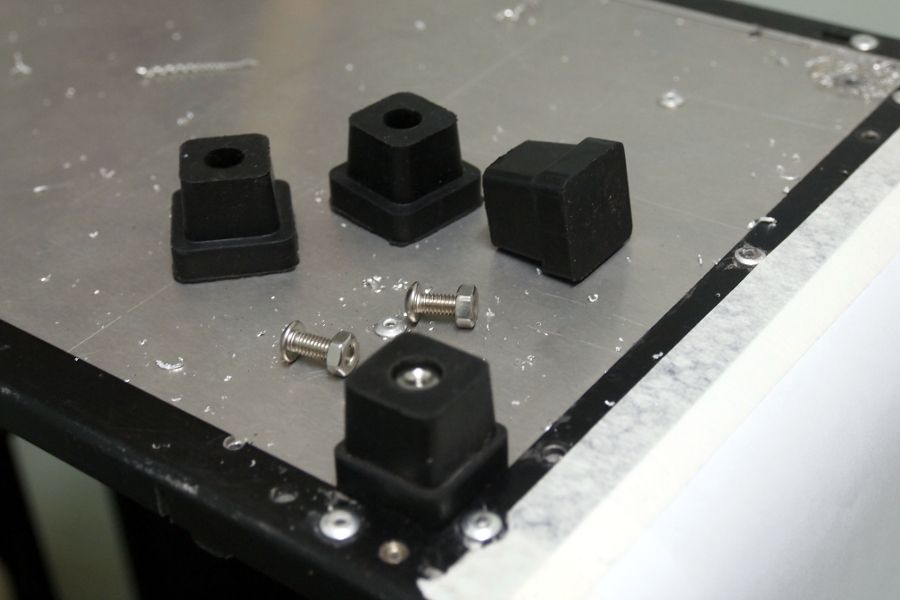
Hi. It's been a really long time without update. A wish to make a very small update here to prevent myself from reaching a-year-without-update mark. Looks like also I've lost in my own thread. biggrin.gif
user posted image
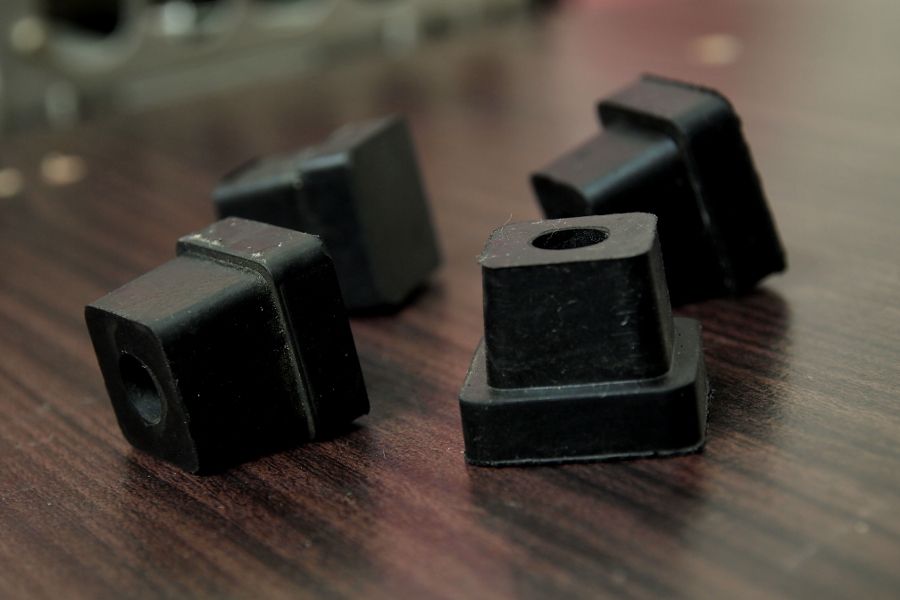
Found these at hardware shop & I'll be using them as case feet. Made of rubber
user posted image
Drilled holes at the base of chassis to fix it

user posted image
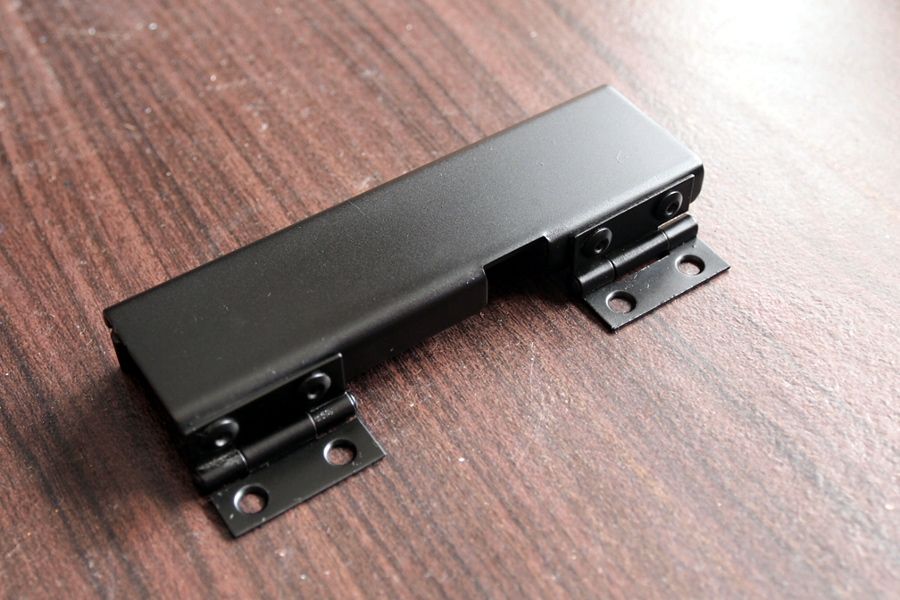
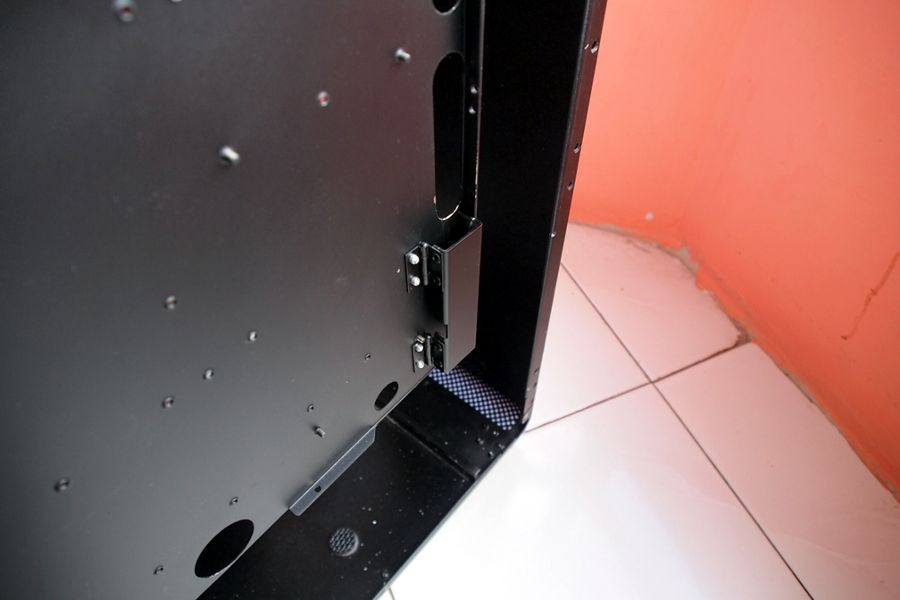
I've made this to hold motherboard's cable behind the tray

user posted image
Secured it in place

Planning to finish this project as soon as possible as I have another project in mind. I'll update again if I have any new progress. Thanks for reading.
johnkor
post Oct 7 2015, 10:38 AM

Level 2 Mainboard Repair Specialist
*******
Senior Member
4,237 posts

Joined: Sep 2006


Keep it up TS cant wait to see it completed
gxthelord
post Oct 7 2015, 08:09 PM

Tech Enthusiast
*******
Senior Member
2,313 posts

Joined: May 2009


keep it up TS. Wanna see the final pic of the build. biggrin.gif
TSimnovice
post Oct 12 2015, 02:42 PM

Getting Started
**
Junior Member
115 posts

Joined: Dec 2009
From: Kuala Lumpur


QUOTE(johnkor @ Oct 7 2015, 10:38 AM)
Keep it up TS cant wait to see it completed
*
QUOTE(gxthelord @ Oct 7 2015, 08:09 PM)
keep it up TS. Wanna see the final pic of the build. biggrin.gif
*
Thx brother for your support biggrin.gif
TSimnovice
post Oct 12 2015, 04:28 PM

Getting Started
**
Junior Member
115 posts

Joined: Dec 2009
From: Kuala Lumpur


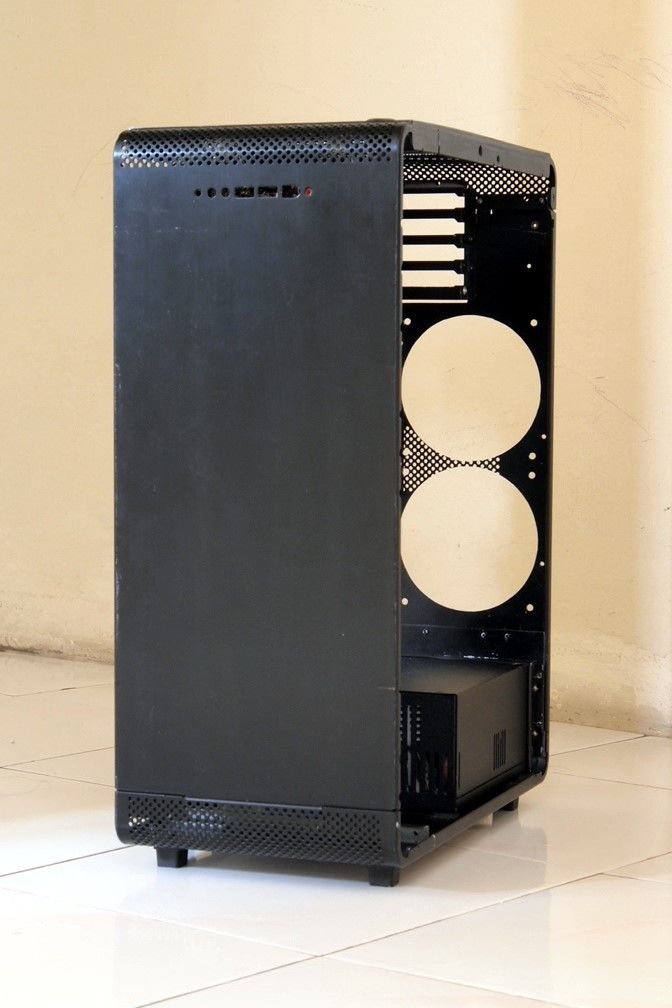
user posted image
The case with its 'shoes'

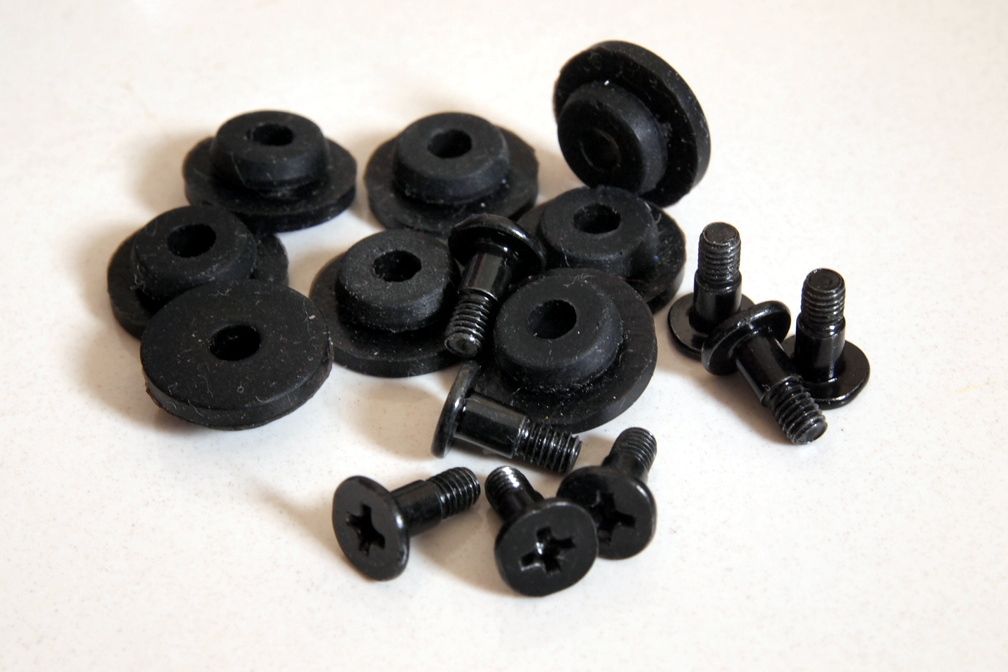
user posted image
These are mounting rubber included with other chassis I bought recently. Going to use it for mounting my SSD

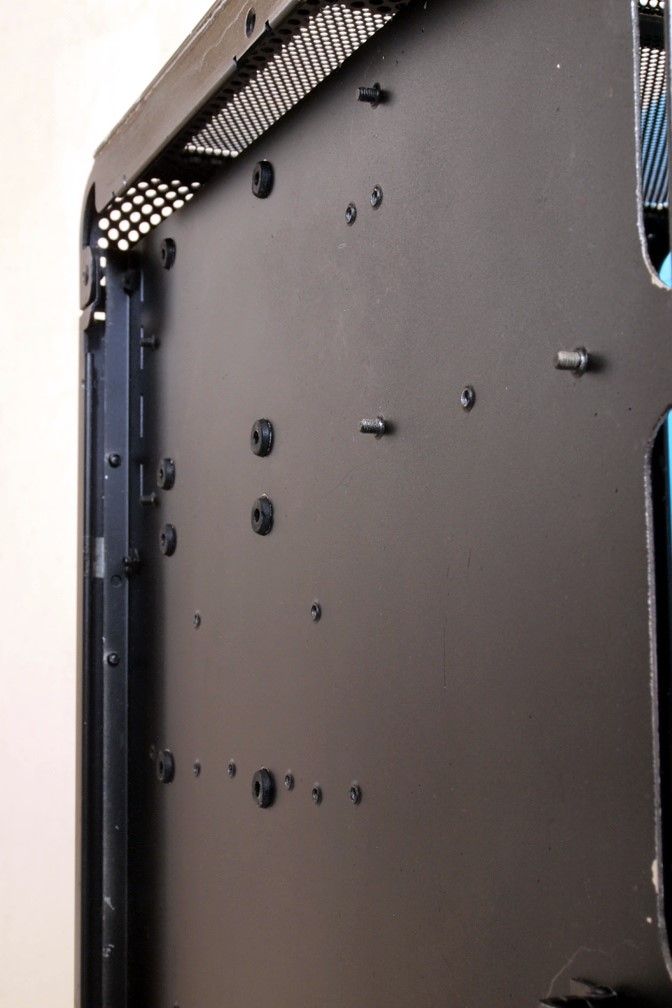
user posted image
Drilled holes at the motherboard tray and put the rubber thingy

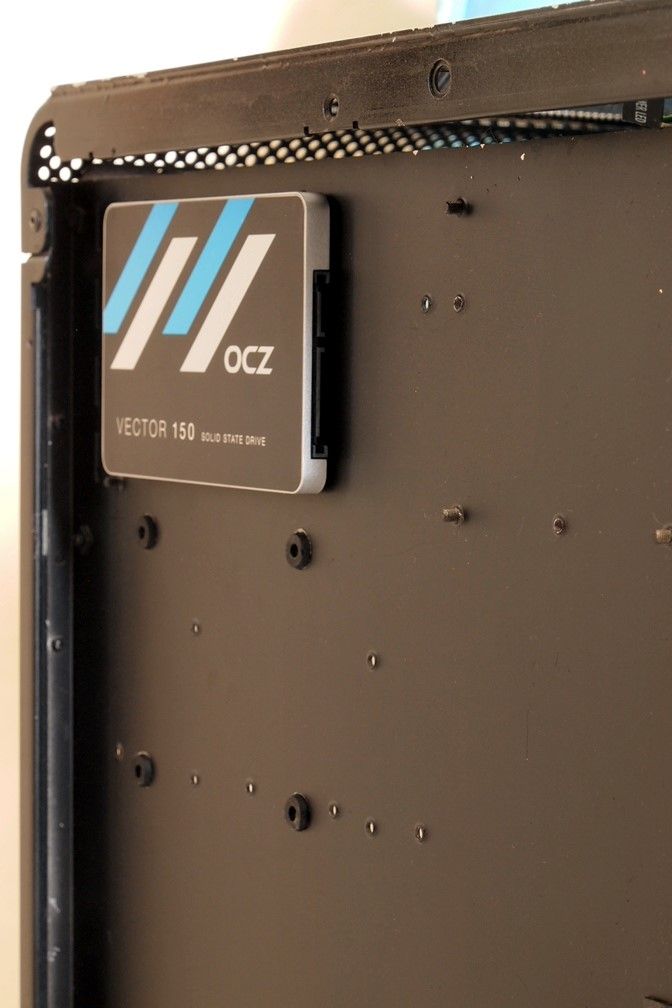
user posted image
SSD installed

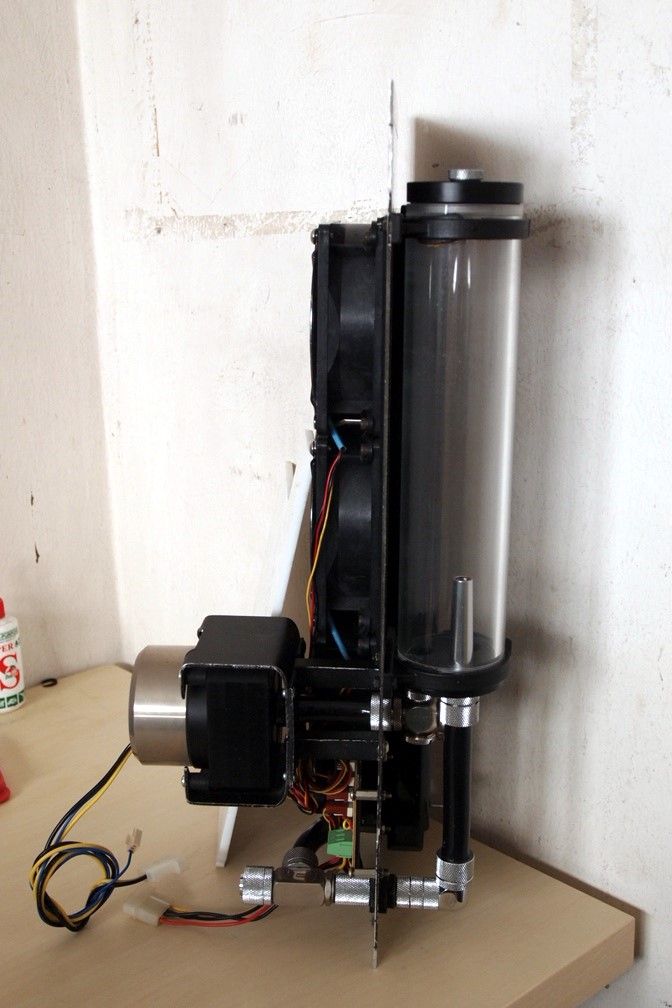
user posted image
Small update made to the cooling engine if you notice it

user posted image
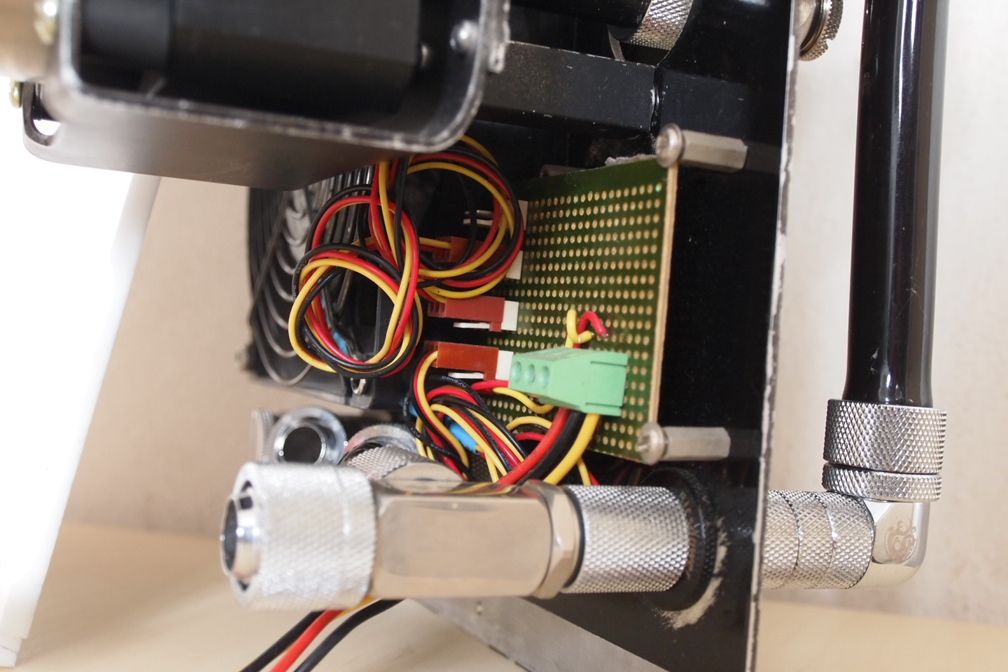
I made this simple terminal board to drive all those Sanyo fans with 5V to keep them silent

user posted image
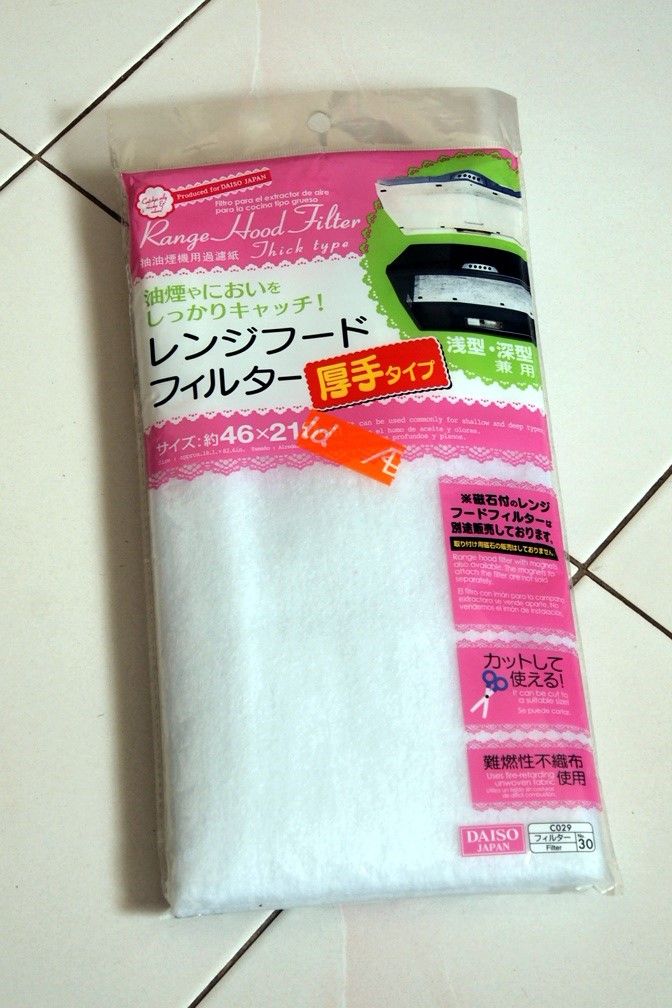
Found this at Daiso recently

user posted image
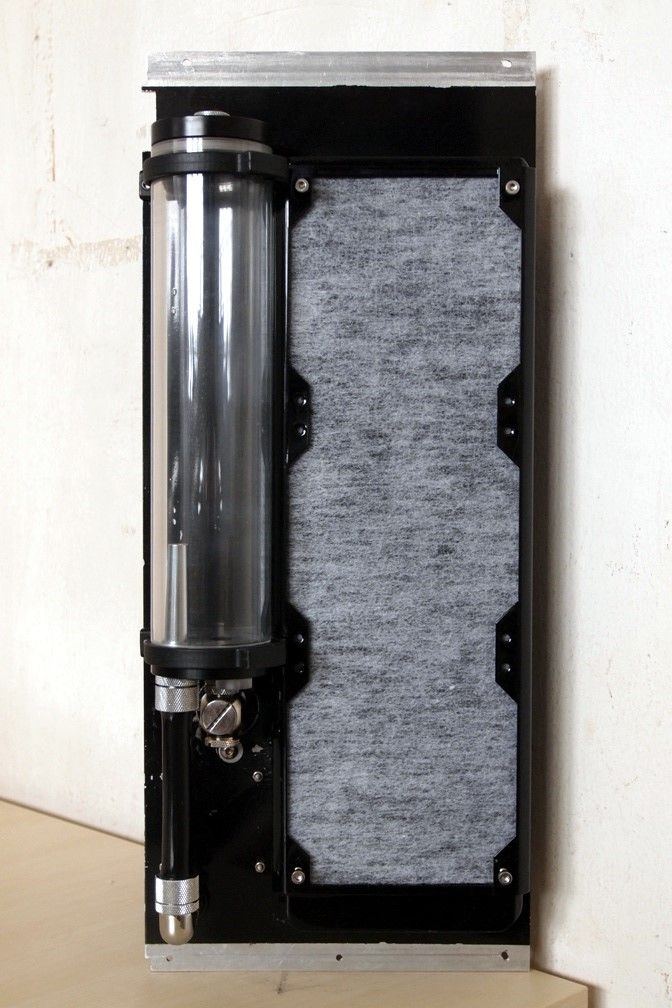
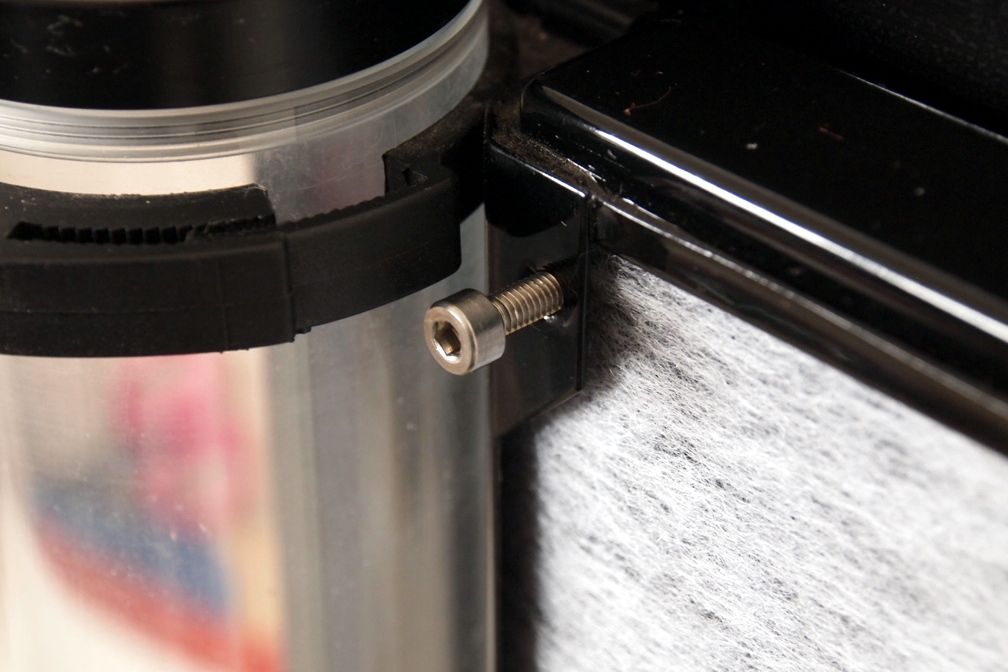
Used it as intake filter for radiator

user posted image
I hope this will be just a temporary solution. I'll be making a proper air filter in future if time permits


TSimnovice
post Oct 12 2015, 05:05 PM

Getting Started
**
Junior Member
115 posts

Joined: Dec 2009
From: Kuala Lumpur


user posted image
The CPU water block seated on top of Intel Xeon E5 2660 Sandy Bridge -EP

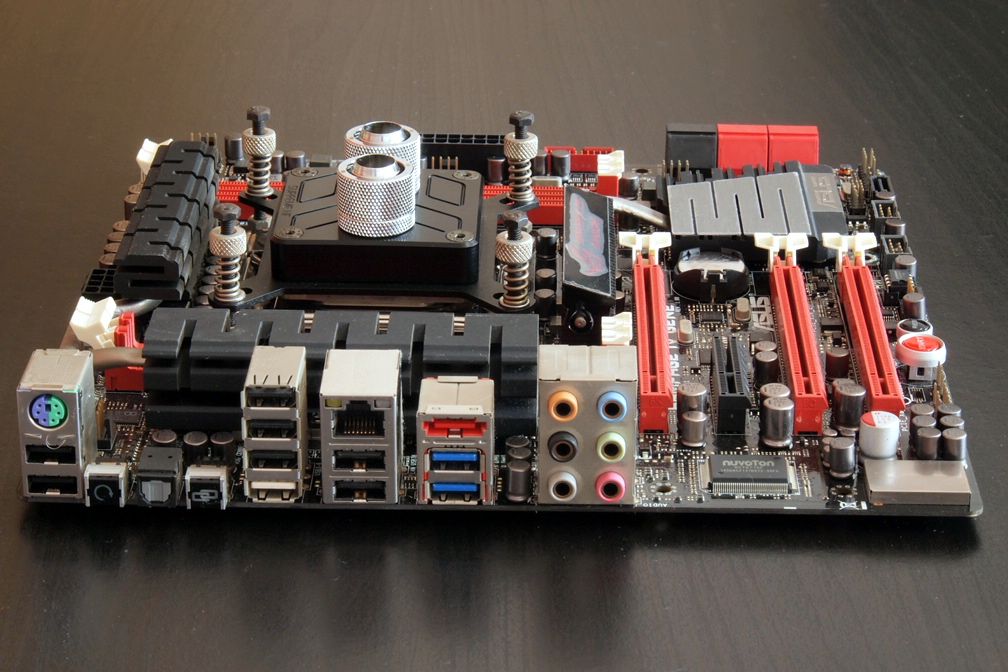
user posted image
The motherboard. Rampage IV Gene

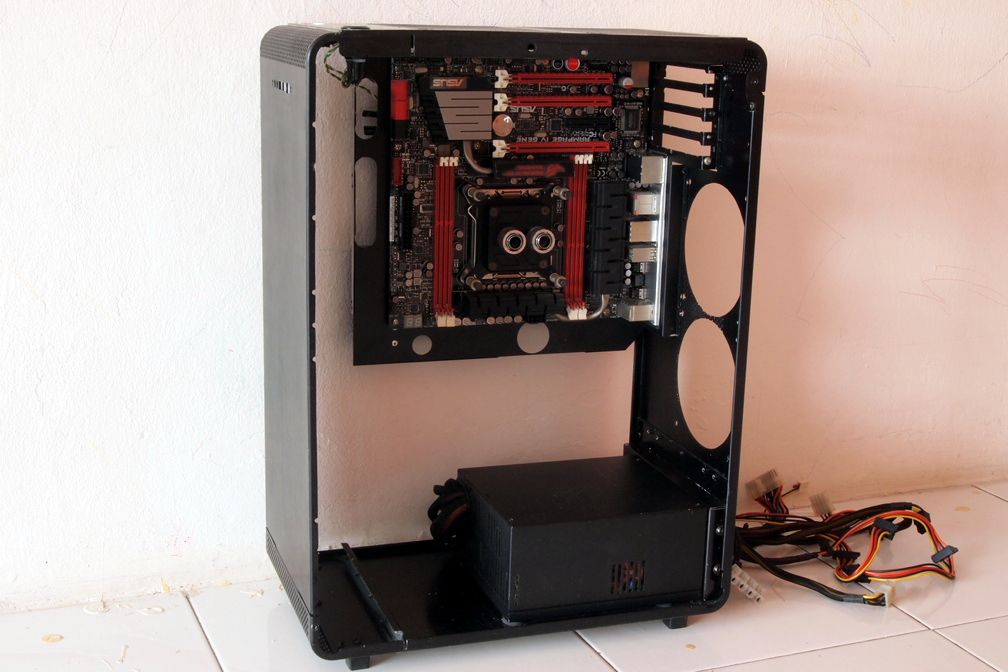
user posted image
This is nothing much. Just the view of the chassis with motherboard installation. View 1

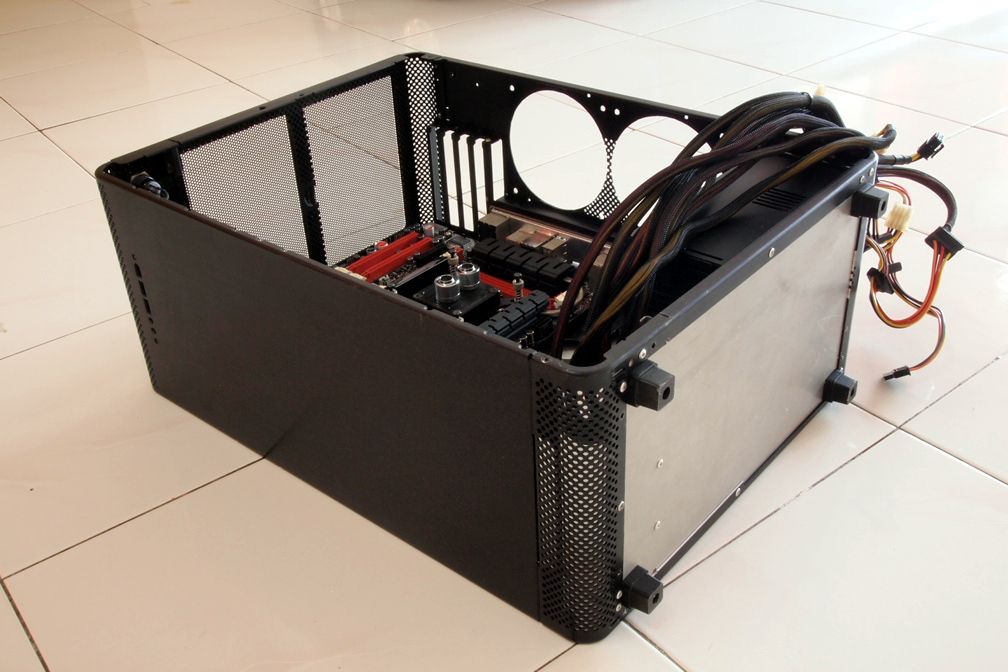
user posted image
View 2. Pretty ugly at the bottom biggrin.gif

user posted image
View 3

user posted image
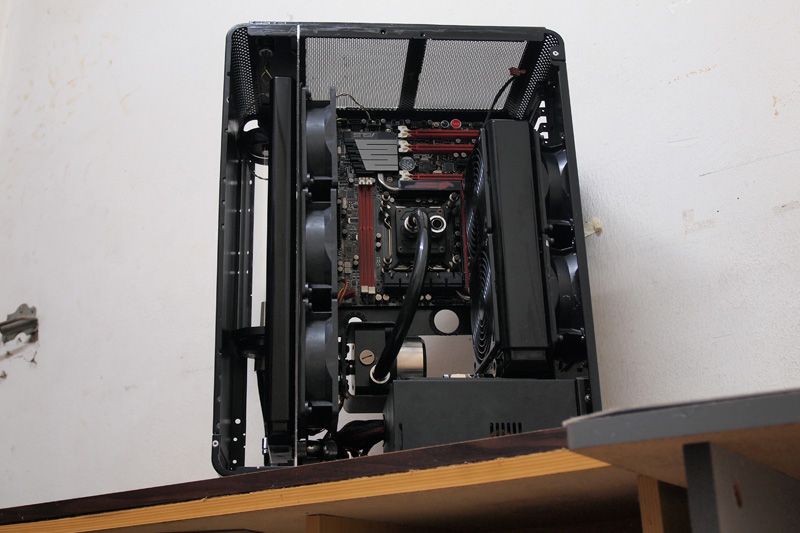
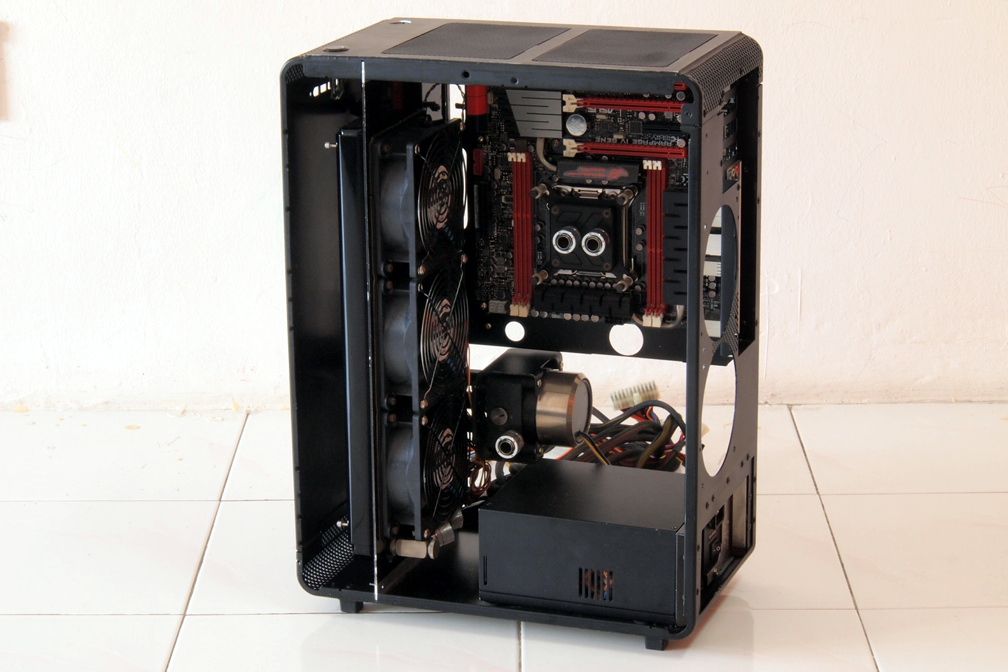
View with cooling components in

user posted image
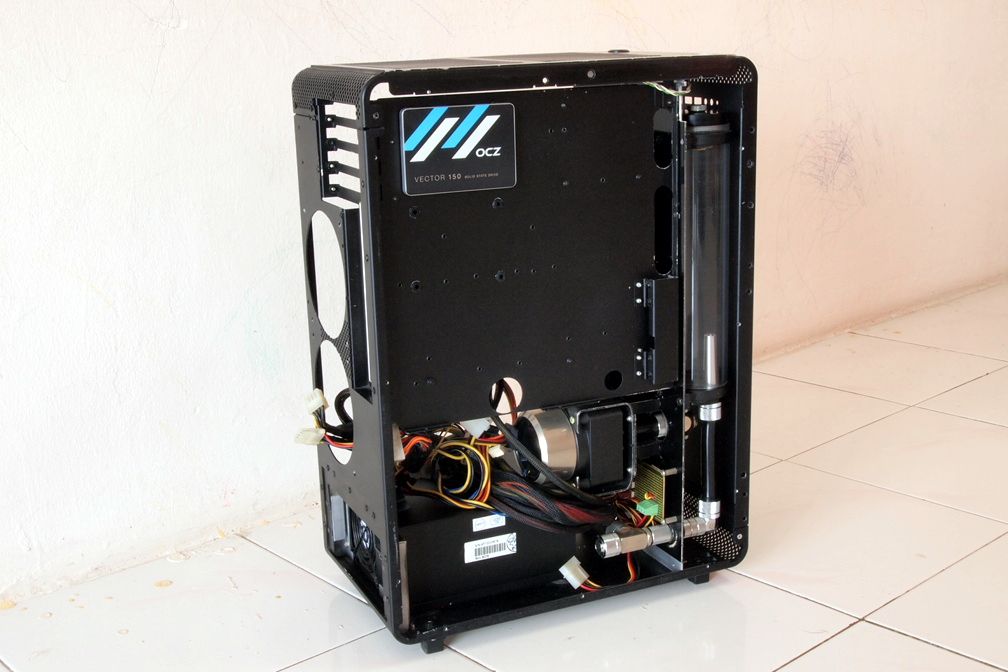
View at the other side

user posted image
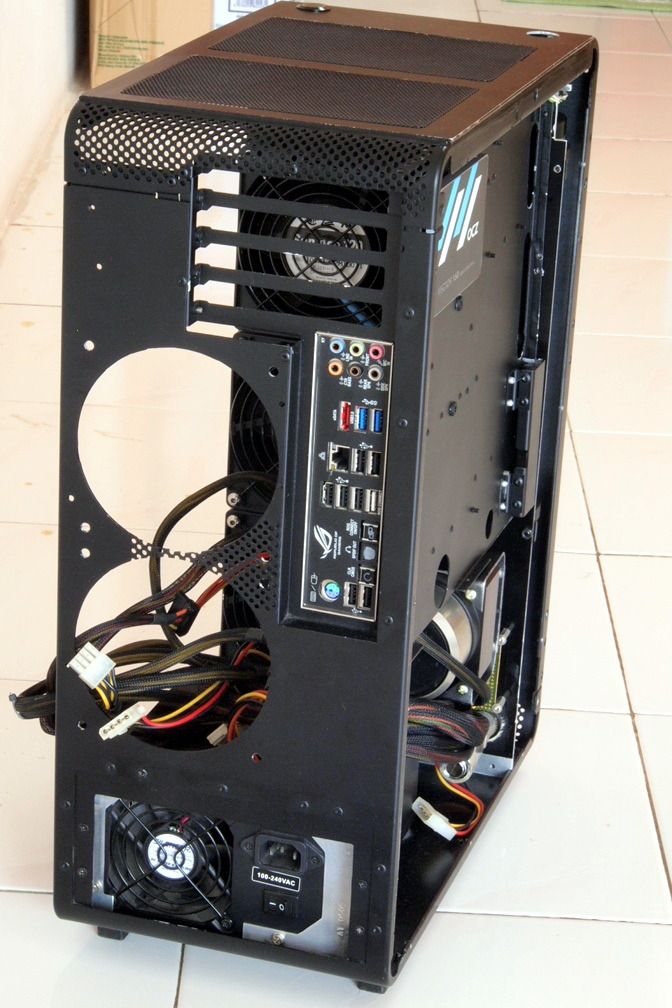
Rear view

user posted image
Top view

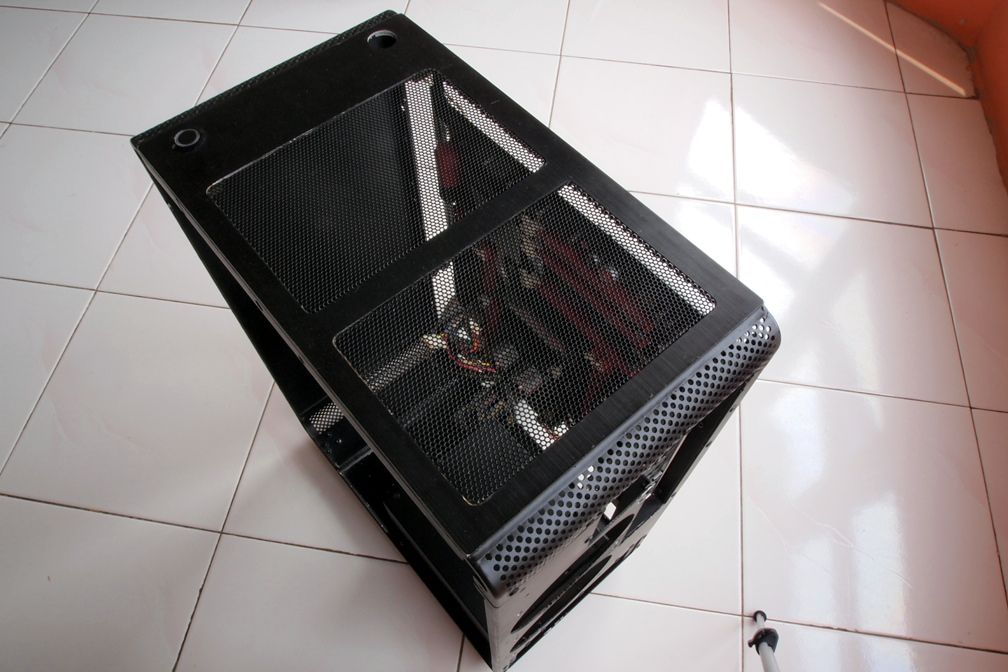
user posted image
My plan for the hole on the left hand side is for filling the coolant
TSimnovice
post Oct 26 2015, 12:12 PM

Getting Started
**
Junior Member
115 posts

Joined: Dec 2009
From: Kuala Lumpur


user posted image
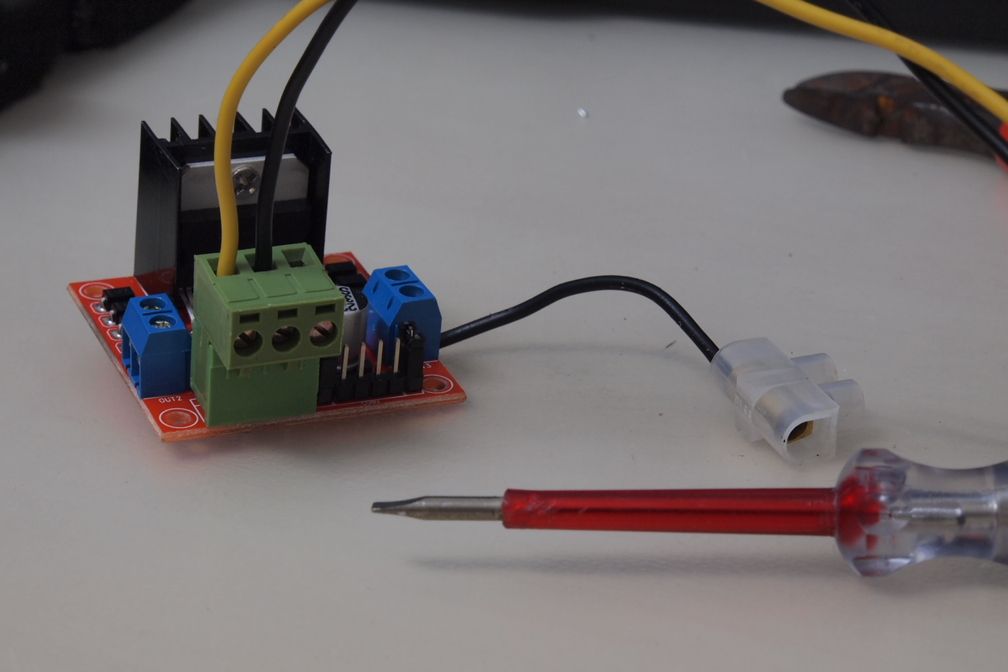
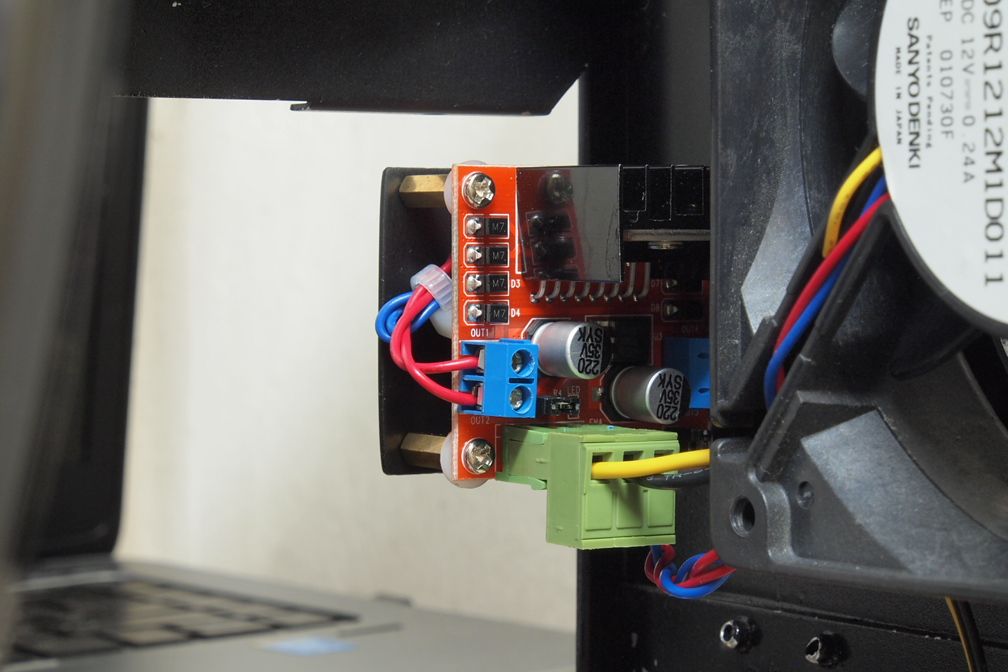
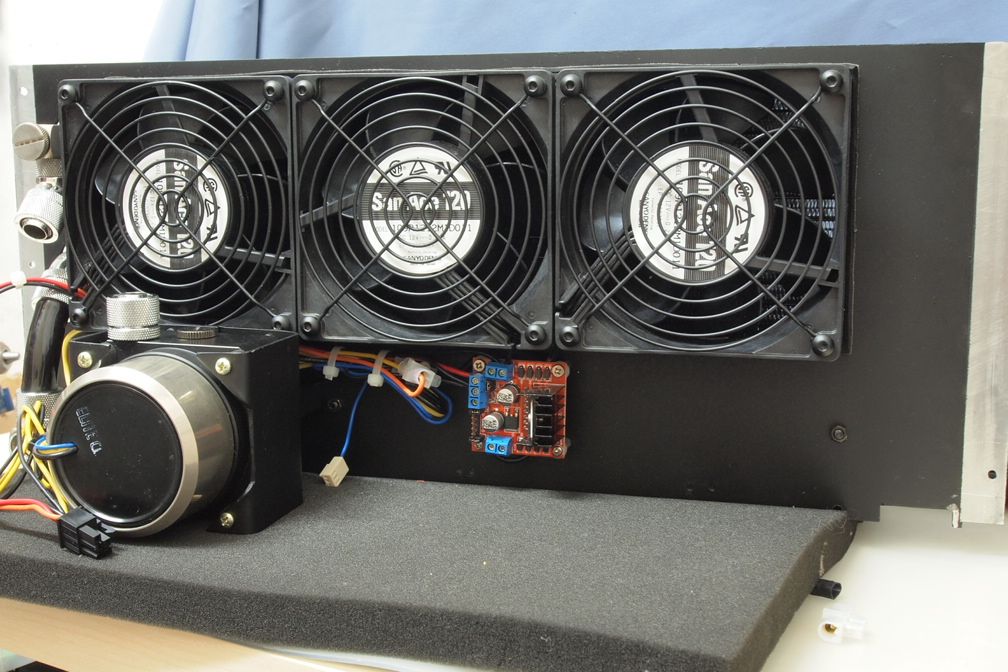
I've got a brand new idea for controlling fan by utilizing motherboard's PWM signal - using Arduino DC motor driver board. The board has been properly mounted & hooked up

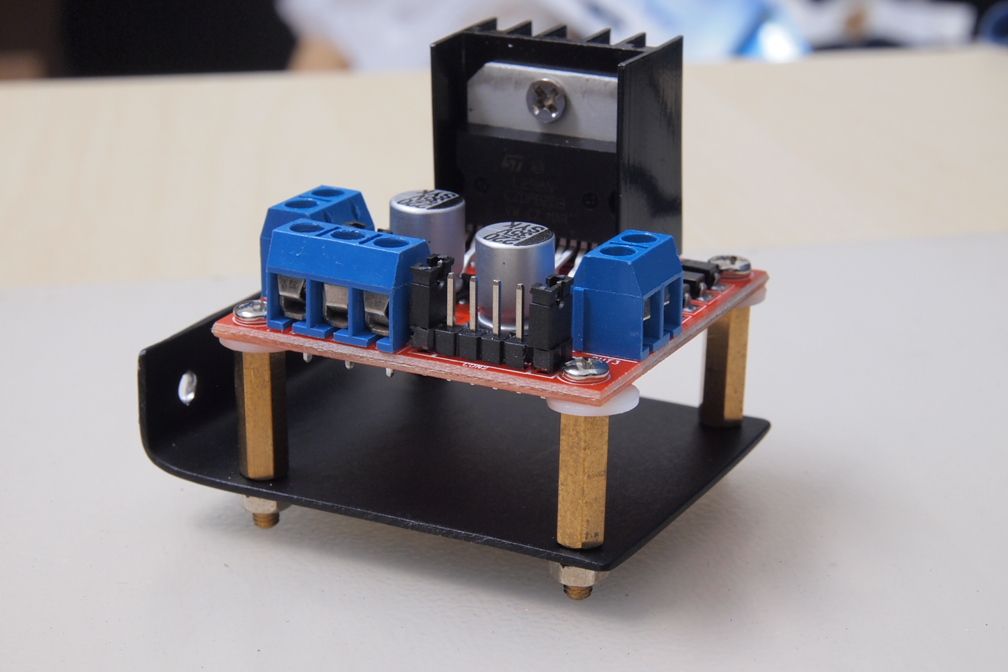
user posted image
I've made a mounting bracket for another board for controlling other 2 fans. Should looks better with shorter stands off but that's all I have at the moment

user posted image
Small modification to the board for ease of plug/unplug

user posted image
There it goes. Mounted securely & wired

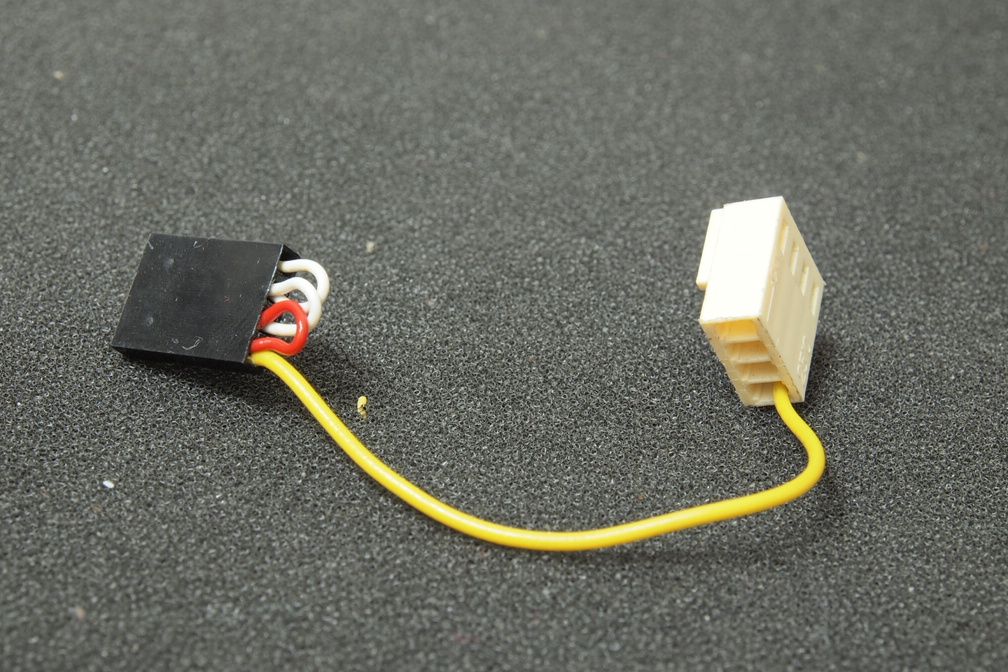
user posted image
Tiny PWM splitter

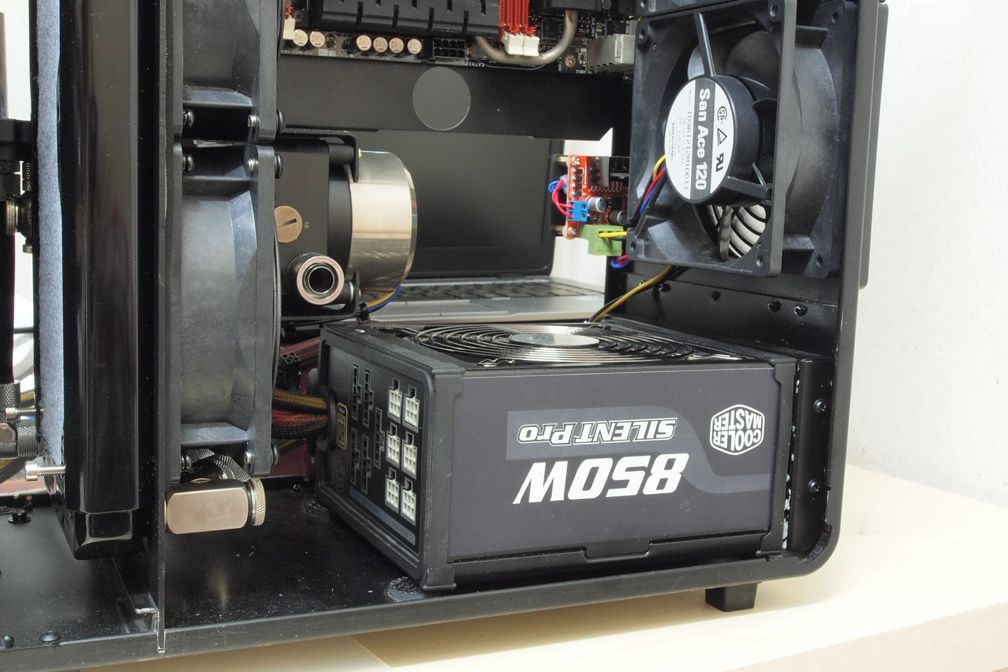
user posted image
I changed my PSU. 850W semi modular for more juice & better flexibility

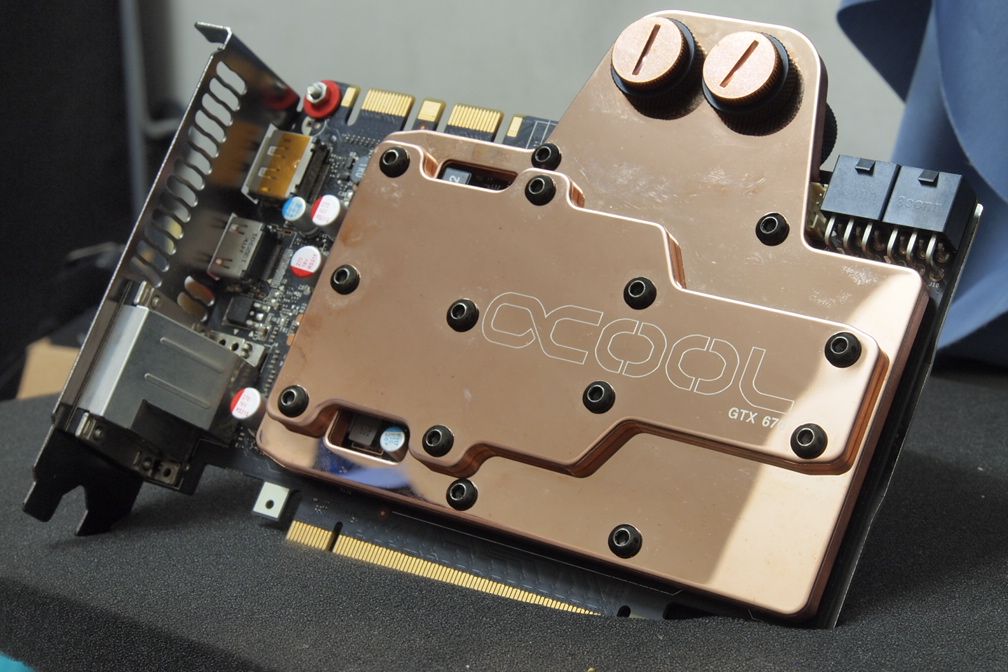
user posted image
GTX 760 now with GTX 670 water block biggrin.gif

In midst of hooking up everything now for the 1st run to see if second radiator is necessary. Thanks for reading


rsal85
post Jan 16 2016, 10:41 AM

Getting Started
**
Junior Member
71 posts

Joined: Aug 2014
OMG, lucky to come across you bro, TS are very creative and inspiring. wish can make build like this in the future, need to learn a lot. TQ TS!


Change to:
| Lo-Fi Version
0.0309sec    1.03    5 queries    GZIP Disabled
Time is now: 19th December 2025 - 02:55 PM