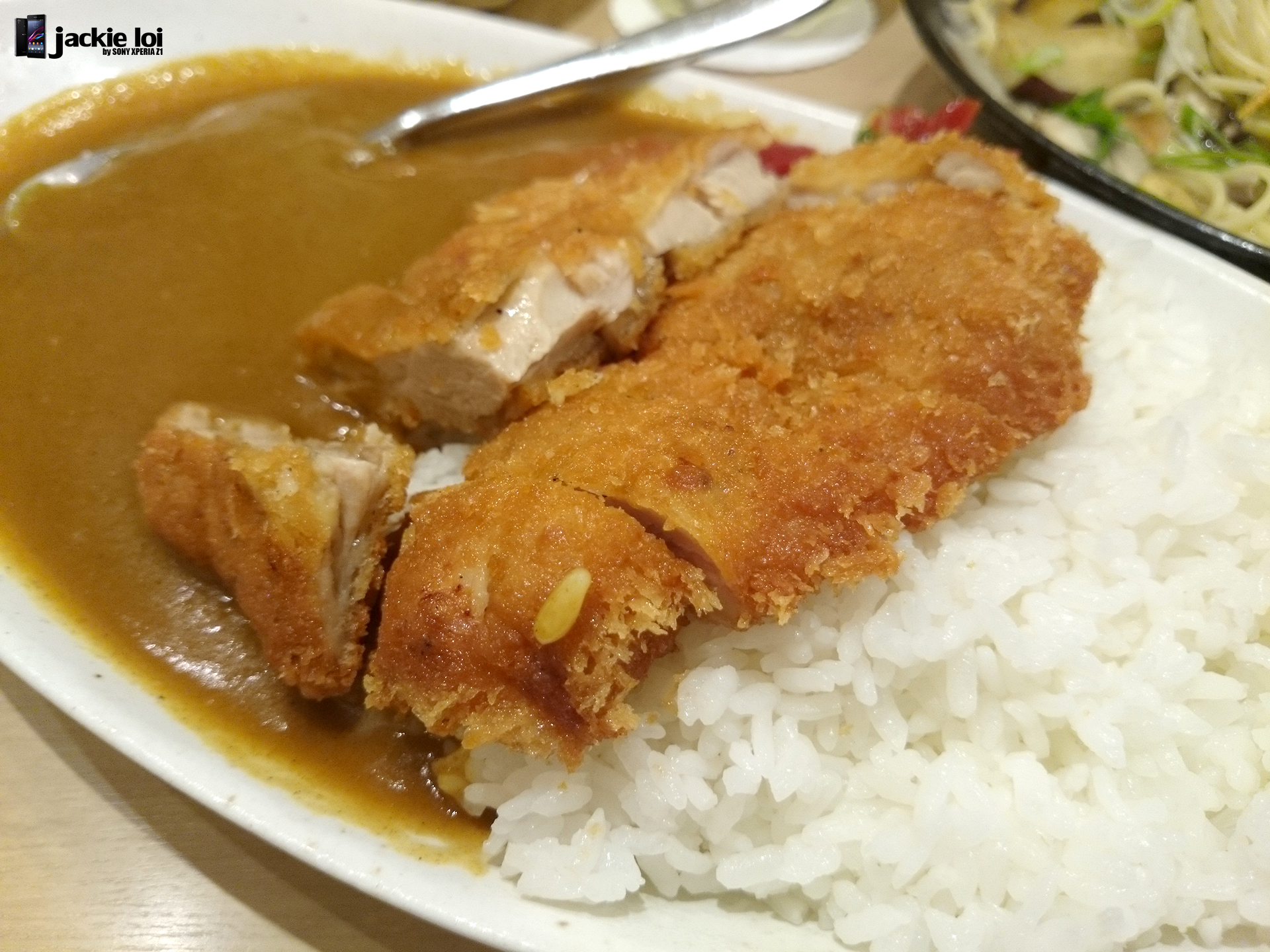
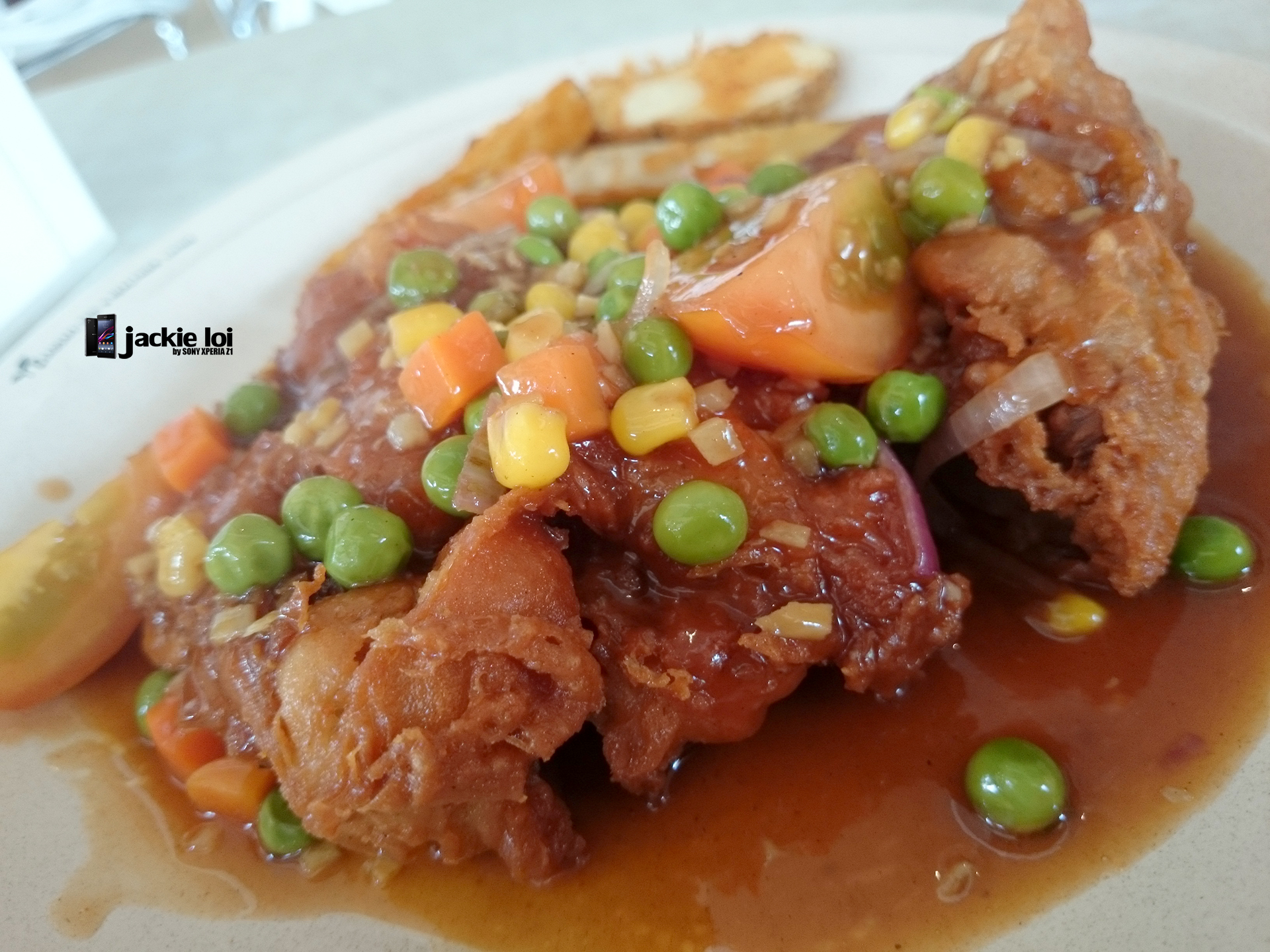
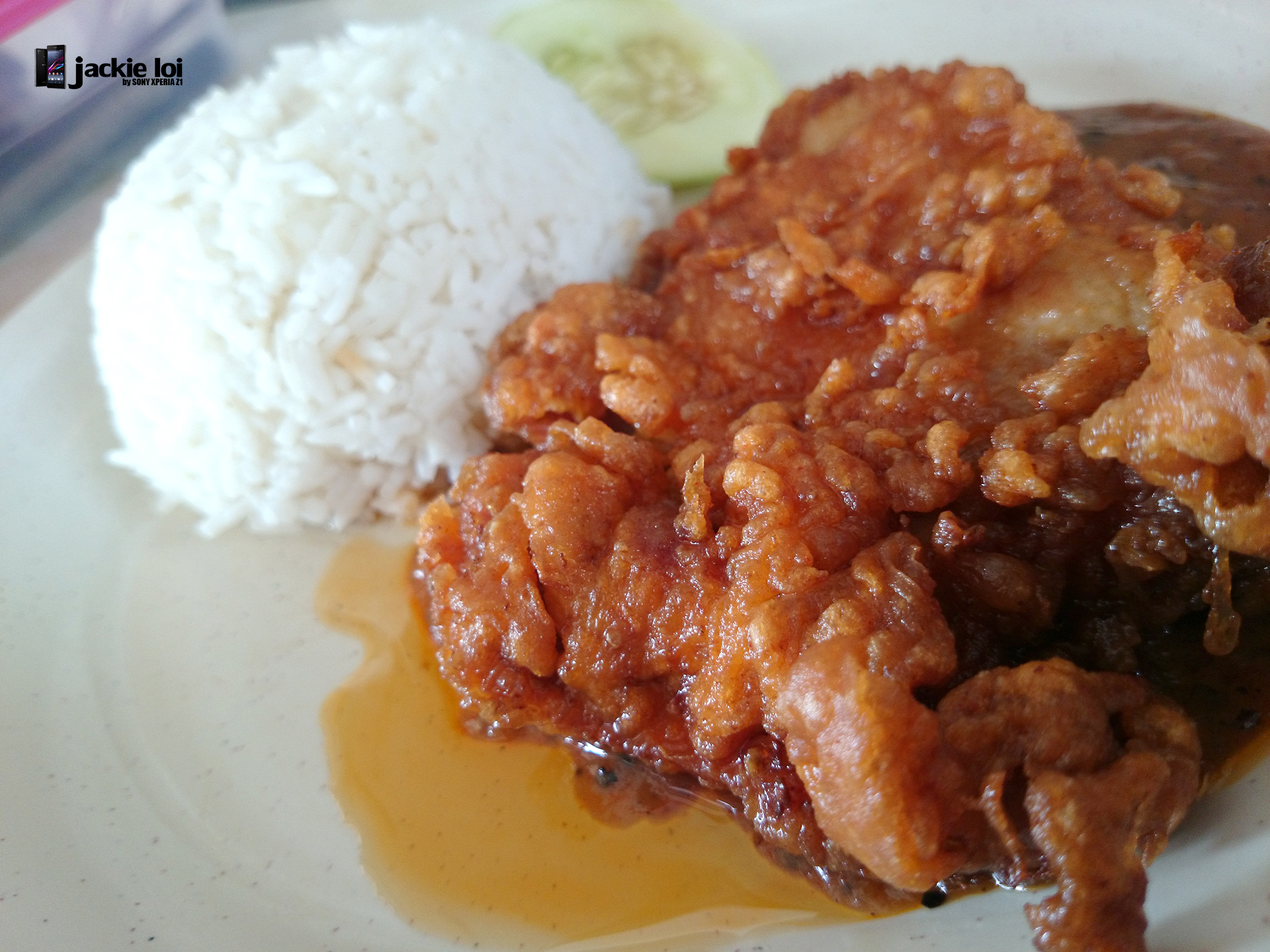
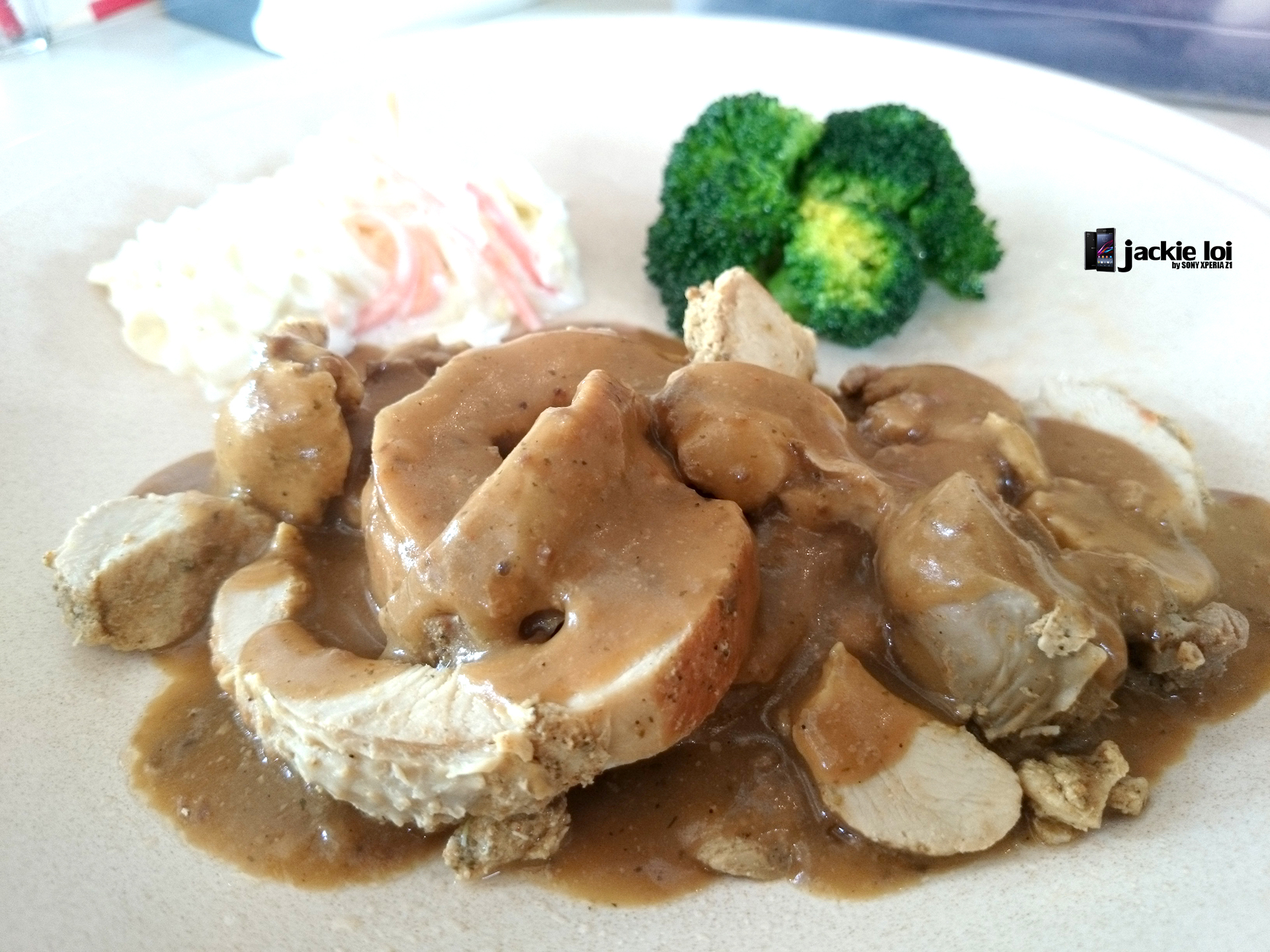
QUOTE(SweetPuff @ Dec 27 2013, 12:01 PM)
Pics taken seems to all have that blurry effect when I zoom in. No much detail at all. Looks like watercolour. Is there a way to fix this?

using high ISO? or low ISO that cause the handshake even minorSony XPERIA™ Z1, Official Thread V6, 4.3 (14.2.A.0.290 OTA) out now!
|
|
 Dec 27 2013, 12:45 PM Dec 27 2013, 12:45 PM
Return to original view | Post
#1
|
 
Senior Member
3,989 posts Joined: Nov 2009  
|
QUOTE(SweetPuff @ Dec 27 2013, 12:01 PM) Pics taken seems to all have that blurry effect when I zoom in. No much detail at all. Looks like watercolour. Is there a way to fix this? using high ISO? or low ISO that cause the handshake even minor |
|
|
|
|
|
Dec 28 2013, 04:10 PM
Return to original view | Post
#2
|
|
Senior Member
3,989 posts Joined: Nov 2009
|
New walkman update available now
 and new app from Sony https://play.google.com/store/apps/details?...roidapp.mycloud This post has been edited by jloi: Dec 28 2013, 04:11 PM |
|
|
Dec 29 2013, 09:04 AM
Return to original view | Post
#3
|
|
Senior Member
3,989 posts Joined: Nov 2009
|
QUOTE(arrowhead7372 @ Dec 29 2013, 08:56 AM) i dunno why but i have been using the z1 for 2 days and.. i dont feel happy why change then? coming fron a note 2... why  |
|
|
Dec 29 2013, 09:19 AM
Return to original view | Post
#4
|
|
Senior Member
3,989 posts Joined: Nov 2009
|
QUOTE(arrowhead7372 @ Dec 29 2013, 09:16 AM) backside itchy... alah .5 inch dif nia..kecut sikit takpe 1  truthfully i also dunno. probably its cuz of the smaller screen. a mistake i made when i was happily playing with the z1... hahaha oh well... i guess i just need to man up   if not go get Z Ultra |
|
|
Dec 29 2013, 09:34 AM
Return to original view | Post
#5
|
|
Senior Member
3,989 posts Joined: Nov 2009
|
QUOTE(arrowhead7372 @ Dec 29 2013, 09:25 AM) z ultra toooo big hahaha. always use album since I can pinch and zoom bro just wanna ask u, which app u use to view pcitures? "Albums" or "Photos" ? I havent chose 1 yet...  |
|
|
Dec 30 2013, 11:51 AM
Return to original view | Post
#6
|
|
Senior Member
3,989 posts Joined: Nov 2009
|
QUOTE(SweetPuff @ Dec 30 2013, 09:38 AM) Bought Camera Zoom FX and ProCapture. Gonna shoot some comparisons. Kinda annoyed that the Superior Auto isn't that superior. Auto is rather important for me as there will be moments I wanna capture without needing to fiddle around with the options. QUOTE(redlyfs @ Dec 30 2013, 10:21 AM) I'm kinda disappointed with Z1's camera. Used manual all the way too. The pictures are barely postprocessable. Will there ever be RAW? =( QUOTE(ckchan @ Dec 30 2013, 10:24 AM) i was using camera zoom fx previously too. it is definitely better compared to the stock camera when in fw 534. Just exactly what bro ckchan said. Give a try and comparison using Manual mode since the manual mode not exactly manual. Still auto everything in terms of ISO (assuming u set auto). but in fw 257, the difference is minimized i would say. it is still better than superior auto (superior auto is crap). but ever since i use manual (but still set iso and exposure to auto), i really find that the difference is minor compared to camera zoom fx. also, at some shots, i find the camera zoom fx shot colour are less accurate than stock camera. i also recommend u to compare the shot using stock manual mode, but set all settings to auto. difference of this mode with superior auto as my understanding: Superior auto - all settings set to auto and will attempt to change the scene mode automatically. if it successfully identify and change the scene mode, it may take great photo. BUT if it fails to identify and fail to change the scene mode, i guess this is where this mode fails kaw kaw... the photos turn out crappy manual with all settings auto - the difference here is it is still auto mode, but this mode will not attempt to change the scene mode. u'll have to manually change the scene mode when necessary. i find this mode generally takes better photo than superior auto. well, these are just my findings, if u find out otherwise, let me know as well. I am happy with Z1 camera  It is even better even after update to Android 4.3 It is even better even after update to Android 4.3» Click to show Spoiler - click again to hide... « |
|
|
|
|
|
Jan 1 2014, 09:57 AM
Return to original view | Post
#7
|
|
Senior Member
3,989 posts Joined: Nov 2009
|
Seem like Sony decided to stick with Omni balance design for their flagship. No new design liao
Good news is, Xperia Z1 remain as flagship in year 2014 Probably replacement come in on Aug/Sept http://www.xperiablog.net/2013/12/31/sony-...o-come-in-2014/ This post has been edited by jloi: Jan 1 2014, 09:58 AM |
|
|
Jan 2 2014, 10:11 AM
Return to original view | Post
#8
|
|
Senior Member
3,989 posts Joined: Nov 2009
|
QUOTE(arrowhead7372 @ Jan 2 2014, 10:01 AM) Do u guys normally take 4:3 or 16:9 ratio? 4:3 for me.My photos sometimes damn clear sometimes blur... Haiyo. Buy so canggih phone also no use Go learn how to shoot lor or else as u said so keng punya camera also no use |
|
|
Jan 3 2014, 11:36 AM
Return to original view | Post
#9
|
|
Senior Member
3,989 posts Joined: Nov 2009
|
QUOTE(skydrake @ Jan 3 2014, 10:57 AM) hi all sifu and owner here, I'm quite serious on purchasing this z1 model. I had few question here would seriously needs help and advise here. Hope this help Add-on: I planing to get AP set as the price are lower, might plan to buy from this guy here > http://forum.lowyat.net/topic/1943872 or anyone can give me further suggestion? thank you 1. What is Z1 6903 LTE means? 1a. Is it the model code for LTE model, and it means 4G? YES 1b. If is 4G, how should I check when I purchasing it? Check the box for phone model, check about phone for model number, check network mode that has LTE/WCDMA/GSM 2. What is this "Yellow Screen" problem things? The screen look warmer but hardly to notice unless u do comparison with another device 2a. How should I avoid this "Yellow Screen" problem or how do I reduce the risk of taking these models? Compare it with ur other phone that dun have warm screen. but don't think u able to replace it new set once they open box for u. 2b. Is it just need to avoid the batch code as below? Not sure but heard newer batch is better. 3. What do I need to check inside the box items contains? If your box are big, it will come with charging dock, charger, USB and headphone. Smaller box mean not charging dock. 4. What should I check on the phone to make sure it is Genuine or fake china mimic Z1? After success setup the phone, Click Phone and dial this number *#*#7378423#*#* translate as *#*#service#*#* for accessing Service Menu where you can test out your display, LED, Speaker, Camera and etc at Service tests. Go to Service Info - Configuration for checkout whether your unit is real LTE version if you had purchase C6903 or C6902 model where LTE will appear at Working band/s list. Sorry for too much question here, I'm a Galaxy S1 i9000 user here migrating to this Z1. As u can see how long I did not update my information on the mobile world for quite number of years Thank you so much for giving your time and helping me with my above question. If there is any other place u would recommend me to read eg. blog/site, please let me know.. I will take my time to read it too. I tries to browse thru few version on this thread.. but just too much too read to get what I need to know. This post has been edited by jloi: Jan 3 2014, 11:38 AM |
|
|
Jan 4 2014, 10:05 AM
Return to original view | Post
#10
|
|
Senior Member
3,989 posts Joined: Nov 2009
|
QUOTE(patienceGNR @ Jan 4 2014, 09:13 AM) add a small note/guide for people who want to go to SEMS lilzany can pin on 1st page? it is very useful How to go to SEMS Services Sdn. Bhd. 1) Go to Amcorp Mall @ Taman Jaya, PJ 2) Go inside the mall, go to level 1. To be more precise, turn left when you enter the mall (turn left after the camera shop which is on your left, and Victoria Music Station will be on your right, corner shop) 3) Turn left, go straight all the way, and you should see an escalator on your right side. 4) Go up and you should be right in front of Watson. Next to Watson (on your right when you land on first floor), should be a small 'alley'. Go inside that walkway and you will come to "Plaza Malawangi" 5) Exit the big door and you will see two lifts. NOT THE LIFT WITH BIG DOORS, THAT'S IS A LOADING BAY LIFT. 6) Go up to Level 9. 7) Exit lift, turn right, turn left, turn right again. 8) SEMS will be on your right, 2nd or 3rd unit. Tadaaaa. |
|
|
Jan 4 2014, 10:06 AM
Return to original view | Post
#11
|
|
Senior Member
3,989 posts Joined: Nov 2009
|
Testing Z1 on Android 4.3 ISO 1600 on lowlight with only candle light as light source
» Click to show Spoiler - click again to hide... « |
|
|
Jan 4 2014, 11:15 AM
Return to original view | Post
#12
|
|
Senior Member
3,989 posts Joined: Nov 2009
|
QUOTE(arrowhead7372 @ Jan 4 2014, 11:03 AM) Nice. Can share what metering and focus u use? Or did u use a particular scene? Just Manual mode with ISO set to 1600. the rest are default. I don't really bother on metering mode |
|
|
Jan 6 2014, 09:10 AM
Return to original view | Post
#13
|
|
Senior Member
3,989 posts Joined: Nov 2009
|
Snapdragon 805-powered Sony Sirius to come at CES?
http://www.gsmarena.com/snapdragon_805_pow..._-news-7483.php |
|
|
|
|
|
Jan 6 2014, 09:40 AM
Return to original view | Post
#14
|
|
Senior Member
3,989 posts Joined: Nov 2009
|
QUOTE(nordingh @ Jan 6 2014, 09:20 AM) Oh my.... 'Sony's alleged flagship smartphone is codenamed Sirius and if the rumors are to be trusted, the device will sport a 5.2-inch display with a resolution of 2560 x 1440 pixels along with Snapdragon 805 chipset. Furthermore, the smartphone is very likely to come out with 3GB of RAM, 20.7 megapixel rear camera with the company's G lens, Android 4.4 KitKat and a 3,500mAh battery.' but i tod they just said Z1 will remain their flagship in 2014I need to make sure full OT every month this year or join a 'kutu' geng.  Let's wait and c Sony announcement on 5pm Las Vegas, 6th Jan |
|
|
Jan 7 2014, 03:00 PM
Return to original view | Post
#15
|
|
Senior Member
3,989 posts Joined: Nov 2009
|
QUOTE(hikashi @ Jan 7 2014, 12:06 PM) The z1s should be just called z1c it is exclusive for china and at&t, not refresh of Z1 anywayThe casing is a plastic frame unlike the alumunium frame found in z1. Its hard a refresh of z1. More like a dumb down z1 |
|
|
Jan 8 2014, 11:26 AM
Return to original view | Post
#16
|
|
Senior Member
3,989 posts Joined: Nov 2009
|
QUOTE(skydrake @ Jan 8 2014, 11:13 AM) hi guys, i would like to ask, how do we know if we are connected to LTE/4G? how does the signal icon looks like or any other ways to knows it? thx using which telco? Digi dun have yet.if maxis or celcom, most probably need change new sim card if u r using old sim. |
|
|
Jan 9 2014, 07:40 AM
Return to original view | Post
#17
|
|
Senior Member
3,989 posts Joined: Nov 2009
|
QUOTE(Bernard Yeo @ Jan 9 2014, 02:14 AM) My dock works with any case. A simple solution. this is creative   |
|
|
Jan 9 2014, 02:27 PM
Return to original view | Post
#18
|
|
Senior Member
3,989 posts Joined: Nov 2009
|
what do u guys expect from a 1/2.3" sensor? a DSLR quality? lol
Anyway latest firmware (android 4.3) camera is alot better. |
|
|
Jan 9 2014, 02:41 PM
Return to original view | Post
#19
|
|
Senior Member
3,989 posts Joined: Nov 2009
|
QUOTE(arrowhead7372 @ Jan 9 2014, 02:30 PM) We expect amazing photos everytime we shoot hahaha i hate to say this but user skill come first i got friend even owed a full frame dslr but dunno use and just auto all the way. Yes photo turn out good (it is full frame DUH) but he just dunno utilize it. |
|
|
Jan 9 2014, 02:42 PM
Return to original view | Post
#20
|
|
Senior Member
3,989 posts Joined: Nov 2009
|
QUOTE(ZeneticX @ Jan 9 2014, 02:40 PM) some shots from cameron highlands nice » Click to show Spoiler - click again to hide... « Will be going Steve Aoki this weekend.. let's see if I got the mode to shoot or not. This post has been edited by jloi: Jan 9 2014, 02:42 PM |
|
Topic ClosedOptions
|
| Change to: |  0.0260sec 0.0260sec
 0.64 0.64
 7 queries 7 queries
 GZIP Disabled GZIP Disabled
Time is now: 11th December 2025 - 04:56 PM |
 Quote
Quote