AI SUITE IIIASUS truly set the bar high with its AI Suite II software. Along with the new Z87 Haswell platform motherboards, ASUS is offering a new and updated AI Suite software package. Now at version III, we have a new looking GUI and a couple new additions to the utility. The most impressive new feature in AI Suite 3 is the 4-Way Optimization function. This gives the user the ability to manipulate VRM power profiles, CPU and memory overclocking, cooling performance, and power parameters. AI Suite III functionality does vary with the motherboard it’s used on. That is things the motherboard does not support do not appear in the application.
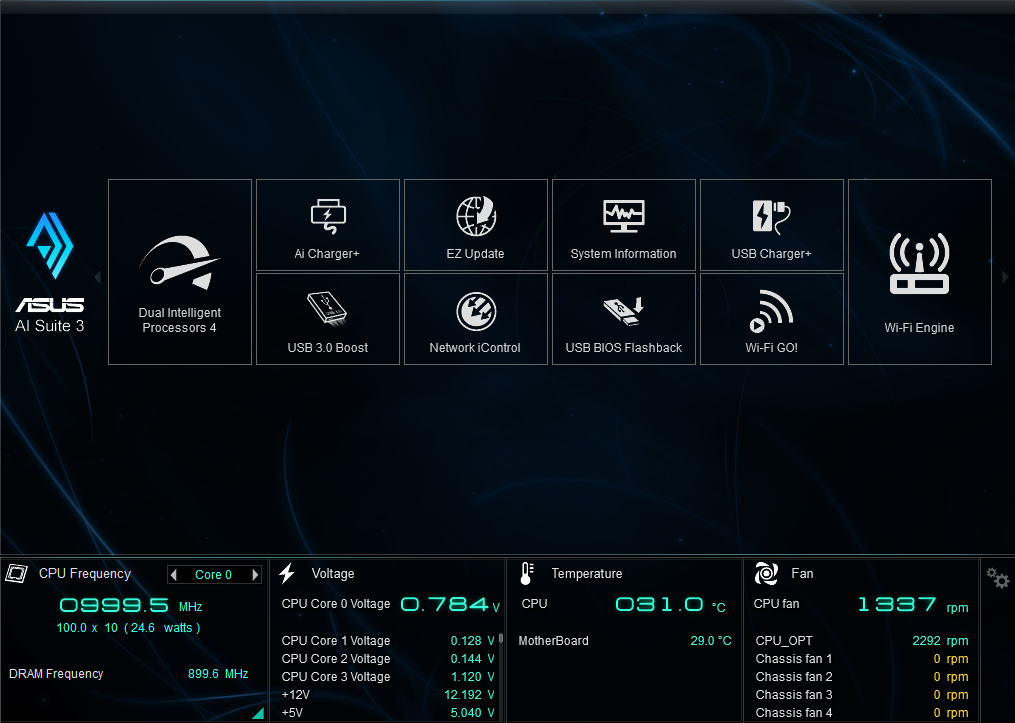
The application is a slick black and blue themed utility which shows quick information tiles the bottom and navigation of categories at the top to access all the features of the AI Suite III software.
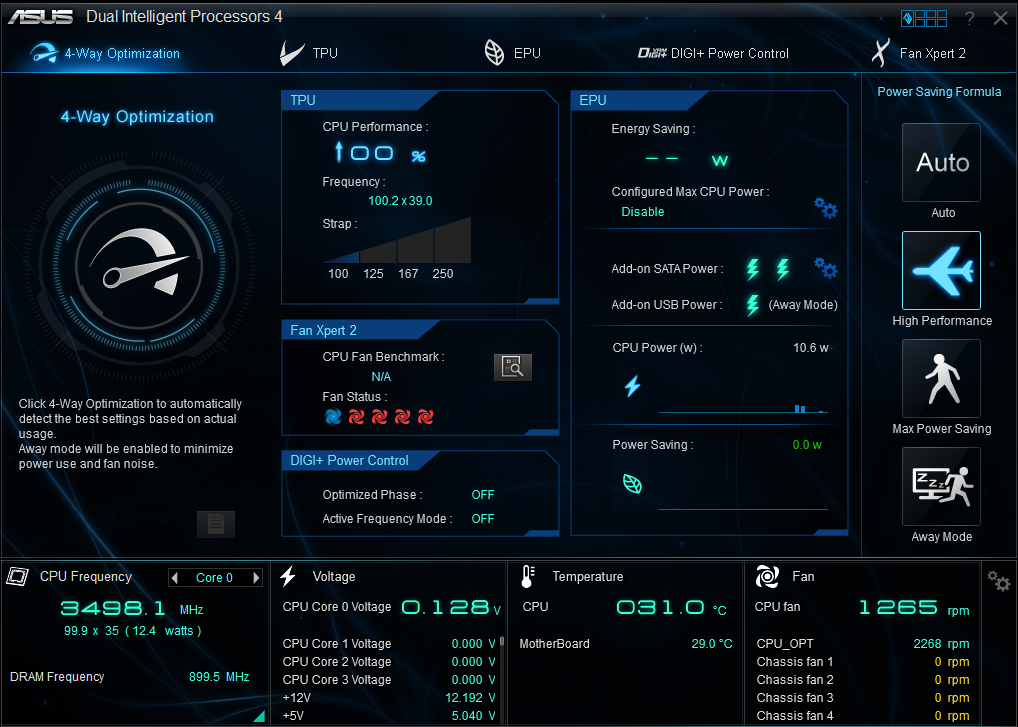
Previous generation design requires each system tuning process to be done separately, while the tuning done in one area may also lead into side-effect in the other. The revolutionary 4-Way Optimization does all the tuning in terms, in order to balance the system for the highest performance with the lowest idle power consumption based on the cooling solution fitted. Users wish to optimize only selected parts of the 4-Way Optimization can simply turn off the tuning for one or more of these tuning engines, everything up to the will of its users.
The 4-Way Optimization tweaks the system in the aspect of:
+ Performance: The automatic O.C. with the TPU.
+ Power Consumption: The advanced power management on the top of the Intel® integrated power management design with the EPU.
+ Fan Acoustics: The advanced fan managements with the Fan Xpert 2.
+ Application Specific Power Characteristic Management: Real-time management of the CPU input voltage regulator via DIGI+ Power Control.
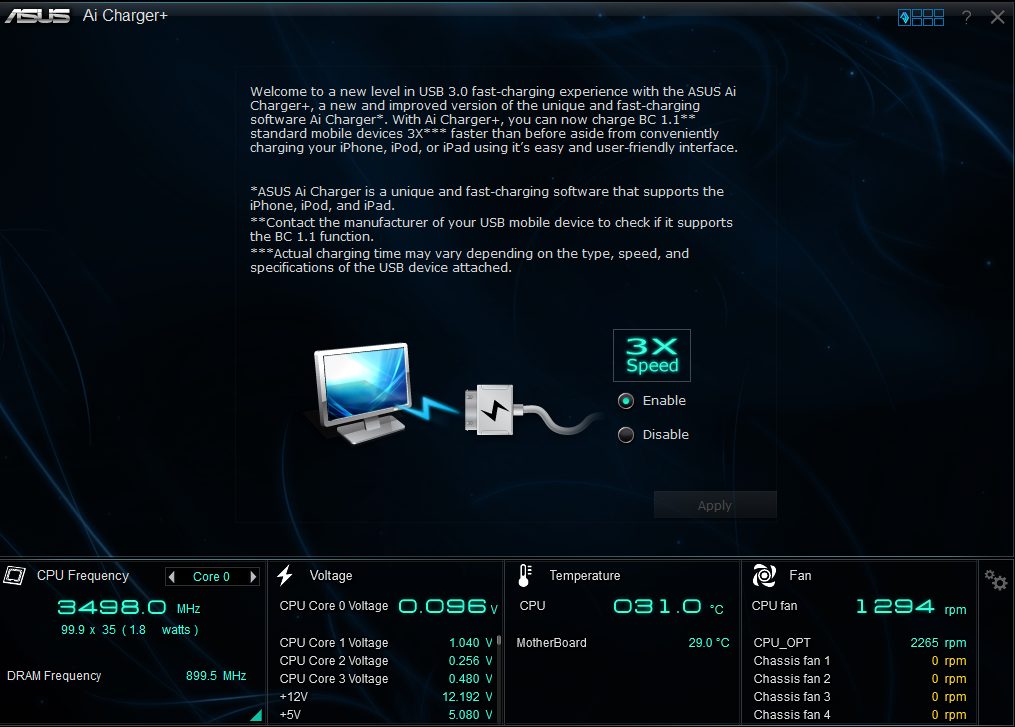
ASUS, being the leader in the motherboard industry and many others, understand the urge for such needs, invested tremendous time and effort to come up with now the third generation of USB quick charge solutions, aimed to bring this frustration to end.
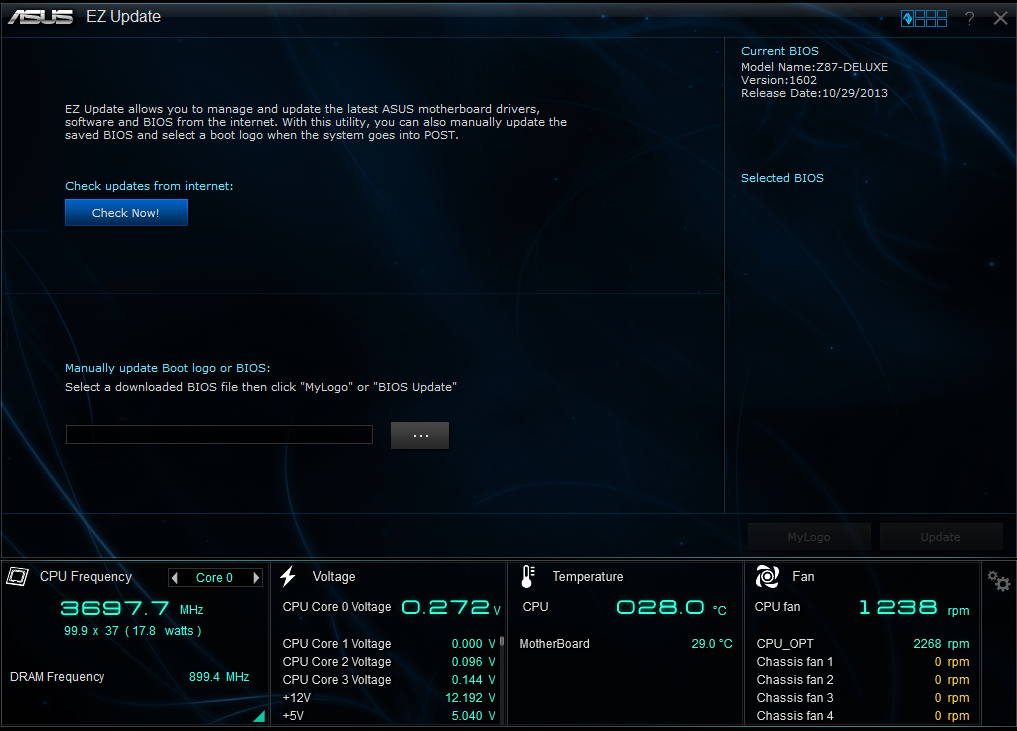
EZ Update is a utility that allows to automatically updating motherboard’s software, drivers and the BIOS version easily. With this utility, user can also manually update the BIOS and select the boot logo that will display during POST.
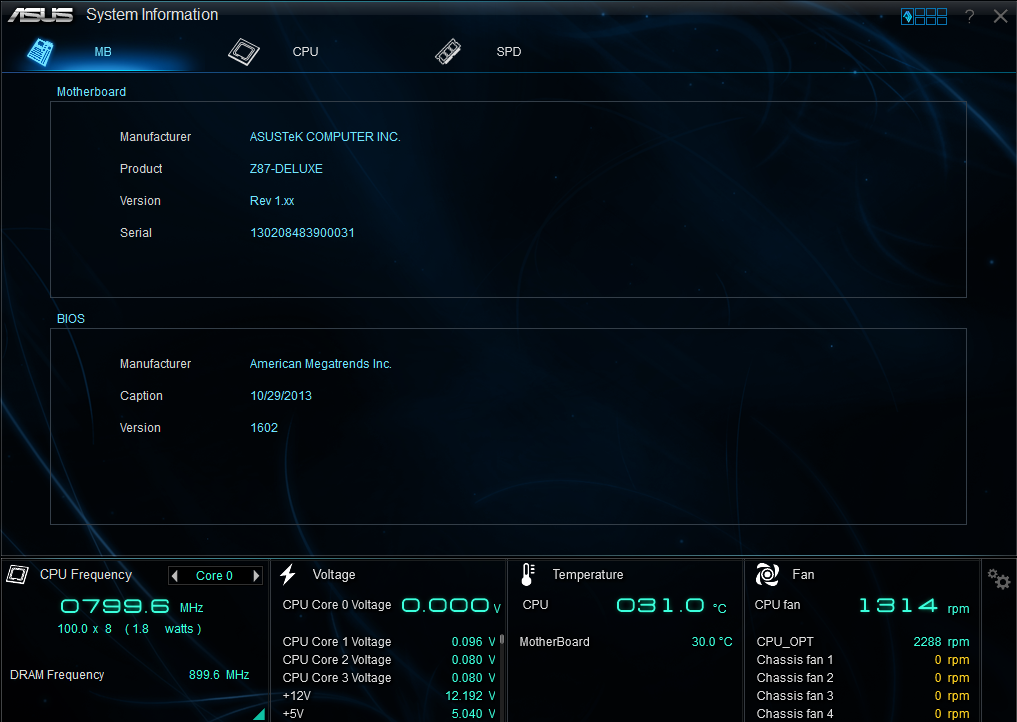
This utility allows to get the detailed information of the motherboard, CPU and memory settings.
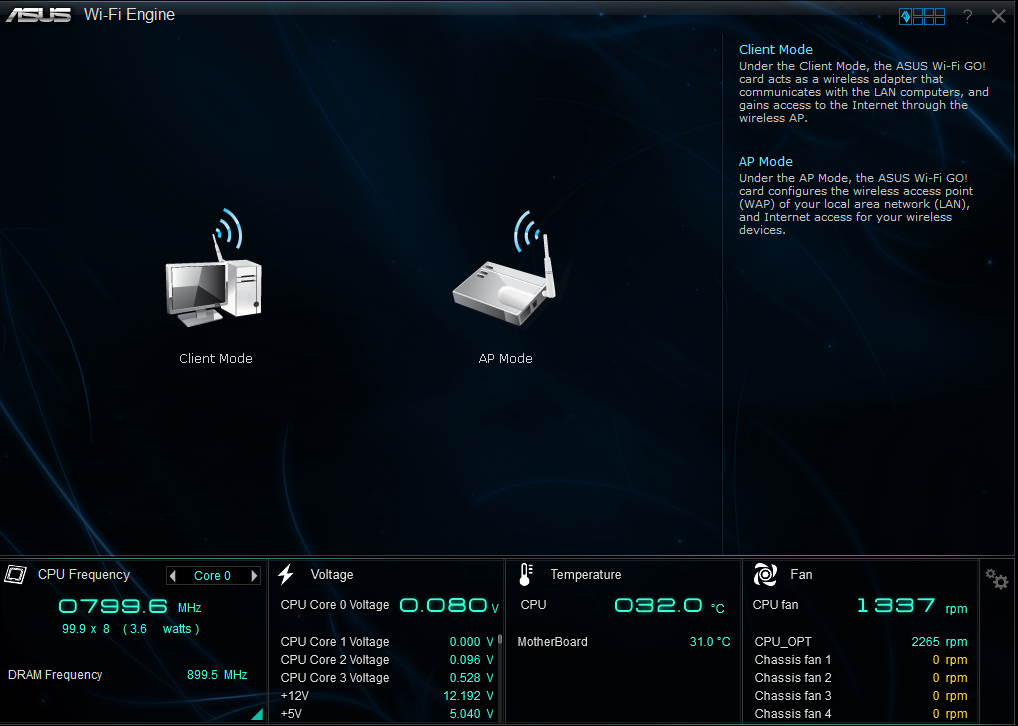
ASUS has the long tradition of providing complete solutions for the each unique component added onboard to make them more accessible for entry level users. In addition to that, rather than adopting the available solutions from chipset or software vendors, ASUS also invest the time and effort to redesign the interface to simplify the setup interface. This is what makes the Wi-Fi Engine, the one stop solution for home Wi-Fi management.
Wi-Fi Engine consists of two key functions:
+ Client Mode
Under this mode, the onboard Wi-Fi module is used as the Wi-Fi receiver to hook onto an existing network within the signal covering range. It will, once clicked, bring up the Network Connections menu under Network and Internet Connections to allow direct configuration of wireless network
+ AP Mode
Once enabled, user can choose to share any connected WAN connection whether they comes from LAN or Wi-Fi with other wireless devices within the signal coverage range. All the user has to do is to quickly set the desired SSID, password, and the network to be shared. After everything is set and ready to go, the Wi-Fi Engine will take care of the rest, and create a software access point utilizing the OS built-in RSNA-PSK encryption.
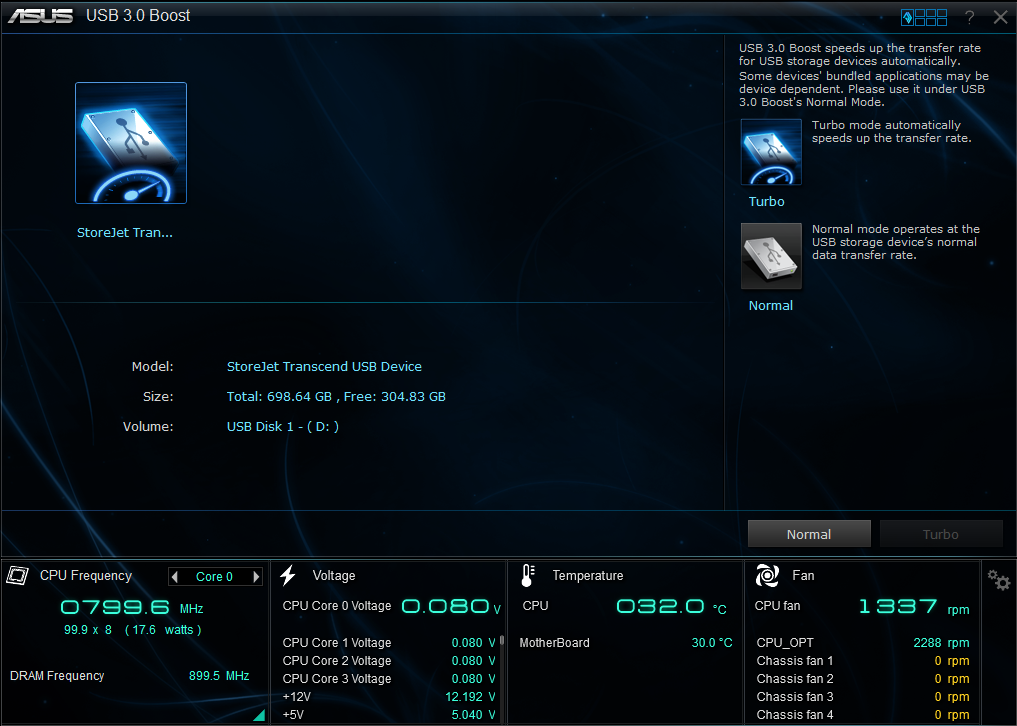
ASUS USB 3.0 BOOST Technology feature is specially offered by ASUS, allows users to stably maximize the performance of both the USB2.0 & USB 3.0 under non-UASP capable environment, delivering the close to internal equivalent read performance to its users regardless of the equipment used.
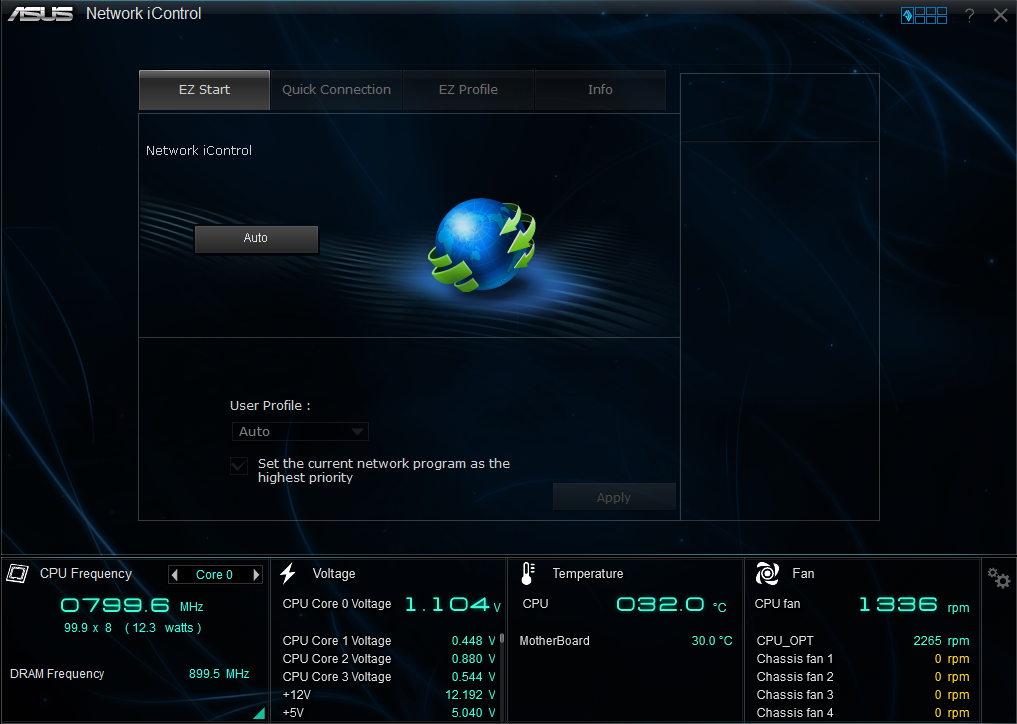
ASUS provide an exclusive software package, which combines various network shaping techniques in one, aimed to provide the network shaping functionality required for the smooth delivery of network contents under congested network. Network iControl provides two types of network management functionalities, where the network packets going to and from the system will be reprioritized to allow priority applications to run smoother.
+ EZ Start
Under this mode, the software in the foreground (i.e. the active window) gains the ultimate priority out of all applications. This function is enabled by default when users activate the Network iControl application.
+ EZ Profile
Under this mode, the network packages will be prioritized based on the network priority profile in Network iControl. Users can also define different profiles for different applications if needed.
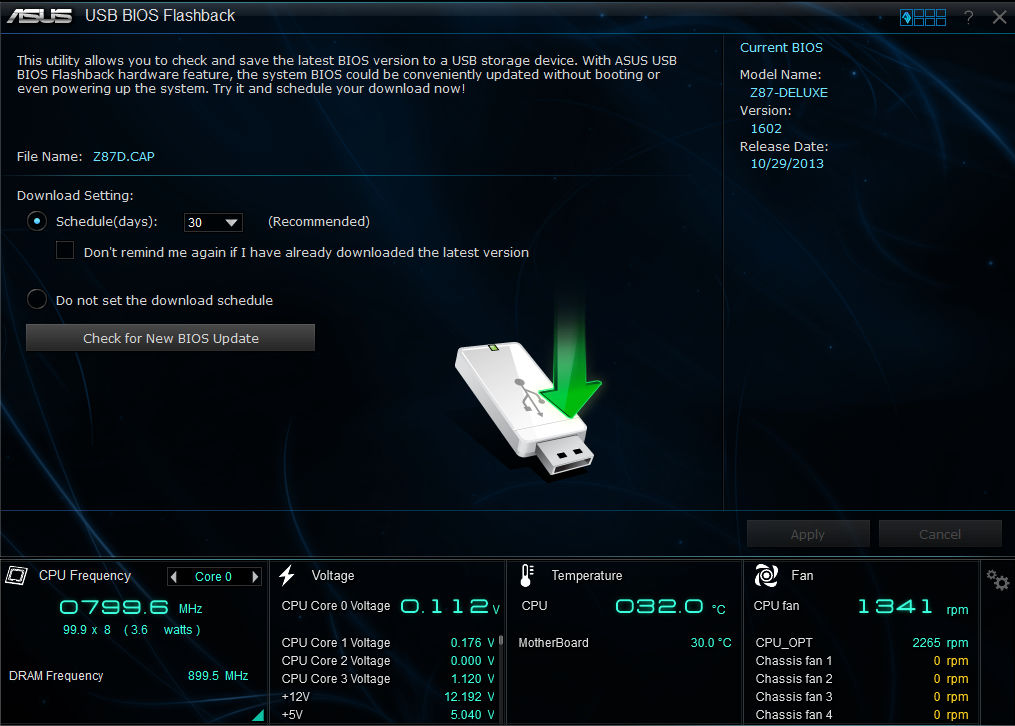
USB BIOS Flashback is where the revolutionary USB BIOS Flashback Technology comes to play, were users are now able to update BIOS with a single press of an onboard button.
USB BIOS Flashback allows users to:
+ Easily distinguish if the boot failures can be healed with BIOS update.
+ Update BIOS without a supported processor, ideal for new processor support.
+ Software-free, yet eliminates the need to look for BIOS update options.
+ Easy to operate, yet guarantees perfect success.
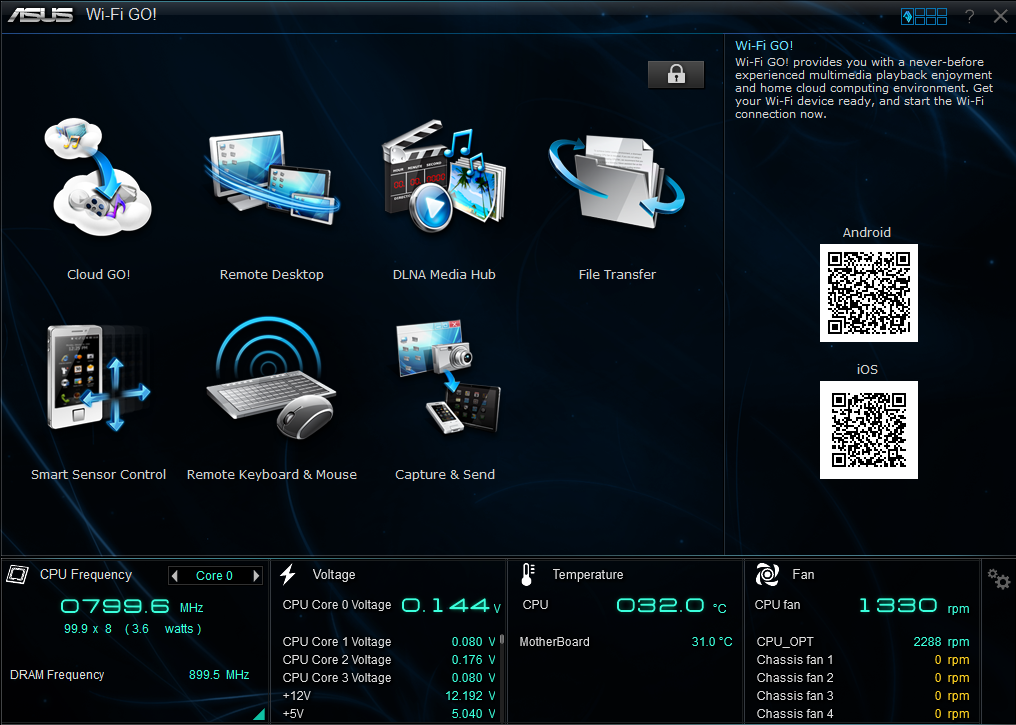
ASUS has introduced the useful features of Wi-Fi GO! With this utilities, user will be able to use features such as:
+ Cloud GO!
Users may sometimes wish to utilize more than one Cloud web storage service for different applications. However, due to the difference in user interface and architecture between the various service providers, it may not be that easy for any users to utilize multiple Cloud web storages at the same time. This is especially critical when the users would like to back up to the home PC, or even across different Cloud storage service providers. Cloud GO! Makes all previously mentioned scenario possible, while allow the same level of management from both the PC and the mobile devices, delivering the convenience anytime, anywhere.
+ Remote Desktop
This is when the mobile device can be used as a separate monitor under both clone and extended display mode, while also supporting inputs from the mobile device in remote. Users can also make use of this feature to watch video contents or even play PC games from the mobile device if desired.
+ DLNA Media Hub
This is when the mobile device can be used to direct media contents (Photo/Audio/Video) from one system to another within the same network, supporting devices utilizing the DLNA protocol with its integrated DLNA server.
+ File Transfer
This could be one of the most commonly used options, to allow one touch send and receive of data between the PC and the mobile device. The files can be easily transferred as if they are transferred across simple communication protocols such as Bluetooth, just with a much faster speed, merging convenience and performance into one.
+ Remote Keyboard & Mouse
This feature uses the mobile device as the input of the PC system for light tasks when needed. This will be convenient for applications when the keyboard or mouse is out of reach. Similar applications could be something such as trying to work the PC system from bed or similar applications.
+ Capture & Send
This feature allows the PC to capture the PC screen, and use the mobile device as the remote storage medium to store the captured images. It is ideal for applications such as making screen dumps for highly O.C. environment.
+ Smart Sensor Control
The Smart Sensor Control enables its users to gain the control over the part of the hardware functions on the mobile devices, and turn them into the respective virtual device to be used on the desktop. The utilization of the integrated gyroscope turns the mobile device into a motion joystick, enabling Windows 8 games to be playable on the big screen. On the other hand, the microphone and the rear camera can also be utilized to become the virtual wireless microphone and wireless camera respectively. Making the mobile devices no longer just another device sitting on the desktop when working with the desktop.
This post has been edited by shah93: Dec 4 2013, 09:18 PM 

 Dec 4 2013, 08:09 PM, updated 13y ago


 Quote
Quote










 0.0219sec
 0.30
0.30
 5 queries
 GZIP Disabled