


 Nov 22 2013, 12:13 AM, updated 13y ago


Introduction:
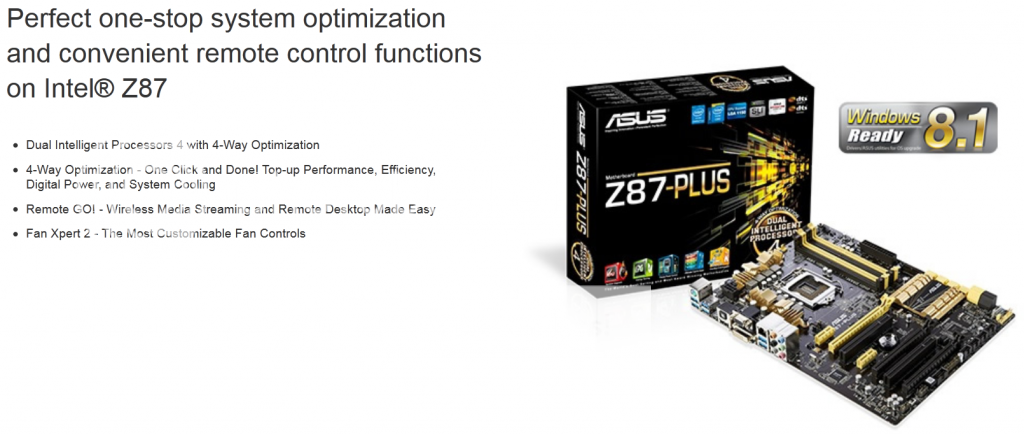
The Z87-Plus is one of the ASUS’ mainstream Z87 motherboards (mobos) lineup, offering support for multiple expansions, good onboard audio and ASUS' new “4-Way Optimization”, a feature which is not available in their lower-tier boards. Other than that, the board packs quite a few goodies for those who are looking to build a powerful rig without breaking the wallet. Let’s take a look at what the Z87-PLUS has to offer.
Product Link: http://www.asus.com/Motherboards/Z87PLUS/
Suggested Retail Price: RM 699
Specifications:

Full specifications of the Z87-PLUS can be found HERE
Overview of Z87-PLUS:

Unboxing:
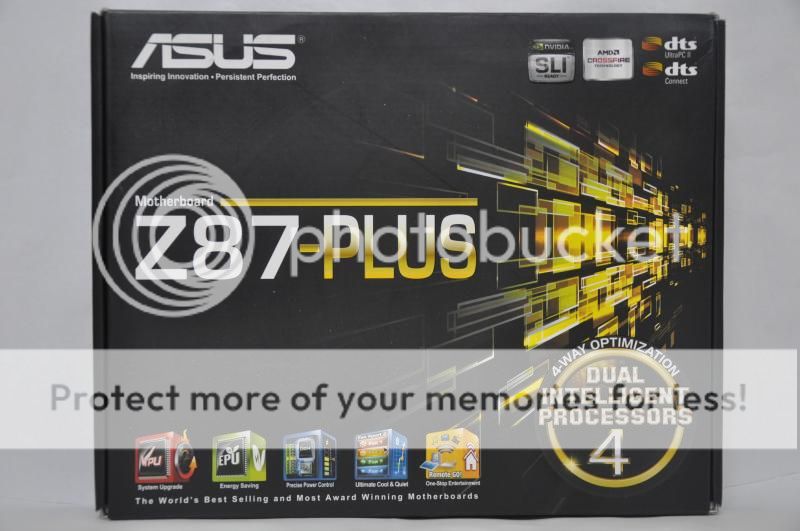
The board comes in a simple black box with some yellow/ gold illustrations.
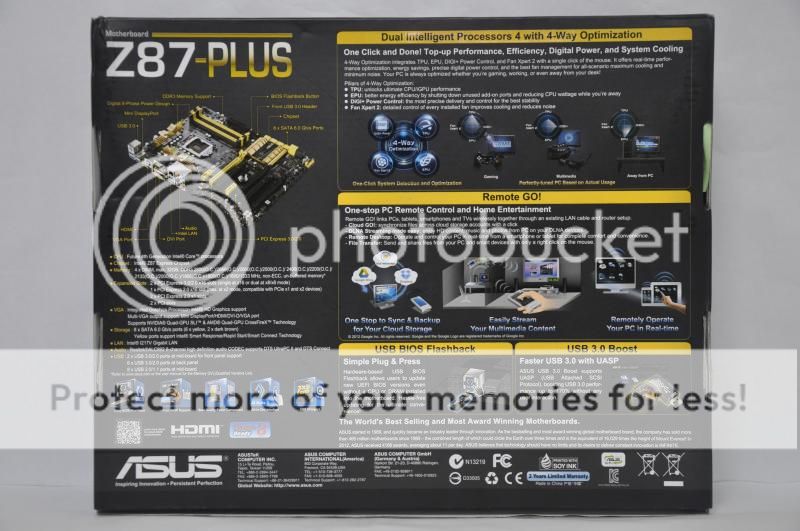
The back of the box describes the features brought by this board as well as what the platform can do.

The Z87-PLUS comes in a black/ yellow/ gold colour scheme of the Z87 mainstream board lineup and conforms to ATX form factor with measurement of 12 inch x 9.2 inch (30.5 cm x 23.37 cm).
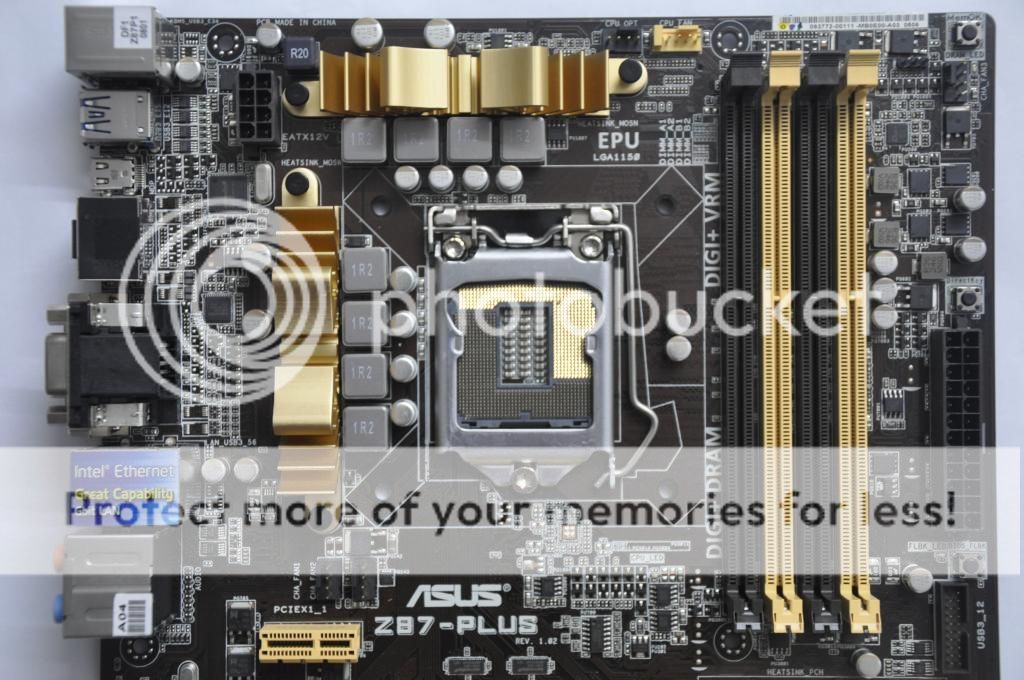
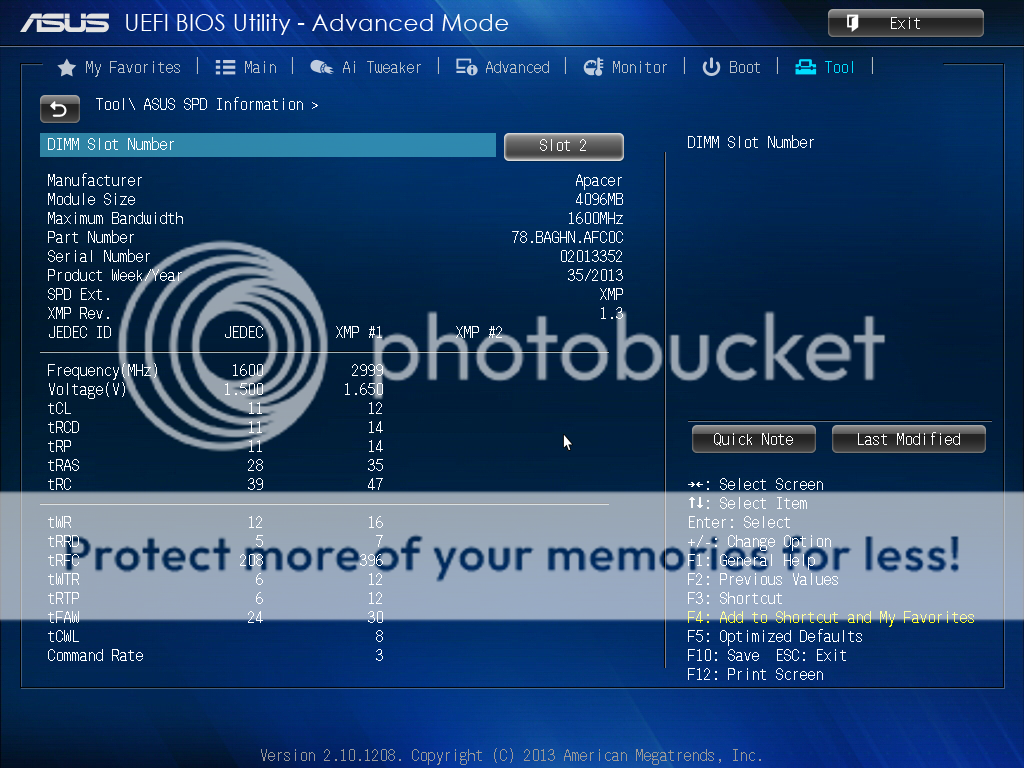
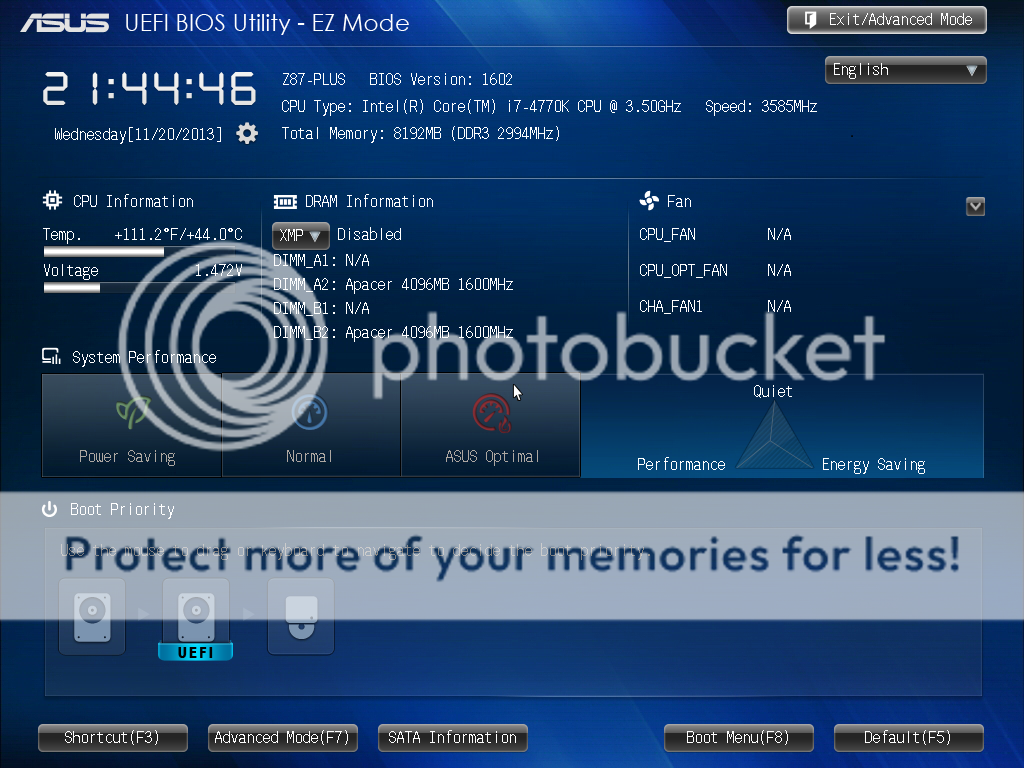
The mobo is compatible with socket LGA1150 based Intel’s 4th Generation Core i7, i5 & i3/ Pentium/ Celeron processors. Here we have 8+2 digital power phase system to deliver enough power for overclocking. The four DDR3 memory slots can support a total of 32GB of RAM with speed up to 3000MHz. Moreover, it also supports Intel Extreme Memory Profile (XMP) for easy memory tweaking.

Let’s proceed to the expansion slots. On this board itself you will find three PCIe x16 slots, two of them are PCIe 3.0. These slots support 2-way Quad-SLI and Quad-CrossFireX. Besides that, it comes with a pair of PCIe x1 slots and a conventional PCI slot. Also spotted, a TPU switch on the lower left which allows you to automatically adjust the CPU ratio and clock speed for an optimal system performance.
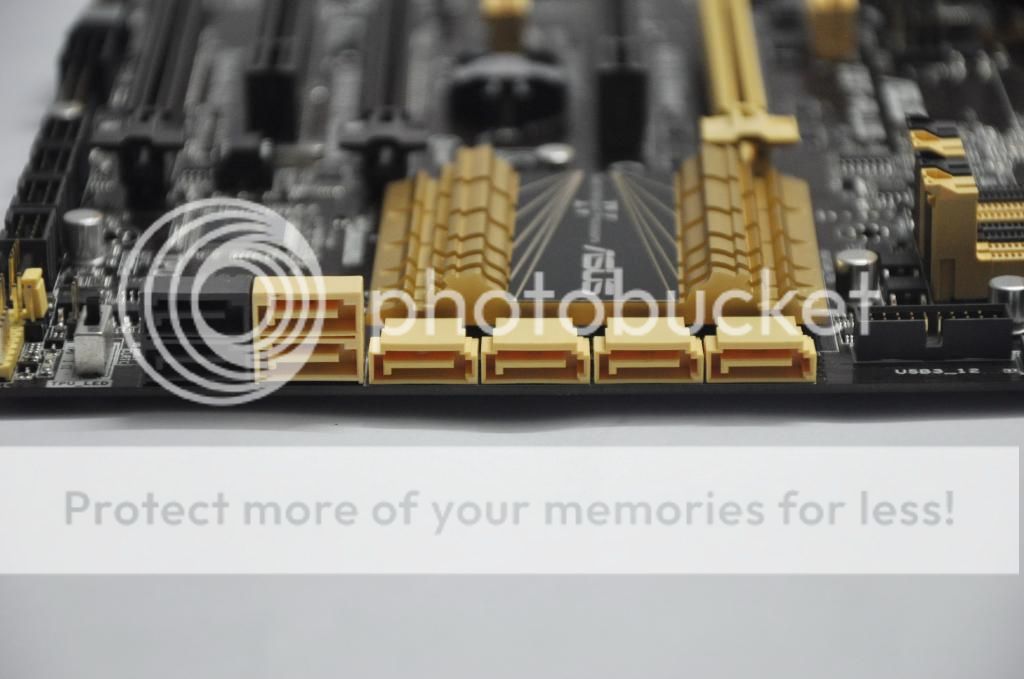
The board packs a total of eight SATA 6Gbps ports (six provided by the Z87 chipset, two by the ASMedia controller). The six Intel SATA ports support RAID 0,1,5 and 10, a well as other Z87 features like Smart Connect and Dynamic Storage Accelerator. The SATA port layout makes it easy to plug and unplug the SATA cables without having to pull your graphics card.
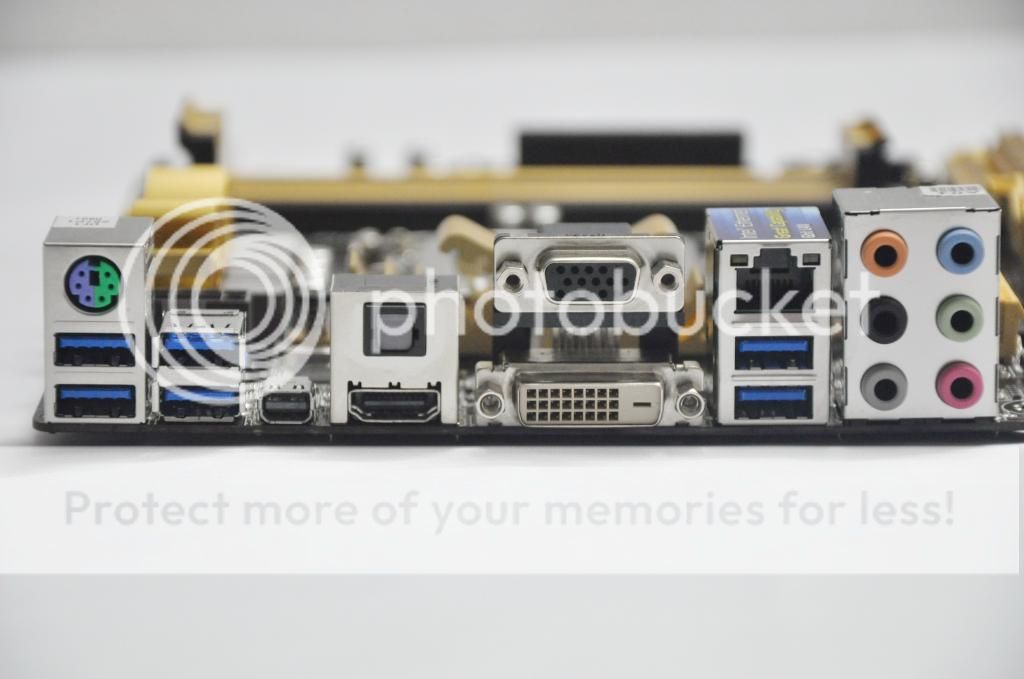
The rear IO panel looks pretty standard and it doesn’t come with any USB 2.0 port:
1 x PS/2 keyboard/mouse combo port
1 x DVI-D
1 x D-Sub
1 x HDMI
1 x LAN (RJ45) port
6 x USB 3.0
1 x Optical S/PDIF out
6 x Audio jacks
1 x Mini DisplayPort
This post has been edited by owikh84: Nov 23 2013, 10:15 AM
 Quote
Quote


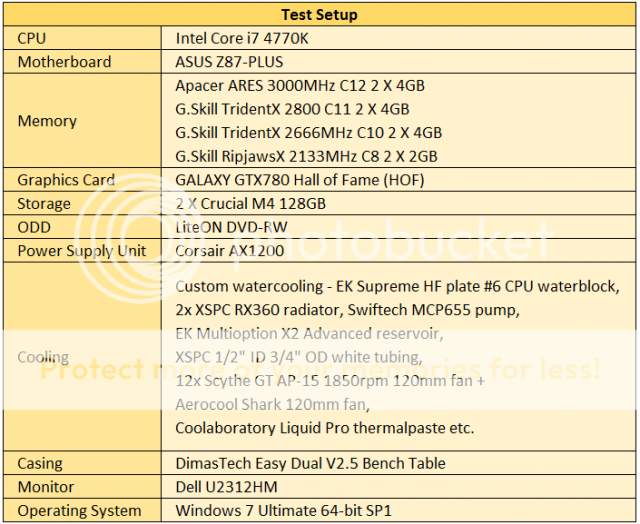
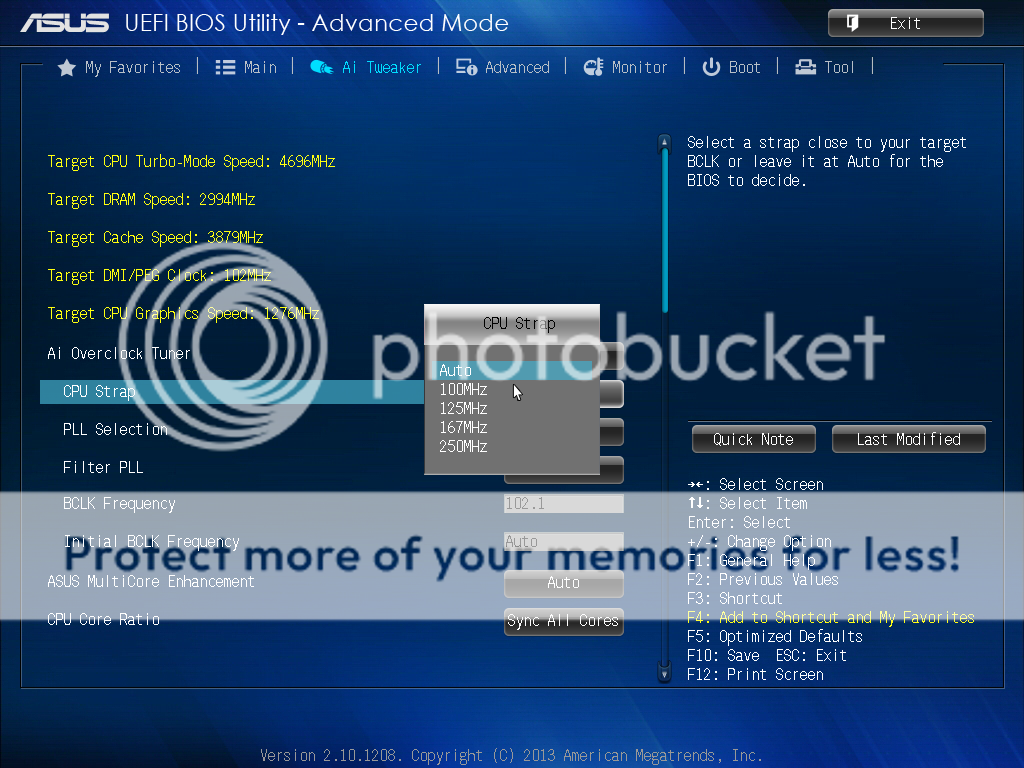


 ) of z87 can do 3k on memory...


 0.0178sec
 0.59
0.59
 5 queries
 GZIP Disabled