AI SUITE IIIIn recent years, ASUS has put more emphasis on motherboard software. Along with the new Z87 Haswell platform motherboards, ASUS is offering a new and updated AI Suite software package. Now at version three, we have a new looking GUI and a couple new additions to the utility. Too bad this board does not come with the most impressive new feature, the 4-Way Optimization function compared with their siblings which his gives the user the ability to manipulate VRM power profiles, CPU and memory overclocking, cooling performance, and power parameters.
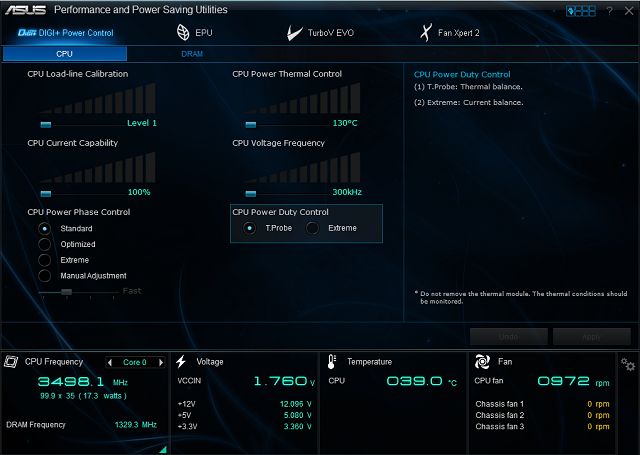
DIGI+ Power Control - CPU and DRAM Power setting. The DIGI+ Power Control tab has the options for LLC, CPU power thermal control, CPU voltage frequencies, CPU current capabilities and similar power phase controls too.
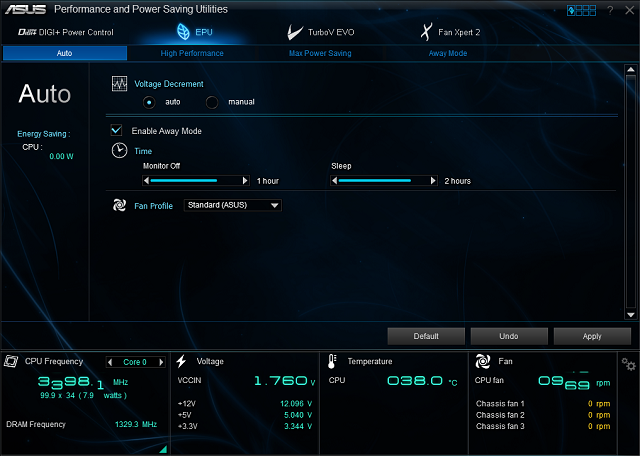
The EPU mode lets the user to set power savings features as desired. This menu includes fan profiles, voltage decrements, an away mode, and sleep timers.
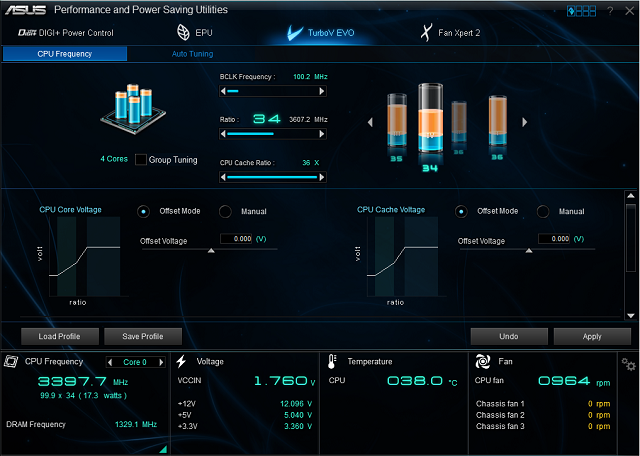
The TurboV EVO menu is where the user find the adjustments for overclocking. The CPU frequency menu has a group tuning and single core tuning function. Turbo frequency multiplier, BCLK frequency, and CPU cache ratio are adjusted here. Profiles can be saved or loaded here as well.
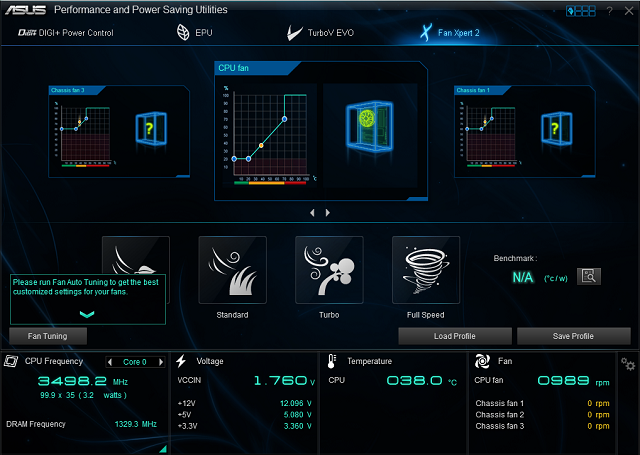
ASUS Fan Xpert 2 provides customizable settings for a cooler and quieter computing environment. With its Fan Auto Tuning features, ASUS Fan Xpert 2 automatically detects and tweaks all fan speeds, and provides the user with optimized fan settings based on the fans specifications and positions.
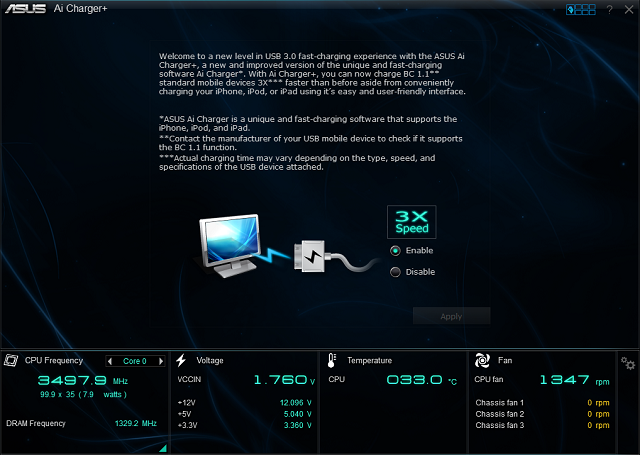
ASUS Ai Charger+, the latest Ai Charger version, brings the user to a new level of USB3.0 fast charging experience. With its easy and user friendly interface, user can easily charge their iPod, iPhones, iPad and also standard mobile devices three times as fast as before. From my test, my iPhone 5 charged 47% faster than normal.

On system section, user is able to access to Motherboard, CPU and memory information.

Network iControl is an intuitive one-step network control center that makes it easier for user to manage their bandwidth and allows setting, monitoring and scheduling the bandwidth priorities for their network programs.
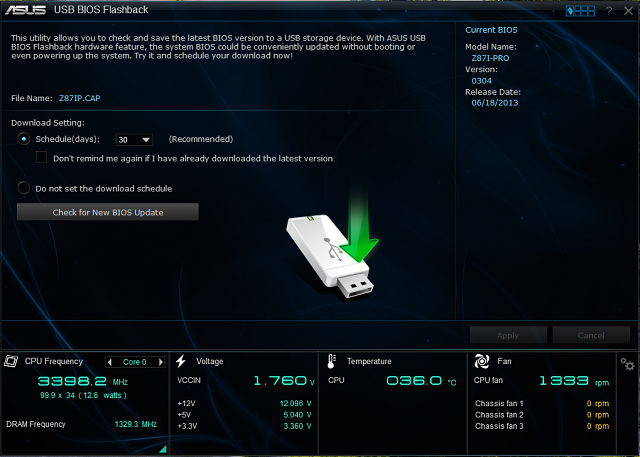
USB BIOS Flashback offers a hassle-free updating solution for user ultimate convenience. It also allows user to regularly check for EUFI BIOS updates, download and install the latest BIOS automatically. To manually update BIOS, install a USB storage device containing the BIOS file, press the BIOS Flashback button for about three seconds, and the EUFI BIOS is automatically updated even without entering the existing BIOS or operating system.
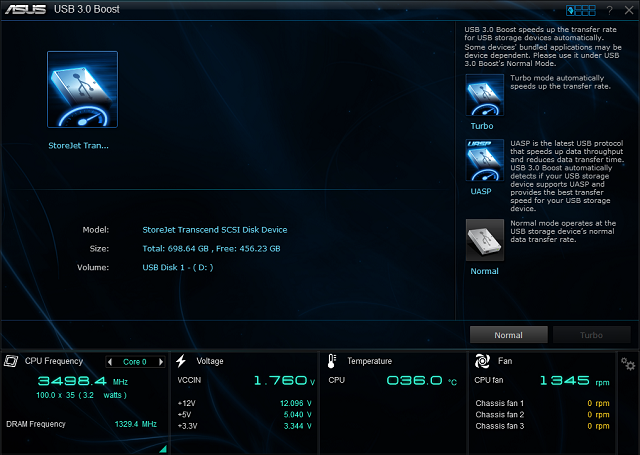
ASUS USB 3.0 Boost, significantly increases a USB devices transfer speed up to 170% faster than the already impressive USB 3.0 transfer speed. It automatically accelerates data speed for compatible USB 3.0 peripherals without the need for any user interaction.
 This post has been edited by shah93: Sep 2 2013, 04:38 PM

 Sep 2 2013, 03:45 PM, updated 13y ago


 Quote
Quote





 0.0231sec
 0.30
0.30
 5 queries
 GZIP Disabled