Welcome Guest ( Log In | Register )

Bump Topic Topic Closed RSS Feed

Outline · [ Standard ] · Linear+

 Sony XPERIA™ Z1, Official Thread V1, 5"FHD, 20.7MP-GLens (lossless D. Zoom)

views
     
Areas Elysian
post Sep 6 2013, 01:24 AM

Regular
******
Senior Member
1,132 posts

Joined: Oct 2010
QUOTE(((Xa))0102 @ Sep 6 2013, 01:18 AM)
What I am doubting:
Can the battery life trump my current Note 2 with the 100mAH extra juice.
Will the dev community will be as large as the N7100 (N7105 is pathetic), if possible like the S/S2/S3/S4
If no one is able to root this device, I will refrain from buying it.
adding on to my post:
*
One thing I suspect that gives the Note 2 its awesome battery life (other than the fact that it's 3100 mAh), would be the fact that it's underpowered.

Inside the Note 2 are basically the processors of the Galaxy S2, which is an older slower CPU/GPU setup.

With the Note 3/Z1, they're both up to date high end CPU/GPU running at FullHD..
Areas Elysian
post Sep 10 2013, 08:59 AM

Regular
******
Senior Member
1,132 posts

Joined: Oct 2010
QUOTE(squall_kay @ Sep 9 2013, 10:15 PM)
can in low light with the help of xenon flash  laugh.gif
*
I will have to disagree.

What if the photo that is to be taken is a night time landscape portrait?

Lumia's Xenon flash will overexpose the subject, while leaving the background all underexposed.
Areas Elysian
post Sep 10 2013, 11:19 AM

Regular
******
Senior Member
1,132 posts

Joined: Oct 2010
QUOTE(jloi @ Sep 10 2013, 10:22 AM)
Blur and smudge is dif lor..
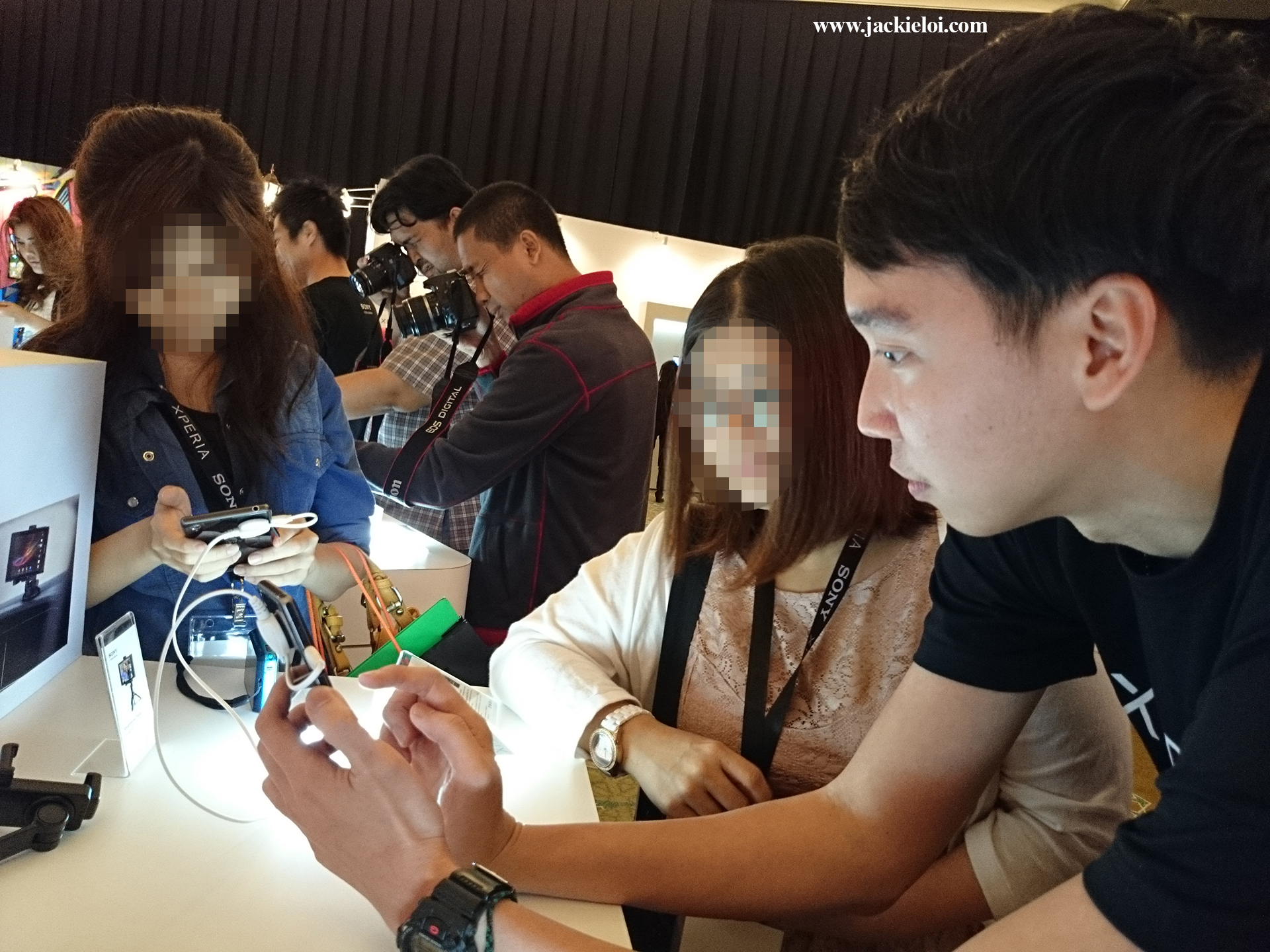
see my photo I taken that day at launch

» Click to show Spoiler - click again to hide... «

Compare with my Sony HX50V (same 20mp and sensor size) which zoom to forgot how many

» Click to show Spoiler - click again to hide... «

Anyway just my opinion.
*
It's blur because the guy most likely is moving.

Just look at the shutter settings of 1/25. That is very insanely slow. Not to mention there is no Optical Image Stabilizer.

The slowest I would dare go on my SLR with IS is 1/60, and that is with a very good IS. Without IS I won't go anywhere below 1/100 on the wide angle.
Areas Elysian
post Sep 10 2013, 01:16 PM

Regular
******
Senior Member
1,132 posts

Joined: Oct 2010
QUOTE(jloi @ Sep 10 2013, 11:35 AM)
Depend what you're shooting and the equipment setup. If static object/subject I can shoot with 1/10-1/30 handheld. I have steady hand as long as the lens is not long and heavy.

The guy (Jason Smith) is static when I am shooting him. It is my hand shake from the long zoom.
*
Depends on the zoom level as well. On the fully wide end movement shakes are less obvious when compared to telephoto.

Technicality aside, seems like it could be the result of over aggressive noise reduction, that caused the hair to look blurry.

Areas Elysian
post Sep 12 2013, 07:30 PM

Regular
******
Senior Member
1,132 posts

Joined: Oct 2010
QUOTE(Andrewtst @ Sep 12 2013, 04:55 PM)
Ya, too many variants is not a good thing. It also confuse consumer.
*
Not only about confusing. Custom ROM as well. With so many variants out there etc.. can you imagine all the headache finding a custom ROM or root method etc?
Areas Elysian
post Sep 20 2013, 06:06 PM

Regular
******
Senior Member
1,132 posts

Joined: Oct 2010
QUOTE(Andrewtst @ Sep 20 2013, 05:52 PM)
You found the exact article, now I know Note 3 is much accurate in color!
*
Accurate? Note 3 from what I see all has hints of blue in all those picture. And the screen I'm using to view has been colour calibrated. All the photo of the girls etc, they look like smurfs..

QUOTE(lilzany @ Sep 20 2013, 05:59 PM)
yes, because note 3 speaker is at the back, so it has the added benefit of reverb to make it louder. anyway, the speaker is just not loud enough
*
Note 3's speaker faces the hole/grill directly, and isn't waterproof.

Z1's speaker has the hole/grill on its side, and also has an extra layer over it for waterproof. Will always be a disadvantage here.

Edit: Looking at the photos, I don't see the note 3's speaker being at the back, but instead is at the bottom as well, so you may ignore my statement.

This post has been edited by Areas Elysian: Sep 20 2013, 06:08 PM
Areas Elysian
post Sep 20 2013, 06:23 PM

Regular
******
Senior Member
1,132 posts

Joined: Oct 2010
QUOTE(lilzany @ Sep 20 2013, 06:13 PM)
oh yeah true also...that means note 3 speaker is really loud
*
Still gotta remember, the Z1's speaker does have an extra layer over it.

» Click to show Spoiler - click again to hide... «


This post has been edited by Areas Elysian: Sep 20 2013, 06:30 PM
Areas Elysian
post Sep 20 2013, 06:30 PM

Regular
******
Senior Member
1,132 posts

Joined: Oct 2010
QUOTE(toda_erika_II @ Sep 20 2013, 06:26 PM)
But the downside of AMOLED is that it's not suitable for heavy users, as the screen will degrade overtime due to how the sub pixel works and it's not preventable, according to her.
*
For everyone else:

Google Image search for "AMOLED Burn In", without the quotes.
Areas Elysian
post Sep 20 2013, 06:36 PM

Regular
******
Senior Member
1,132 posts

Joined: Oct 2010
QUOTE(ZeneticX @ Sep 20 2013, 06:32 PM)
but the last point, AMOLED not suitable for heavy user. its true i agree but the degrade process would take a very long time, you would already change or sold your phone before the degrade take place
*
My GF just bought her Note II early this year. That's just about 7-8 months. There are already signs of burn in already. I can see her wallpaper and all on her browser, and when you change to full screen view, you can see the navigation bar burnt into the screen.
Areas Elysian
post Sep 20 2013, 06:56 PM

Regular
******
Senior Member
1,132 posts

Joined: Oct 2010
QUOTE(ZeneticX @ Sep 20 2013, 06:43 PM)
how to test ? my s3 already with me for 1 year +
*
My honest opinion and suggestion. This is one of those where you are better off not noticing if you don't already notice it. Once you see it, it will be hard to un-see it and it will be bugging you for the rest of the life of that phone with you. LOL.

Edit: Stupid me. Just search for a dead pixel test or something. I tried this "Dead Pixel Test" by Ossibus Software and it does the same as what the image does.

https://play.google.com/store/apps/details?...e.deadpixeltest

Set the screen brightness to MAX (disable auto brightness), and view it full screen.

The colour should be the same for the whole screen. If you notice any darker spots, that's where the degrading happens.

You're basically testing for the degrading of the individual pixels. As it is a single image of the same colour, you can tell where the degrading happens

-- old message --
» Click to show Spoiler - click again to hide... «


This post has been edited by Areas Elysian: Sep 20 2013, 07:00 PM

Topic ClosedOptions
 

Change to:
| Lo-Fi Version
0.0477sec    0.49    7 queries    GZIP Disabled
Time is now: 11th December 2025 - 07:43 AM