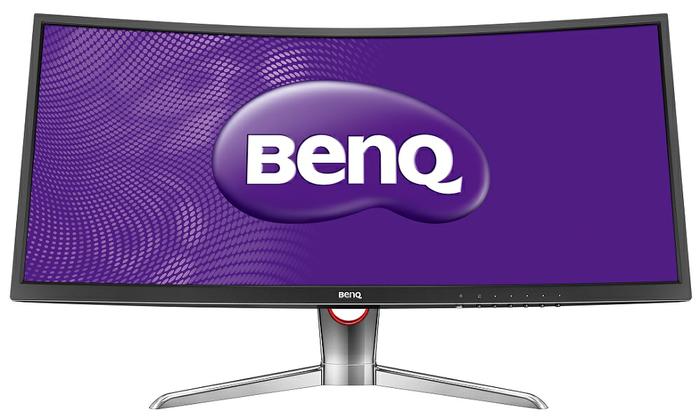
There's a numbers of reviews on the XR3501 from our local reviewers too, personally I think it's a sweet monitor to own given that you have that financial power
Thank you. We're aware of all those articles (and have posted them many times).......... except for the one from Tech Critter - that one just published today.
Our BL monitor provides 100% sRGB coverage wwith IPS Technology where every color is delivered with the finest precision in every detail and at every possible viewing angle for a great viewing experience. With a 10-bit panel that renders more than one billion hues, every image is displayed with the richest, liveliest colors.
Sweet Spot for Curved Monitors A 2000R's sweet spot is better suited compared to a 3000R for a typical PC setup environment. For a 35" monitor, it is recommended to have the setup between 1,3m to 2.6m and for the XR3501 the sweet spot is best at 2m.
Just got my XL2430T yesterday. Very happy with it except for one thing that is driving me crazy.
On direct perpendicular view of the screen, there is a purple tinge at the top part of the screen especially on the left side. So much so that if surf the web, the address bar would look purplish.
I tried tweaking the settings but nothing seems to work. Any solutions?
Update : Ok, got the purple tinge corrected by reducing red level and putting mode to standard. Will see how it goes.....
This post has been edited by kmarc: Sep 20 2015, 07:44 PM
On direct perpendicular view of the screen, there is a purple tinge at the top part of the screen especially on the left side. So much so that if surf the web, the address bar would look purplish.
Can take a picture of it and show us?
You can PM us here, attach image or PM us on Facebook - either way will be fine.
You can PM us here, attach image or PM us on Facebook - either way will be fine.
After much tweaking, I finally found the reason. It is the contrast setting, anything above 40 will result in the purplish tinge, regardless of red channel setting. As long as I set contrast less than 40, there's no problem. Is that normal?
After much tweaking, I finally found the reason. It is the contrast setting, anything above 40 will result in the purplish tinge, regardless of red channel setting. As long as I set contrast less than 40, there's no problem. Is that normal?
The PG2401PT - Enjoy the smoothest shading and color transitions in natural gradations on a 10-bit display panel. A 10-bit panel can create more than one billion colors – 64 times the amount of color available on an 8-bit panel – to guarantee silky smooth gradation. The PG series also includes 14-bit processing capability, generating crisper definition and improved gray-level distinction, allowing you see true-to-print natural shades before they get printed.
- With the 14-bit 3D Look Up Table (LUT), monitors can display the most accurate color mixture. 14-bit 3D LUT improves RGB color blending accuracy, resulting in impeccable color and gray tone reproduction.
- BenQ PG series monitors feature Delta E≤2 in both Adobe RGB and sRGB color spaces to ensure colors are displayed accurately in every stage of web design, photo retouch and pre-press workflow. Delta E≤2 not only offers viewers the truest appearance of the original image, it also saves time and money by creating reliable colors and providing promising result when matching images the first time, every time.


 Sep 17 2015, 11:34 PM


 Thank you. We're aware of all those articles (and have posted them many times).......... except for the one from Tech Critter - that one just published today.
  Quote
Quote






 0.0280sec
 0.40
0.40
 6 queries
 GZIP Disabled