

 Jan 26 2023, 12:36 PM


QUOTE(n8210 @ Jan 26 2023, 10:28 AM)
Product: RT-AX55
Problem: IQIYI cannot load
I replaced the TM Unifi dlink modem (black) with Asus RT-AX55. Everything working fine, except IQIYI on my smart tv. Other apps all works. IQIYI keeps showing connection error.
If I use back dlink router, or connect smart tv to phone and use data, IQIYI will load on tv. Only when I use RTAX55, then IQIYI cannot work.
I don't even have clue where to begin checking and tweaking. Please help. Thank you.
1) I have tried reset RTAX55 to factory setting. It did not help.
2) I have updated router firmware. Did not help.
3) I have updated smart tv firmware and apps. Uninstall and reinstall too. All did not work.
What will work is, connect to dlink/mobile data first, then load IQIYI app, switch back to Asus router, and I can continue watching. The intermediate disconnection will not prevent IQIYI from continuing. But it is impossible to load IQIYI when connected to Asus router.

Try change ur smart tv dns to google dns.Problem: IQIYI cannot load
I replaced the TM Unifi dlink modem (black) with Asus RT-AX55. Everything working fine, except IQIYI on my smart tv. Other apps all works. IQIYI keeps showing connection error.
If I use back dlink router, or connect smart tv to phone and use data, IQIYI will load on tv. Only when I use RTAX55, then IQIYI cannot work.
I don't even have clue where to begin checking and tweaking. Please help. Thank you.
1) I have tried reset RTAX55 to factory setting. It did not help.
2) I have updated router firmware. Did not help.
3) I have updated smart tv firmware and apps. Uninstall and reinstall too. All did not work.
What will work is, connect to dlink/mobile data first, then load IQIYI app, switch back to Asus router, and I can continue watching. The intermediate disconnection will not prevent IQIYI from continuing. But it is impossible to load IQIYI when connected to Asus router.
Primary: 8.8.8.8
Altenate: 8.8.4.4
 Quote
Quote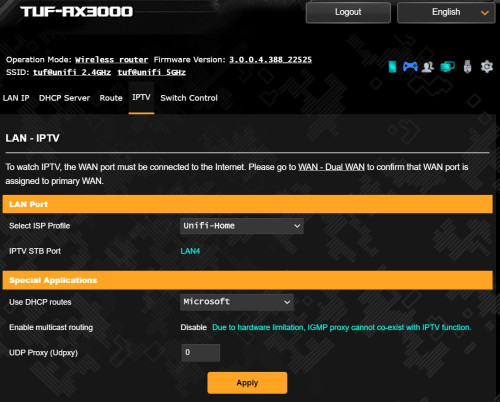
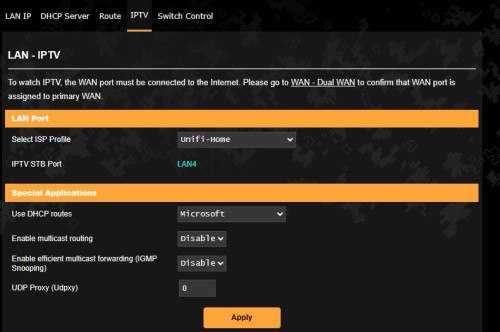
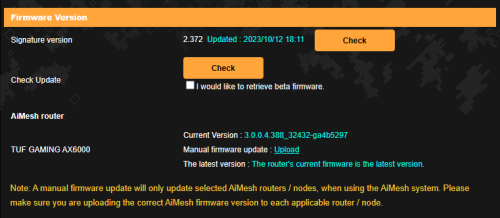
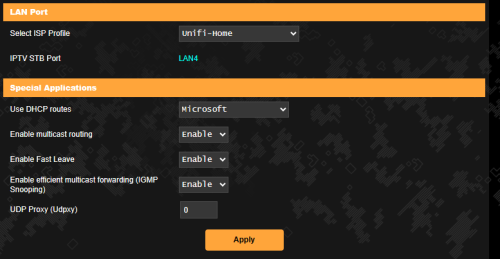

 0.0424sec
 0.64
0.64
 7 queries
 GZIP Disabled