Welcome Guest ( Log In | Register )

Outline · [ Standard ] · Linear+

 [Review] ASUS PA248Q 24" 16:10 Widescreen Monitor, Professional Calibrated IPS LED-Backlit

views
     
TSkianwee
post Aug 27 2012, 10:37 AM, updated 14y ago

Cube
*******
Senior Member
6,562 posts

Joined: Jan 2003
[Review] ASUS PA248Q 24" Widescreen IPS Monitor

Specifications:
» Click to show Spoiler - click again to hide... «


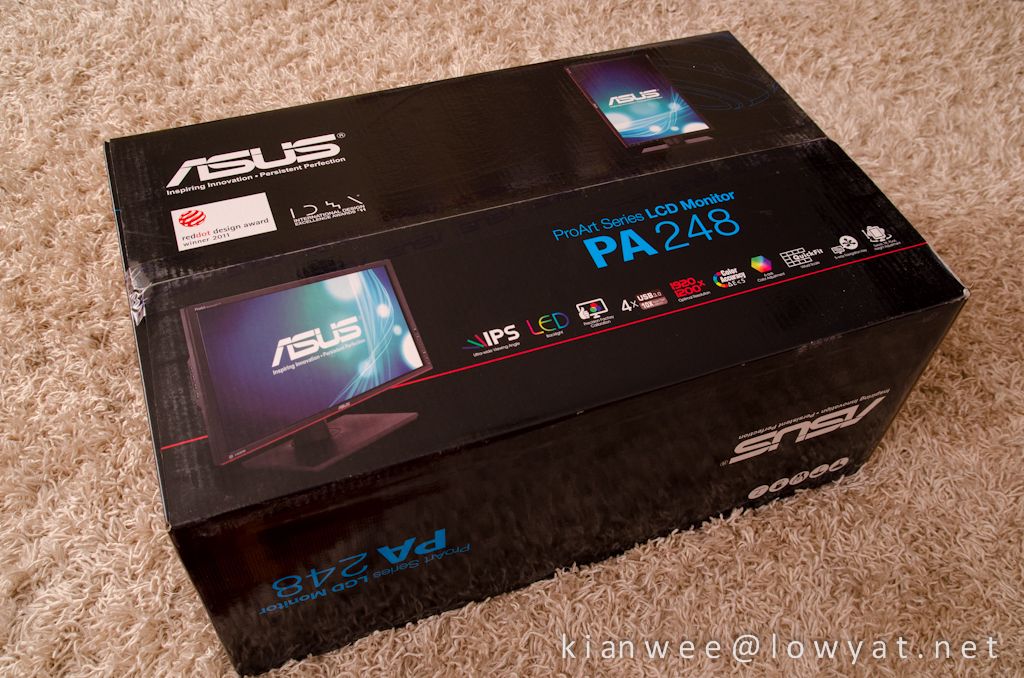
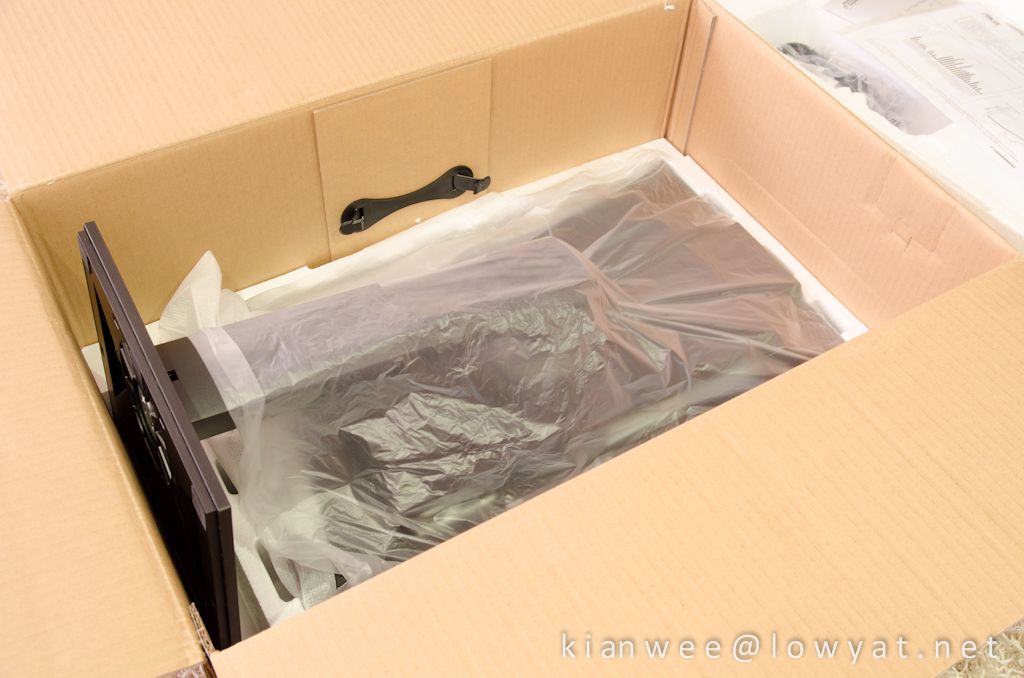
It is shipped in a huge box! Fortunately there's a handle for you to carry it.
user posted image


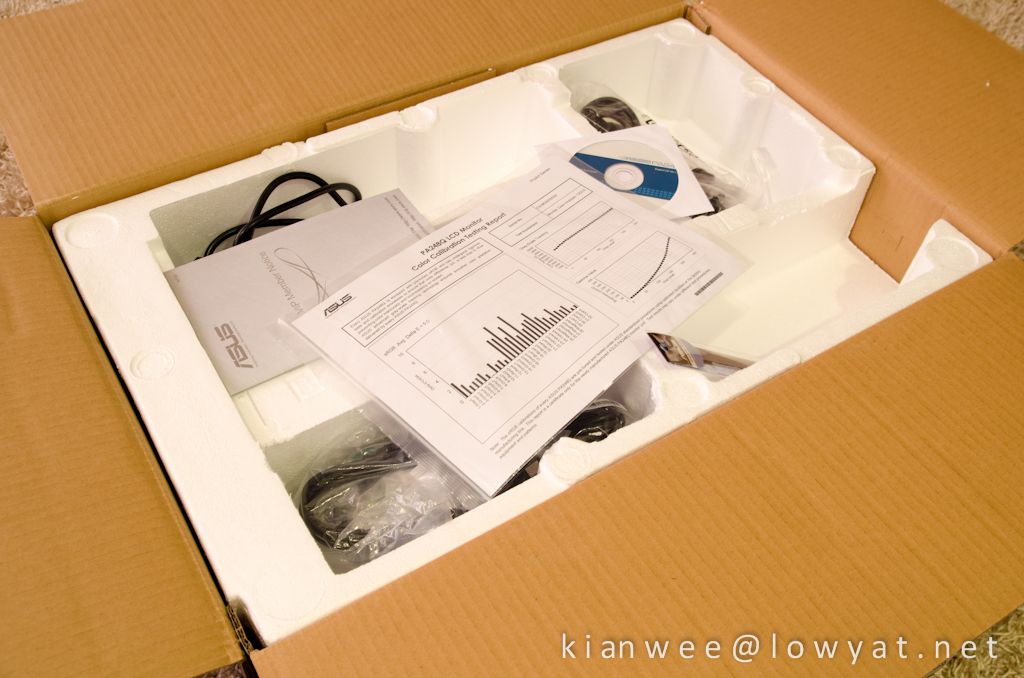
This is what you see once you opened the giant box. You get a nice ASUS cable tie, DVI cable, power cord, DisplayPort cable, USB 3.0 cable, Support CD, warranty card & color pre-calibration report. No HDMI cable provided.
user posted image


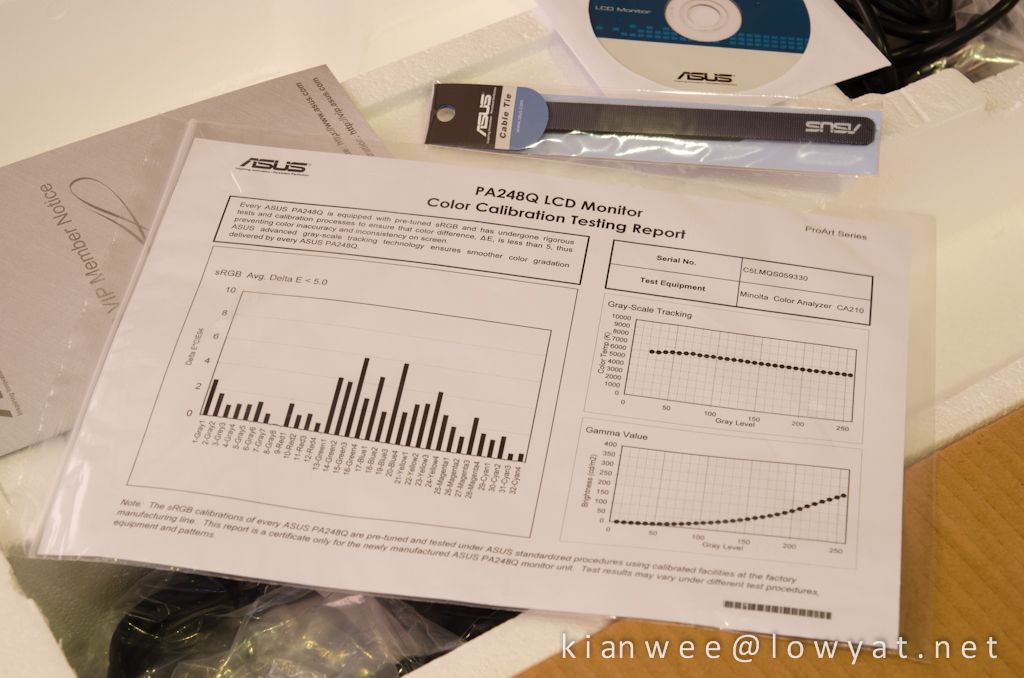
Color calibration report, showing the results of the factory calibrated display. It is calibrated using Minolta Color Analyzer CA210. This LCD is specifically targeted at graphics professionals looking for the best accuracy in color reproduction.
user posted image


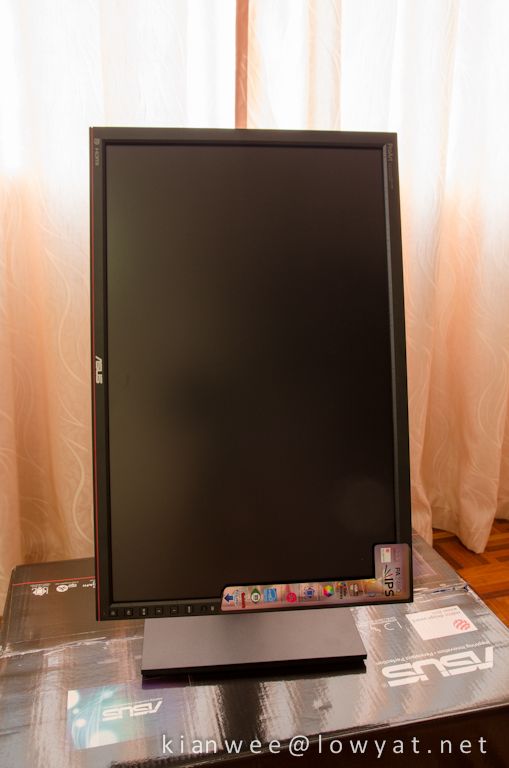
The unit is shipped with the stand intact.
user posted image


Out of the box in portrait mode. The screen is matte which I like, it doesn't get glare or reflections on them like glossy screens.
user posted image


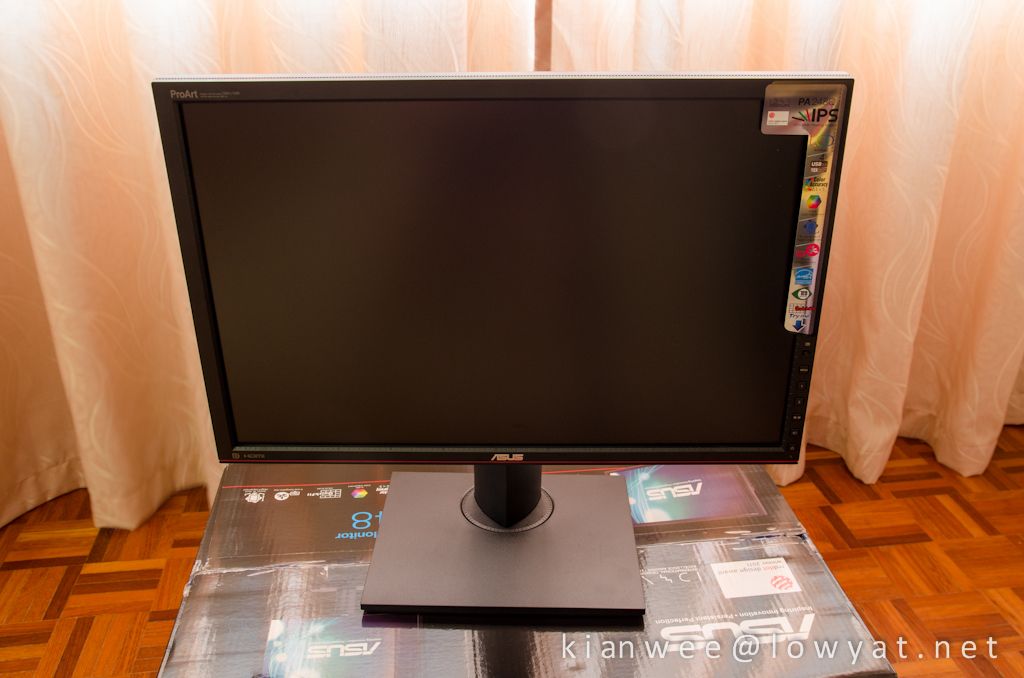
Swivel to horizontal mode. Not too tight, very easy to maneuver the screen.
user posted image


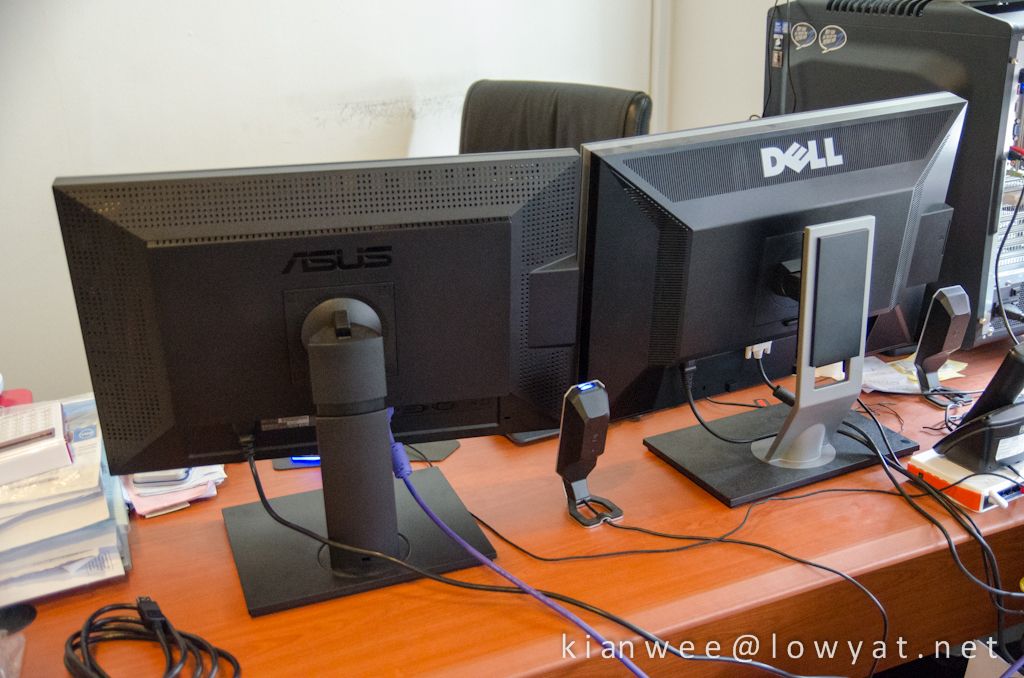
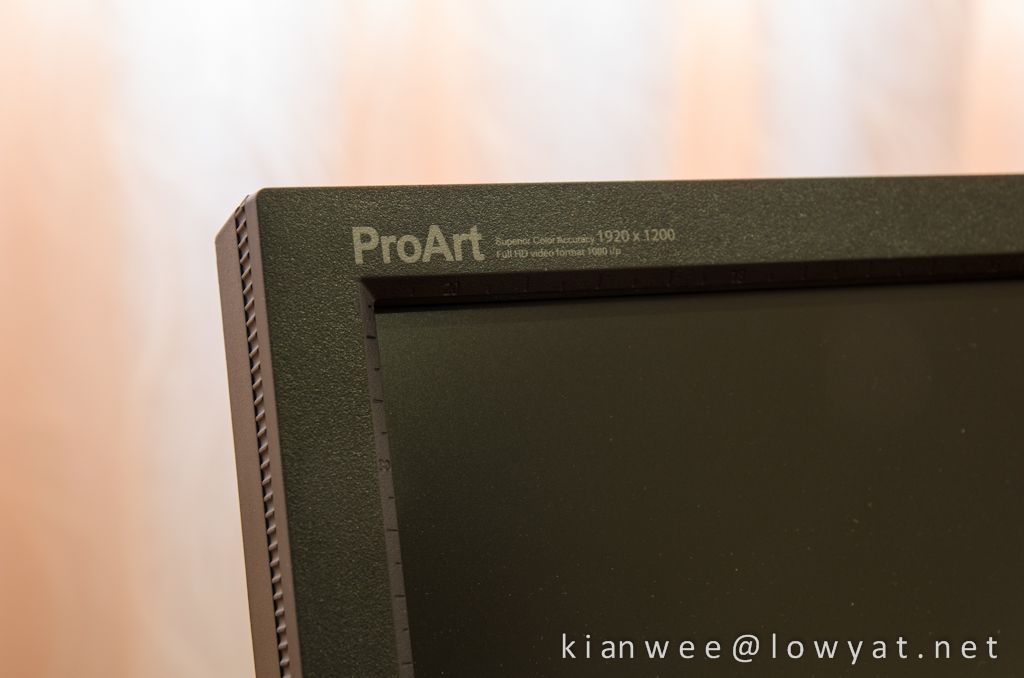
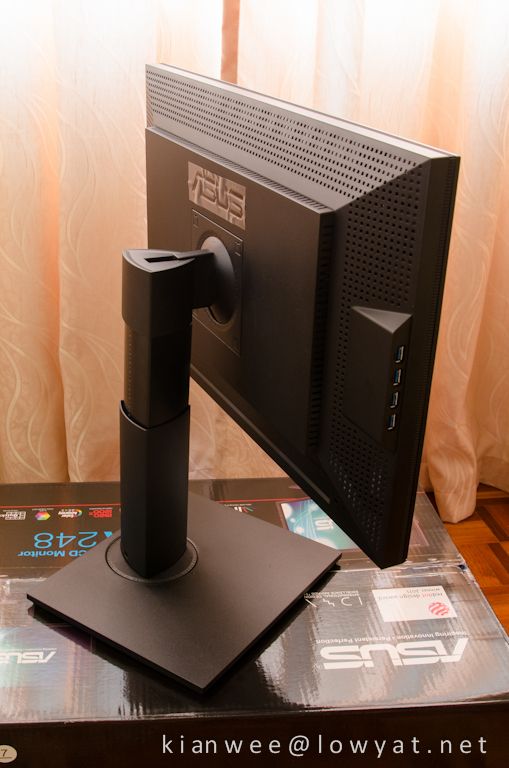
The back view. The stand is height adjustable. It can be removed if you decided to wall mount it. The build quality is really good compared to majority LCD I come across, although there are some squeaky sound if you press hardly on the bezel. I believe it will not be an issue, as normal people do not press and pinch the bezel like I do. The stand and enclosure is made of hard plastic.
user posted image


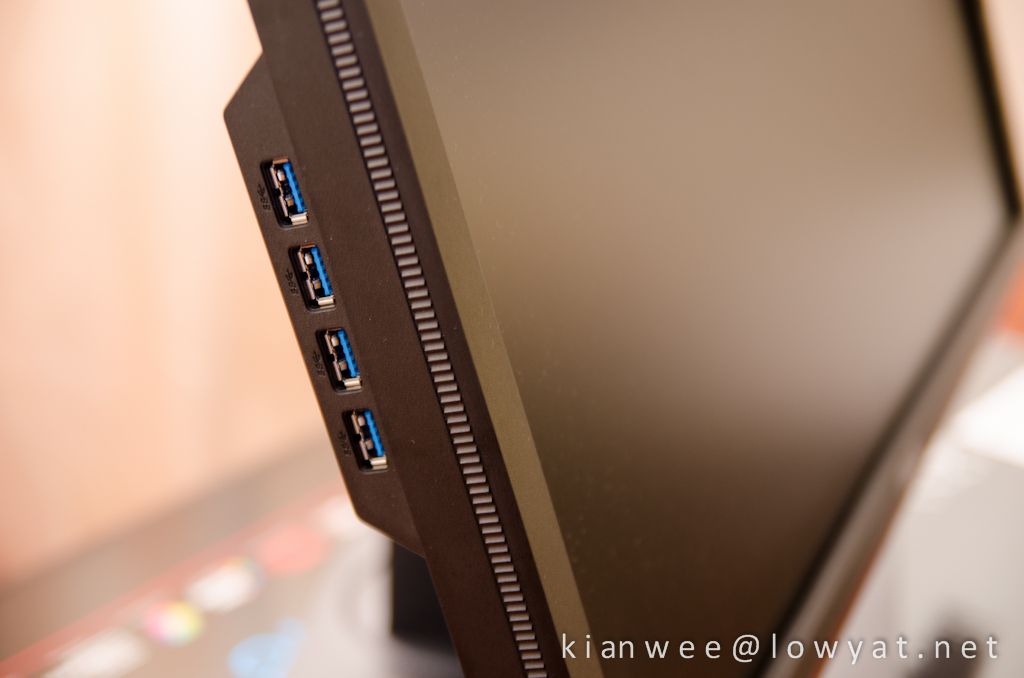
4x USB 3.0 ports on the left. The world's first. It is just a matter of time before other manufacturers come out with something similar.
user posted image


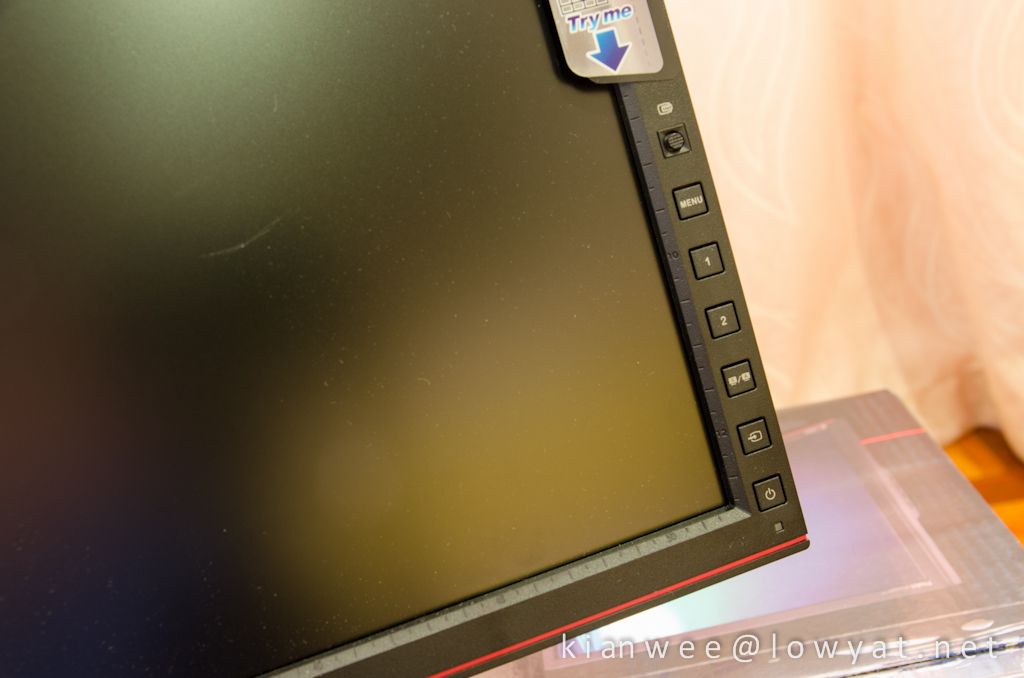
The control panel. (From top to bottom) There's a small 5 way navigation stick for easy navigation through the menu. If you press on the navigation stick it will bring up QuickFit Virtual Scale Function, allowing users to preview photos and documents on screen in their actual sizes prior to printing. The "1" and "2" buttons are meant for shortcuts. You can assign it in the menu. By default it is set to Brightness and Contrast. Beneath button "2" is Picture-in-Picture and Picture-by-Picture toggle button, followed by Source button and finally Power button.
user posted image

This post has been edited by kianwee: Aug 27 2012, 04:32 PM
TSkianwee
post Aug 27 2012, 10:38 AM

Cube
*******
Senior Member
6,562 posts

Joined: Jan 2003
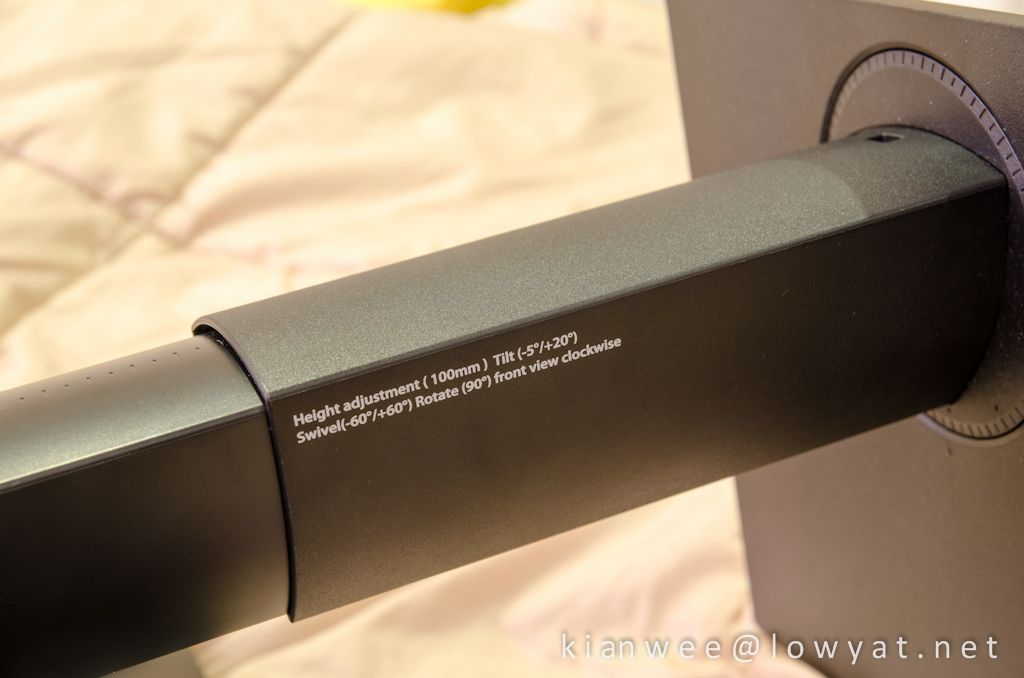
There's even an indication on how this monitor can move printed on the stand.
user posted image


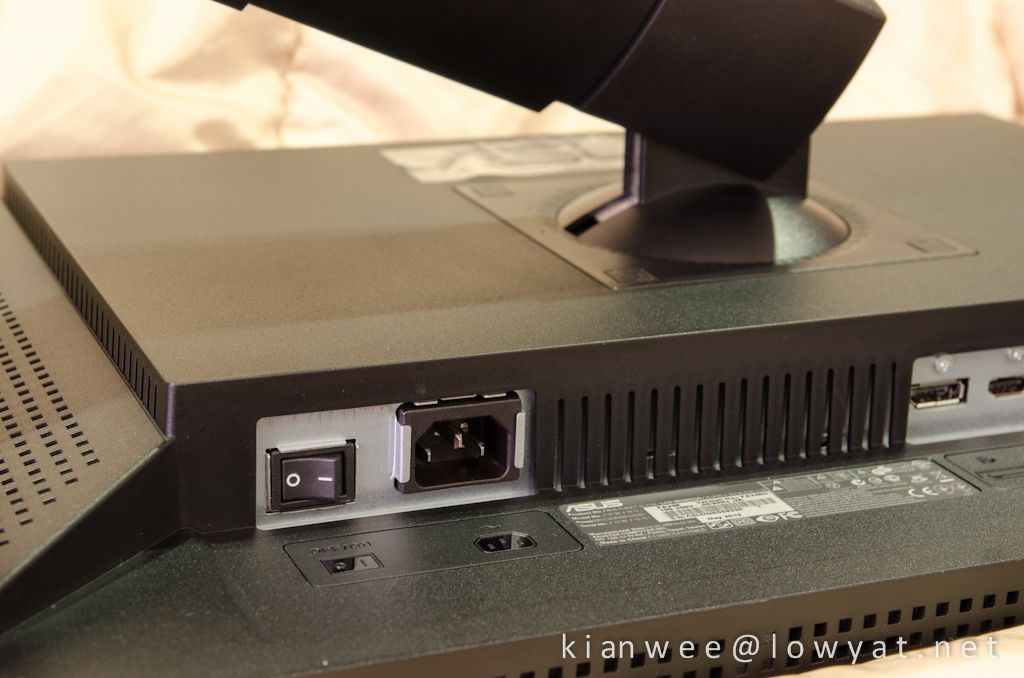
ON/OFF button and outlet for power cable on the left.
user posted image


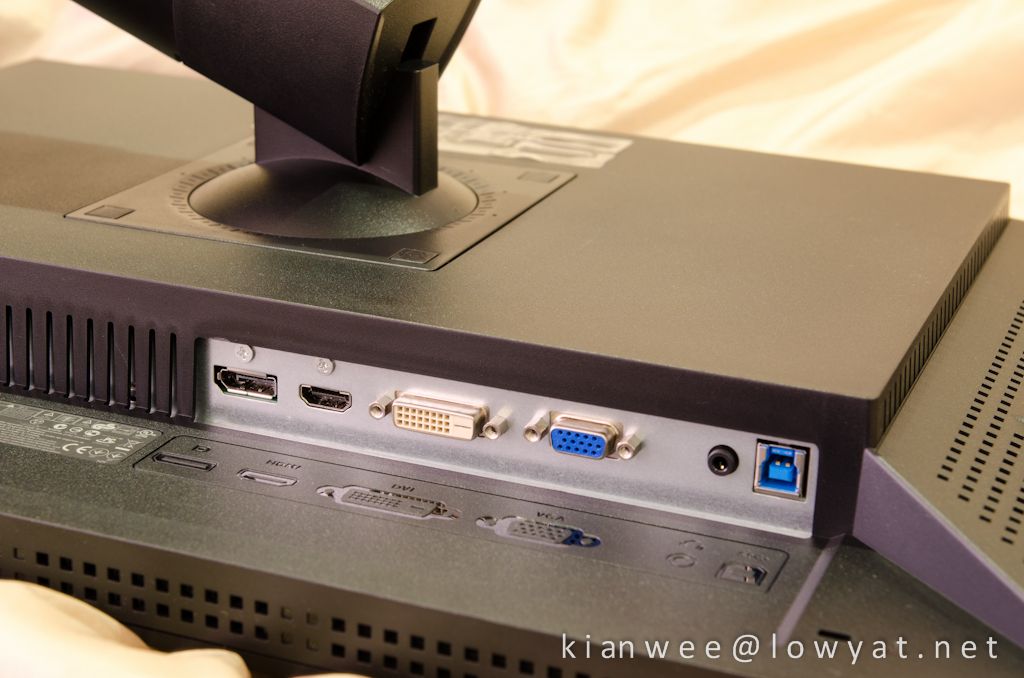
DisplayPort, HDMI, DVI, VGA, speaker and USB 3.0 on the right.
user posted image


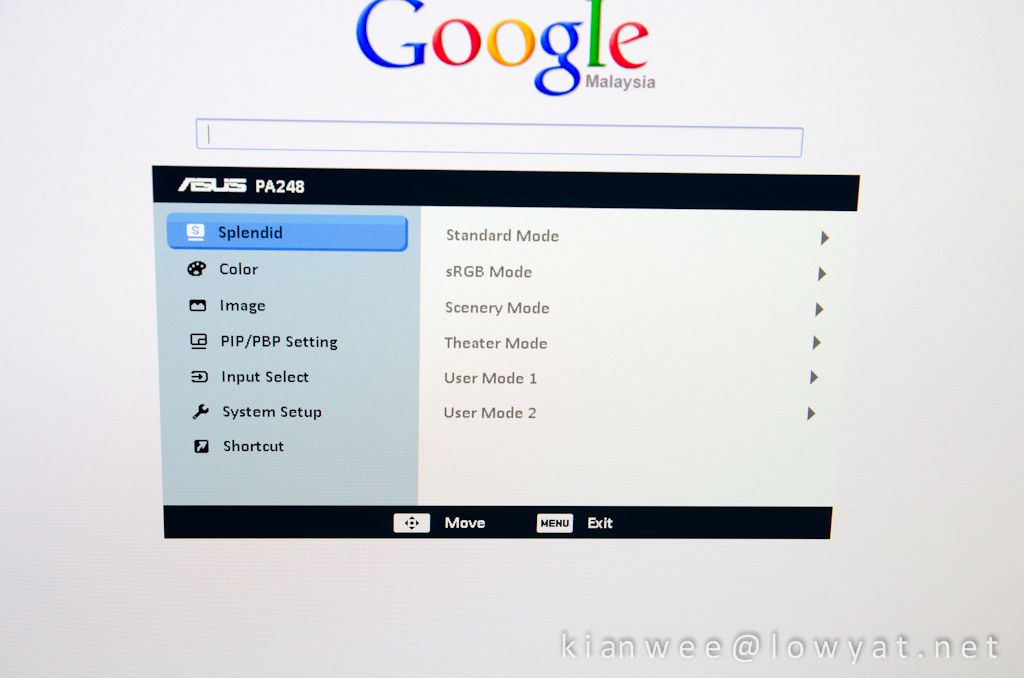
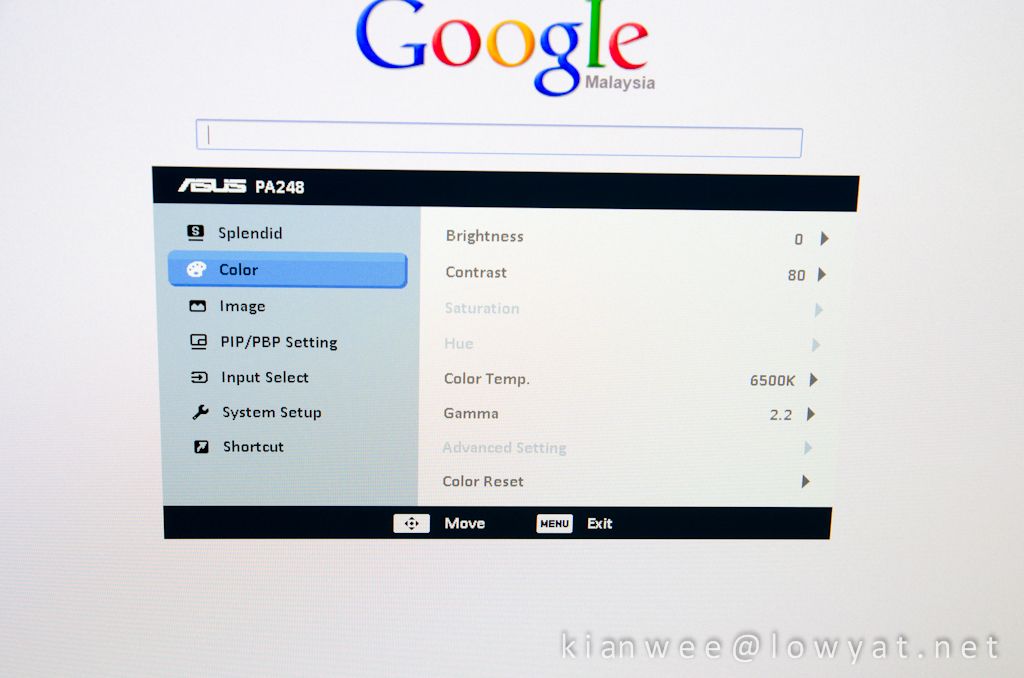
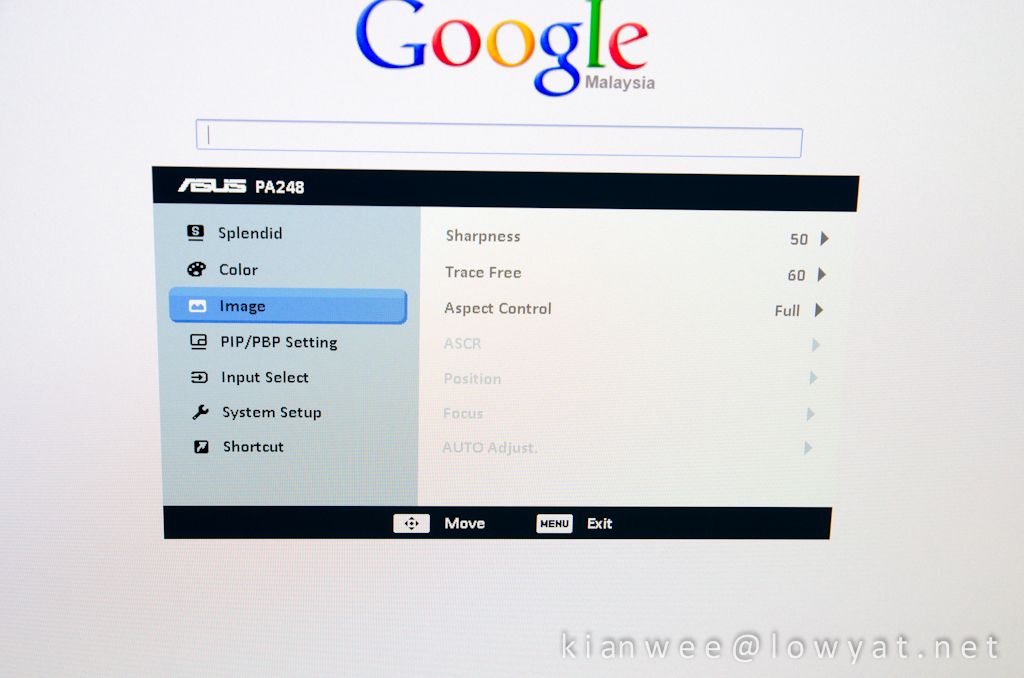
The Menu. You can adjust variety of settings here. I'm using sRGB mode throughout my review.
user posted image


This display is really bright! I have to turn down the brightness all the way to 0 to soothe my eyes. If you're in sRGB mode you cannot change the contrast setting which will be greyed out.
user posted image


Some of the settings are greyed out depending on the primary setting which is active.
user posted image


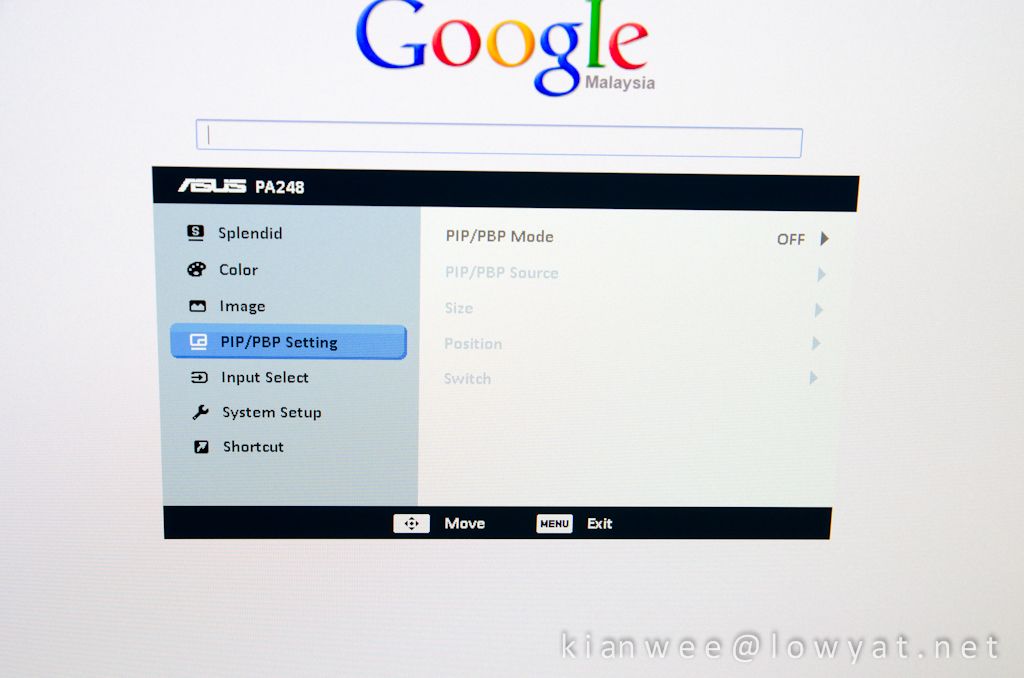
Picture-in-Picture & Picture-by-Picture settings can be set here if you have more than 1 input connected to this display.
user posted image


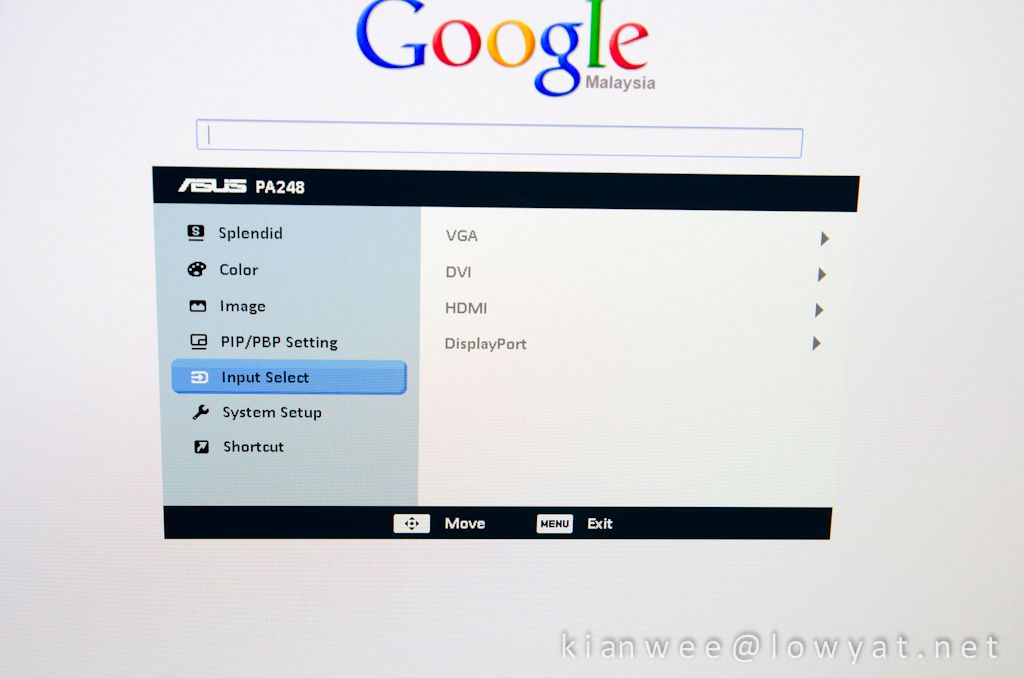
The Input Select menu. I don't see the need for this, when you have a physical button on the monitor to change the inputs which is way faster than navigating to the internal menu.
user posted image


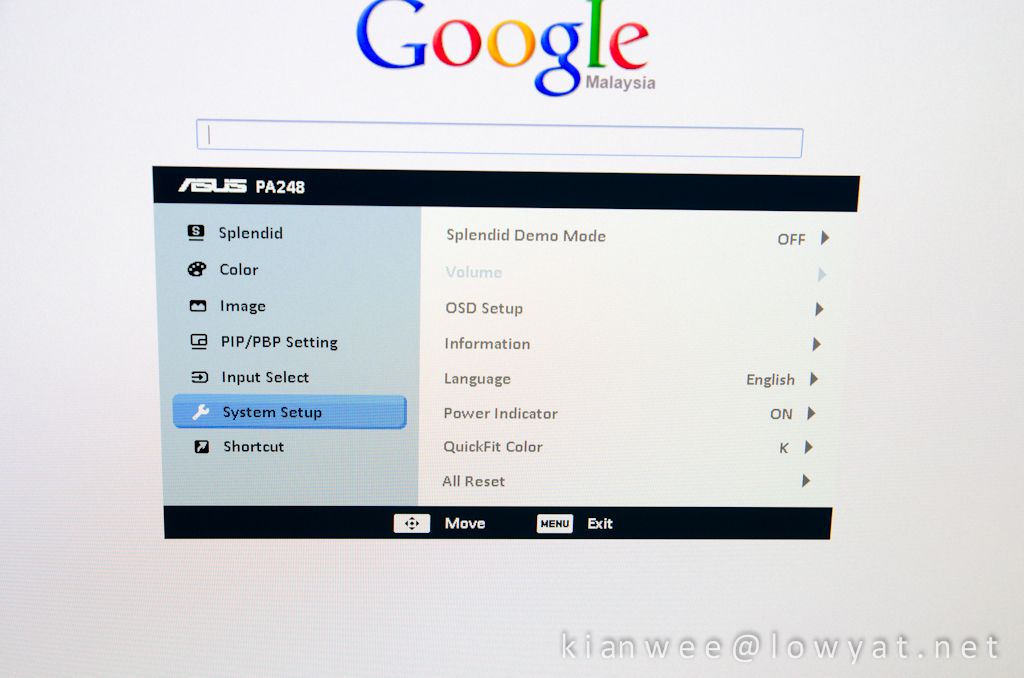
The System Setup menu where you can adjust your language or to do a factory reset in case you screwed the settings up.
user posted image


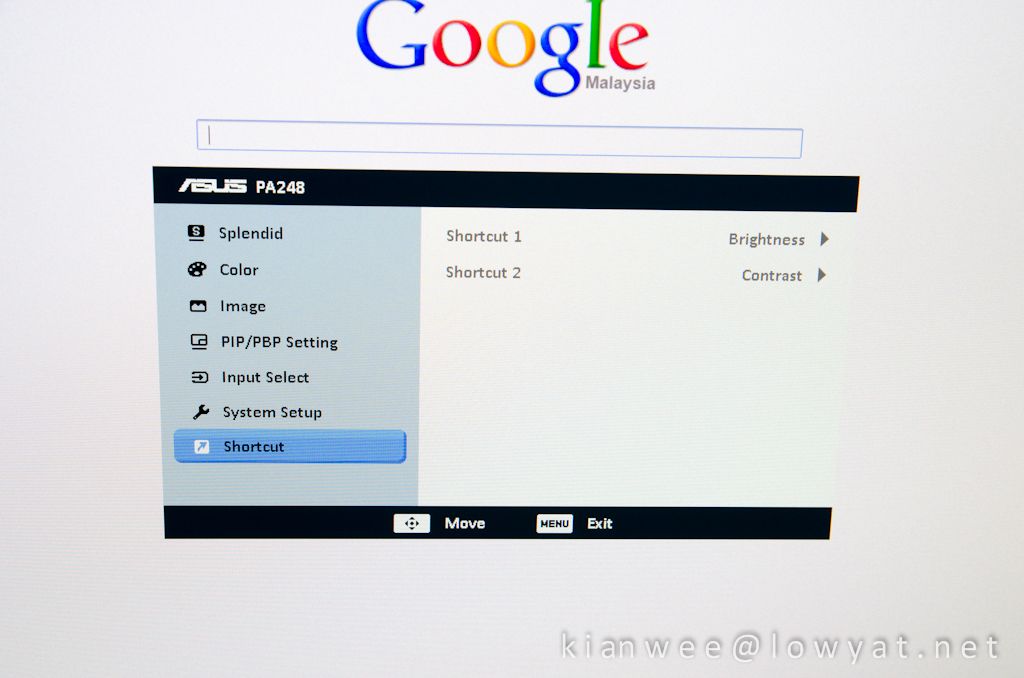
And finally the Shortcut menu. By default, shortcut for button "1" and "2" are set to Brightness and Contrast.
user posted image

This post has been edited by kianwee: Aug 28 2012, 10:25 PM
TSkianwee
post Aug 27 2012, 10:38 AM

Cube
*******
Senior Member
6,562 posts

Joined: Jan 2003
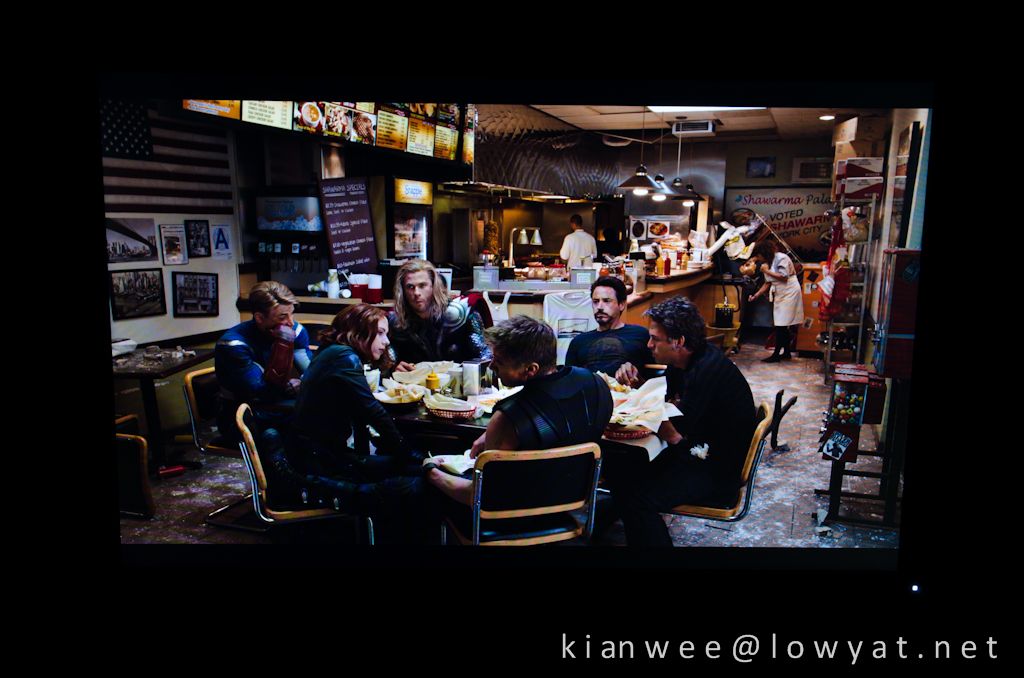
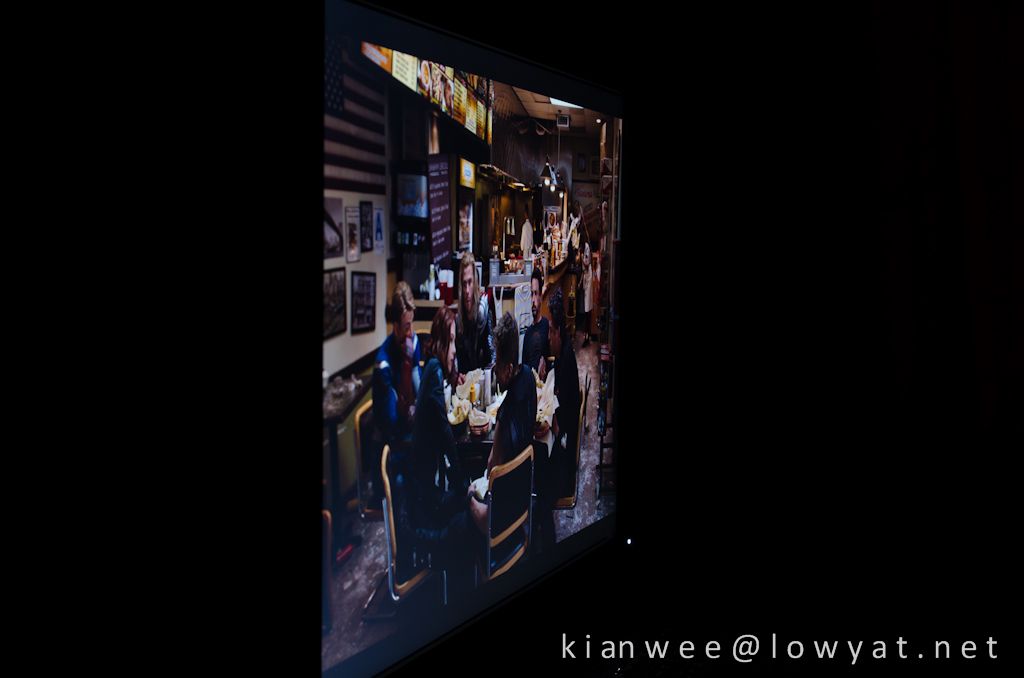
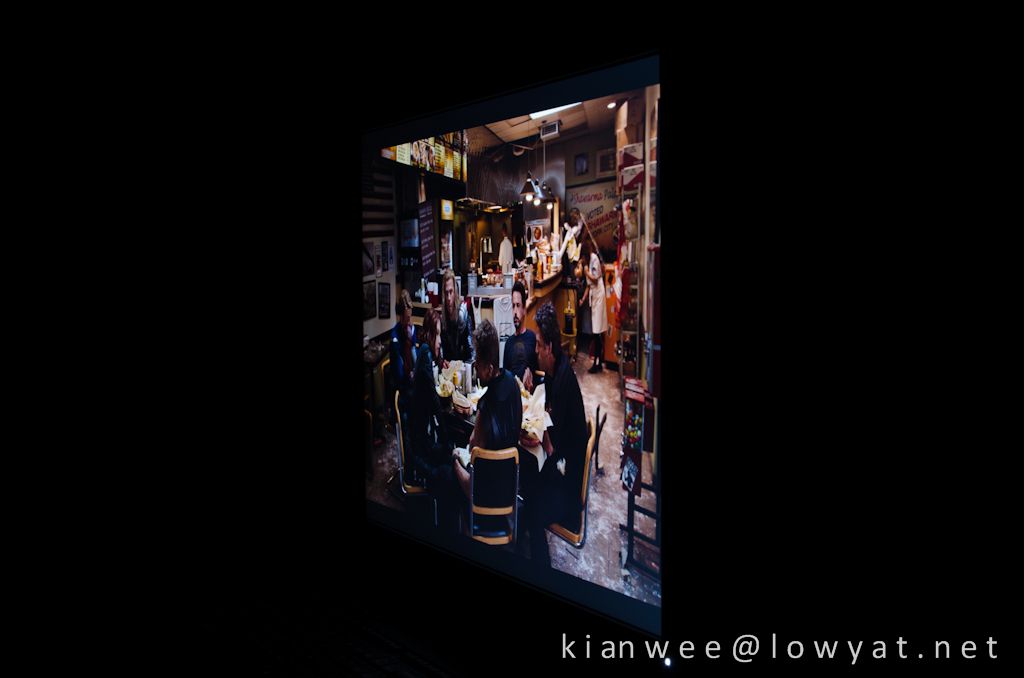
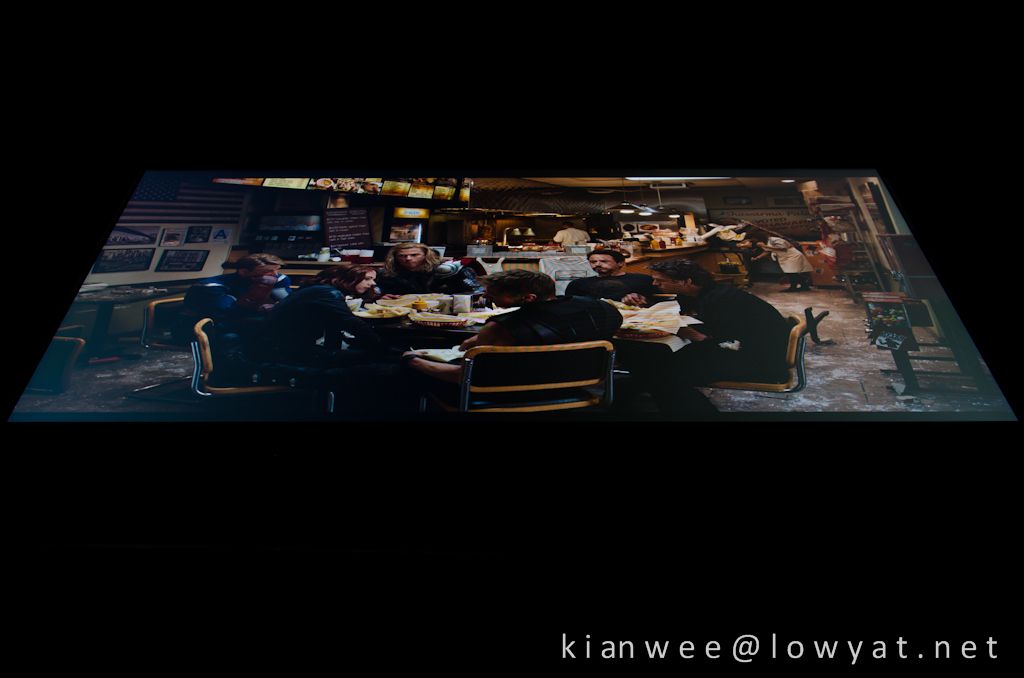
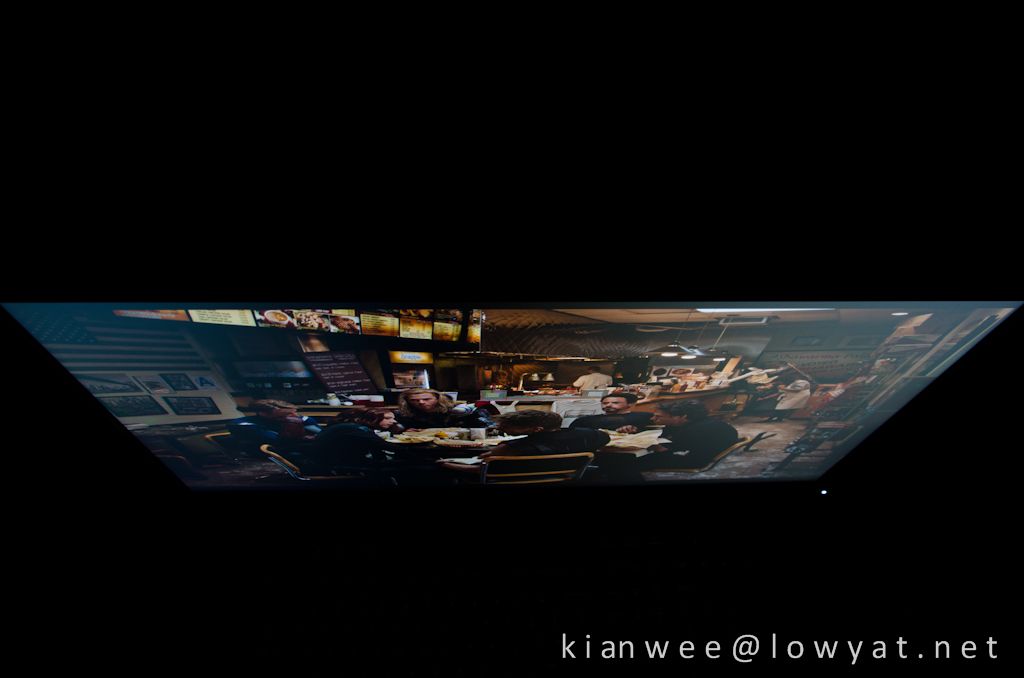
I am used to IPS screen, from my very first S-IPS on DELL 2007WFP 7 years ago, e-IPS on DELL 2209WA and H-IPS on DELL U2410, I would say this ASUS PA248Q's color rendition and viewing angle is really good. There are some minor backlight bleeding which is quite normal for current LCD in the market. It is not noticeable for normal usage unless you display a pure black background in a dark room.

user posted image

user posted image

user posted image

user posted image

user posted image

This post has been edited by kianwee: Aug 28 2012, 10:16 PM
TSkianwee
post Aug 27 2012, 11:19 AM

Cube
*******
Senior Member
6,562 posts

Joined: Jan 2003
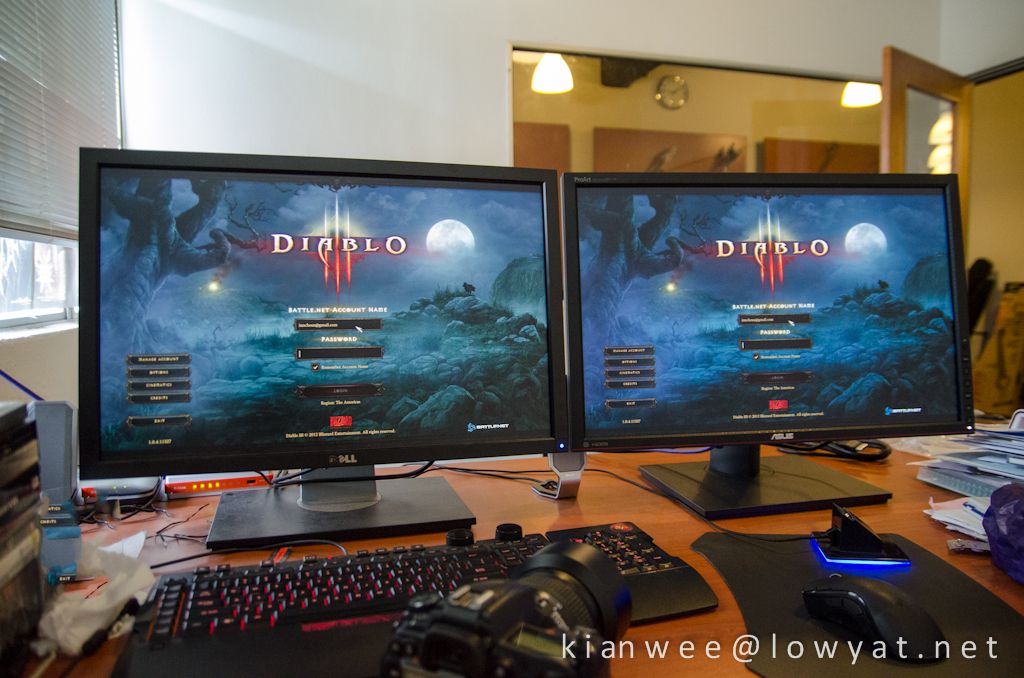
Here is the ASUS PA248Q compared side by side to the 3 years old DELL U2410.
user posted image


Both unit running on default factory calibrated sRGB mode. The color temperature is a bit different, but close enough.
user posted image


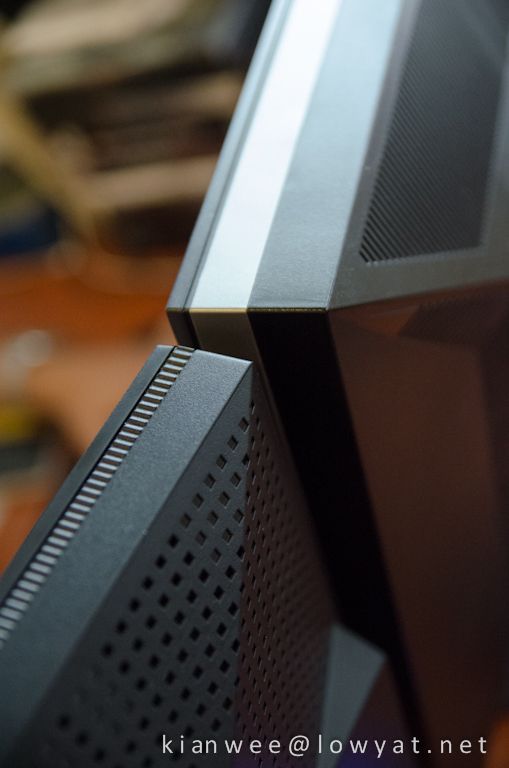
Thickness comparison. Asus is thinner and runs cooler due to LED backlighting. It is barely warm after testing it for 3 straight hours.
user posted image


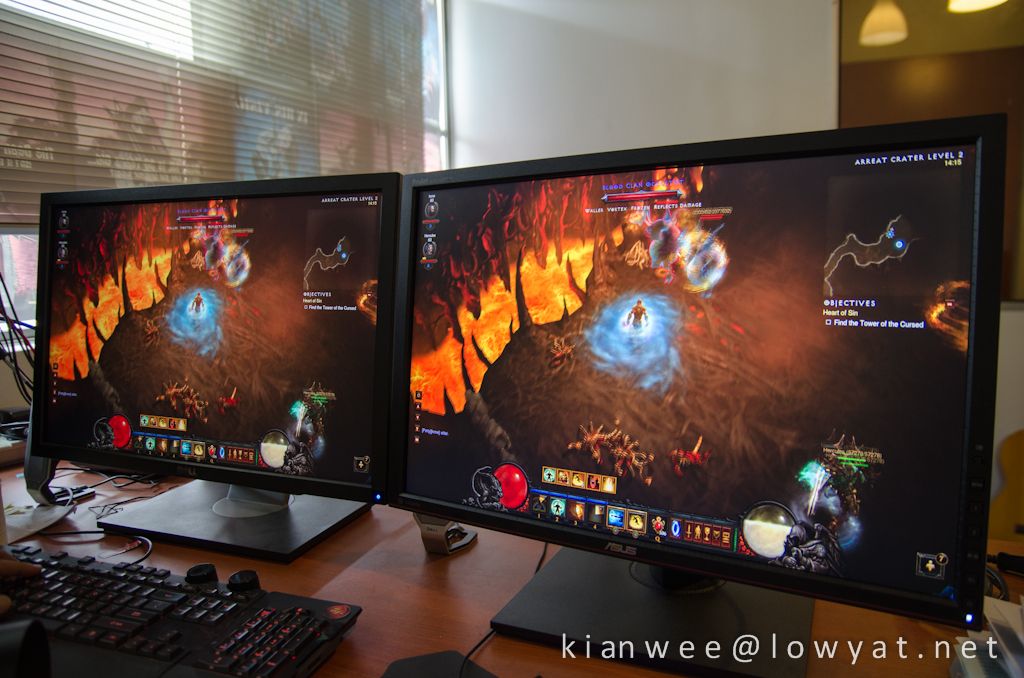
I invited two of my friends over to get some feedbacks from layman's eye view. They are really impressed with the color, they can tell the difference immediately compared to the e-IPS panels they using back home. There is no input lag noticable to human eye during gaming as well.
user posted image


user posted image


I am really impressed with this ASUS PA248Q. It is priced competitively, retailed at RM1399 with 3 years 1 to 1 swap. Overall screen and build quality is really good. I wouldn't hesitate to recommend this model to anyone looking for a new 24" LCD, or to upgrade from existing e-IPS or TN display.
user posted image

This post has been edited by kianwee: Aug 28 2012, 10:25 PM
TSkianwee
post Aug 28 2012, 02:23 PM

Cube
*******
Senior Member
6,562 posts

Joined: Jan 2003
QUOTE(everling @ Aug 28 2012, 01:40 PM)
The U2410 supports the following Wide display modes, Fill, Aspect and 1:1. Does the PA248Q support these?
*
It does 1:1 pixel mapping. Haven't seen any option for Fill IIRC. I will look into that later.
TSkianwee
post Aug 28 2012, 10:23 PM

Cube
*******
Senior Member
6,562 posts

Joined: Jan 2003
QUOTE(-oc-gassa @ Aug 27 2012, 06:33 PM)
you're saying that little bleeding that can be seen little bit..based on your review picture I can see bleeding if viewing angle not in centre position..but from other angel can see bit bleeding ...been review 2 unit Dell 23 IPS panel put side by side  and I can tell that this Asus IPS less bleeding compare to Dell...for every LCD, bleeding is different even they same model with same shipment..just my two cent.
*
Those are not bleeding. It is just a white glow from the IPS panel when viewing at a tight angle. If you view directly from the front it is not an issue at all.

Here's an example.


TSkianwee
post Aug 29 2012, 11:21 AM

Cube
*******
Senior Member
6,562 posts

Joined: Jan 2003
QUOTE(jujx @ Aug 29 2012, 08:44 AM)
is it on sale now? if yes where can i find it? Thanks
*
Try Lelong.com.my. I saw a few sellers carrying this model.
TSkianwee
post Aug 29 2012, 01:16 PM

Cube
*******
Senior Member
6,562 posts

Joined: Jan 2003
QUOTE(-oc-gassa @ Aug 29 2012, 01:03 PM)
how does this glow effect differ compare to bleeding? for me more likely the same..
*
If it's bleeding, it can be seen straight from the front. If it is a IPS glow, it cannot be seen from the front, but at side or top angle. It is as simple as that.
TSkianwee
post Nov 29 2012, 11:57 AM

Cube
*******
Senior Member
6,562 posts

Joined: Jan 2003
QUOTE(KTCY @ Nov 29 2012, 10:56 AM)
I'm using U2410. Is this any better than u2410 which offer 110% color gamut ? hmm.gif
*
Don't bother to change if you already have a U2410.


Change to:
| Lo-Fi Version
0.0170sec    0.62    6 queries    GZIP Disabled
Time is now: 15th December 2025 - 09:48 PM