Here, rooting 1043ND V1.10 to OpenWRT Attitude Adjustment 12.09rc1
First thing first, go to
OpenWRT Resources for TPLink-WR1043ND and read from top to bottom.
I repeat,
do not use OpenWRT Backfire 10.03.1 on V1.10! It will brick it! The OpenWRT firmware provided by TS is meant for V1.8!
Following TS's footsteps, get these files for 1043ND V1.10!
1. German FW
here. (Same file as TS's)
2. OpenWRT Factory (Attitude Adjustment 12.09rc1)
here.3. OpenWRT System Upgrade
here.In a nutshell, the process is similar to TS's procedure, just that the file 2 & 3 are different. Let's begin:
Step 1: Flash from original firmware to German firmware
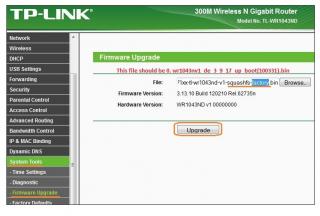
From TS's first post.
Step 2: After rebooting (now in TPLink German Firmware) Flash File No. 2 to OpenWRT firmware
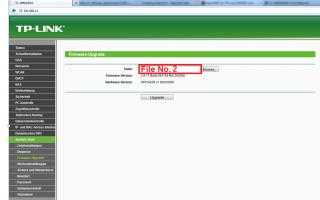
Step 3: After rebooting (now in OpenWRT Environment) Flash File No. 3 for OpenWRT version upgrade.
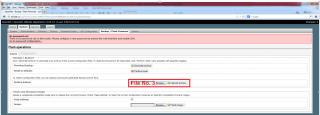
We are done!

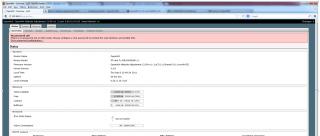
Take note that after each flashing process, my NIC still able to get DHCP address from the router. If it doesn't, you would need to set static IP address on your NIC, either 192.168.1.x or 192.168.0.x. By default, my 1043ND V1.10 factory setting is 192.168.1.1.
Hope this helps! Just want to make sure those with V1.10 do not brick theirs like I did!
p.s Thank you TS for a great guide (for V1.8 that is

)
This post has been edited by yunodie: Feb 2 2013, 03:28 PM 

 Jan 1 2013, 02:00 PM


 Quote
Quote



 0.0343sec
 0.43
0.43
 7 queries
 GZIP Disabled