XXLA2
Bro, wanna try my version 2 SuperCharger

Added on May 16, 2012, 12:35 amYes, my dear.
For Balance Battery Life and Performance Choose OnDemand
For Craze on Battery Life don't mind sacrifice performance choose Lazy, PowerSave
For Steep up performance choose interactive, lionheart, wheatley.
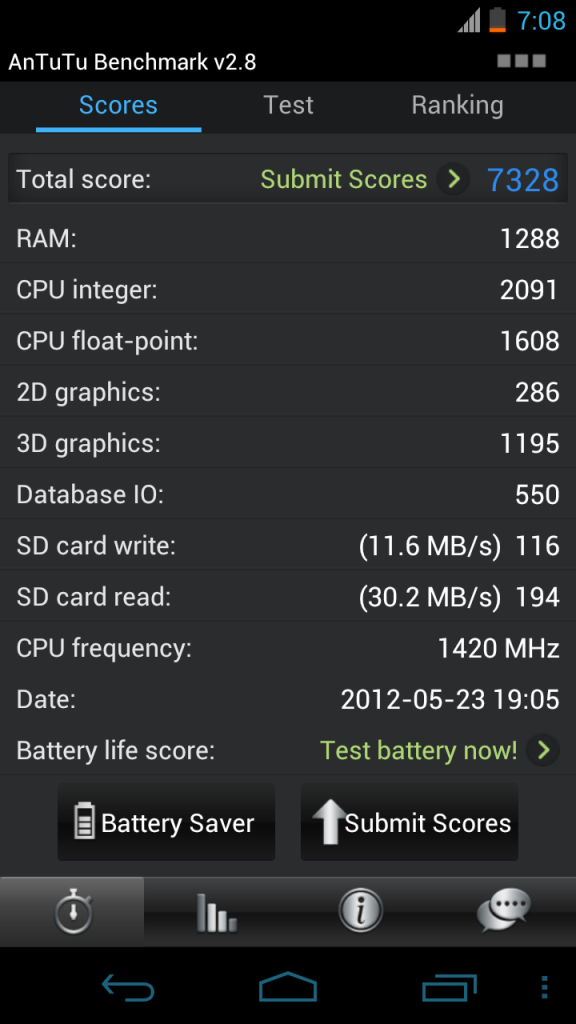
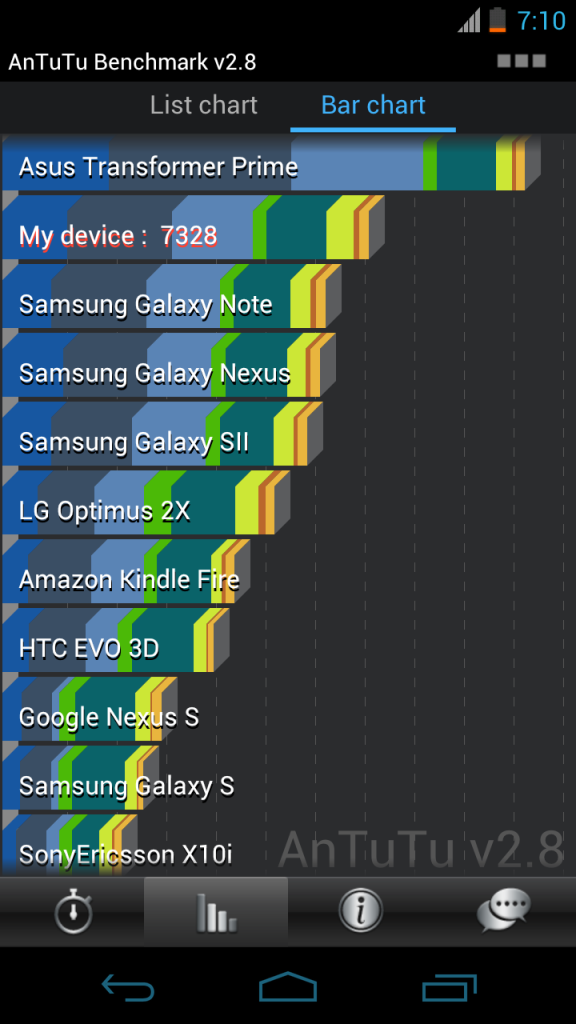
For High End Performance and don't care about battery life. (suitable for intense 3d gaming and benchmarking) = PERFORMANCE
Added on May 16, 2012, 10:17 amI would like to introduce version 2 of V6 SuperCharger by zeppelinrox. This version is much feature pack than stanard version of SuperCharge which I have previously introduced on Page 1. In this version, you not only get performance boost and save a little battery juice as well. Great Thanks for zepplinrox for his scripts.
Download this
script.Download this
Starter Pack[NOTE: IF you have previously SuperCharged your phone, UnSuperCharged and UnKernelize it.]
[NOTE 2: Remember to "su" enable SuperUser in Terminal Emulator.]
[NOTE 3: Remember to patch your services.jar by extracting it from /system/framework and patch it using this
here then only you change permission to rw-r--r-- and move to /system/framework. Open Terminal Emulator and type following commands.]
CODE
chown 0.0 services.jar
chmod 644 services.jar
reboot
1. Copy two downloaded stuffs [At above] into your Galaxy Nexus SDCard.
2. Install SuperCharger Start Kit, by following commands in terminal emulator.
CODE
sh /sdcard/SuperCharger_Starter_Kit/StartMeUp.sh
3. Self explanatory, just select Yes for this installation.
4. After install the starter kit, you can enable your SuperCharge Script by following commands.
CODE
sh /sdcard/V6_SuperCharger_for_Android-Update9_RC9_test9.sh.pdf
5. Self explanatory, just enable everything and disable V6 animation.
6. If it prompt you to SuperWipe and Restart please do so.
7. Run again to make sure your initialization step is SuperCharged at 100%
8. For Optimum Results, 8,13,19,21,22
9. Lazy to patch services.jar can select 25.


 May 14 2012, 01:49 AM


 Quote
Quote




 0.0388sec
 0.47
0.47
 7 queries
 GZIP Disabled