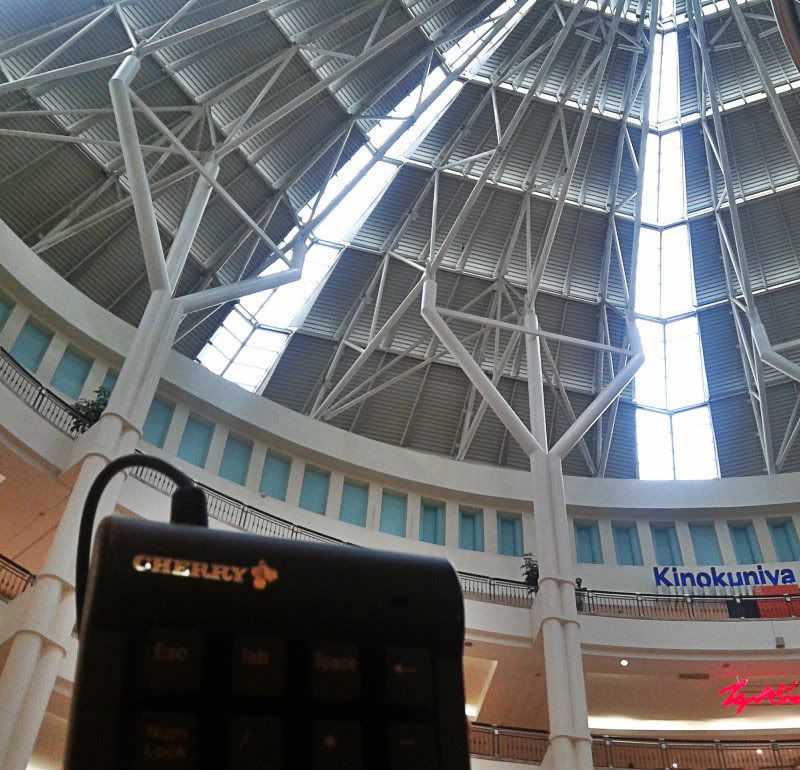
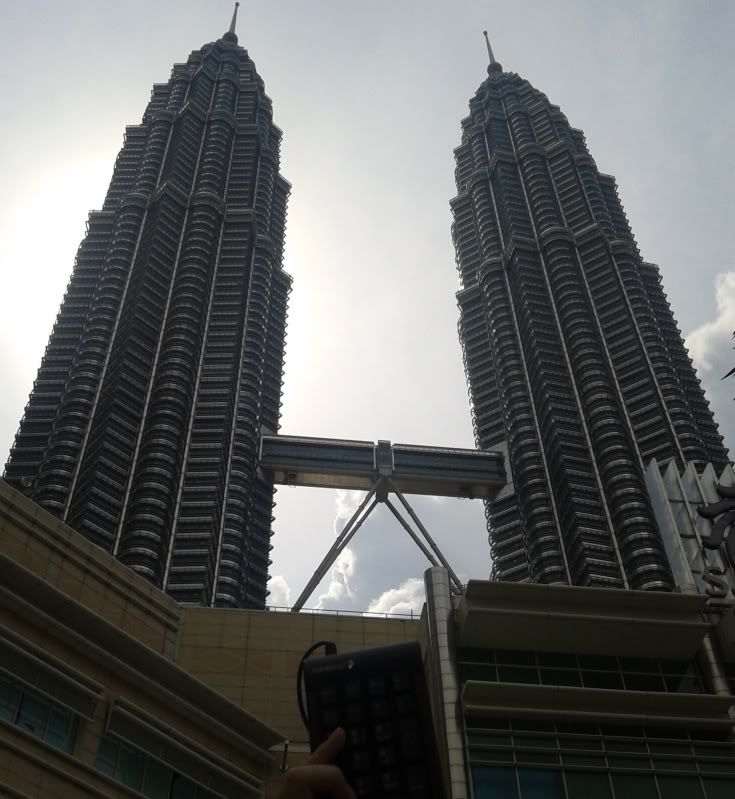
Hi guys, are all those keycaps universal? Can I use it on Ducky 9008s ?
Mechanical Keyboard Club V6, For Gamers and Typist Enthusiasts
Mechanical Keyboard Club V6, For Gamers and Typist Enthusiasts
|
|
 May 11 2012, 01:14 AM May 11 2012, 01:14 AM
Return to original view | Post
#1
|
 
Junior Member
355 posts Joined: Dec 2011   
|
Hi guys, are all those keycaps universal? Can I use it on Ducky 9008s ?
|
|
|
|
|
|
May 14 2012, 09:40 PM
Return to original view | Post
#2
|
|
Junior Member
355 posts Joined: Dec 2011
|
Getting ma 9008s tomorrow, first mech kb
 Do they come with red key caps? Do they come with red key caps?This post has been edited by Qavs: May 14 2012, 09:41 PM |
|
|
May 16 2012, 11:52 PM
Return to original view | Post
#3
|
|
Junior Member
355 posts Joined: Dec 2011
|
I'm now officially a proud owner of MKB
Ducky 9008s Blue Switch (White LED) Loving every bit of it. Only downside is haven't get used to the smaller size of it comparing to my old keyboard which is G15 which served me well for over 4 years.  This post has been edited by Qavs: May 16 2012, 11:53 PM |
|
|
May 17 2012, 12:18 AM
Return to original view | Post
#4
|
|
Junior Member
355 posts Joined: Dec 2011
|
Anyway guys, I notice my 9008s couldn't press more than 6 keys in one go. If more than 6 keys it can't be registered? Is this system or hardware related? I haven't reboot after plugging my keyboard tho'
This post has been edited by Qavs: May 17 2012, 12:18 AM |
|
|
May 17 2012, 12:47 AM
Return to original view | Post
#5
|
|
Junior Member
355 posts Joined: Dec 2011
|
QUOTE(daijoubu @ May 17 2012, 12:20 AM) IINM, if its over USB, its only 6 keys max. If you plugged in via P/S2, it should be able to get NKRO. Thanks man! It works !   QUOTE(Human10 @ May 17 2012, 12:30 AM) As stated by daijoubu, Ducky Shining is USB 6KRO and PS2 NKRO. That mean 6 are the maximum number of keys to be pressed down and registered at the same time. It is a pretty common limit for USB connection. So if you really need for a higher KRO, you should use the ps2 connection instead. Thank you too !  Now my MKB is perfect. Really lucky I actually went to a shop and tried out all the switches instead of just ordering online. Never thought blue is the one for me, initially thought the brown should be fine for me until I tried out blue, just love the clicky sound. Red is wayyyyy to floating for me and feels like laptop's keyboard, and brown just don't have the sexy clicky sound. The blue one, perfect. Clickly + bumpy feel. <3 it. Tried BF3, do just fine expect I need to press a lil harder. 0 regrets. MKB FTW!  Added on May 17, 2012, 12:48 amOnly one downside which is the price, need to eat roti now ;( This post has been edited by Qavs: May 17 2012, 12:48 AM |
|
|
May 31 2012, 02:09 AM
Return to original view | Post
#6
|
|
Junior Member
355 posts Joined: Dec 2011
|
QUOTE(Tupperwarez @ May 30 2012, 03:41 PM) yup bought from heavyarm Why not you just PM him and ask? His respond is quite fast. (Working hour la)Added on May 31, 2012, 2:13 amAnyway, I find my Ducky 9008s space bar is a little different than the other keys. Anyone with the same experience? The space feels a little ... bad quality, not entirely bad but just not as good. STILL better than membrane's spacebar if you ask me. This post has been edited by Qavs: May 31 2012, 02:13 AM |
|
|
|
|
|
May 31 2012, 01:43 PM
Return to original view | Post
#7
|
|
Junior Member
355 posts Joined: Dec 2011
|
I'm using Blue switch,
no problem with the keyboard, just that the space bar feels a little weird. =/ |
|
|
May 31 2012, 01:56 PM
Return to original view | Post
#8
|
|
Junior Member
355 posts Joined: Dec 2011
|
RXXX? apa tu? LOL
Ducky 9008s. |
|
|
Jun 4 2012, 08:23 PM
Return to original view | Post
#9
|
|
Junior Member
355 posts Joined: Dec 2011
|
» Click to show Spoiler - click again to hide... « BLUE FTW! ALL DAY ALL NIGHT EVERY MIDNIGHT! |
|
Topic ClosedOptions
|
| Change to: |  0.0377sec 0.0377sec
 0.36 0.36
 7 queries 7 queries
 GZIP Disabled GZIP Disabled
Time is now: 2nd December 2025 - 11:21 AM |
 Quote
Quote