QUOTE(brugaras @ May 8 2012, 02:20 AM)
Buy or dont buy,i still cant make up my mind. 

you gotta be like nike - just do it...This phone is like adidas - impossible is nothing
SAMSUNG GALAXY NOTE™ | V12, Phone? Tablet? It's Note!!!
|
|
 May 8 2012, 01:23 AM May 8 2012, 01:23 AM
Return to original view | Post
#21
|
 
Junior Member
121 posts Joined: Jun 2010  
|
QUOTE(brugaras @ May 8 2012, 02:20 AM) Buy or dont buy,i still cant make up my mind. you gotta be like nike - just do it...This phone is like adidas - impossible is nothing |
|
|
|
|
|
May 8 2012, 10:58 AM
Return to original view | Post
#22
|
|
Junior Member
121 posts Joined: Jun 2010
|
Actually , i have been having problems connecting my phone to my PC wirelessly via Kies Air / Airdroid ... When i enter the IP address to my browser, it says "Oops! Google Chrome could not connect to *ip adress*"
The same goes to airdroid.. any fixes for this? |
|
|
May 8 2012, 11:03 AM
Return to original view | Post
#23
|
|
Junior Member
121 posts Joined: Jun 2010
|
QUOTE(lhooipg @ May 8 2012, 12:00 PM) Try use different browser, I'm using firefox and no issue at all....or are you typing the correct IP address since the message pop up is *ip adress* I have tried using firefox, chrome and even IE... non works.. I managed to connect via kies to google chrome only ONCE. After that, no more luck p/S : i typed in the ip address provided in the phone Added on May 8, 2012, 11:04 am QUOTE(Duckies @ May 8 2012, 12:02 PM) Not browser issue but no harm trying other browser.I had this issue and went googling around.There are various solutions.It turns my solution is to configure router.Either u have to set the Channel to 6 or Auto in the modem settings. I googled around as well... wanted to configure my router, but forgot the login id and password  This post has been edited by Night Fury: May 8 2012, 11:04 AM |
|
|
May 8 2012, 11:52 AM
Return to original view | Post
#24
|
|
Junior Member
121 posts Joined: Jun 2010
|
QUOTE(Duckies @ May 8 2012, 12:02 PM) Not browser issue but no harm trying other browser.I had this issue and went googling around.There are various solutions.It turns my solution is to configure router.Either u have to set the Channel to 6 or Auto in the modem settings. QUOTE(Duckies @ May 8 2012, 12:08 PM) If the modem is from streamyx,default one should be "tmadmin" for both username and password.TP-link modem should be "admin" for both password and username It works now! Thanks mate! |
|
|
May 8 2012, 11:57 AM
Return to original view | Post
#25
|
|
Junior Member
121 posts Joined: Jun 2010
|
QUOTE(Duckies @ May 8 2012, 12:54 PM) Wat did u do? Changed the wireless channel to channel 6  |
|
|
May 8 2012, 12:03 PM
Return to original view | Post
#26
|
|
Junior Member
121 posts Joined: Jun 2010
|
QUOTE(brugaras @ May 8 2012, 01:02 PM) Thats it! Gonna buy SGN today! jyeahhhh U won't regret this decision |
|
|
May 8 2012, 12:13 PM
Return to original view | Post
#27
|
|
Junior Member
121 posts Joined: Jun 2010
|
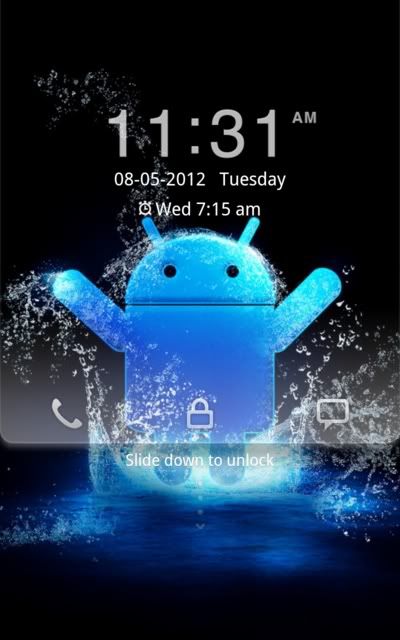
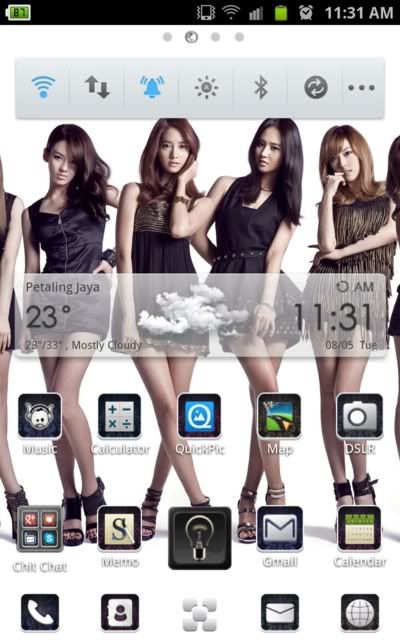
QUOTE(rebooto @ May 8 2012, 01:12 PM) oooo posting screen so fast past adi after i done loading my screenie in photobucket....lol you all posting so fast de ^^...hahaha nvm la maybe my internet here damn slow that is why.... here is my screenie You sir, has the best wallpaper here..» Click to show Spoiler - click again to hide... « » Click to show Spoiler - click again to hide... « |
|
Topic ClosedOptions
|
| Change to: |  0.0395sec 0.0395sec
 0.48 0.48
 7 queries 7 queries
 GZIP Disabled GZIP Disabled
Time is now: 11th December 2025 - 11:58 AM |
 Quote
Quote