Welcome Guest ( Log In | Register )

Outline · [ Standard ] · Linear+

 Apple TV, Make the most of Apple TV

views
     
cstkl1
post Sep 11 2012, 06:22 PM

Look at all my stars!!
Group Icon
Elite
6,799 posts

Joined: Jan 2003

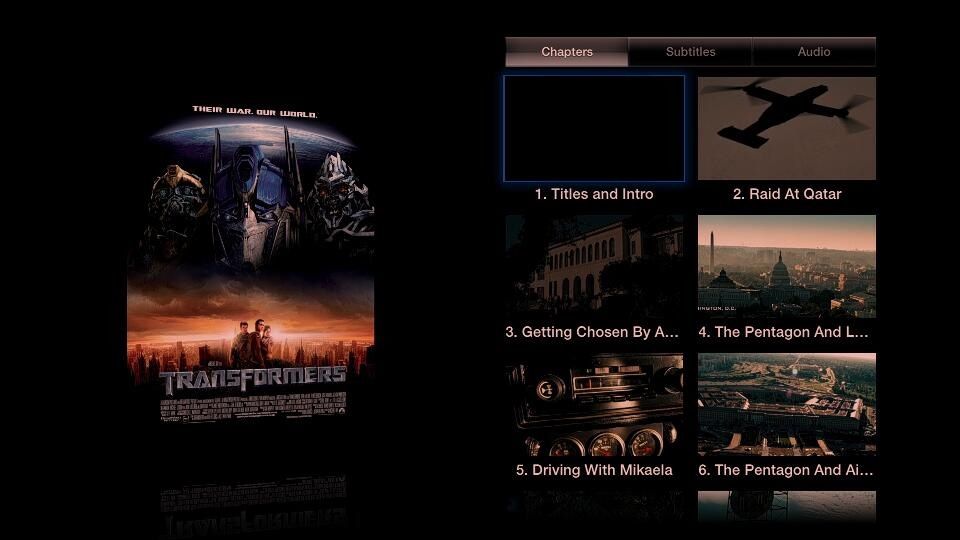
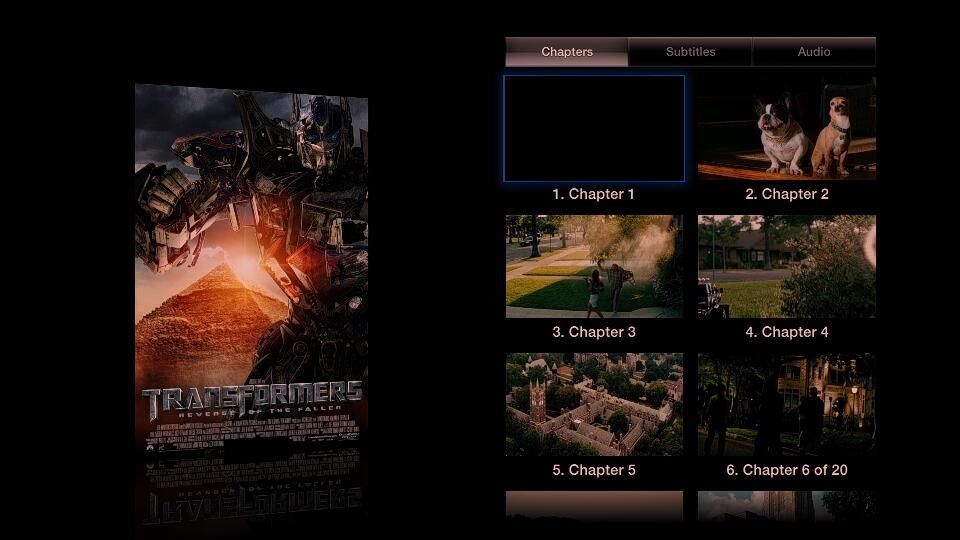
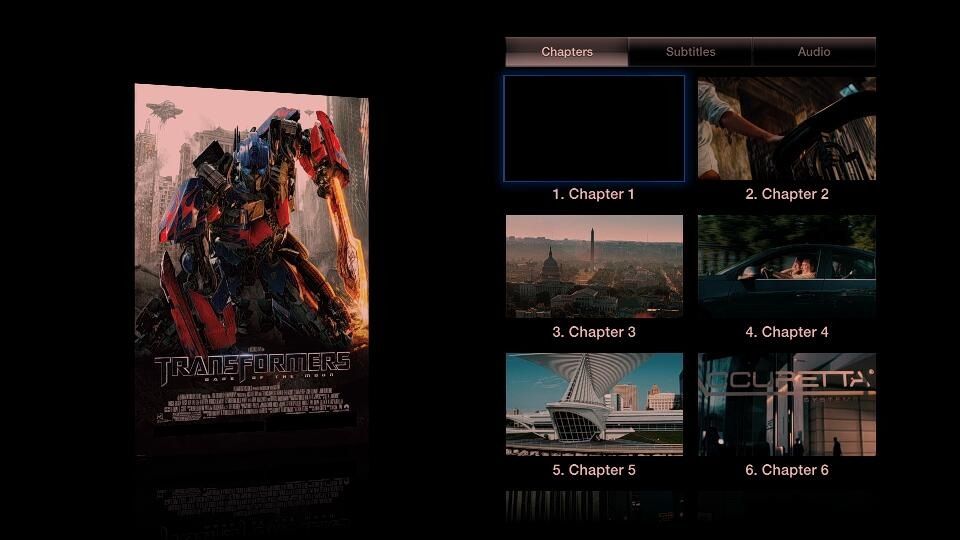
Yippy. After b****ing hard time on doing my own gui. Finally created a way to do chapter images like subler on mac.

Mac limitation is NTFS above 4gb copy

Now no more limitations.Can make it exactly like itunes except slightly bigger to compensate that i am taking from blu-ray while apple is from lossless so can make the vid quality either abt the same or better.

cstkl1
post Sep 12 2012, 11:03 AM

Look at all my stars!!
Group Icon
Elite
6,799 posts

Joined: Jan 2003

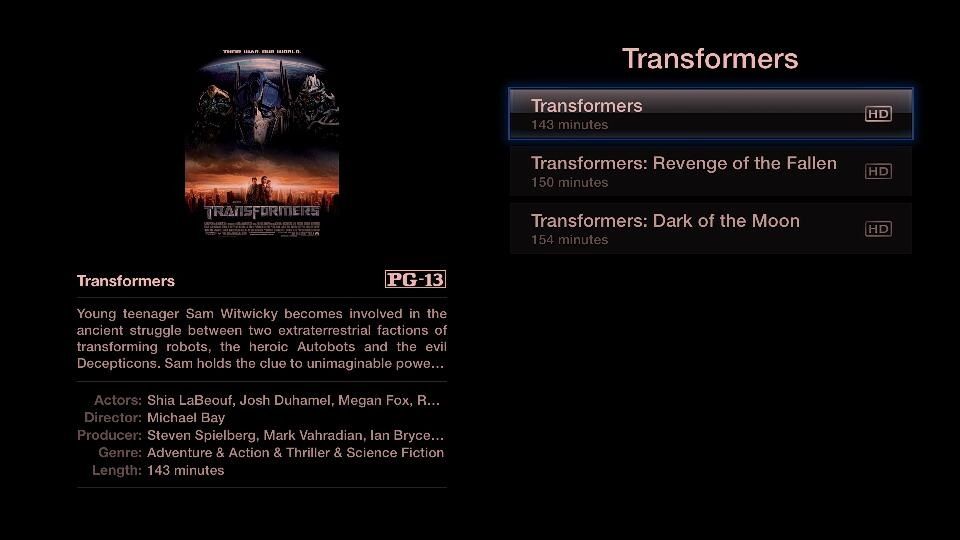
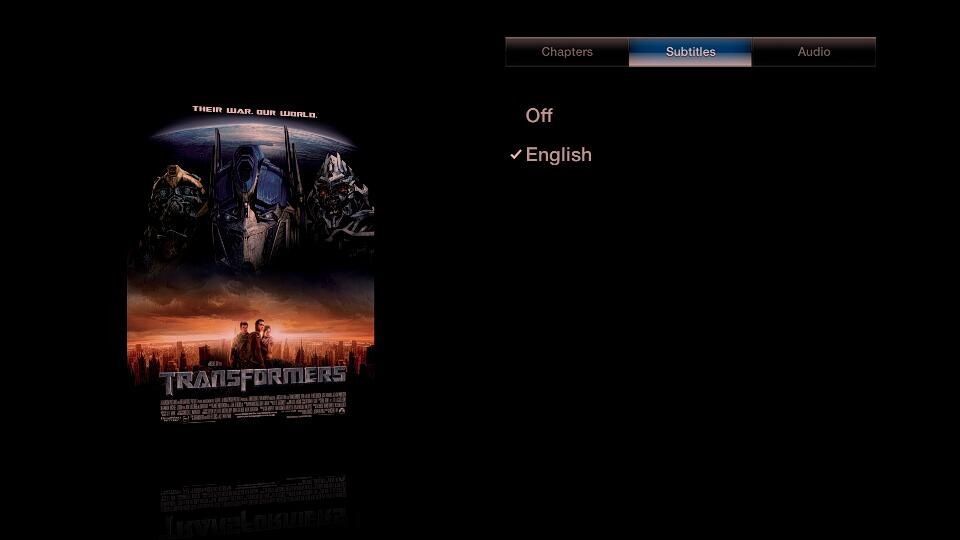
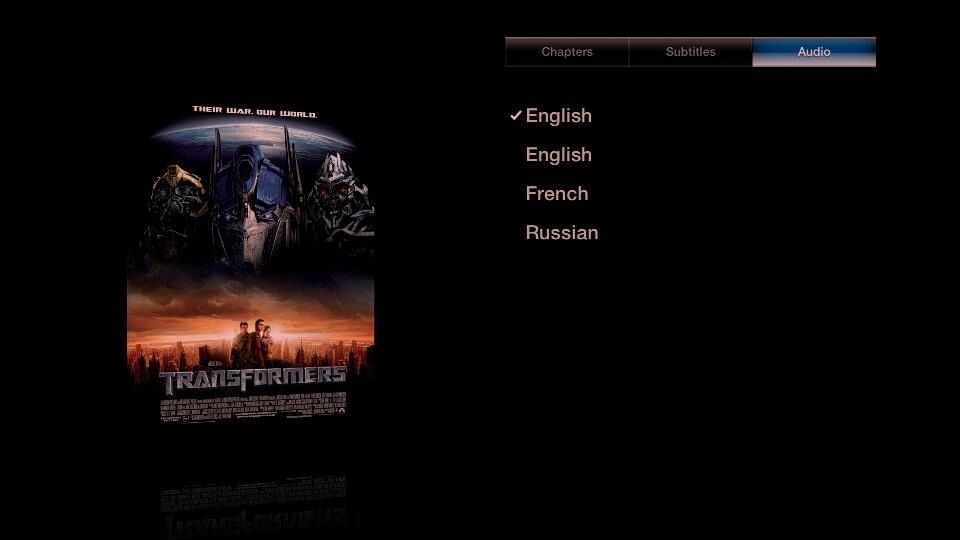
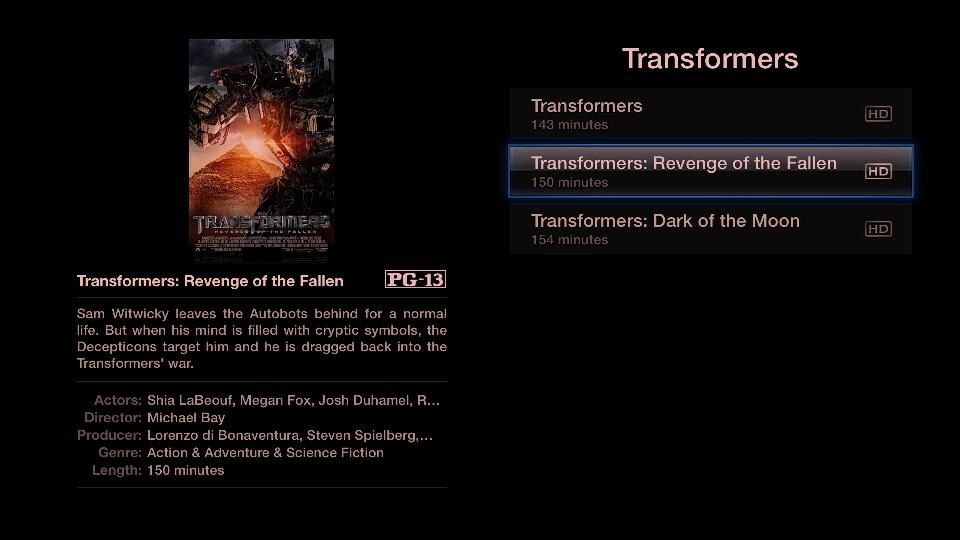
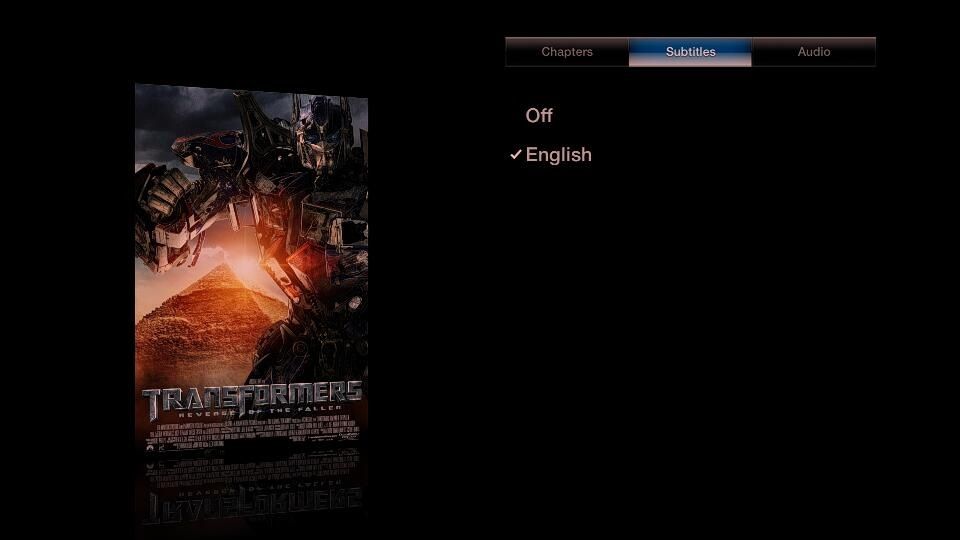
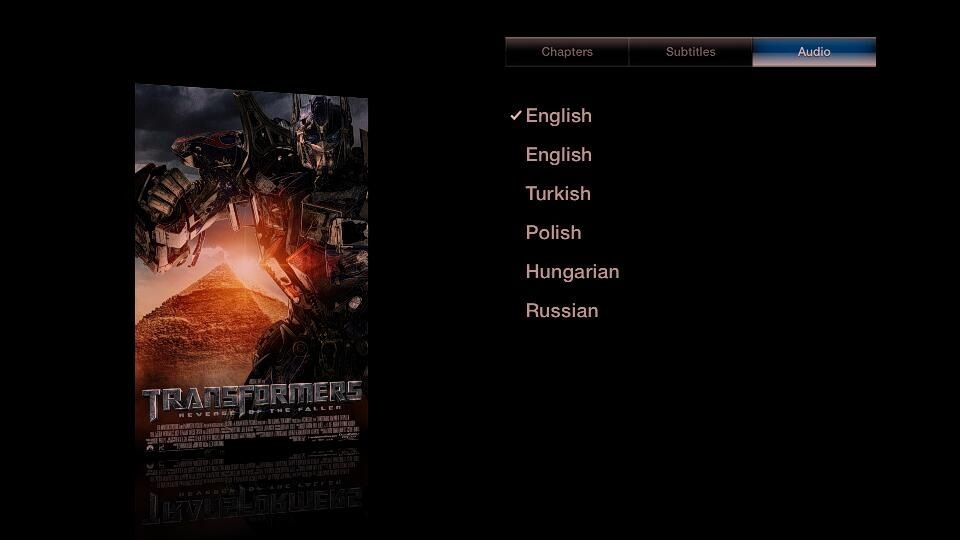
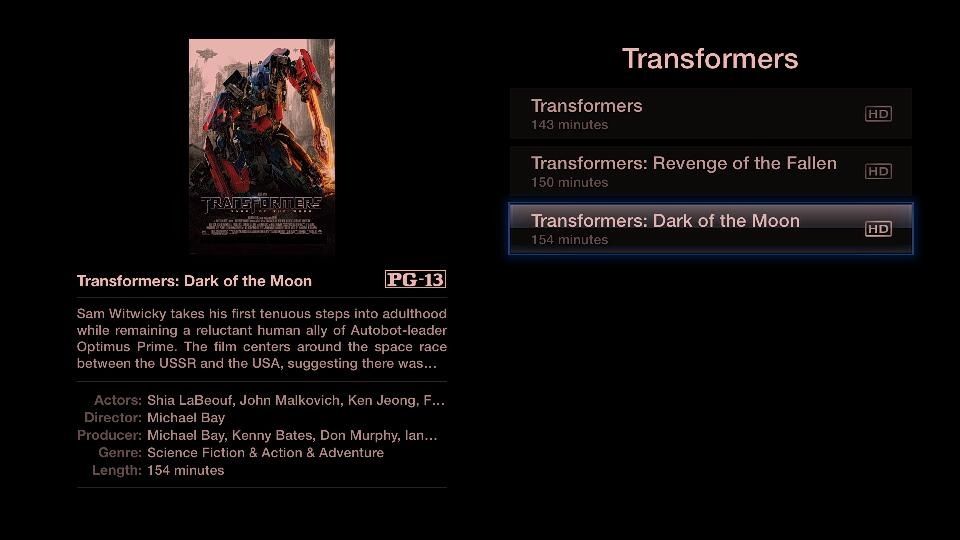
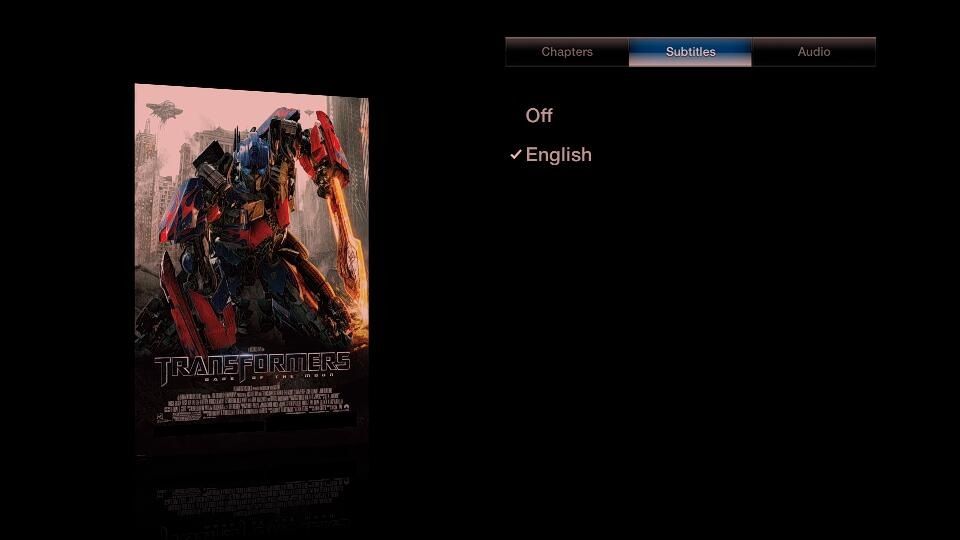
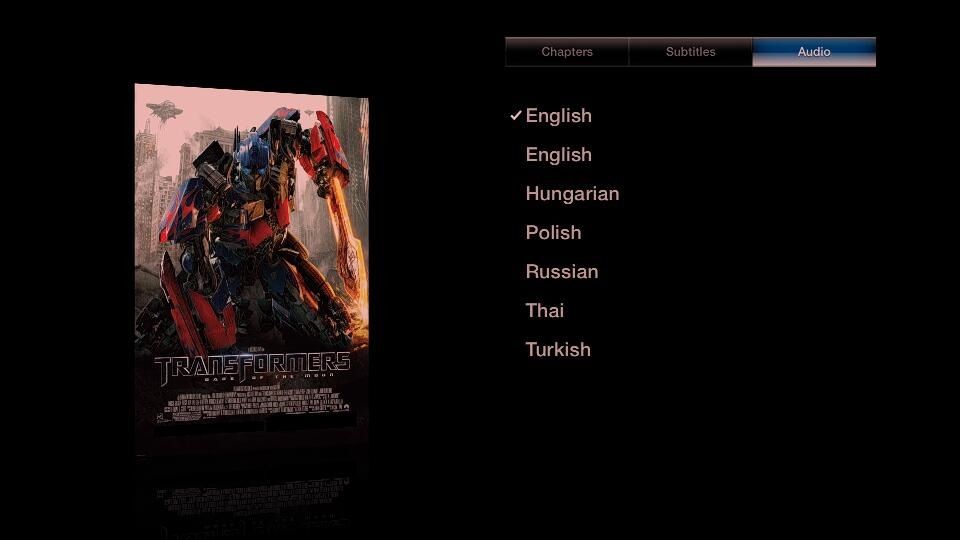
Full Chapter Image+English SDH Sub+Multi Audio

Transformers

» Click to show Spoiler - click again to hide... «


Transformers - Revenge of the Fallen

» Click to show Spoiler - click again to hide... «


Sorry for the low res tint thingy. Its a LG remote App Screen Capture on Ipad issue.

All Encode was from pure bd with highest settings for VC-1 in accordance with iTunes 1080p.
Personally i think Apple is right Encodes should be in High Profile 4.0 rather than 4.1 for 1080p.
4.1 is suitable for BD only.

This post has been edited by cstkl1: Sep 12 2012, 02:20 PM
cstkl1
post Sep 12 2012, 02:24 PM

Look at all my stars!!
Group Icon
Elite
6,799 posts

Joined: Jan 2003

Transformers - Dark of the Moon

» Click to show Spoiler - click again to hide... «

cstkl1
post Sep 12 2012, 05:06 PM

Look at all my stars!!
Group Icon
Elite
6,799 posts

Joined: Jan 2003

QUOTE(abei2 @ Sep 12 2012, 04:18 PM)
Hi cstkl
» Click to show Spoiler - click again to hide... «

Thanks in advance.
*
thats kindda long.Avidemux was just the beginning. Atleast u saw how fast is muxing. I've gone further. I now encode blu-rays. Reason being found it will be higher than the mkv remux.

the reason not for the guide is 2.
1. Ppl wont appreciate it.
2. Just give u a glimpse will talk about one topic below. Before u encode u need to arm ure self with knowledge on codec, compression etc. Stop this one click gui.

Ok lets talk abit about high profile 4.1. Blu-rays comes in 3 formats. MPEG-2, VC-1 and AVC High Profile 4.1. Nowadays more on the last two. VC-1 has a lot of smoothning but its pretty good. Example Dark Knight, Transformers 1,2,3. High Profile has better compression and better motion estimation to distribute bits and has better capabilities to reproduce lossless video source.Y i said apple is smart. They choose high profile 4.0 for their 1080p. A lot of mkv's out there are using high profile 4.1 on small size. This encoders dont realise how to use High Profile to the advantage to get a better compression throughout the film. Also hmm a lot of new mkv realeases are bad. How i know bad?? lets put a side what i see is what i get. A lot of ppl are fooled that size of mkv or bitrate shows the quality. Before u talk about bitrate u should look at the compression settings they used in x264. U can find this in mediainfo. Like mine is

» Click to show Spoiler - click again to hide... «


The most important setting u need to find is
Subme
nvr download any mkv with avc with subme less than 10/11. I do 11. Some say placebo but i find theres a difference. Btw some even sillier they use subme 10/11 without using trellis. It will default back to 9 even when it writes as 10/11

Subme 9 encoding of transformers = 2 hours
Subme 10 encoding of transformers = 6-7 hours
Subme 11 encoding of transformers = 10 hours.
All on a i7 4.5ghz 100% running on 8gb 2133 CL7.

What my secret is i use custom first pass which u wont see it depending on different type of film. Types meaning, Animation, Action Drama, Still film , Grainy Film, VC1, AVC etc.

How to check ure codecs. Download install mediainfo. Run mediainfo and tick the option for windows explorer extension to make life easier.

Ok here is anotherthing. A lot of ppl think running high profile 5.1 on their encoding from blu-ray or mkv source to make it smaller will increase their quality. It doesnt.

However its just a matter or time for compressionist moves from 8bit encoding to 10bit.
Theres a difference in size while retaining quality. Only thing other than PC nothing will play it atm.

Ok another daft thing on encoding. U will hear dumbass saying CRF better than AVG bitrate etc.
What they dont understand all is this.Encoding for video has two ways
1. Constant Bitrate
2. Variable Bitrate

in variable Bitrate has a subset of 3.

lol getting long will end it here. as i said if write this down will take awhile.

U can see from this thread and others nobody cares. They all patting their backs with crappy netflix and hulu.


Added on September 12, 2012, 5:56 pmdecided to teach u bro but prefer its a question answer session. Just do it here since its going nowhere with netflix and hulu and vpn for the last 10-20 pages samething over and over again.

This post has been edited by cstkl1: Sep 12 2012, 06:18 PM

cstkl1
post Sep 12 2012, 06:21 PM

Look at all my stars!!
Group Icon
Elite
6,799 posts

Joined: Jan 2003

QUOTE(abei2 @ Sep 12 2012, 06:19 PM)
This is getting very interesting although mind boggling. Last night I slept at 4pm just reading all your post and trying to digest while googling terms that I dont understand. Likely I wont sleep at all tonight!
But from what I've seen screenshots that you have shown, it is worth the effort. But I really need to 'study' a bit.
So mediainfo will tell what is the setting of subme for a particular type of mkv file. But we have to download the file first before we can see what is the setting of that file right? Not that download limit is a problem but it is still waste of time unless the info is stated. Doubt it as I've never see that kind of info on the site. Anyway I will check it out.
Thanks. Something for me to look forward going home tonight.
*
nah i can teach u in 10 mins lol. whatsapp or call me with
pm u the number
i am free right now.


Added on September 12, 2012, 6:24 pmgood encoders will write the x264 settings.

Normally releasers like blow all wont cause they are just aiming to be the first to rip blu-ray release etc.


This post has been edited by cstkl1: Sep 12 2012, 06:24 PM
cstkl1
post Sep 26 2012, 09:31 AM

Look at all my stars!!
Group Icon
Elite
6,799 posts

Joined: Jan 2003

QUOTE(alucard89 @ Sep 25 2012, 07:03 PM)
After registering using itunes, you should get an email from netflix to set up your account. Then you can start netflix on other devices.

Also, has anyone updated atv to the latest firmware?
How is it so far? I'll probably wait until there's a jailbreak for that firmware version.
*
pretty good.
new airplay options and itune acct switching.
overscan option ( damn important for pixel mapping)

i am still wondering what they meant by SDH support.

subs are subs. SDH shouldnt that be a itunes movie sub thingy. How is it related to appletv firmware??


Added on September 27, 2012, 4:27 pmhmm first con on apple tv ios 5.1

Sound:
When set to dolby digital as default. When u play a movie. No sound.
To get it have to go back to stereo and then back to Dolby

Also Last time the Languages for Dual Audio was both Labeled as English with Dolby being on the higher track.

Now its labeled as English (Surround)

This post has been edited by cstkl1: Sep 27 2012, 04:27 PM
cstkl1
post Nov 8 2012, 04:23 PM

Look at all my stars!!
Group Icon
Elite
6,799 posts

Joined: Jan 2003

QUOTE(catacomb @ Nov 6 2012, 10:13 PM)
Hmm can someone help advice? I got a atv 3. Most of the time when the device "wakes up" from sleep mode, it gets disconnected (home share) eventhough my iTunes in my PC is on. I would need to restart my atv 3 before I can get the home sharing to connect with my iTunes in my pc. Sometimes even restart doesn't help. Got to do it a few times. How can I have it to be always connected?
*
disable ure network card power management and stop it from going to sleep state.

also bind ure ip addresses of ure devices.

This post has been edited by cstkl1: Nov 8 2012, 04:24 PM
cstkl1
post Dec 1 2012, 11:05 PM

Look at all my stars!!
Group Icon
Elite
6,799 posts

Joined: Jan 2003

interesting update on the new itunes and ipad remote.
remote got better

itunes tv shows def.
movie better in one sense but the thumbnail size and color background according to artwork annoying

Warning!!! - 1920x1200
» Click to show Spoiler - click again to hide... «


cstkl1
post Jan 15 2013, 12:40 AM

Look at all my stars!!
Group Icon
Elite
6,799 posts

Joined: Jan 2003

Painfully lol changed all my TVshows to square artwork from itunes server.

BTW have u noticed all the artwork before 2012 are 600x600

only 2012/2013 seasons are high res 2400x2400

Its the default for ATV and itunes 11. Used to be same as movies as Tall orientation but now is squared.

This post has been edited by cstkl1: Jan 15 2013, 12:41 AM
cstkl1
post Feb 26 2013, 11:52 PM

Look at all my stars!!
Group Icon
Elite
6,799 posts

Joined: Jan 2003

Apple TV is a hobbyist IPTV.
simple
cstkl1
post Feb 27 2013, 08:05 AM

Look at all my stars!!
Group Icon
Elite
6,799 posts

Joined: Jan 2003

QUOTE(Aiman131 @ Feb 27 2013, 04:39 AM)
any idea how to watch tv3 or tv9 on apple tv ?
*
http://live.tonton.com.my/livetv/#tv9

On ure iphone etc. thn airplay it to ure atv
cstkl1
post Mar 11 2013, 02:09 PM

Look at all my stars!!
Group Icon
Elite
6,799 posts

Joined: Jan 2003

QUOTE(alucard89 @ Mar 9 2013, 09:27 AM)
You should be able to mirror anything from your ipad.
But you might as well just use the netflix app that's already available on apple tv.
*
hmm wrong answer

U can " Airplay " anything that is running quicktime on mp4/m4v/3gp/FLV ...example youtube etc. Most online streaming sides use quicktime. Only a few use java based.

So if netflix is running quicktime which it should be .. no prob.. same goes pps , pptv etc.


This post has been edited by cstkl1: Mar 11 2013, 02:10 PM
cstkl1
post Mar 14 2013, 10:40 PM

Look at all my stars!!
Group Icon
Elite
6,799 posts

Joined: Jan 2003

has anybody here successfully done a repeater using non Apple Extreme/Espress base station.

I get the airplay icon but no homesharing and remote.

Using tplink 4300 , 1043nd and 801n.

I thought havind WDS repeater instead Bridge would have helped but unfortunately no. Good thing now the whole house get full 80-100% strength. Lowest on VIP20 i ever got at the corner of the garden was 15/15.

This post has been edited by cstkl1: Mar 14 2013, 10:42 PM
cstkl1
post Mar 23 2013, 02:04 AM

Look at all my stars!!
Group Icon
Elite
6,799 posts

Joined: Jan 2003

QUOTE(catacomb @ Mar 23 2013, 01:58 AM)
I am actually using a repeater. You need to port forward for homesharing. One thing to note is that the cover picture of your music album and movie won't come out. PM me if you need as I don't check here frequently smile.gif
*
thats false on cover pic n movie. btw om u
cstkl1
post Mar 25 2013, 09:06 PM

Look at all my stars!!
Group Icon
Elite
6,799 posts

Joined: Jan 2003

QUOTE(BRY7 @ Mar 25 2013, 08:56 PM)
for iOS mirroring, its iPhone 4S and newer models
*
Hmm latest IOS seems to have limited playback. Before i could stream a 1080p content to even a 3gs/ipad 2 etc.

now cant. it only shows 720p content.
cstkl1
post May 9 2013, 05:28 PM

Look at all my stars!!
Group Icon
Elite
6,799 posts

Joined: Jan 2003

QUOTE(adriankhoo153 @ May 9 2013, 05:03 PM)
is streaming in iphone faster than streaming in apple tv
*
caching dude

iphone 5, i5 etc caches on the mem n around 256mb

appletv caches on that 8gb-whatever size the os uses.
cstkl1
post May 10 2013, 10:03 AM

Look at all my stars!!
Group Icon
Elite
6,799 posts

Joined: Jan 2003

QUOTE(adriankhoo153 @ May 10 2013, 09:57 AM)
Hmm, if this is the case, then can I safely say it's better to stream Netflix on my iphone and airplay to atv rather than directly stream in atv itself?
How bout data consumption? Is it lower streaming in iphone or is it the same? I have limited data plan hence every single mb save will be gooding.  laugh.gif
*
hmm no think u didnt read what i said

caching dude. iphone caches on the mem .. so its faster but limited like 256mb (guessing but this is what i saw on my ipad 3/4 jb mem thingy on sbsettings)

while ure appletv a bit slower but it caches to its internal hdd. slower but a lot more so ...
cstkl1
post May 10 2013, 11:35 AM

Look at all my stars!!
Group Icon
Elite
6,799 posts

Joined: Jan 2003

QUOTE(adriankhoo153 @ May 10 2013, 11:23 AM)
Lol, dun quite understand. How bout some laymen term?
*
mem is faster than ssd
so caching on it is faster

but ssd can hold more of ure cache so u can have everything from stream video file on it.

example a typical dimension mkv is 1gb convert to m4v
so if i stream it to my phone it wont have cache the whole tv show of 1gb so it cache 256mb very fast.. until a point i am watching it reaches that time segment it will cache another 256mb.

on apple tv however from the time i start it will cache the whole 1gb into appletv. This is cause appletv will cache into its ssd. It has a inbuilt 8gb ssd.

the rate of caching. iphone is faster than apple tv but limited space as to apple tv.
cstkl1
post Oct 30 2013, 02:43 PM

Look at all my stars!!
Group Icon
Elite
6,799 posts

Joined: Jan 2003

QUOTE(Gilthoniel @ Oct 15 2013, 02:06 PM)
Hey guys,

I wanna get an Apple TV to play keynote quicktime exports in a loop.

Is that possible?

Here's what i wanna do

1. Create Keynote presentation,
2. Export as quicktime movie
3. Transfer this QT movie to my Windows PC's iTunes
4. Homeshare the QT Movie to my Apple TV
5. Display the QT movie in a loop (endless loop)

Is this possible?

Thanks guys!
*
Quicktime . Mov etc
Just Make it on a playlist on ure phone/idevice. Set Repeat. Stream.


Change to:
| Lo-Fi Version
0.0421sec    0.57    7 queries    GZIP Disabled
Time is now: 2nd December 2025 - 11:49 AM