QUOTE(UltramanMiruku @ Feb 27 2012, 03:48 PM)
guys, i have registed a new gmail account
so i tried to sign in to my arc s with the new google account, but it keeps on saying cant establish connection
to the server after tried out
i can connect to my house wifi, so did i miss any steps?
try setting this manual?
» Click to show Spoiler - click again to hide... «
MAXIS
1) Home -> Menu -> Settings -> Wireless & networks -> Mobile networks -> Access Points Name
2) Menu -> New APN
Name: Maxis 3G Internet
APN: unet
Proxy: 202.075.133.049
Port: 80
User Name: maxis
Password: *** (I don't know what is the password as it only shown *** on my SGT)
Server: Not Set
MMSC:
http://172.16.74.100:10021/mmscMMS Proxy: 202.075.133.049
MMS Port: 80
MCC: 502
MNC: 12
Authentication type: PAP
APN type: internet + mms
DIGI
1) Home -> Menu -> Settings -> Wireless & networks -> Mobile networks -> Access Points Name
2) Menu -> New APN
Name : DiGi Internet
User name : digi
APN: diginet
MCC: 502
MNC: 16
APN Type: default
(Others, blank)
NOTE : If you subscribed to Digi Internet Prepaid package ( RM2/day package ): the APN is : 3gdgnet
DIGI MMS
Name: DIGI MMS
APN: digimms
Proxy: no set
Port: Not Set
Username: mms
password: mms
Server:
http://mms.digi.com.my/servlets/mmsMMS proxy: 203.092.128.160
MMS port: 80
MMS protocol: WAP 2.0
MCC: 502
MNC: 16
Authentication type: not set
APN type: mms
Digi Wap
Name: digiwap
Apn: digiwap
Proxy: 203.092.128.188
Port: 80
Username: digi
Password: digi
Server: Not Set
MMSC: Not Set
MMS proxy: Not Set
MMS Port: Not Set
MMS protocol: wap 2.0
MCC: 502
MNC: 16
Authentication Type: Not Set
Apn Type: httpproxy
CELCOM
1) Home -> Menu -> Settings -> Wireless & networks -> Mobile networks -> Access Points Name
2) Menu -> New APN
Name : Celcom 3G
APN : celcom3g
MMSC:
http://mms.celcom.net.myMMS Proxy : 10.128.1.242
MMS Port : 8080
Can try this if above doesn't work:
Celcom 3g internet setting :
Name : Celcom 3G Internet
APN : celcom3g
MCC : 502
MNC : 19
APN type : default
Celcom 3g MMS setting :
Name : Celcom 3G MMS
APN : celcom3g
MMSC :
http://mms.celcom.net.myMMS proxy : 10.128.1.242
MMS port : 8080
MCC : 502
MNC : 19
APN type : mms
Celcom 2g internet setting :
Name : Celcom 2G Internet
APN : celcom.net.my
MCC : 502
MNC : 19
APN type : default
Celcom 2g MMS setting :
Name : Celcom 2G MMS
APN : mms.celcom.net.my
MMSC :
http://mms.celcom.net.myMMS proxy : 10.128.1.242
MMS port : 8080
MCC : 502
MNC : 19
APN type : mms
QUOTE(rayzrblade @ Feb 27 2012, 02:54 PM)
Official ifs is coming soon why u wanna root now?
I think. 62 can't be rooted by those 2. Tried it myself.
.62 can be root, but need to flash it with other kernel..
This post has been edited by airputra: Feb 28 2012, 09:32 AM 

 Feb 18 2012, 08:37 PM


 Quote
Quote

 btw,im now running MIUI rom..gooding


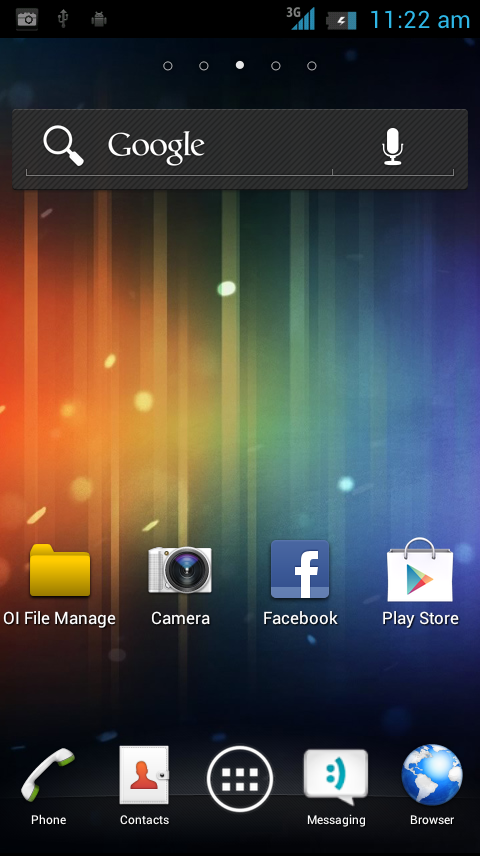
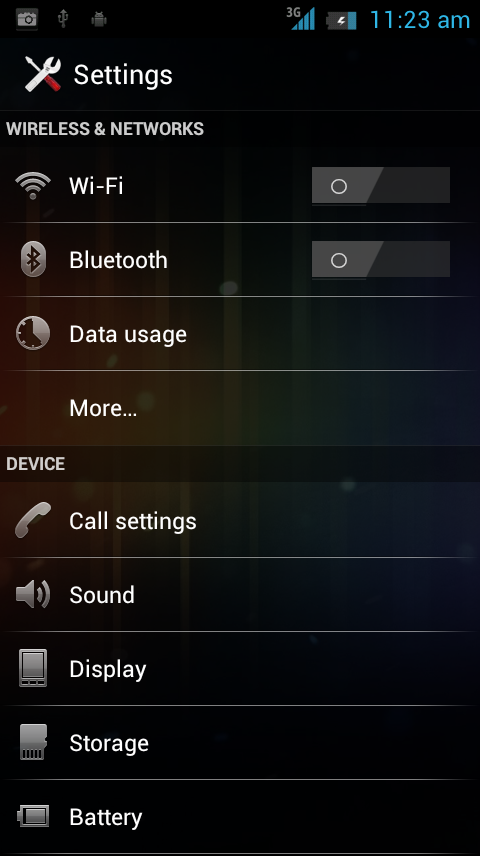
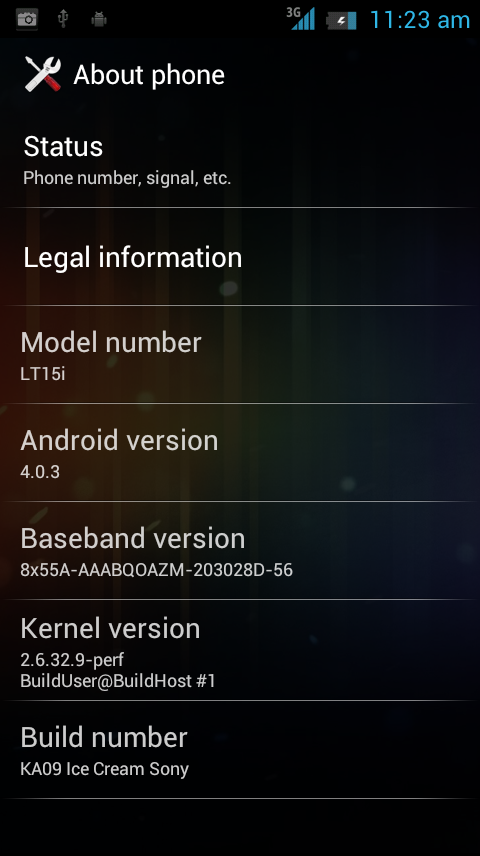
 i still waiting to change with it without unlocked bootloader...
 0.0446sec
 0.75
0.75
 7 queries
 GZIP Disabled