Welcome Guest ( Log In | Register )

Outline · [ Standard ] · Linear+

 Sony XPERIA/Tablet S™ Official Thread | V1, Sony XPERIA Tablet Z™ announced

views
     
sleever
post Apr 14 2013, 02:51 PM

New Member
*
Junior Member
16 posts

Joined: May 2006
Just bought mine yesterday. The only thing about this Xperia Tablet that grabs my attention is the full size SD Card slot, where I can insert my sdcard from my camera and view /edit the pics without using my laptop. Then I dont have to bring my bulky laptop on a vacation lol. No other tablet offers that feature, even the upcoming Xperia tablet Z. I know some tablets have the Micro Sd slot, but I think its easier to stick with the full size card, without using the adaptor. I guess im gonna use this one for a long long time.

The one thing That Annoys Me Is when I Typed Something In Here It Went Like This (im Typing In It Right Now), First Letter of Every Word goes Capital. Ive Tried To find It In The Settings But I Cant Find it. Any Help?

Thinking to buy the case with keyboard. Is it available at any Sony shop?

So far Im Happy with It.
sleever
post Apr 18 2013, 01:22 AM

New Member
*
Junior Member
16 posts

Joined: May 2006
QUOTE(kysham @ Apr 16 2013, 12:19 PM)
Same reason I'm keeping my even older Tablet S. About your keyboard issue. I am not sure how to help. I don't have this issue.... sorry dude.
*
It's ok bro it's already solved. Just turned off the numeric keypad function and it's all right. lol

QUOTE(Ratbert @ Apr 16 2013, 07:04 PM)
since u just bought it, maybe try factory reset first?
*
I just updated to the latest version (not JB though), why going backwards?

---

Ok early this evening I just couldn't resist myself, so I bought this thing:

user posted image

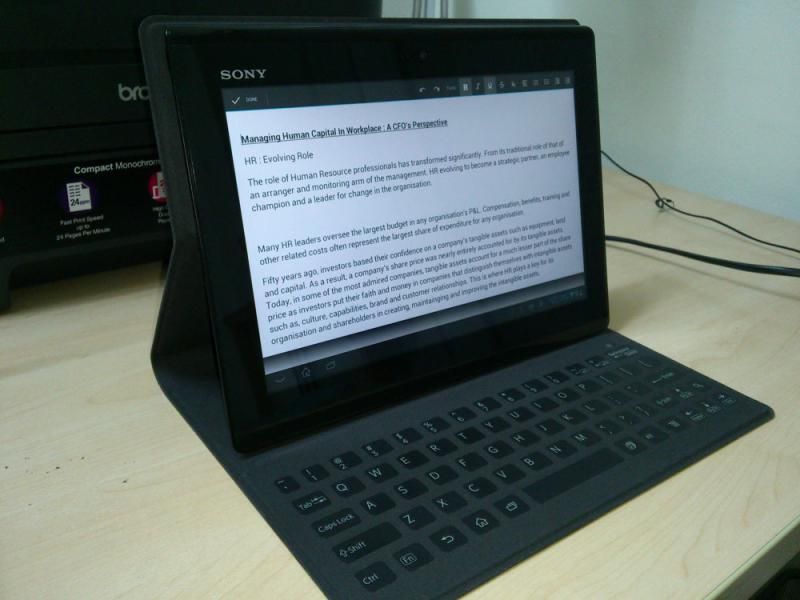
Yep probably you guys already saw this so just a quick review about this case:

user posted image

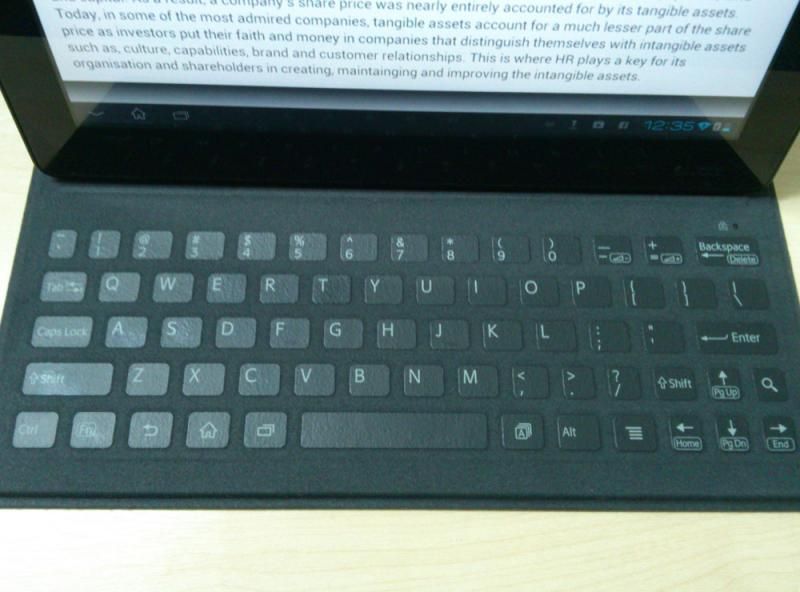
The Touch Keyboard You need to get used to it first before getting to the typing comfort zone. Sometimes I dont look at the keyboard but I do get typos since I'm not familiar with it yet.

user posted image

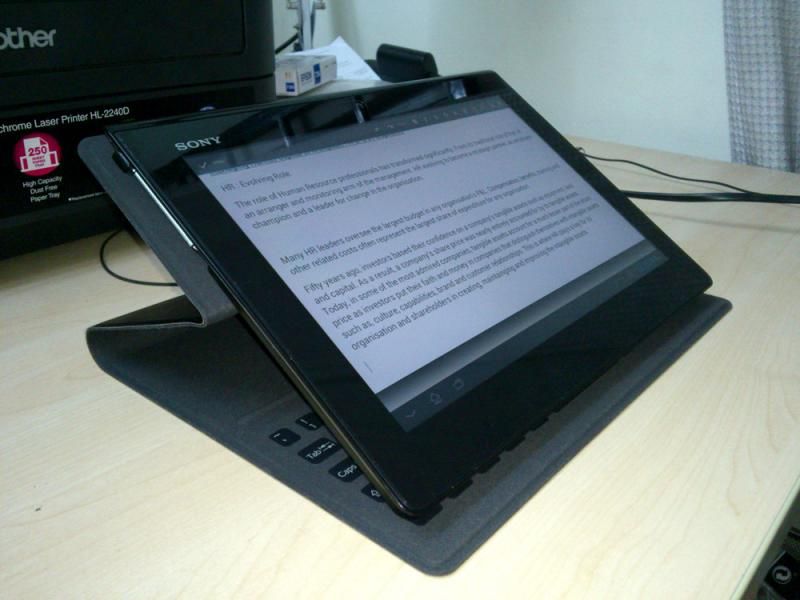
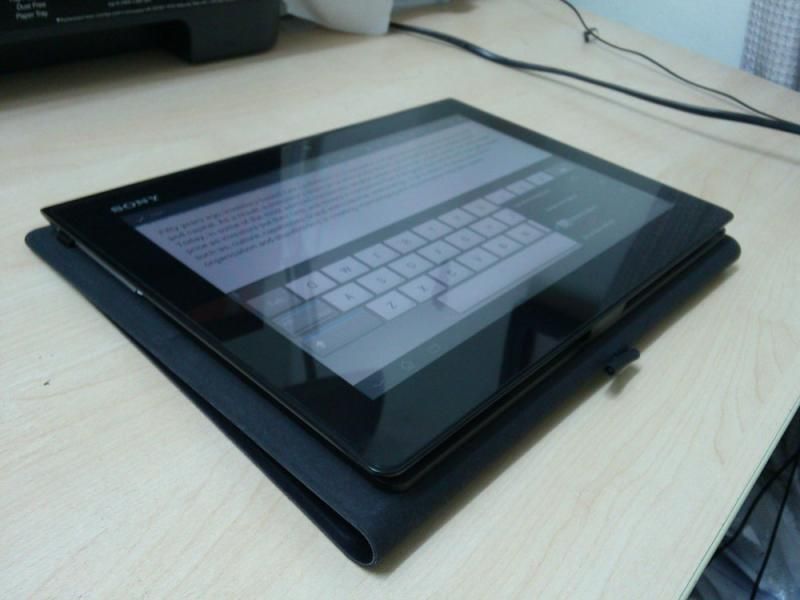
Who said you can't make it as a lower stand? Although the physical keyboard still reacts to it, you need to turn off the function first before you use the on-screen keyboard. Nice option if you put the tablet on a coffee table or on a lower gesture.

user posted image

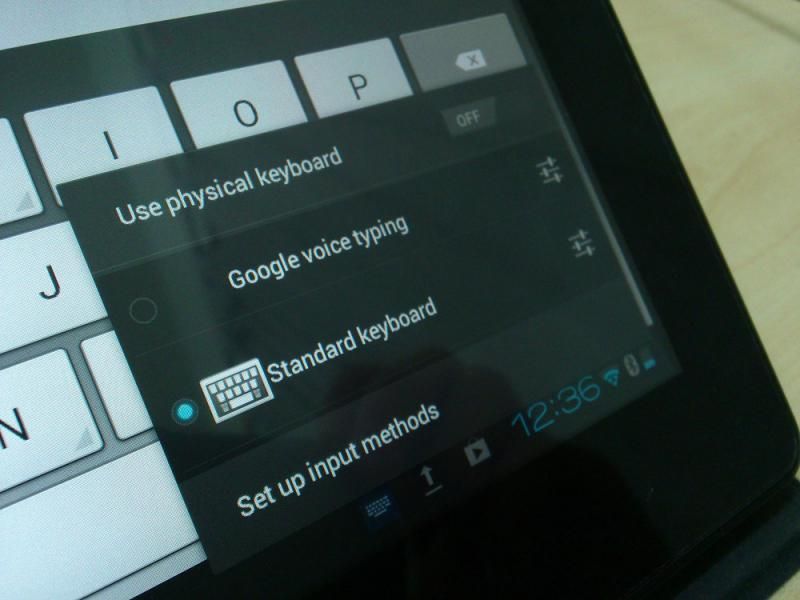
Turn off the "Physical Keyboard" if you want to use the on-screen keyboard on a lower position.

user posted image

You can also fold like normal tablet. The keyboard will deactivate automatically.

user posted image

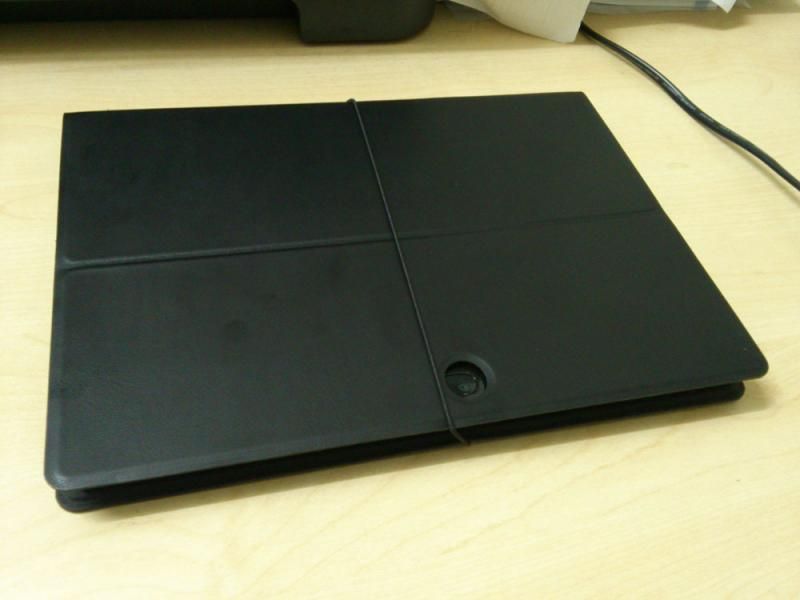
The outer case is a smooth high quality leather. But if you have oily hands you're gonna leave some smudges on it. Like you see on the picture.

Well that's it. Totally worth it if you want to type on the tablet without pulling down your neck. IMO this type of case is better than the Tablet Z version in terms of the lightweight. But in term of typing comfy, Tablet Z case is much better.

This post has been edited by sleever: Apr 18 2013, 01:30 AM
sleever
post Apr 18 2013, 09:31 PM

New Member
*
Junior Member
16 posts

Joined: May 2006
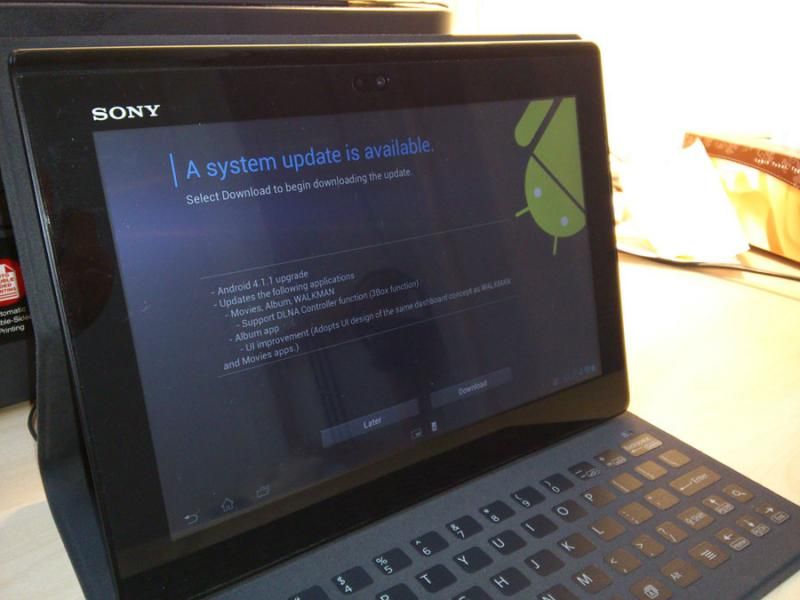
user posted image

There you go folks. Jelly. But my unifi today totally sucks, too frickin' slow.
sleever
post Apr 19 2013, 07:07 PM

New Member
*
Junior Member
16 posts

Joined: May 2006
Sorry im not sure what to say about this update, apart from what it listed. The performance looks the same to me. Can you tell how if I want to see it reboot by itself? i want to see if it's still got that problem. But so far no problem for me. I've played Asphalt and do the Movie editing in here and there were no problem at all. Probably just me.

The album gallery got changed a bit, but no surprise. There's also an additional option at the lock display, an arrow to slide up where it goes to Google Cards (or whatever the name is), just like in Nexus 7. The Remote thigy just changed the name to TV Sideview, you can change, preview and manage your satellite or cable network. channels (i wonder if can manage the Hypp TV channels also).

And that's it. Performance wise it's still the same. Wonder if they will release the 4.2.1 version or not. Possibly they will forget about it and moving on with new products. LOL.
sleever
post Apr 19 2013, 08:20 PM

New Member
*
Junior Member
16 posts

Joined: May 2006
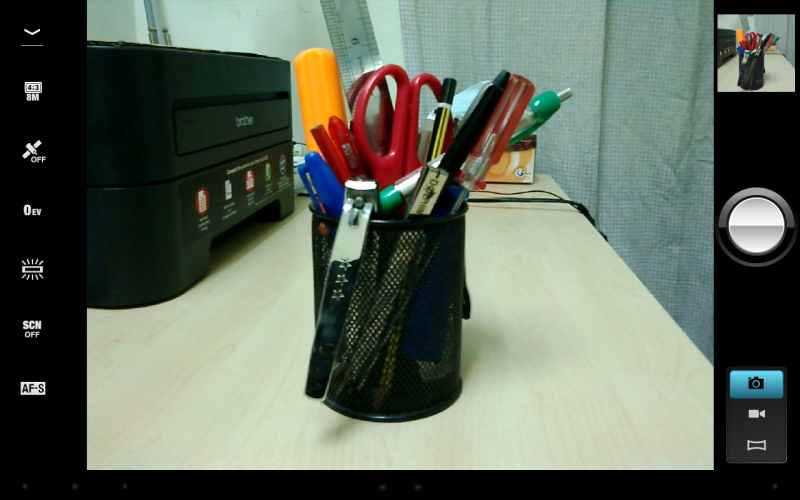
The Camera interface also has changed.

user posted image

But the image quality is still the same. Im a bit confused is it really 8mp? Even my 1+ year old SE Xperia Pro 8mp is better. But what to say, its just a tablet. Heres a comparison (after reducing the original size):

Xperia Tablet S
user posted image

Xperia Pro
user posted image
sleever
post Apr 19 2013, 08:22 PM

New Member
*
Junior Member
16 posts

Joined: May 2006
Gah I should use Photoshop instead to reduce the size, now all pixelated. But lazy to open my laptop tongue.gif


Change to:
| Lo-Fi Version
0.0314sec    0.95    7 queries    GZIP Disabled
Time is now: 14th December 2025 - 03:36 PM