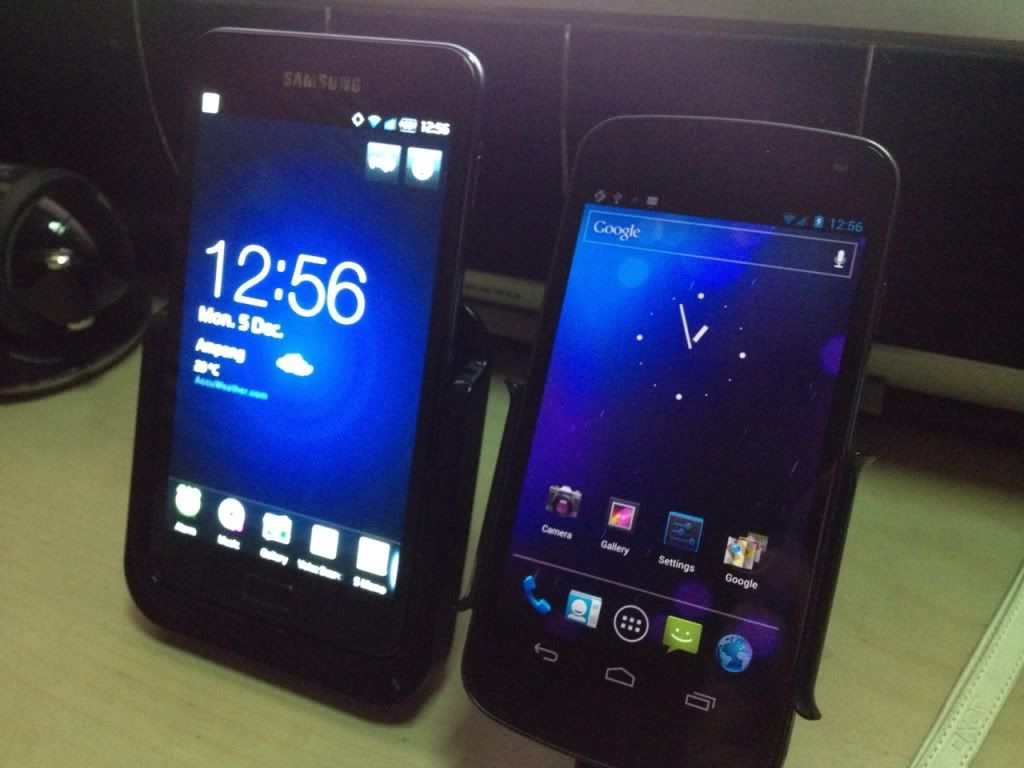
» Click to show Spoiler - click again to hide... «
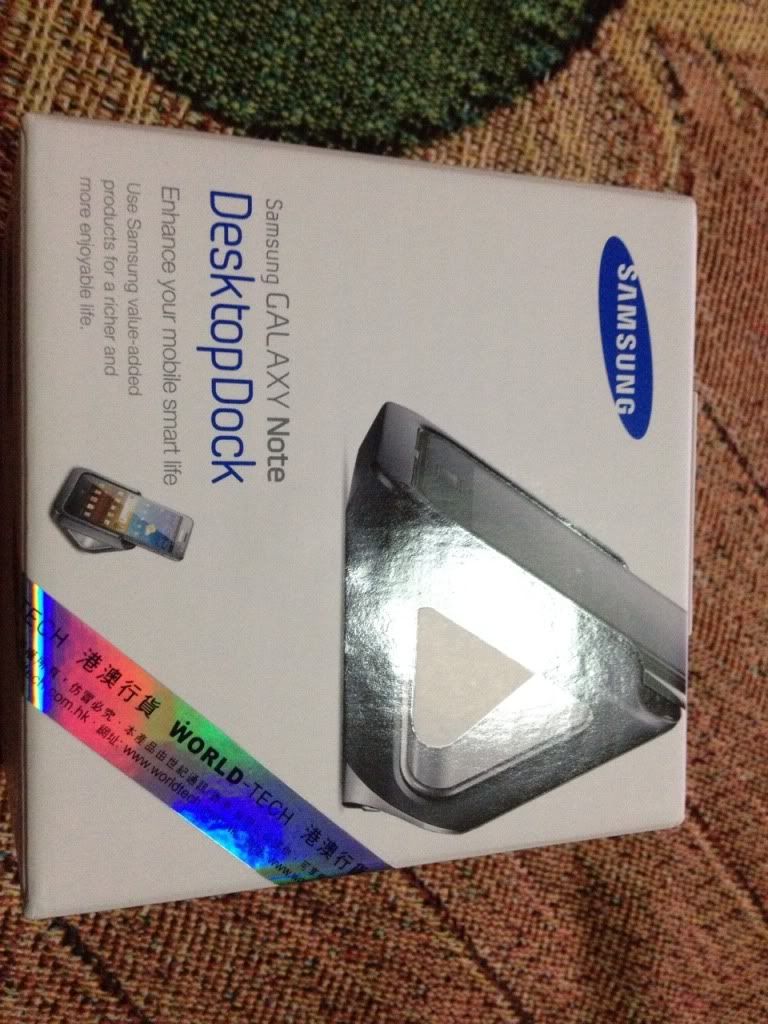
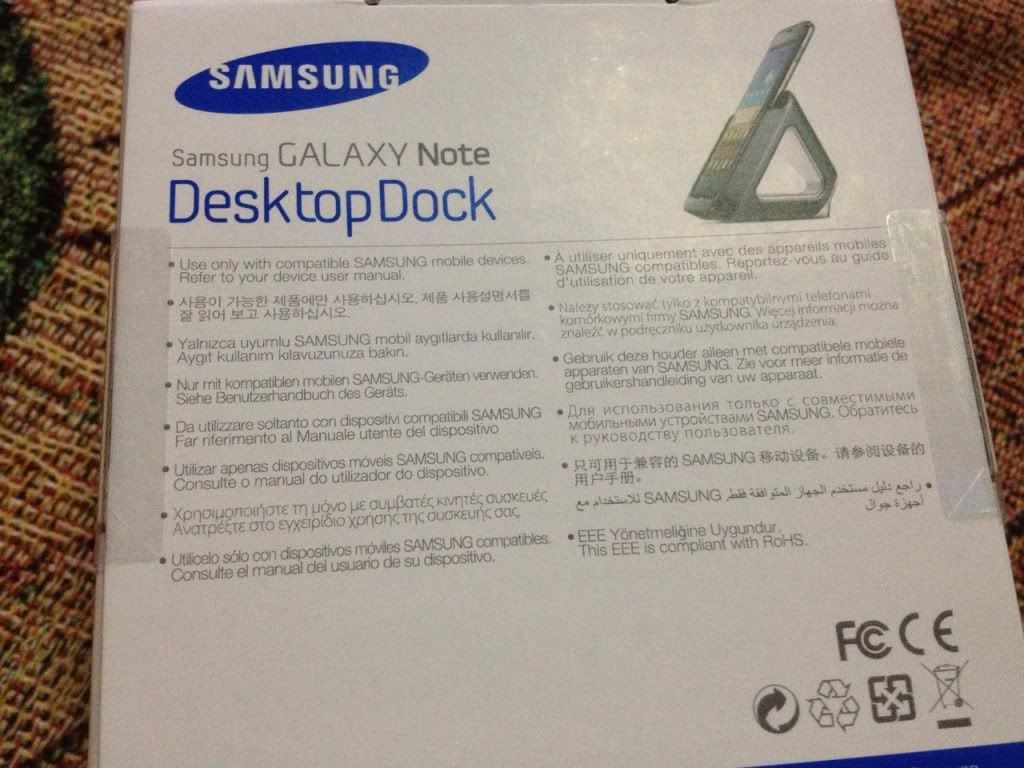
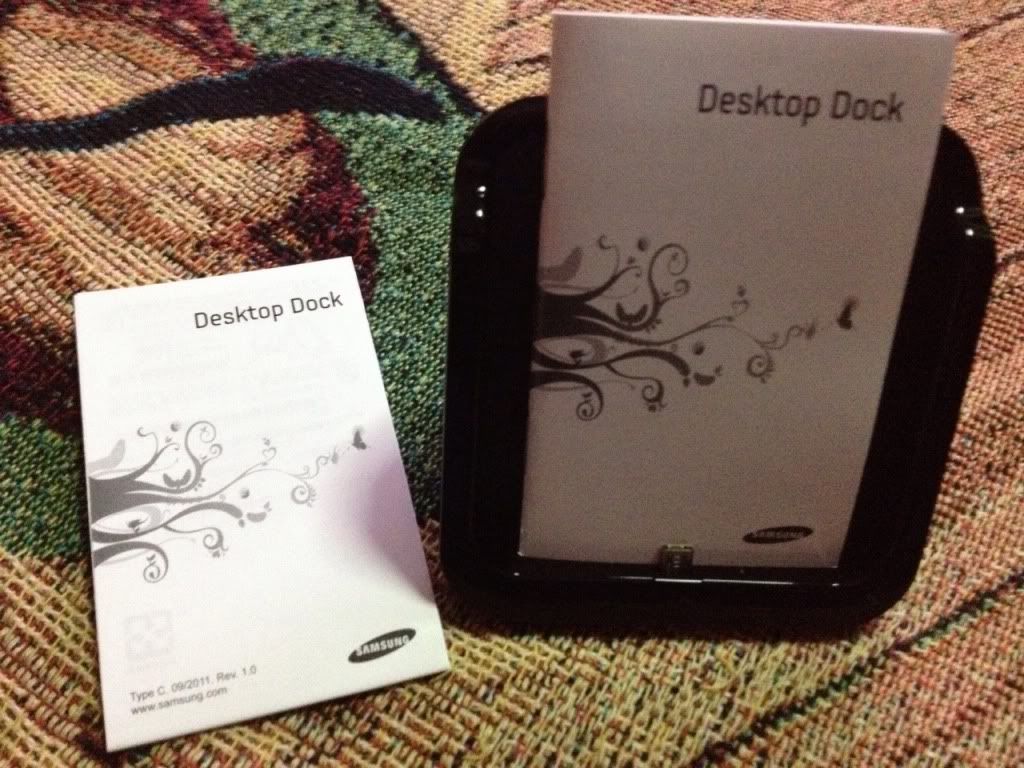
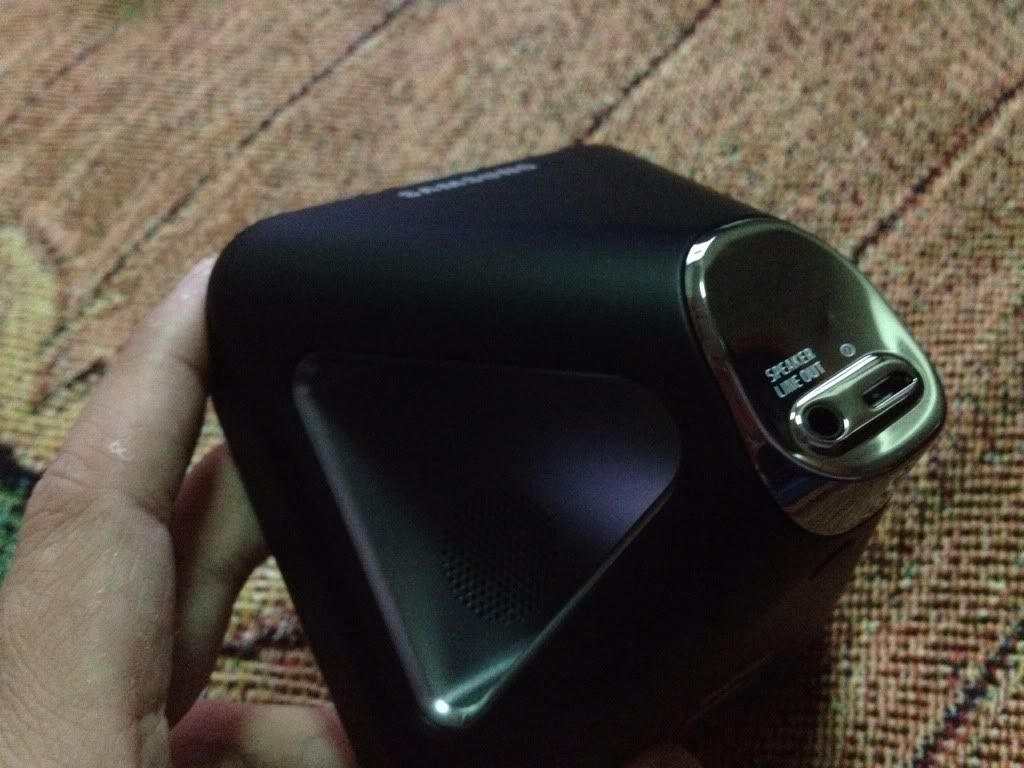
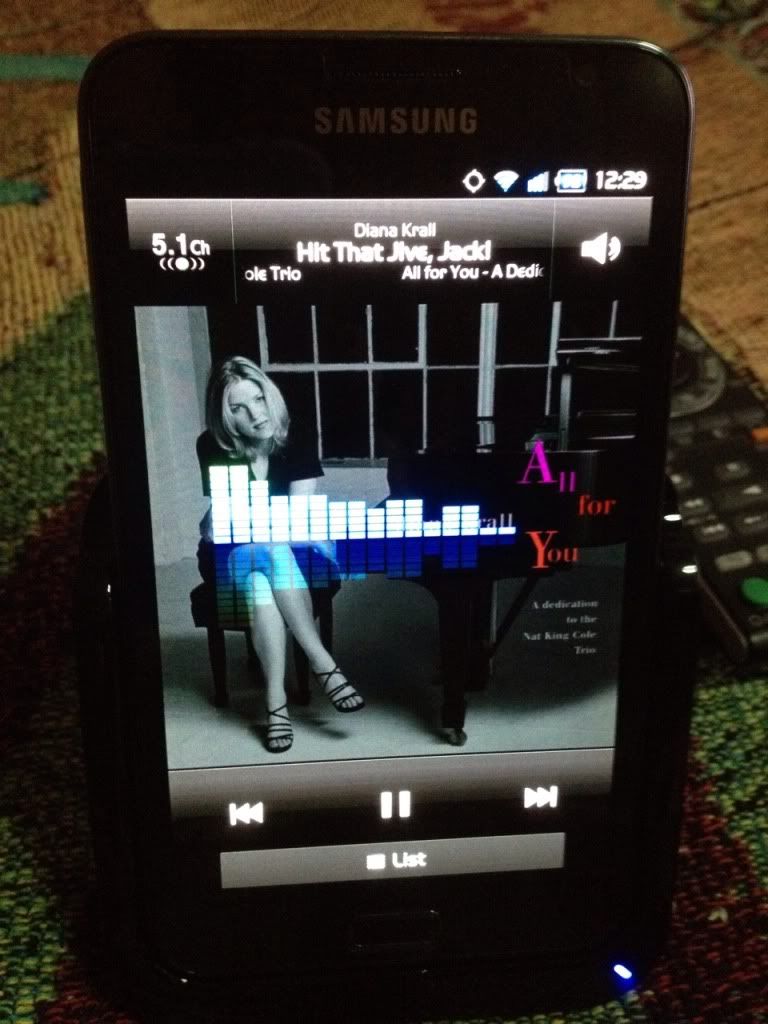
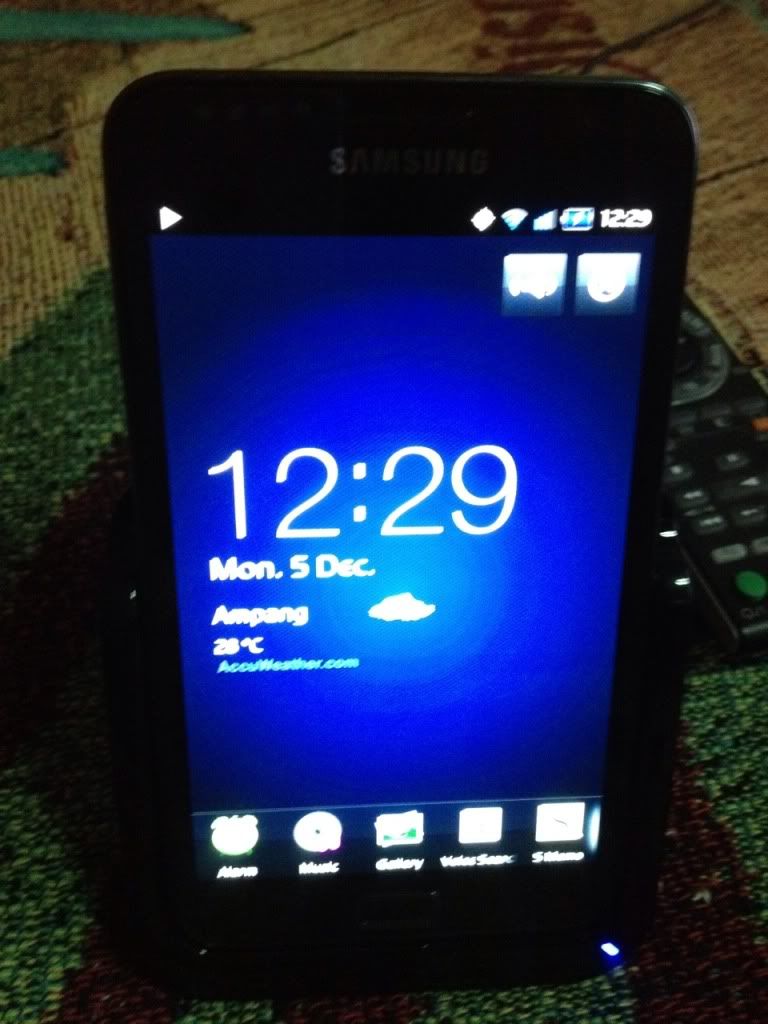
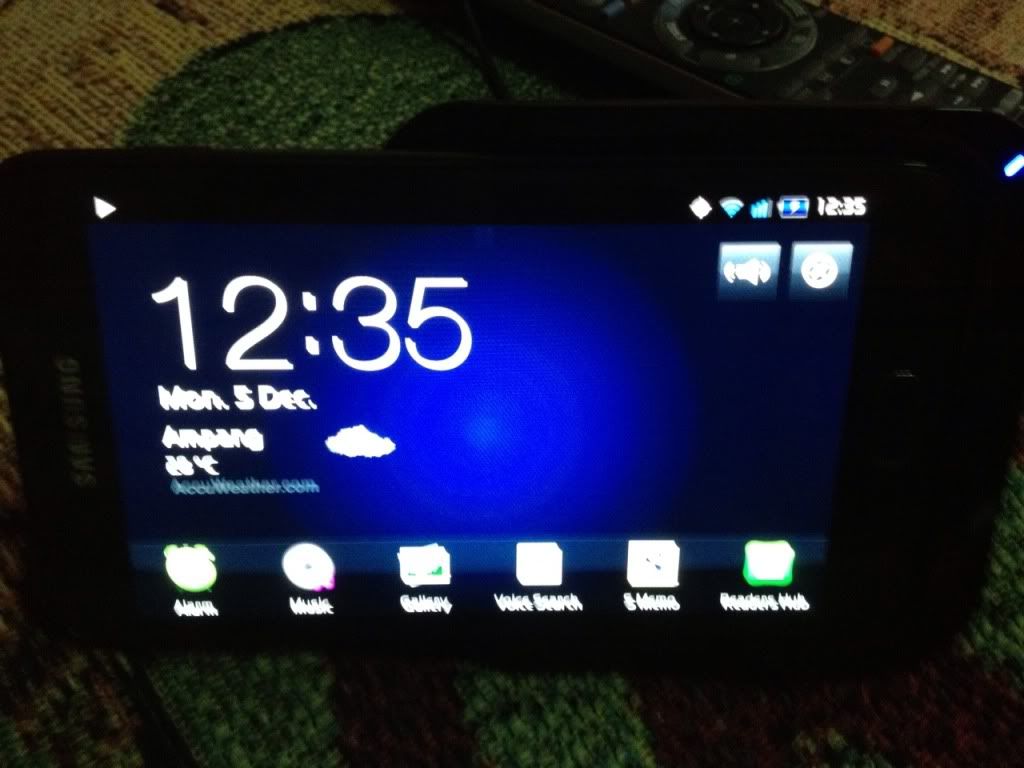
Classy looking accessory, good job Samsung! Awesome speakers as well. The dock can be edited to fit any applications you want.
SAMSUNG GALAXY NOTE™ | V4, RRP RM2299
|
|
 Dec 5 2011, 12:40 PM Dec 5 2011, 12:40 PM
Return to original view | Post
#1
|
 
Senior Member
11,305 posts Joined: Jan 2003 
|
Official Samsung Galaxy Note Desktop Dock arrived!
» Click to show Spoiler - click again to hide... « Classy looking accessory, good job Samsung! Awesome speakers as well. The dock can be edited to fit any applications you want. |
|
|
|
|
|
Dec 5 2011, 01:00 PM
Return to original view | Post
#2
|
|
Senior Member
11,305 posts Joined: Jan 2003
|
QUOTE(shinzan @ Dec 5 2011, 12:59 PM) Bro, where did u bought this dock ? Can charge battery as well ? eBay, bro. It charges the Note when in the dock, if that is what you meant. Also becomes a speaker when the Note is docked, whether in portrait or landscape. Portrait nice as an alarm, landscape nice as as a movie dock with speakers. » Click to show Spoiler - click again to hide... « Side by side, Galaxy Nexus and Galaxy Note. |
|
|
Dec 5 2011, 01:32 PM
Return to original view | Post
#3
|
|
Senior Member
11,305 posts Joined: Jan 2003
|
QUOTE(acks2257 @ Dec 5 2011, 01:01 PM) bro.. how muchie? QUOTE(lwl_80 @ Dec 5 2011, 01:23 PM) how much does it costs? USD65.99 excluding shipping. |
|
|
Dec 5 2011, 02:51 PM
Return to original view | Post
#4
|
|
Senior Member
11,305 posts Joined: Jan 2003
|
QUOTE(Cynox @ Dec 5 2011, 01:54 PM) can only use with Note naked? any gel/tpu case and even the flipcase will make the Note not able to fit in the Dock? With the flip cover it's a tight fit but doable. With a case it's not possible.  QUOTE(exshige @ Dec 5 2011, 01:59 PM) Did you guys notice that when watching movies on Note, those black area will have very noticeable blinking glossy black box flashing? like during the old days when watching low quality VCD.. and the overall color of the movies is kinda "washed".. Signs of a low bitrate movie. It might not be noticeable on your S2 because the resolution is qHD, but on the 1280x800 Note, you're upscaling the movie without improving the image quality with higher bitrate source. Hence the apparent macro blocking.i'm comparing to my s2 also which doesn't have this problem... tested on both Mx player and default player, both HW or SW rendering.. multiple movies.. tv series and even HDrip.. For the record, dark scenes on my Note are totally black. Check the "Light and Slimness" video in your Videos app. It's as black as that. Your personal videos are macroblocking because they are not encoded as per that video or encoded on lower bitrate settings to save file size from getting too big. You can't magically get good picture quality by slapping in poor video source. I'm using 720p properly ripped sources, and I don't get macroblockings. What is the resolution of your video? Next, what is the file size of your video as opposed to how long it is. A pristine HD 22 minute TV show episode on MKV format clocks in at 250MB, a feature length movie is around 3-4GB. Compare your video file sizes versus movie length on these figures. This post has been edited by stringfellow: Dec 5 2011, 03:02 PM |
|
|
Dec 5 2011, 03:06 PM
Return to original view | Post
#5
|
|
Senior Member
11,305 posts Joined: Jan 2003
|
QUOTE(heavenhell @ Dec 5 2011, 02:58 PM) damn nexus and note ! awesome ! Not quite yet. Note is very close to dethroning my iPad 2, but the only reason why I still hang on to the iPad is the games. Same reason with the Nexus/iPhone 4S. so you using ur note as tablet and nexus as phone now ??? or ? I'd rate the Nexus as a more "able" replacement of the iPhone 4S, than the Note as the "able" replacement for the iPad. Blazingly fast on the Nexus. |
|
|
Dec 5 2011, 03:27 PM
Return to original view | Post
#6
|
|
Senior Member
11,305 posts Joined: Jan 2003
|
I seriously don't see anything wrong with mine, and I'm a stickler for details like these.
I'm more inclined to put the reason behind it as this post in the same discussion thread on XDAdev: Display hardware 24bit, video source 16bit or lower. |
|
|
|
|
|
Dec 5 2011, 03:59 PM
Return to original view | Post
#7
|
|
Senior Member
11,305 posts Joined: Jan 2003
|
QUOTE(exshige @ Dec 5 2011, 03:48 PM) but there are many ppl in the thread further down all also reporting the same problem.. whether is for the good or bad, is irrelevant when the final result is less than ideal and ppl hate it.. Honest to God, I don't see it on mine. It's on 2.3.6 if that helps, on full brightness, and "Dynamic" Screen mode, which should have made it worse, but it hasn't. and after reading in 1 post that the problem is less apparent in a well lid room.. i immediately open all my room lights and retest... and it improves.. but then we watch video in dark room... Or maybe I don't watch lots of movies with dark scenes in them, or they don't look off-putting or distracting enough to notice. I dunno..... |
|
|
Dec 5 2011, 04:21 PM
Return to original view | Post
#8
|
|
Senior Member
11,305 posts Joined: Jan 2003
|
QUOTE(exshige @ Dec 5 2011, 04:08 PM) is ur Note rooted? coz the latest updates i can get is 2.3.5 KJ3 when i check the update from the phone.. I'm rooted. 2.3.6 KK5, Sheep ROM KKA.there is someone in the thread saynig that KJ4 somehow fix it.. dunno is true or not.. i can say the effect is really distracting.. i have both S2 and Note tested the same file side by side.. S2 don't have this problem at all.. i'm supposedly S2 also a 24 bit screen? Is this what you're seeing? |
|
|
Dec 5 2011, 11:34 PM
Return to original view | Post
#9
|
|
Senior Member
11,305 posts Joined: Jan 2003
|
QUOTE(exshige @ Dec 5 2011, 10:35 PM) Nope not this. The resolution/bitrate of this video clip you using? The video clip is the constant in this case, and the variables are the different screens shown by the images you quoted.Look at the attachment.. I use camera to capture comparing Note, S2 and my Desktop. Granted this is not a HDrip which is more obvious. On the Note, it looks like it try to retain more details by overall "brighten" the entire video creating slightly washed colors.. but this is still ok. the problem is the total sharp black cutoff which resulted in patches of black zone.. and these patches are not still.. they constantly move, shift sizes and blink when the object moves or the dark area change intensity.. on the s2, while u can say mostly all the details are killed by the darkness.. but overall is a more linear gradual from bright to dark. you won't feel there is a "problem".. Let's say the video clip's resolution is 1280x720. On the S2, it is downsampled, from a higher resolution source (1280 x 720) to a lower resolution screen (800 x 480). When your source content resolution is better than the screen it is used to display, the result is always pleasing, you would expect lesser details, since the display is only capable of showing it at a lower resolution. On your Note, it is either being unconverted ( 1280 x 720 to 1280 x 800 ) or maintained at the screen resolution of the Note (1280 x 800), therefore retaining video detail. But video detail retained can either be shown as the right pixel information IF and ONLY IF the resolution the video clip is in be matched with sufficiently HIGH enough nitrate to maintain image detail and clarity. In this case, since the Note's Android OS architecture only supports file size of 4GB or smaller, you have to set a low enough bitrate to fit into a 4GB file size. Hence low enough bitrate and therefore restricted pixel information and image detail, to show macro blocking due to low bitrate. You don't see it much on the S2 because the smaller screen size and screen resolution, artificially masks the macro blocking, or showing them as a more "gradual" banding. Compare that to the Note's 5.3" screen with higher resolution, but still having to play with the same 4GB file size restriction of the Android OS, you're stuck with the same low bitrate you can play around with the S2, but having to display it on a bigger screen, hence making those macro blocks more apparent. Similar to blowing up a snapped photo to pixel-peep. So which would you rather have? A smaller sized screen but lower resolution giving you a more "forgiving" picture because flaws aren't readily apparent, or a larger sized screen but higher resolution, showing you more of the flaws because it's more apparent due to the limited bitrate to fit into the 4GB file size? QUOTE(zad78 @ Dec 5 2011, 10:57 PM) Perhaps you were using diceplaye whereby it uses the gpu rather than cpu to display the image...would that be taken into consideration in this case? Isn't that better? I don't want to hunt around for patches of black macro blocks or color banding while watching my movies, so HW acceleration by GPU is more desirable.This post has been edited by stringfellow: Dec 5 2011, 11:38 PM |
|
|
Dec 5 2011, 11:59 PM
Return to original view | Post
#10
|
|
Senior Member
11,305 posts Joined: Jan 2003
|
QUOTE(victorioz @ Dec 5 2011, 11:57 PM) I've a question to all male owners of note. How do you guys overcome the size of this phone into your pockets? @@" Fits in my back jeans pocket and the front pocket as well. Nothing to overcome. I don't wear skinny jeans, nor do I wear baggy rapper jeans. Normal Levi's jeans. |
|
|
Dec 6 2011, 11:12 AM
Return to original view | Post
#11
|
|
Senior Member
11,305 posts Joined: Jan 2003
|
QUOTE(zad78 @ Dec 6 2011, 05:39 AM) The bad news for me is that diceplayer is not available to buy anymore from the market. They said got problem with their google checkout account :-( market.android.com, buy it from there, then click the (+) sign to expand on device compatibility. Click your Galaxy Note. You need to do this while signed into your Google account, and have a CC tied to that account. |
|
|
Dec 6 2011, 03:50 PM
Return to original view | Post
#12
|
|
Senior Member
11,305 posts Joined: Jan 2003
|
QUOTE(exshige @ Dec 6 2011, 03:28 PM) this is nothing to do with resolution of the screen.. if it is.. then the same movie clip will be even more worst on my desktop which is significantly higher resolution than the note. my desktop is running 1920x1080. from the picture, both s2 and desktop do not have this. and nothing to do with bitrate.. the xda has ppl tested on 1080p MKV clip. Watched "Cars 2" MKV, the first 5 minutes is mostly dark. Also watched "The Walking Dead" episodes that are dark. Turned down the brightness to minimum and use Movie screen display mode. i think is something to do with how note convert those last few level of intensity before complete black to pure black. so u can see a sharp drop from before almost black to pure black. anyway i tried your way of watching by changing to dynamic mode and increase the brightness to maximum.. the black patches visibility reduce quite a fair bit. I guess i have to stuck at watching movies in max brightness for a while now which will drain on the battery.. can u try changing to Movie Mode and reduce the brightness to the minimum.. and watch some dark scene movie see whether you see it. is either that or your 2.3.6 firmware some how don't have this problem... The first thing I notice Movie display mode does is makes everything look dreary. I have a nice bright yellow wallpaper, and it turns it into murky orange, the colors doesn't "pop" anymore. The minimum brightness makes it even worse. Blergh. But I still don't see any splotches, grey spots or the like. All I see is, because the brightness has been dialed all the way down, you lose details. Dark scenes now, instead of seeing some definition in the scenes where there should be details on the dark area, all now is black. I paused the video running on DICEplayer, went back to settings, turn back to Dynamic, and turn up the brightness to at least 50%, and the details are back again. I know it's back to normal coz this wallpaper of mine turn back to its original eye-popping colored self right after that. Try this wallpaper and see how dreary and ugly it looks if you turn down your brightness to minimum and use "Movie" screen display mode. » Click to show Spoiler - click again to hide... « Then turn to at least 50% brightness and "Dynamic" mode. See what I mean? The way I look at it, if you're watching a movie, you'd want to see ALL the details, not sacrificing it in the name of conserving power. You might as well don't watch it at all. Sure turning up brightness and vividity eats into the battery power, but that's the price you have to pay to get a properly lit video with details meant to be conveyed. Plus, I don't watch a movie without knowing that I can recharge the battery back in the shortest amount of time, or that facility is available closely somewhere. In this case, I carry an external battery pack. Nothing too big, the size of two decks of cards, can be easily thrown into the Muzetto bag I'm carrying without even adding much bulk. This post has been edited by stringfellow: Dec 6 2011, 03:55 PM |
|
|
Dec 7 2011, 12:14 AM
Return to original view | Post
#13
|
|
Senior Member
11,305 posts Joined: Jan 2003
|
Awesome find on Swiftkey X. I've been a fan of theirs since I used the beta version of their Swiftkey Tablet X version of their keyboard on my already sold off Xoom, and now this discounted price on their cellphone keyboard!
|
|
|
|
|
|
Dec 7 2011, 01:27 AM
Return to original view | Post
#14
|
|
Senior Member
11,305 posts Joined: Jan 2003
|
I'm using the Neon theme on my Note. Big fan of Tron here.
 The app warns that it is not made for a tablet when setting up, most probably because it detects the Note's 1280x800 resolution and assumes it's a tablet. You don't need to get the Swiftkey Tablet X because the screen size of the Note is only 5.3 inches, and the phone version covers the screen nicely. Installing the Tablet X version will only make the keys super small, because the keyboard assumes that it is handling a 7/8.9/10 inch screen. |
|
|
Dec 7 2011, 02:56 AM
Return to original view | Post
#15
|
|
Senior Member
11,305 posts Joined: Jan 2003
|
Why are you BUYING Asphalt 6 HD when it is available for FREE on Samsung Apps?
|
|
|
Dec 7 2011, 01:15 PM
Return to original view | Post
#16
|
|
Senior Member
11,305 posts Joined: Jan 2003
|
Personally, the normal Swiftkey X version works for me. The Note isn't that big of a phone, and certainly does not need a split keyboard. Holding the Note with my hands in landscape mode, my thumbs are even able to overlap one another to reach all the keys without much constraint. The reason why Tablet X keyboard was made was to cater to tablets which is wider in nature, therefore splitting the keyboard into two portions, reachable by your two thumbs when you're holding it in landscape.
Your choice personally. I think the normal Swiftkey X is perfect for the Note. I've purchase the Tablet X version for Motorola Xoom last time, and that version is perfect for the tablet Xoom. Added on December 7, 2011, 1:17 pm QUOTE(synchun @ Dec 7 2011, 01:11 PM) Then which one do I purchase? Phone version or Tablet version? Tablet version will work on phone? The Tablet X version should work on your Note, it works for 2.1 and above. I suggest you install the Swiftkey Tablet X Free version and see if that works for you.This post has been edited by stringfellow: Dec 7 2011, 01:17 PM |
|
|
Dec 7 2011, 06:19 PM
Return to original view | Post
#17
|
|
Senior Member
11,305 posts Joined: Jan 2003
|
I've already purchased that leather pouch. Got tired of waiting for bloody Samsung to bring it in, no news, went to eBay and purchased it. It's on its way here.
Samsung only knows to bring in the phone and have no business sense in making money from their own official accessories. Not everyone wants to wrap their 2000 ringgit investment in shoddy third party silicone/gel/TPU cases. |
|
|
Dec 7 2011, 07:20 PM
Return to original view | Post
#18
|
|
Senior Member
11,305 posts Joined: Jan 2003
|
QUOTE(whoknow88 @ Dec 7 2011, 06:28 PM) That's true , anyway how much you get this , let me know if that's cheaper than mine GBP19.90. Hardly breaking the bank as some would say. But then again, I see more people would rather wrap their phone in RM10 cases than invest a little bit more on proper protection. |
|
|
Dec 7 2011, 07:37 PM
Return to original view | Post
#19
|
|
Senior Member
11,305 posts Joined: Jan 2003
|
QUOTE(whoknow88 @ Dec 7 2011, 07:29 PM) Free shipping ? GBP7 shipping. IT has since increased to GBP10 by that same eBay reseller. |
|
|
Dec 7 2011, 08:19 PM
Return to original view | Post
#20
|
|
Senior Member
11,305 posts Joined: Jan 2003
|
Correction. The pouch already arrived at home. Nore pics later once i get back from dinner.
|
|
Topic ClosedOptions
|
| Change to: |  0.0496sec 0.0496sec
 0.44 0.44
 7 queries 7 queries
 GZIP Disabled GZIP Disabled
Time is now: 9th December 2025 - 09:05 PM |
 Quote
Quote