

QUOTE(vinorgouki @ May 15 2011, 04:22 PM)
here is it.
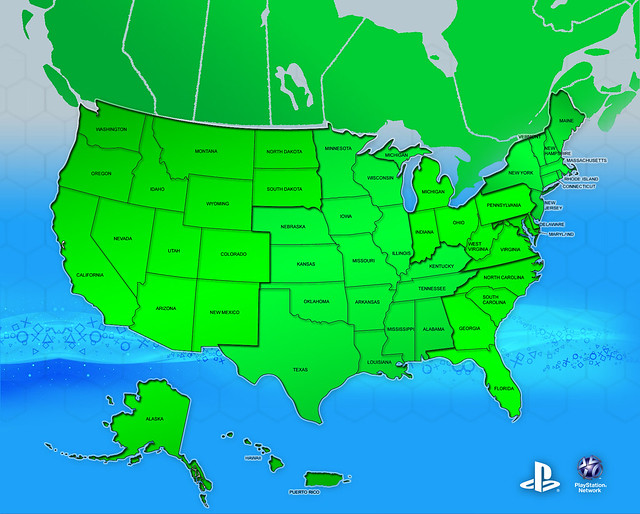

thats still us region..looking for besides usThis post has been edited by asciii: May 15 2011, 04:29 PM
PSN Restoration Discussion, Strictly no trolling.22/5 updated!
|
|
 May 15 2011, 04:23 PM May 15 2011, 04:23 PM
Return to original view | Post
#1
|
 
Senior Member
859 posts Joined: Apr 2006 From: Binary World  
|
QUOTE(vinorgouki @ May 15 2011, 04:22 PM) here is it. thats still us region..looking for besides usThis post has been edited by asciii: May 15 2011, 04:29 PM |
|
|
|
|
|
May 18 2011, 02:50 PM
Return to original view | Post
#2
|
|
Senior Member
859 posts Joined: Apr 2006 From: Binary World
|
btw..anyone tested using proxy to access US psn?
|
|
|
May 21 2011, 12:22 AM
Return to original view | Post
#3
|
|
Senior Member
859 posts Joined: Apr 2006 From: Binary World
|
yes..vpn works! but still waiting for the email from playstation on the next step to reset the password..duh! wonder how long will it take
Added on May 21, 2011, 12:44 amreceived password change email..currently downloading update for socom4 This post has been edited by asciii: May 21 2011, 12:44 AM |
|
|
May 21 2011, 12:47 AM
Return to original view | Post
#4
|
|
Senior Member
859 posts Joined: Apr 2006 From: Binary World
|
QUOTE(nwk @ May 21 2011, 12:45 AM) That doesn't work at all. from pc..do internet sharing lerLike I said before, BolehVPN uses OpenVPN for their vpn servers. For PC, you can easily run it under Windows, but there's no way to run it on the PS3 unless you can get a router that supports it in the router firmware. Added on May 21, 2011, 12:58 amplaying socom4 now.. This post has been edited by asciii: May 21 2011, 12:58 AM |
|
|
May 21 2011, 08:19 AM
Return to original view | Post
#5
|
|
Senior Member
859 posts Joined: Apr 2006 From: Binary World
|
use vpn can access ler..last nite i played socom4
|
|
|
May 21 2011, 08:41 AM
Return to original view | Post
#6
|
|
Senior Member
859 posts Joined: Apr 2006 From: Binary World
|
QUOTE(xbomer @ May 21 2011, 08:38 AM) really? wont get ban ka? nope..wondering who started this rumor |
|
|
May 21 2011, 02:31 PM
Return to original view | Post
#7
|
|
Senior Member
859 posts Joined: Apr 2006 From: Binary World
|
Guide to use vpn with ps3
QUOTE things u need: pc with 2 NIC or 1 wireless and 1 LAN card. -------------------------------------------------------------------------------------- 1. First Lan/wireless must be connected to the internet. 2. Connect second LAN via cable directly to ps3 3. Provide a different ip and subnet 255.255.255.0 to second lan. i.e if you are using 192.168.x.x for first lan, u can use 11.x.x.x for second lan. Leave the rest of the fields empty. 4. Launch ur bolehvpn 5. go to ctrl panel > network and select the bolehvpn network 6. go to properties > sharing tab 7. tick allow other computer to connect through this computer internet and select the second nic from the list. clik apply/ok 8. u might need to reconnect to boleh vpn to activate the setting 9.in ps3 network setting, provide the ip, subnet, gateway n dns ie: if ur second nic details are: ip: 11.0.0.1 subnet: 255.255.255.0 ur ps3 nic setting should be: ip: 11.0.0.x subnet: 255.255.255.0 gateway: 11.0.0.1 dns: 11.0.0.1 |
|
Topic ClosedOptions
|
| Change to: |  0.0185sec 0.0185sec
 0.53 0.53
 7 queries 7 queries
 GZIP Disabled GZIP Disabled
Time is now: 18th December 2025 - 02:01 AM |
 Quote
Quote