

 May 15 2011, 12:32 AM, updated 15y ago


 DIY Mouse Pad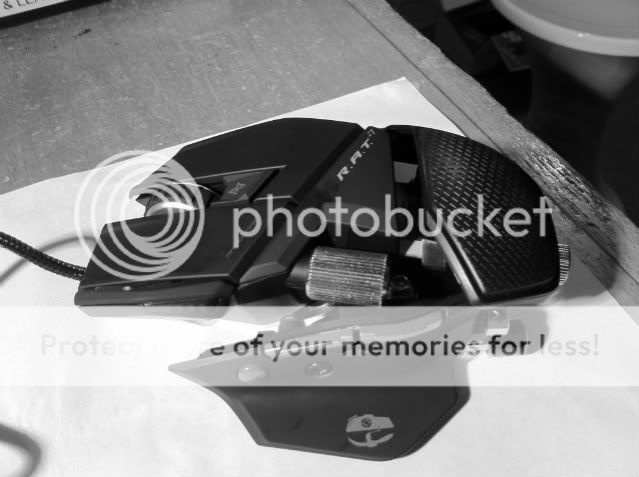
Bought that expensive gaming mouse but suddenly you realized it requires a gaming mousepad to work properly?
With gaming mousepad being darn expensive its insane that some people paid hundreds of dollars just to make their mouse working perfectly. So what i did is improvise and recycle the used notebooks (paper, real note books) and made myself a smooth and slick mousepad!

This is my first DIY guide for making your own mouse pad for gaming or office use, there might be some errors so feel free to comment.

Take note that this is a simple guide and creation that does not cost more than rm 10 (i guess), hence the saying "you get what you paid for" applies.
Basically the mousepad have the same attribute as the hard surfaced mousepad, it glides your mouse smoothly but harder to control

Things that you need to have:


-A gaming mouse(teflon feet works best)
-A plastic hard cover note book(standard A4 size)
-Blue tack (the ones that you used to stick papers on the wall)
-Scissor
-Flat surface (to stick the mousepad)
The Steps:
1st:
Make sure that you buy or use a hard cover notebook are made out of hard plastic with some grainy texture surface(To provide some friction, or else the mouse will move everywhere LOL)

2nd:
Make sure that the cover have no pattern on the surface, if it does try to use the back of the cover which does not have any pattern or color (reason: some gaming mouse cant work on multicolored surface)

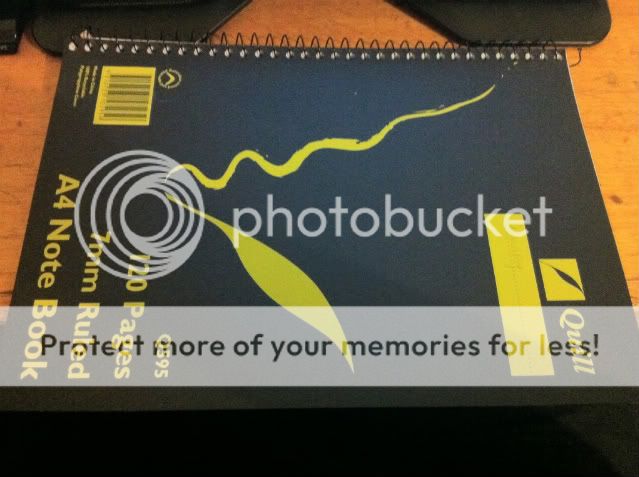
3rd: Take the scissor, and start to cut the hard cover
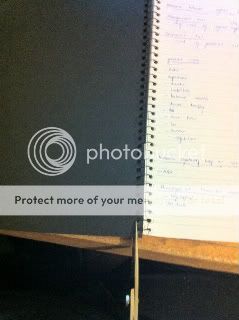
4th: Using the outer layer of the cover as a base, stick four small portion of blue tacks(or whatever tacks u have) in every corner.


Finally!! Find a flat surface to stick the mouse pad (To make sure it sticks and does not move when u are using it) and Voila!! you have made yourself a smooth and slick gaming mousepad!!
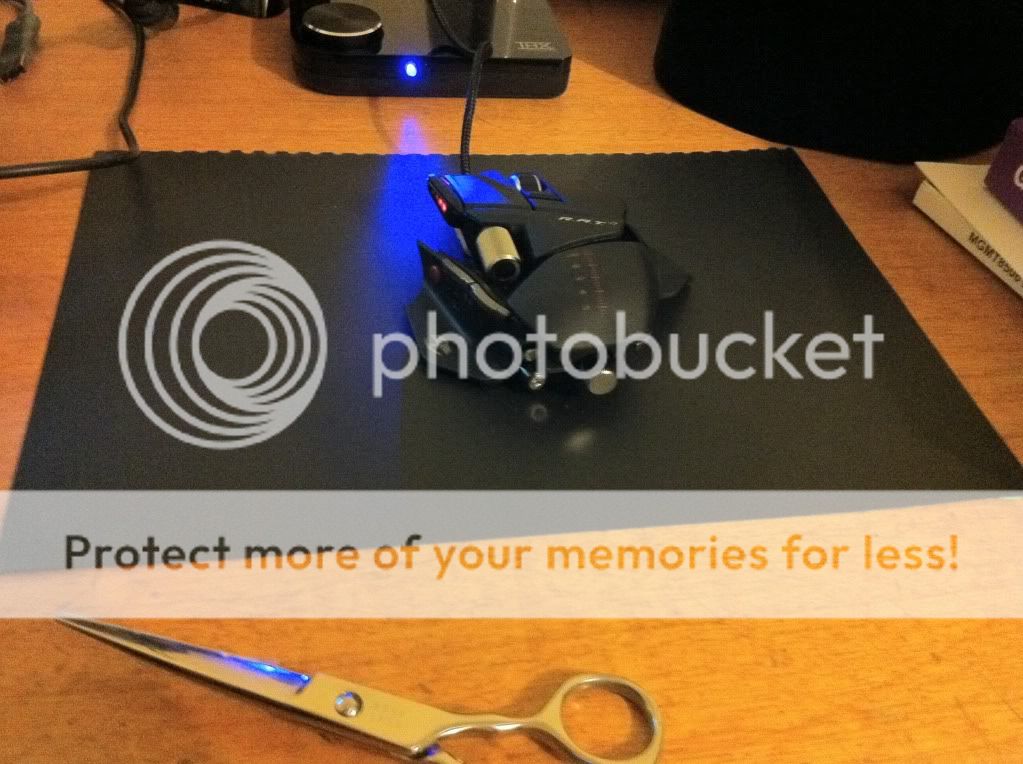
So basically thats it!, hope you manged to save few bucks with the guide.
Personally i think its a bit slicky, im using the Saitek RAT7 mouse with added 12 gram of weight, so the inertia itself makes it hard for accurate sniping. I might take the weight off or just get used to it in the future.
All in all the mousepad works perfectly with the twin eye phillips laser used in RAT7, it tracks well and the mouse literally skates in every stroke.
All righty, have fun gaming!!
N.V.3
 Quote
Quote
 0.0143sec
 0.37
0.37
 6 queries
 GZIP Disabled