sphiroth/Digi-Malaysia/P1000DXJM2/FROYO.DXJM4
This post has been edited by sphiroth: Jan 26 2011, 08:36 AM
SAMSUNG GALAXY TAB Official Thread V1, ..best and most portable Android tablet
|
|
 Jan 26 2011, 08:30 AM Jan 26 2011, 08:30 AM
Return to original view | Post
#1
|
 
Senior Member
2,804 posts Joined: Jan 2003 
|
Finally, a well deserved official thread for Tab. Thanks to TS.
sphiroth/Digi-Malaysia/P1000DXJM2/FROYO.DXJM4 This post has been edited by sphiroth: Jan 26 2011, 08:36 AM |
|
|
|
|
|
Jan 26 2011, 09:06 PM
Return to original view | Post
#2
|
|
Senior Member
2,804 posts Joined: Jan 2003
|
Just got my first bill (digi smartplan). It surprises me because its only RM63 (minus RM5 from RM69 becaused of auto billing)+ 5% tax although I made a few phone call and several sms. The detailed listing show that unlimited internet cost is just RM53 and the calls and sms is another RM10. I thought smart plan doesn't include calls/sms charges in the RM63/month.
|
|
|
Jan 26 2011, 10:30 PM
Return to original view | Post
#3
|
|
Senior Member
2,804 posts Joined: Jan 2003
|
QUOTE(Hico @ Jan 26 2011, 10:12 PM) are u subscribing the smartplan only or bundle with the tab?? Smartplan are only offered with device package. |
|
|
Jan 26 2011, 10:38 PM
Return to original view | Post
#4
|
|
Senior Member
2,804 posts Joined: Jan 2003
|
QUOTE(benny888 @ Jan 26 2011, 10:33 PM) Based on this thread and the previous Galaxy Tab thread, I have recorded 79 users using the Tab. I was really surprised. I was guess estimating perhaps around 30 only !! I manage to poison 2 of my friend to buy the Tab. So it is indeed quite a popular choice. Today is my 11th day using it and learning new things, loving it every day. I think we could arrange a meetup makan-minum TC session one of these days , maybe on a weekend after CNY to share. Those interested in such an event, please indicate your interest I have been attending Apple MacFest, Palmers and Windows Mobile meetup but yet to meetup with any Androiders  |
|
|
Jan 27 2011, 02:04 PM
Return to original view | Post
#5
|
|
Senior Member
2,804 posts Joined: Jan 2003
|
QUOTE(Irhe21 @ Jan 27 2011, 12:27 PM) anyone know where to get nova 3D? Go to gameloft website and pay RM6. They will sms the download link to you. Added on January 27, 2011, 12:32 pmwow! luv the honeycomb 3.0 music player!! yuhuuu! love my tab one step more!  |
|
|
Feb 10 2011, 03:46 PM
Return to original view | Post
#6
|
|
Senior Member
2,804 posts Joined: Jan 2003
|
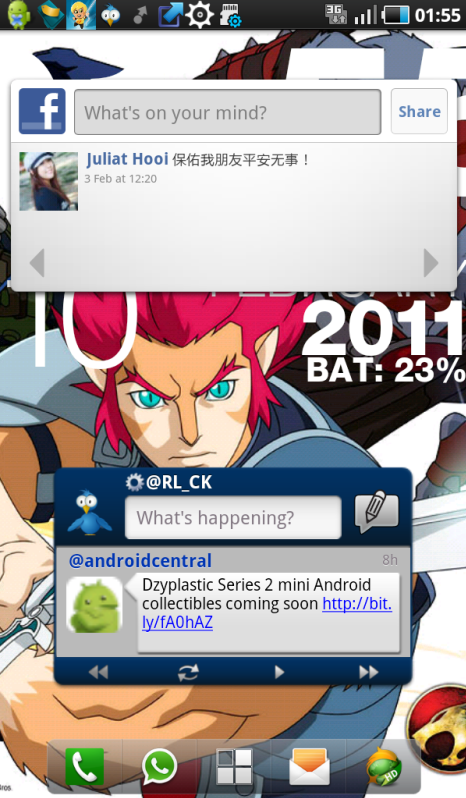
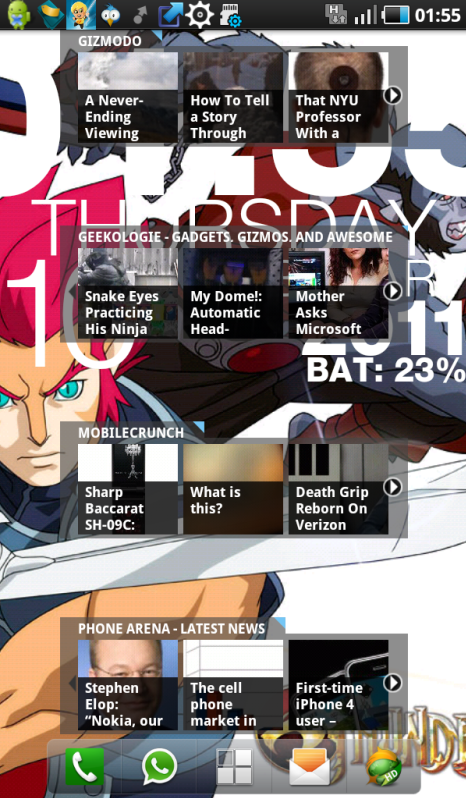
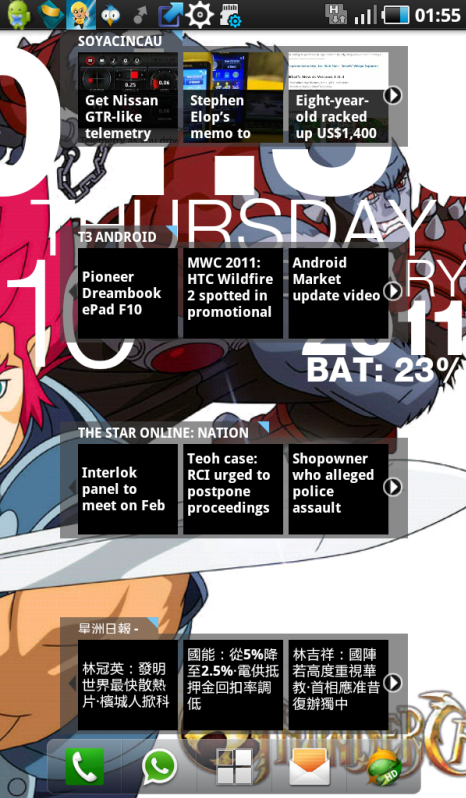
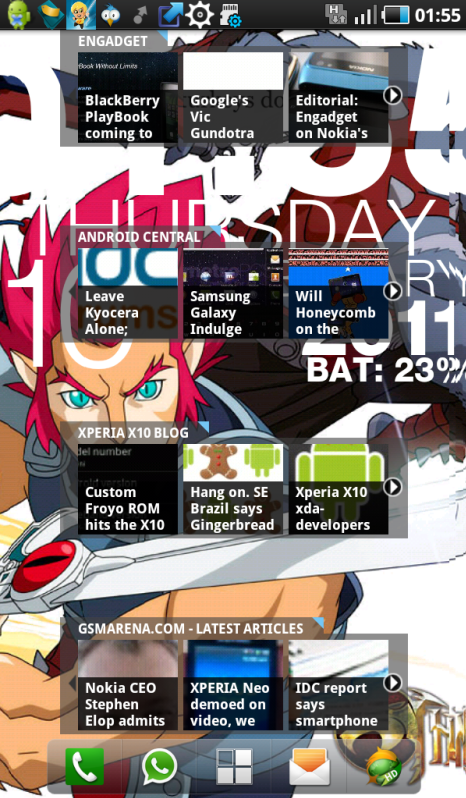
QUOTE(wiebie26 @ Feb 10 2011, 11:51 AM) Here's My Screen Shots... What facebook widget did you used?Very Simple Homescreens..  Using launcher Pro btw.. Page 1: [attachmentid=2035588] Page2: [attachmentid=2035589] Page 3 (main page) : [attachmentid=2035590] Page 4: [attachmentid=2035594] Page 5: [attachmentid=2035596] Added on February 10, 2011, 3:49 pm QUOTE(rayzrblade @ Feb 10 2011, 02:38 AM) » Click to show Spoiler - click again to hide... « This post has been edited by sphiroth: Feb 10 2011, 03:49 PM |
|
|
|
|
|
Feb 12 2011, 02:00 PM
Return to original view | Post
#7
|
|
Senior Member
2,804 posts Joined: Jan 2003
|
Yesterday I spent the whole night till 1am trying to stream video (mkv) to my Tab from my PC over wi-fi. The standard allshare are quite useless. Tried several media servers (ps3 media server, twonky, WMP11, tversity) but none works flawlessly. Each got different problem (not responding, unsupported format, no subtitles, not smooth etc.).
Right now I use ES File Explorer. Quite OK except video cannot fast forward/seek. Need to watch from the start... Anyone manage to stream video (mkv) please share your methods. |
|
|
Feb 12 2011, 10:31 PM
Return to original view | Post
#8
|
|
Senior Member
2,804 posts Joined: Jan 2003
|
QUOTE(benny888 @ Feb 12 2011, 07:01 PM) Good news to all gamers on Valentine's day ; should you be playing games on your TAB this day or ??? Isn't it cheaper to buy from gameloft using telco? Usual price is RM6 per game. Anyway, although HD games are cool to have, its not really fun to play (atleast for me) compared to angry birds, gun and glory kinda game.Excerpt from AndroidandMe ( edited) : Starting 12 Feb till February 15th, all Gameloft HD titles for Android are 60% off. This means you can now download some of the best games that Android has to offer for only $1.99, but you will have to do so through Gameloft’s web store. If this is your first time purchasing a game from Gameloft, we have a few tips to share. The easiest way to complete a purchase is by visiting Gameloft.com on your Android phone. It will provide a list of games that are optimized for your device. If no games are listed for your device, you can also trick their web store to send you a download link by selecting a comparable phone on their desktop site Gameloft updated their policy to allow you to re-download the games you purchase, but they are still limited to the original device that you installed them on. Some users have reported that Gameloft allowed them to transfer their purchased game library to a new device, but you might have to contact customer service for that to occur. |
|
|
Feb 13 2011, 11:18 AM
Return to original view | Post
#9
|
|
Senior Member
2,804 posts Joined: Jan 2003
|
QUOTE(jloi @ Feb 13 2011, 12:11 AM) my hero of sparta still kenot play on 3rd stage Just re-play the 2nd stage. I've already finished it. wasted rm6 to get it from gameloft wasted rm6 to get it from gameloft |
|
|
Feb 13 2011, 02:39 PM
Return to original view | Post
#10
|
|
Senior Member
2,804 posts Joined: Jan 2003
|
QUOTE(jloi @ Feb 13 2011, 02:00 PM) Its 10" sreeen is too big for me since I also used my Tab as phone. On the bright side, our Tab is still the best 7" tablet in the market even after Tab 2 released.  . . |
|
|
Feb 13 2011, 08:58 PM
Return to original view | Post
#11
|
|
Senior Member
2,804 posts Joined: Jan 2003
|
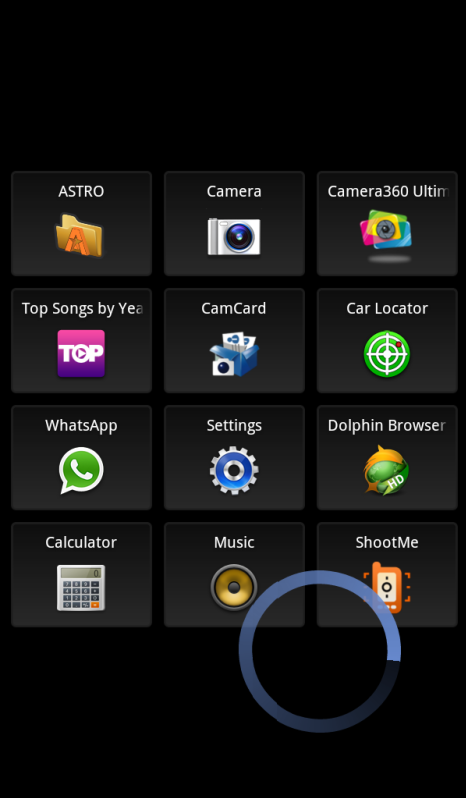
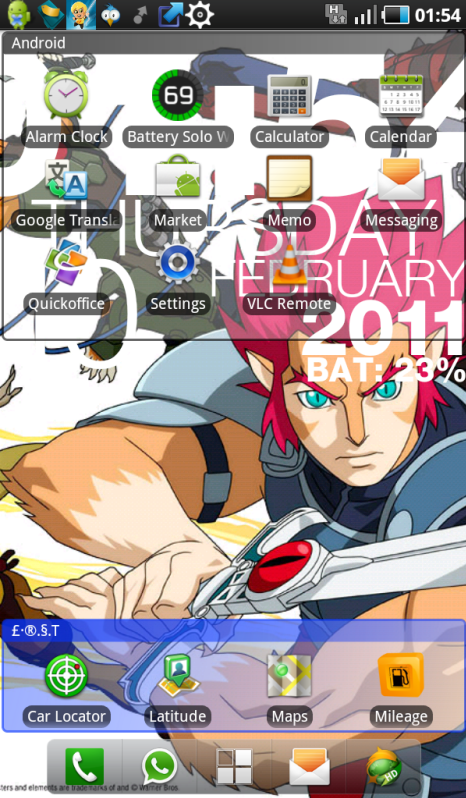
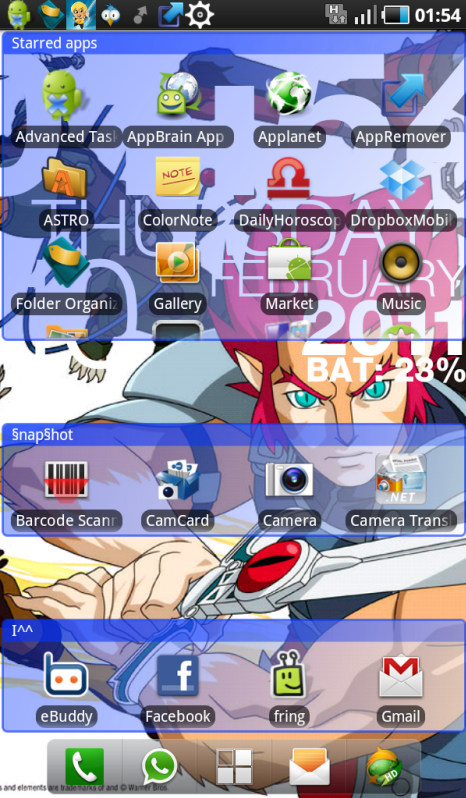
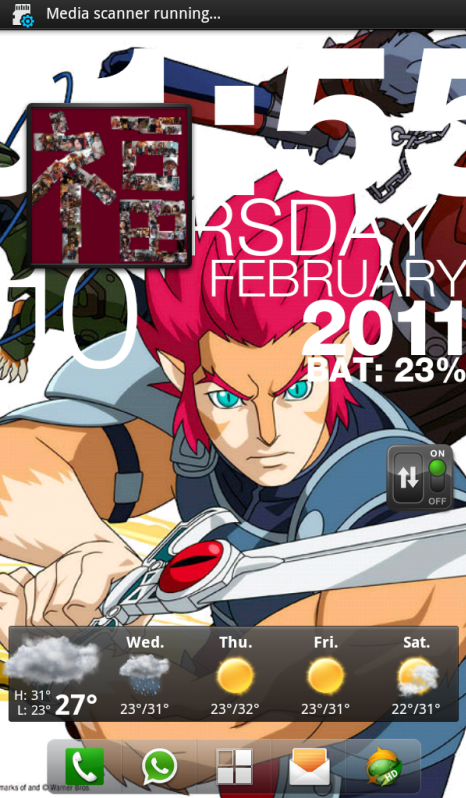
My homescreen.

This post has been edited by sphiroth: Feb 13 2011, 08:58 PM |
|
|
Feb 14 2011, 09:16 AM
Return to original view | Post
#12
|
|
Senior Member
2,804 posts Joined: Jan 2003
|
QUOTE(jloi @ Feb 13 2011, 11:41 PM) nice internet, note n game category Desktop visualizer+simi folder+custom icon. how u do tat? how u do tat? |
|
|
Feb 15 2011, 10:52 AM
Return to original view | Post
#13
|
|
Senior Member
2,804 posts Joined: Jan 2003
|
QUOTE(benny888 @ Feb 14 2011, 02:19 PM) This is the best guide to the Galaxy Tab roms : I'm really interested om the EXT4 system. Just need some confirmation:http://forum.xda-developers.com/forumdisplay.php?f=807 tutorials are usually briefly listed in some of the roms = browse around - get a feel first ; don't jump straight in. Of course if you kena drown, can always call for help here -many of us willl be most willing to guide you You can also refer to my blog for guidelines where I also summarized the steps: Flashing a new rom: http://leemn.wordpress.com/2011/01/25/gala...rotohammer-jme/ Upgrade file system to EXT4 and upgrade to ext4 based rom http://leemn.wordpress.com/2011/01/27/gala...daco-rom-beta1/ You might need to patch your bootloader first to unsigned it : Refer here http://forum.xda-developers.com/showthread.php?t=888071 1) mine is My set, will the steps to flashed it the same with the one in your blog? (since yours is europe set) 2) my internal SD is almost full. do I need to bought an external SD 1st to create space for file conversion? 3) will all my contact/apps still intact? TQ in advance. |
|
|
|
|
|
Feb 15 2011, 11:35 AM
Return to original view | Post
#14
|
|
Senior Member
2,804 posts Joined: Jan 2003
|
QUOTE(benny888 @ Feb 15 2011, 11:11 AM) Added on February 15, 2011, 11:26 amSpiroth : Just out of curiosity how come your internal SD card is nearly full ??? What type and how many apps you have been installing ??? The internal SD ( 16 GB) has up to 13 GB of space to install apps/data > I use only 3 GB so far and I have about 100 apps installed Looks like you need to force install apps to external micro SD to have more space. BTW, my gameloft HD games already used about 1.2G...  |
|
|
Feb 15 2011, 12:47 PM
Return to original view | Post
#15
|
|
Senior Member
2,804 posts Joined: Jan 2003
|
QUOTE(benny888 @ Feb 15 2011, 11:52 AM) Added on February 15, 2011, 11:59 am This is strange. Most Gameloft HD games ( additional data ) are downloaded to external micro SD card - there should be a gameloft folder created in the external microSD with the additional data downloaded. Some games example Dungeon Defender create another folder DunDef in the external card ( about 700 MB data ) BTW I maintain all my video/audio files on the external microSD as I don't see any major difference having it in the internal SD ; I tested a 2GB mp4 movie file in the internal SD - didn't notice any difference in terms of loading speed and viewing performance |
|
|
Feb 15 2011, 04:09 PM
Return to original view | Post
#16
|
|
Senior Member
2,804 posts Joined: Jan 2003
|
benny888, after flashing the EXT4.tar using odin, my tab reset and freeze just like yours. So I turn it off and on again into recovery (vol up + power switch). Then it comes out error:
E failed to mount /system IInvalid argument) /system may be rfs. Checking ... (some other error here) and it launch clockworkmod recovery with several option. which should i choose? |
|
|
Feb 15 2011, 04:18 PM
Return to original view | Post
#17
|
|
Senior Member
2,804 posts Joined: Jan 2003
|
QUOTE(benny888 @ Feb 15 2011, 04:16 PM) scroll and find reboot will complete it Select reboot by pressing the power button right?Its rebooted but stuck at the galaxy tab screen...  |
|
|
Feb 15 2011, 04:21 PM
Return to original view | Post
#18
|
|
Senior Member
2,804 posts Joined: Jan 2003
|
QUOTE(benny888 @ Feb 15 2011, 04:20 PM) Reboot from menu. Scroll to go back n till you see reboot. Abyway wait it will take few minutes more to complete I meant select from menu is by pressing the power button right?  Added on February 15, 2011, 4:22 pmup/down is using the vol up/down. This post has been edited by sphiroth: Feb 15 2011, 04:22 PM |
|
|
Feb 15 2011, 04:26 PM
Return to original view | Post
#19
|
|
Senior Member
2,804 posts Joined: Jan 2003
|
QUOTE(benny888 @ Feb 15 2011, 04:25 PM) In recovery mode you select choices use vol up n vol down button. Press camera to execute your choice no camera button on tab. only menu, home, back and search right? |
|
|
Feb 15 2011, 04:45 PM
Return to original view | Post
#20
|
|
Senior Member
2,804 posts Joined: Jan 2003
|
QUOTE(benny888 @ Feb 15 2011, 04:41 PM) Sorry i mixup with my dell streak. Use vol up or vol down button select. Execute with power switch Done that.Its hanged on the galaxy tab screen. I re-flash it back to roto rom, and its working alright, but when i tried to use the ext4 rom again, its happen. |
|
Topic ClosedOptions
|
| Change to: |  0.0473sec 0.0473sec
 0.43 0.43
 7 queries 7 queries
 GZIP Disabled GZIP Disabled
Time is now: 3rd December 2025 - 12:04 AM |
 Quote
Quote