QUOTE(kww @ Dec 18 2010, 11:40 PM)
Dexsam, by the time I visit the site is already sold out, that is really fast.
Yeah, you have to logon the site BEFORE 9.00pm sharp (Msian time) and let the clock countdown to zero, and then click 'add to cart' immediately - that's what I did the last time and I got mine on 4th Dec shipping out on 16th Jan. By 9:03pm it was SOLD OUT. I don't really know whats the qty those guys make per batch, but i think its rather small, i once posted on forum asking Russ White abt the qty and why not make more, but got no answers.
Gabanyayaya:
Yes, i found the Arduino thingy but too complicated and sorry don't know how to program the PIC lah... and then also found also this :
http://www.tauntek.com/DigAudMon-low-cost-...dio-monitor.htmwonder anyone got more ideas/suggestions?
what do you think of it? I only want the LCD display part minus the LED level indicators. Any of you guys out that DIY this before? Wait till I put on a white LCD panel with blue characters, incorporating into my "merbau" wooden box with the Buffalo II dac inside and M2Tech hiface USB streaming in 24/192kHz should be stunning one of a kind DAC......... just imagining lah. So i just want to see that when playing CD its 44.1, media 96kHz... and so on.
Added on January 1, 2011, 1:57 pmThanks to Gabanyayaya advice on how to display the sampling rate of DAC, I ordered the Arduino UNO micro controller board locally, and purchased a 20x4 LCD display from eBay, then downloaded the program from HIFIDUINO :
http://hifiduino.wordpress.com/ , then uploaded the program into the UNO controller, and the LCD panel arrived, connected up everything and bingo it(display) was running well without any input. Before that, I was cracking my head on how to show the 'sampling rate' for a DAC, and now the display is already up and running (thanks to other DIYers and sifu's programming work) while the Buffalo II is yet to ship out to me on 16 Jan 2011!
Added on January 2, 2011, 8:26 amQUOTE(gabanyayaya @ Dec 18 2010, 10:27 PM)
Dexsam
if you look carefully a nice diy display module can be made using Adruino board with this particular dac. I'm guessing you have found the website for this mod but need some programing expertise to initiate....well looks like you have to keep diggin' ...
Gabanyayaya:
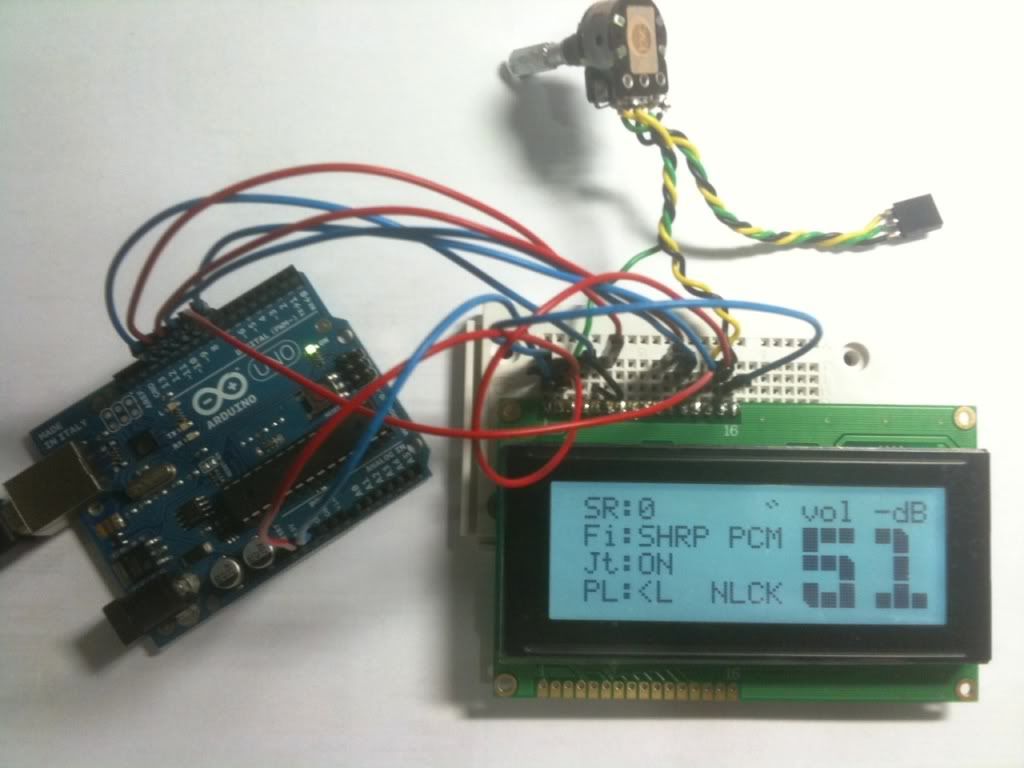
I did what you advised and DIYed this nice LCD display while waiting for the Buffalo DAC - problem, now how to cut the rectangular hole on the wooden box : the actual picture of my display components when powered up below.
The "SR" represents the "sampling rate" is zero (no digital input yet), "Fi" is the filter type, "Jt" is the jitter reduction, and "PL" ?(not locked). The pot is to adjust contrast. Next, to add the rotary encoder for digital volume control and this thingy even got IR remote control function.
Added on January 27, 2011, 8:10 amQUOTE(kww @ Dec 18 2010, 11:40 PM)
Dexsam, by the time I visit the site is already sold out, that is really fast.
Hi all,
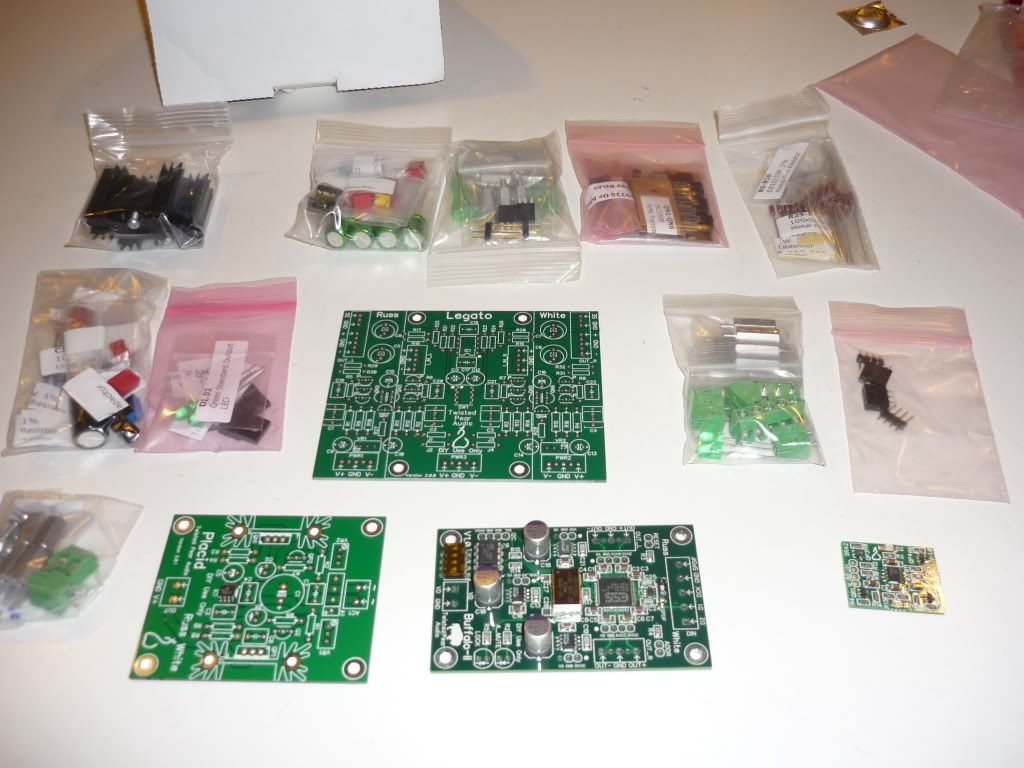
Just received the package from Twisted Pear USA :
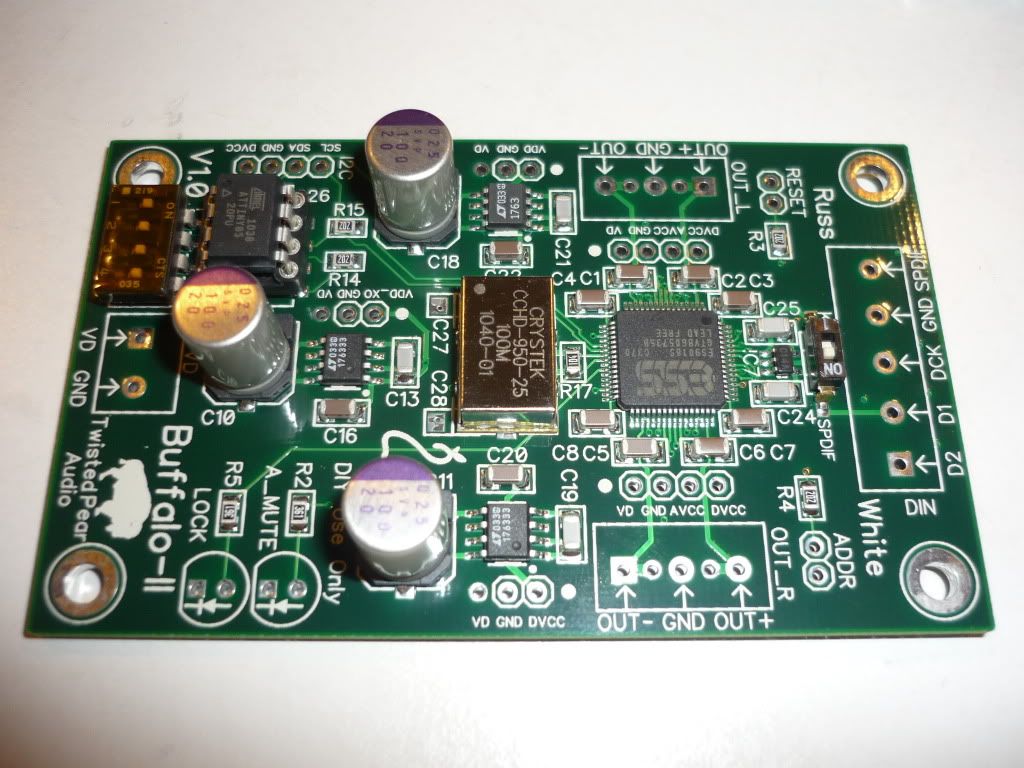
1) the Buffalo II DAC board with Sabre ESS9018 chip , latest version with Crystek 100MHz clock,
2) Legato I/V board and components,
3) Power supply regulator board and components.
Only the DAC board is assembled/soldered and tested, the rest come in loose components. Going to be busy DIYing the DAC, connect everything up.
 This post has been edited by Dexsam: Jan 27 2011, 08:10 AM

 Dec 6 2010, 08:10 AM, updated 15y ago


 Quote
Quote





 .
.


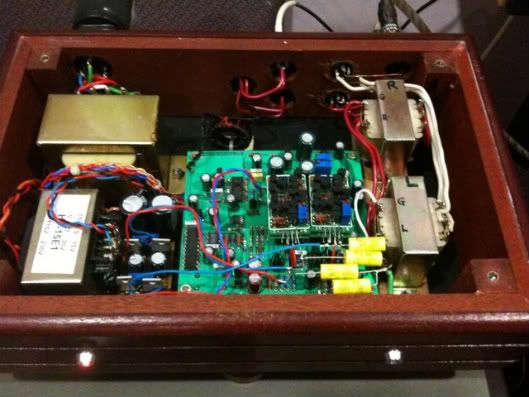
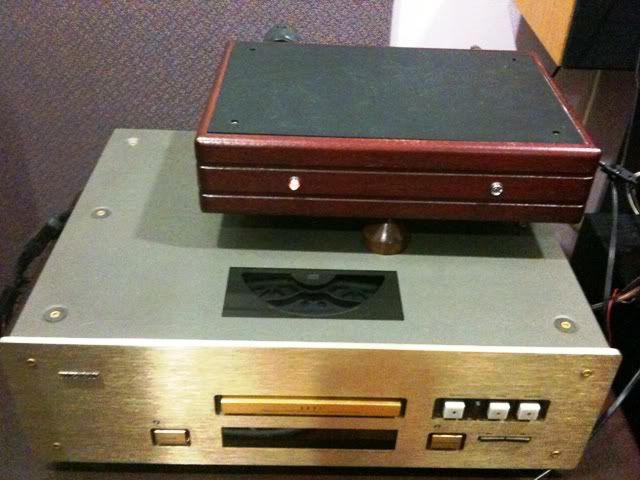
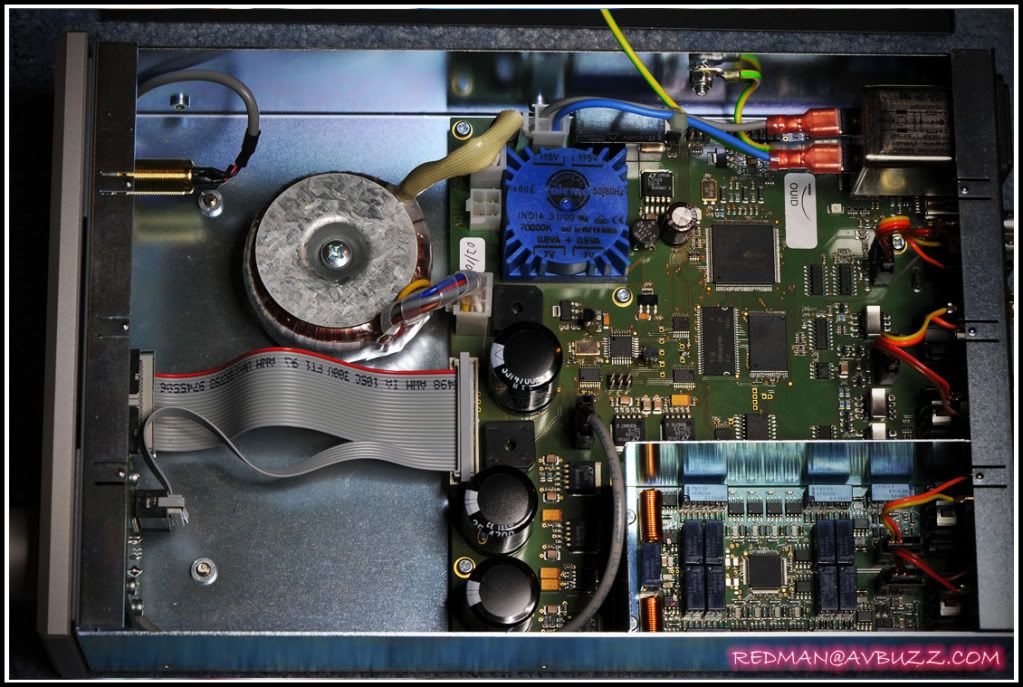
 ; the layout of my dac wasn't neat lah, and currently with the Monica 3 inside, its even worse, hahaha. You can compare the original which was clean and uncluttered with my modified one you can see how bad it was, but never mind lah. Hopefully with the Buffalo II, I think i can do better, neatly arranged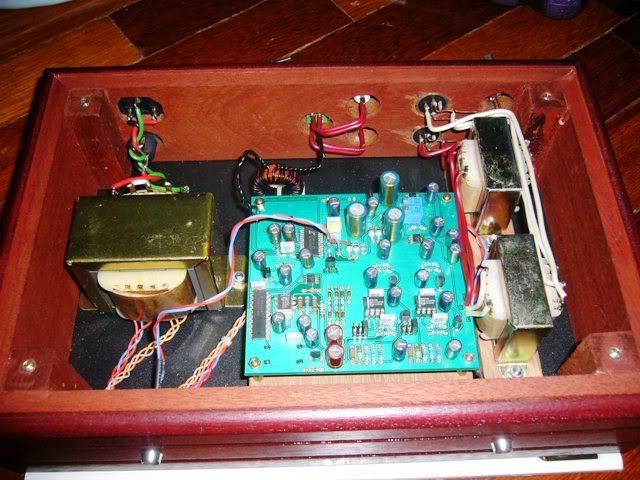
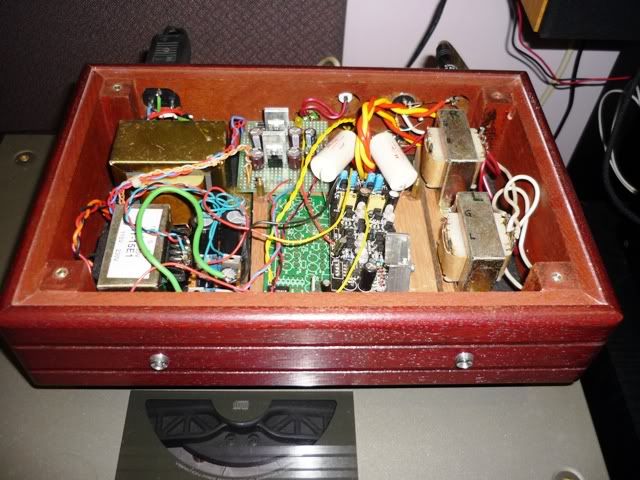

 know little about wood .... ok, nevermind about the wood I just take care of the electronics that go in, even if some claim the wood affect the sound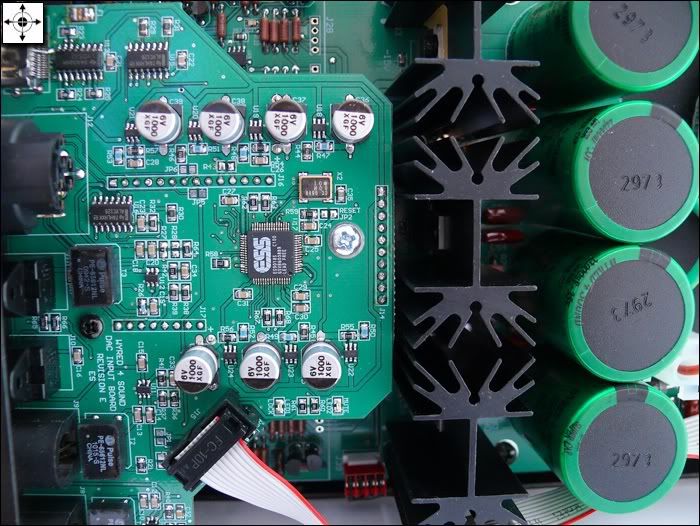


 0.0279sec
 0.81
0.81
 5 queries
 GZIP Disabled