

 Aug 14 2010, 05:29 AM, updated 16y ago


http://www.nirsoft.net/utils/cleanafterme.zip
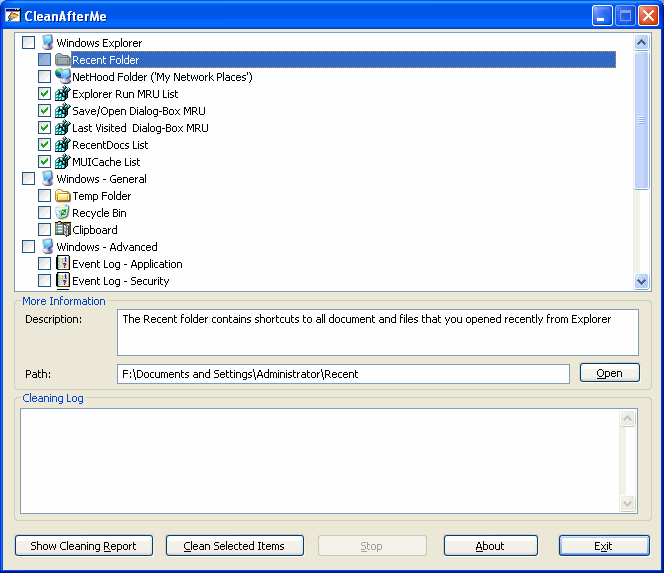
CleanAfterMe allows you to easily clean files and Registry entries that are automatically created by the Windows operating system during your regular computer work.
With CleanAfterMe, you can clean the cookies/history/cache/passwords of Internet Explorer, the 'Recent' folder, the Registry entries that record the last opened files, the temporary folder of Windows, the event logs, the Recycle Bin, and more.
CleanAfterMe is a portable application. This means that you can run it without any installation and without leaving any trace in the Registry.
You can also run this program from a USB flash drive: In order to do that, simply copy the executable file of CleanAfterMe (CleanAfterMe.exe) into the USB flash drive, and run it from there.
 Quote
Quote
 0.0135sec
 0.46
0.46
 6 queries
 GZIP Disabled