

 Aug 9 2010, 07:38 PM


QUOTE(RieZky @ Aug 9 2010, 05:34 PM)
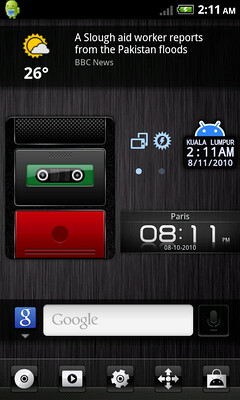
ermmpph..how to setup the position ..unlock/lock button..need to root?or can do dat on setting mode..my unlock/lock button always at the bottom only

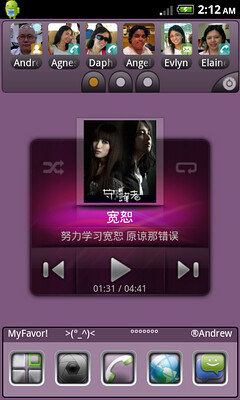
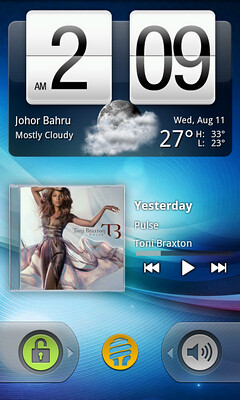
I use WidgetLocker to setup, WidgetLocker let you add not only widget, but also few swipe to unlock but with different function added either preset one or your own prefer apps.QUOTE(DecaPix @ Aug 9 2010, 05:46 PM)
if you look properly he sort of cheated 
he is using the standard lock unlock
just add a quick shortcut for camera and silent/vibrate mode
Cheat? haha he is using the standard lock unlock
just add a quick shortcut for camera and silent/vibrate mode
I doubt not I not just add a quick shortcut of camera and silent/vibrate mode. Both is workable as like slide to unlock, but this time you slide to shoot and change sound preferance.
Added on August 9, 2010, 7:40 pm
QUOTE(akachester @ Aug 9 2010, 05:48 PM)
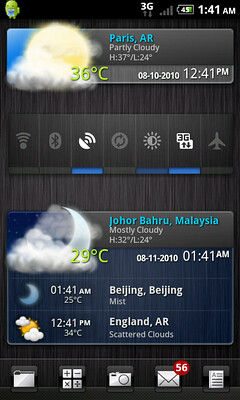
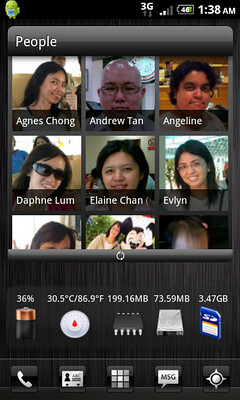
Might have asked this before but cant remember the name of the widget to control the power options / wifi. Whats the name again? Looks similar to functionality of SwitchPro but the appearance do look nicer
On the screen one is switchPro, they is 3 types of skins to choose from.This post has been edited by Andrewtst: Aug 9 2010, 07:41 PM
 Quote
Quote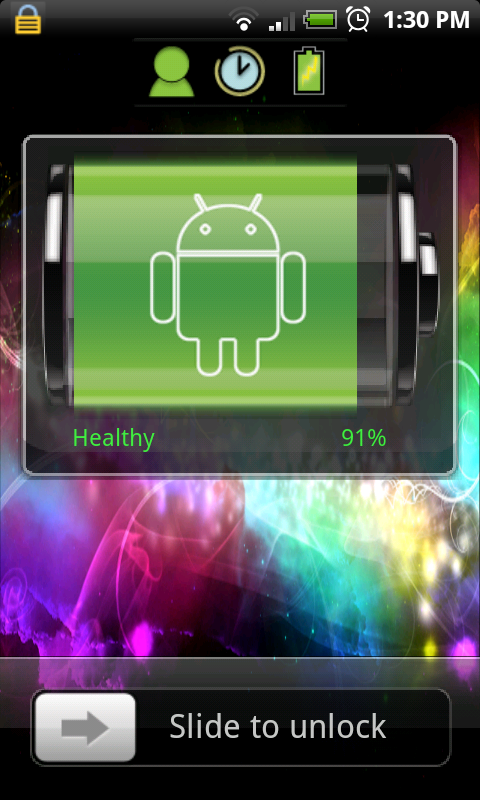





 0.0353sec
 0.41
0.41
 7 queries
 GZIP Disabled