

 Jul 12 2010, 01:29 AM


QUOTE(dafreak @ Jul 11 2010, 09:32 PM)
why not try all over again? clear CMOS then OC 1 part at a time
btw, sifu antonio

Thanks...had a lot of cakes and fizzy drinks today.... btw,
sifu antonio
QUOTE(kimurastanley @ Jul 11 2010, 09:36 PM)
so my situation is
Setup:
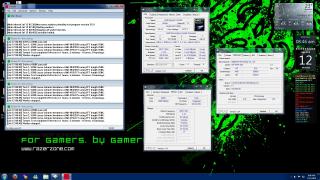
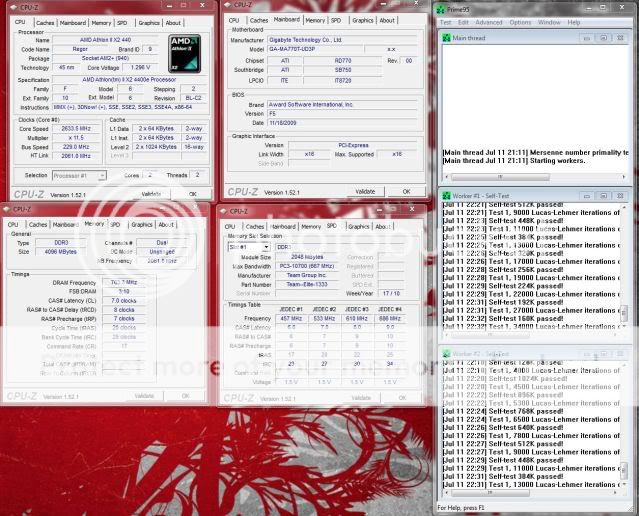
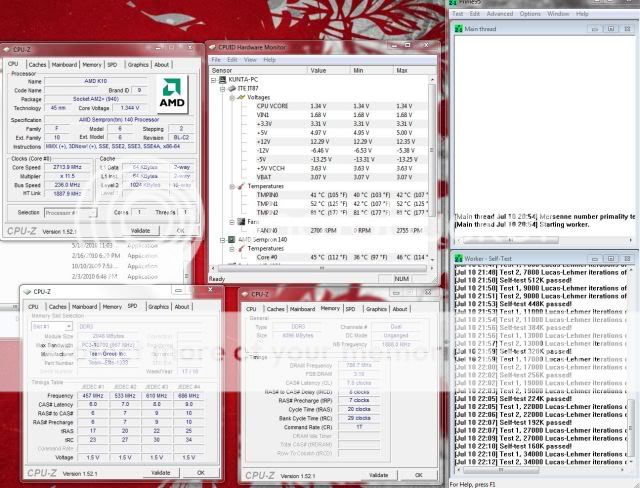
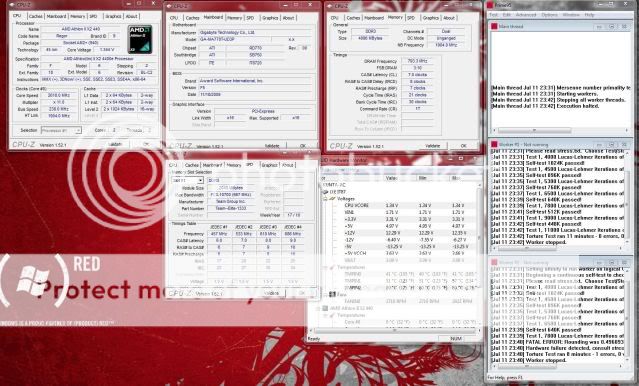
CPU 250x11.5=2875MHz
HT, NB~2000Mhz
Ram ~1322MHz(Stock 1333)
CPU T full load Max= 55 C
Voltage all at default stock
But system still crashes
so that means the proc cant go more than 250MHz?
Setup:
CPU 250x11.5=2875MHz
HT, NB~2000Mhz
Ram ~1322MHz(Stock 1333)
CPU T full load Max= 55 C
Voltage all at default stock
But system still crashes
so that means the proc cant go more than 250MHz?
QUOTE(cloudwan @ Jul 12 2010, 01:24 AM)
Learn to set the ur cpu volt and vdimm manually also, using auto is not a good thing to do coz they always put more volt than it really need 
Getting ur cpu up to 3.4ghz using stock HSF is already good for me, if u wanna push more please oh please invest on a better cooler
A few guys in here already tested ocing when using IGP and all of them find that u will face some bottlenecking issue compared to when on a discret GPU, that may also be the reason
Aahh, so probably the IGP is working the Core Logic chip extra hard on your case....Getting ur cpu up to 3.4ghz using stock HSF is already good for me, if u wanna push more please oh please invest on a better cooler
A few guys in here already tested ocing when using IGP and all of them find that u will face some bottlenecking issue compared to when on a discret GPU, that may also be the reason
Manually set the voltages let you understand more on how varying voltages react during overclocking and the amount of heat raising through each and every hundreds of mhz you bring up to the CPU...
Try and get the stock values for each components such as CPU, CPU-NB, Ram, Chipset, HTT and PCIE and then set them manually and start raising from 200 with ram running slower i.e: 1066 or 800mhz... drop down the CPU-NB also...

 Quote
Quote






 )..
)..

 0.0256sec
 0.48
0.48
 6 queries
 GZIP Disabled