Post Processing. Photoshop, Lightroom etc
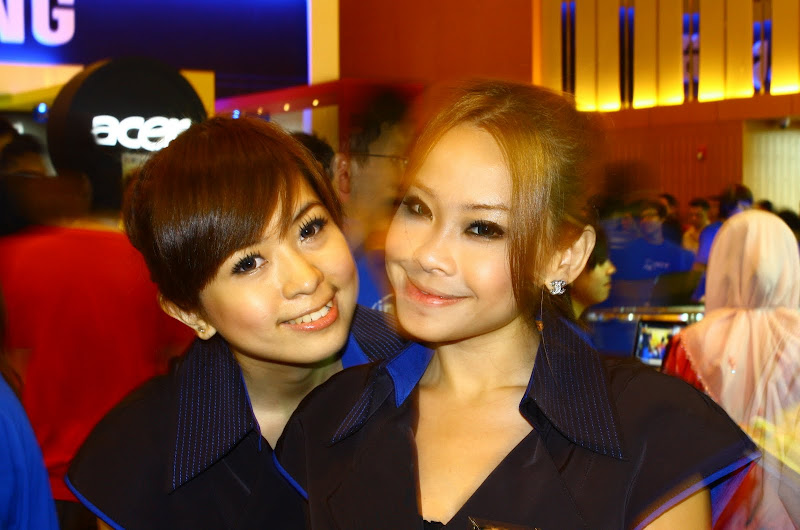
Pikom PC Fair 2010 KLCC [SHARED WITH OTHER PICS], PICTARS OF MOEDLS (Noobie Shoot)
Pikom PC Fair 2010 KLCC [SHARED WITH OTHER PICS], PICTARS OF MOEDLS (Noobie Shoot)
|
|
 Apr 16 2010, 06:05 PM Apr 16 2010, 06:05 PM
Return to original view | Post
#1
|
 
Senior Member
3,375 posts Joined: Nov 2007 From: Your head, your heart Status: Outside Settle!  
|
Post Processing. Photoshop, Lightroom etc
|
|
|
|
|
|
Apr 16 2010, 11:12 PM
Return to original view | Post
#2
|
|
Senior Member
3,375 posts Joined: Nov 2007 From: Your head, your heart Status: Outside Settle!
|
QUOTE(kimurastanley @ Apr 16 2010, 10:46 PM)  more   Nice shot nevertheless  |
|
|
Apr 17 2010, 12:13 AM
Return to original view | Post
#3
|
|
Senior Member
3,375 posts Joined: Nov 2007 From: Your head, your heart Status: Outside Settle!
|
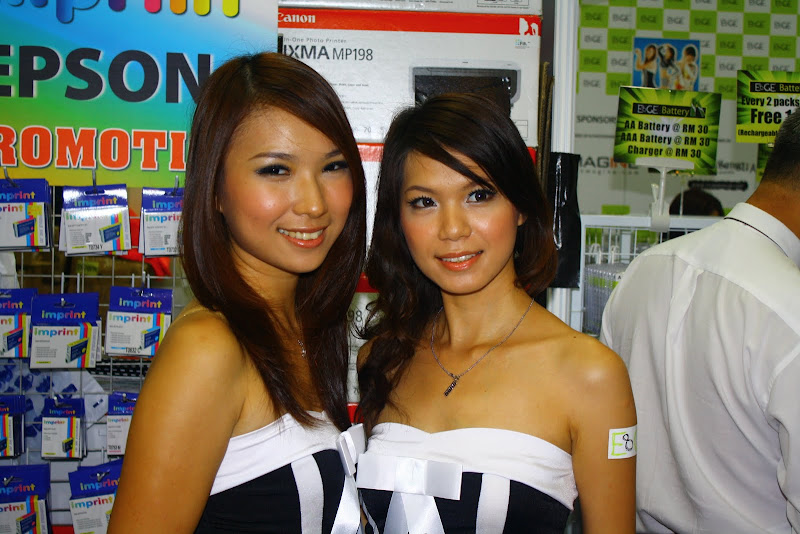
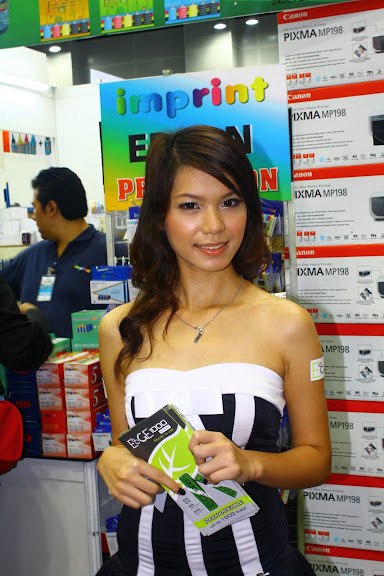
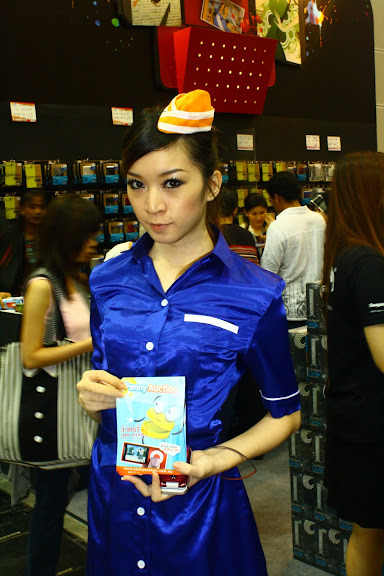
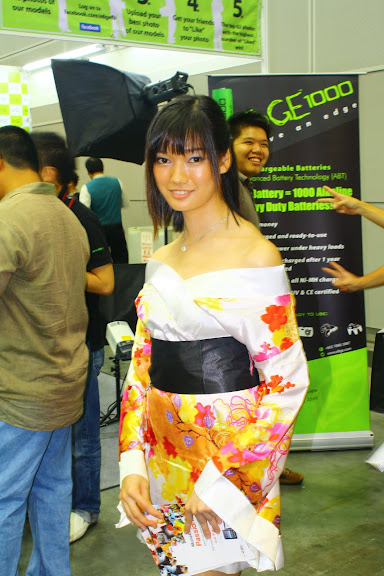
Picture #1: Editted abit too much, too much contrast lol
Picture #2: Underexpose Picture #3, 4, 5: Nice! But as zstan said, try to take from the front view with her looking. Dont snipe her candid  |
|
|
Apr 17 2010, 12:47 AM
Return to original view | Post
#4
|
|
Senior Member
3,375 posts Joined: Nov 2007 From: Your head, your heart Status: Outside Settle!
|
@ DJFoo: Actually your shot without the contrast PP, is nicer lol. But the pic is somewhat yellow/orange/red. White Balance problem, try to set to SLIGHTLY blue-er or add some Magenta, but dont add more than 10 on each bar.
Your #7 is nice also, not bad! |
|
|
Apr 17 2010, 01:00 AM
Return to original view | Post
#5
|
|
Senior Member
3,375 posts Joined: Nov 2007 From: Your head, your heart Status: Outside Settle!
|
Actually your shots are good already, just need abit more knowledge on PP.
Dont contrast too much, it's obvious  |
|
|
Apr 17 2010, 09:20 AM
Return to original view | Post
#6
|
|
Senior Member
3,375 posts Joined: Nov 2007 From: Your head, your heart Status: Outside Settle!
|
QUOTE(KennethNYC @ Apr 17 2010, 09:11 AM) my contribution Your pop up flash abit too harsh, make them look burnt/washed out  » Click to show Spoiler - click again to hide... « But your Avira shot is not too bad |
|
|
|
|
|
Apr 17 2010, 09:30 AM
Return to original view | Post
#7
|
|
Senior Member
3,375 posts Joined: Nov 2007 From: Your head, your heart Status: Outside Settle!
|
QUOTE(KennethNYC @ Apr 17 2010, 09:23 AM) morning there You should build a pop up flash diffuser, use tissue paper also can... its looks completely dark without it ... noted thanks for the commentsthanks on the Avira Girl So their skintone wont look so harsh/washed out. If you're using kit lens, try shoot at 18mm, then slowly crop, like that at least you get f3.5  |
|
|
Apr 17 2010, 08:30 PM
Return to original view | Post
#8
|
|
Senior Member
3,375 posts Joined: Nov 2007 From: Your head, your heart Status: Outside Settle!
|
Nice shot DJFoo! Just that not sharp enough.
|
|
|
Apr 18 2010, 12:45 AM
Return to original view | Post
#9
|
|
Senior Member
3,375 posts Joined: Nov 2007 From: Your head, your heart Status: Outside Settle!
|
Improper focus, you focus between her neck and the lip area instead of the face.
But good try |
|
|
Apr 18 2010, 11:27 AM
Return to original view | Post
#10
|
|
Senior Member
3,375 posts Joined: Nov 2007 From: Your head, your heart Status: Outside Settle!
|
You should set Manual AF Point Selection.
Select the AF point yourself. |
|
|
Apr 18 2010, 01:14 PM
Return to original view | Post
#11
|
|
Senior Member
3,375 posts Joined: Nov 2007 From: Your head, your heart Status: Outside Settle!
|
Single Shot AF = 1 Shot.
Continuous Shot AF = Burst mode. It doesnt affect your Focus point, I think since you shot her photo potrait style, should've set the AF point on the right (which comes out to focusing her face during potrait mode) |
| Change to: |  0.0222sec 0.0222sec
 0.77 0.77
 7 queries 7 queries
 GZIP Disabled GZIP Disabled
Time is now: 1st December 2025 - 12:24 PM |
 Quote
Quote