


Uploaded with ImageShack.us
iPhone Pictures Thread Vroom Vroom 2!, some say iphone 3.2AF > DSLR 100000000MP
|
|
 Dec 7 2010, 02:38 AM Dec 7 2010, 02:38 AM
|
 
Senior Member
1,886 posts Joined: Jan 2005 From: world above you   
|
|
|
|
|
|
|
Dec 8 2010, 06:51 PM
|

Senior Member
2,745 posts Joined: Dec 2004 From: Kelana Jaya
|
while waiting for toilet turn at shell petrol station
 |
|
|
Dec 8 2010, 07:12 PM
|

Senior Member
744 posts Joined: Jan 2007 From: Slumberland
|
» Click to show Spoiler - click again to hide... « how do you take this tiltshift photo??  my fav photo style my fav photo style |
|
|
Dec 26 2010, 12:21 AM
|

Senior Member
2,597 posts Joined: Mar 2005 From: Kuala Lumpur
|
Tilt shift
  Snowy steamboat   Nice cloud  The curve  |
|
|
Dec 28 2010, 07:34 AM
|

Senior Member
2,690 posts Joined: Aug 2006 From: KL
|
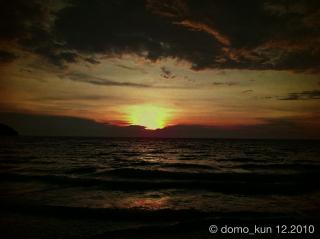
all were shot with the default camera, edited with PhotoStudio and Impression
 This post has been edited by domo_kun: Dec 28 2010, 07:34 AM Attached thumbnail(s) 


|
|
|
Dec 31 2010, 05:21 PM
|

Junior Member
460 posts Joined: Jan 2008 
|
Can anyone give some tips on how to take good pictures using iP4 especially in low light areas? My pictures always turn out grainy when viewed on PC, but it looks ok if viewed on the phone itself. When I use Flash with the default camera, my pictures became too "white" and can see the flash light on the picture.
Ive installed the apps Night Camera but the quality isnt any better. |
|
|
|
|
|
Dec 31 2010, 05:49 PM
|
|
Senior Member
2,690 posts Joined: Aug 2006 From: KL
|
QUOTE(audy @ Dec 31 2010, 05:21 PM) Can anyone give some tips on how to take good pictures using iP4 especially in low light areas? My pictures always turn out grainy when viewed on PC, but it looks ok if viewed on the phone itself. When I use Flash with the default camera, my pictures became too "white" and can see the flash light on the picture. hehe, i think it'll always be like that, after all, it's just a camera on a phone Ive installed the apps Night Camera but the quality isnt any better.   |
|
|
Jan 2 2011, 02:58 PM
|

Senior Member
1,725 posts Joined: Aug 2007
|
 Taken at The Mines yesterday with iPhone 3Gs. Using morelomo app. This post has been edited by neo_sharky: Jan 2 2011, 05:55 PM |
|
|
Jan 3 2011, 11:34 AM
|

Junior Member
393 posts Joined: Jan 2005
|
QUOTE(gmail @ Nov 22 2010, 03:33 AM) sunset this is superb.. r u stil using tilt gen on this picture too???  |
|
|
Jan 3 2011, 11:38 AM
|

Senior Member
781 posts Joined: Nov 2008 From: Malaysia
|
QUOTE(audy @ Dec 31 2010, 05:21 PM) Can anyone give some tips on how to take good pictures using iP4 especially in low light areas? My pictures always turn out grainy when viewed on PC, but it looks ok if viewed on the phone itself. When I use Flash with the default camera, my pictures became too "white" and can see the flash light on the picture. iPhone camera under low-light condition is suck Ive installed the apps Night Camera but the quality isnt any better. it's still a phone, after all. This post has been edited by huiqing88: Jan 3 2011, 11:39 AM |
|
|
Jan 3 2011, 10:14 PM
|
|
Senior Member
2,597 posts Joined: Mar 2005 From: Kuala Lumpur
|
QUOTE(multiplexer @ Jan 3 2011, 11:34 AM) this is superb.. r u stil using tilt gen on this picture too??? nope this is directly from iPhone 4 Camera without any edit. |
|
|
Jan 3 2011, 10:48 PM
|
|
Senior Member
2,690 posts Joined: Aug 2006 From: KL
|
i read from some tech blogs that iphone4 camera, in the center, there'll be some bluish display. anyone try it?
|
|
|
Jan 12 2011, 10:32 AM
|

Senior Member
913 posts Joined: Jan 2007 From: Butterworth, Penang
|
1st attempt, iPhone 4 with Instagram.
 |
|
|
|
|
|
Jan 12 2011, 10:52 AM
|
|
Senior Member
1,443 posts Joined: Jun 2006 From: Bandar Baru Bangi
|
 my cat  flyinggggg... :3 shot on iphone 4 processed with swankolab This post has been edited by ' or 1=1 --: Jan 12 2011, 10:52 AM |
|
|
Jan 12 2011, 10:04 PM
|
|
Senior Member
2,597 posts Joined: Mar 2005 From: Kuala Lumpur
|
QUOTE(' or 1=1 -- @ Jan 12 2011, 10:52 AM) » Click to show Spoiler - click again to hide... « shot on iphone 4 processed with swankolab may i know what formula you use? This post has been edited by gmail: Jan 12 2011, 10:04 PM |
|
|
Jan 12 2011, 10:20 PM
|
|
Junior Member
194 posts Joined: Dec 2008
|
straight from an iPhone4
vanilla flavor  |
|
|
Jan 12 2011, 11:43 PM
|
|
Senior Member
647 posts Joined: Nov 2010
|
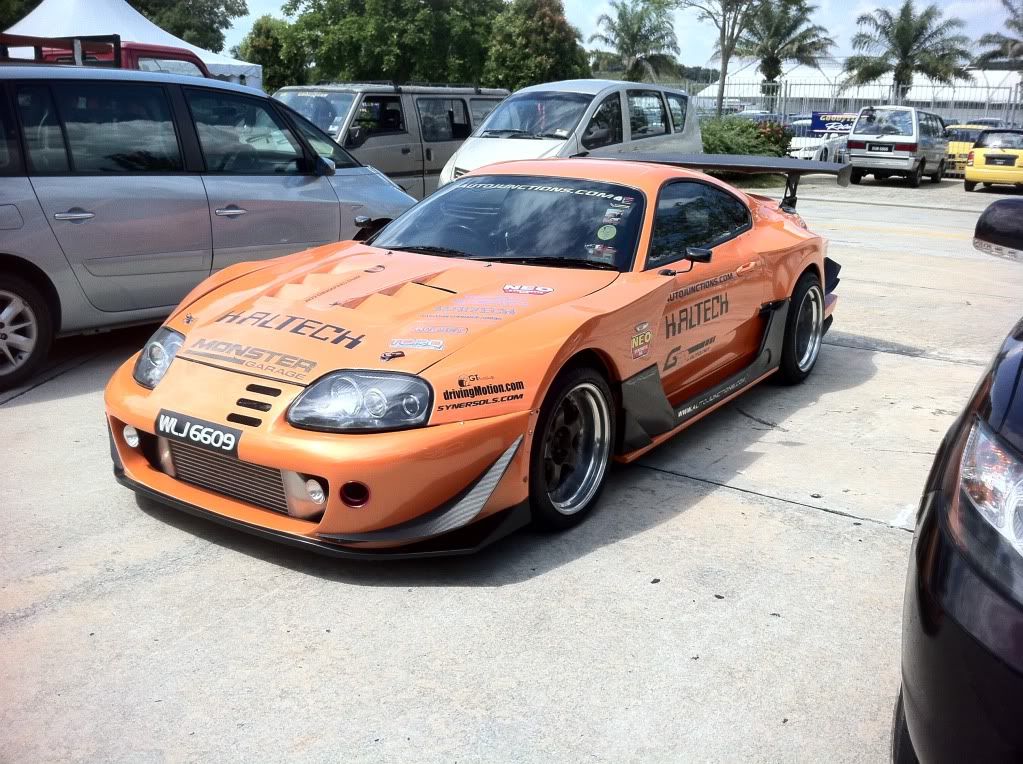 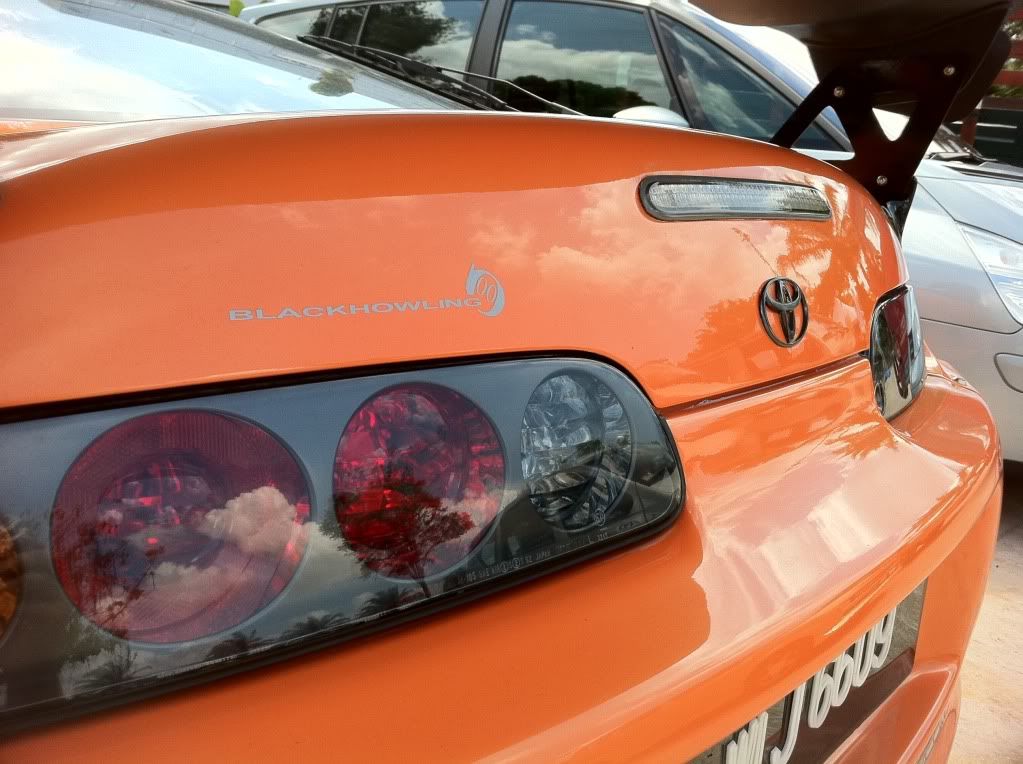 event : zerotohundred time attack. *taken with iP4 HDR. |
|
|
Jan 13 2011, 01:30 AM
|
|
Senior Member
1,443 posts Joined: Jun 2006 From: Bandar Baru Bangi
|
QUOTE(gmail @ Jan 12 2011, 10:04 PM) this is awesome! Swankolab is awesome indeed may i know what formula you use? I used grumpelstiltskin preset for these |
|
|
Jan 13 2011, 06:37 PM
|

Junior Member
46 posts Joined: Nov 2010
|
QUOTE(gmail @ Dec 26 2010, 12:21 AM) Tilt shift OMG!! Such a nice photo.. how do you take this photos? with iPhone??? O_OSnowy steamboat Nice cloud The curve |
|
|
Jan 14 2011, 08:31 PM
|
|
Junior Member
460 posts Joined: Jan 2008
|
Those of you using Camera+, how do you get the photos into ur PC? I can see my photos taken with Camera+ in the Camera Roll but when I open that folder in my PC, I cannot see that photo.
Anyone can help? This post has been edited by audy: Jan 14 2011, 08:35 PM |
| Change to: |  0.0311sec 0.0311sec
 0.44 0.44
 6 queries 6 queries
 GZIP Disabled GZIP Disabled
Time is now: 6th December 2025 - 02:55 PM |
 Quote
Quote


