QUOTE(forestzi @ Oct 29 2009, 11:59 AM)
Yes, Im Forest Phoenix, use Marduk & Panda
Im using Celcom USB modem currently
Bro, try the following setup...
1. Connect the USB modem to your computer, as well as the data line, and plug in the power supply.
2. Ensure the modem is working properly on your computer and that you have an Internet connection. See the modem manufacturer for help with this.
3. Plug in the Ethernet crossover cable to both your computer and your PS3.
4. Go to Start->Control Panel->Network Connections and right click on the USB modems Internet connection.
5. Go to the advanced tab in the Modems connection properties window and click the box before "Allow other network users to connect through this computer's Internet connection."
6. Go to Settings->Network Settings->Internet Connection Settings and select "Yes" on the PS3. Follow the on screen instructions to connect your PS3 to the Internet connection.
Your computer must be on to use your PS3 online via this method. By using a router in conjunction with your USB modem, you can avoid this limitation.
Source:
http://www.ehow.com/how_5082721_connect-usb-modem-ps.htmlQUOTE(Dark Steno @ Oct 29 2009, 11:44 AM)
see how tonight if i want to play. my arcade stick's directional is problematic tho. the ball loves to unscrew itself. sialan tahi kucing.
Dude, glue the ball la...
 This post has been edited by GosTanMan: Oct 29 2009, 02:53 PM

 Oct 28 2009, 10:29 AM


 Quote
Quote
 Try customizing your characters with the items you picked up in scenario campaign, they give ability boosts and it helps a lot.
 I will be the only old uncle there
  But please note that there's only Tekken 6 there, no BR...unless they've already upgraded.
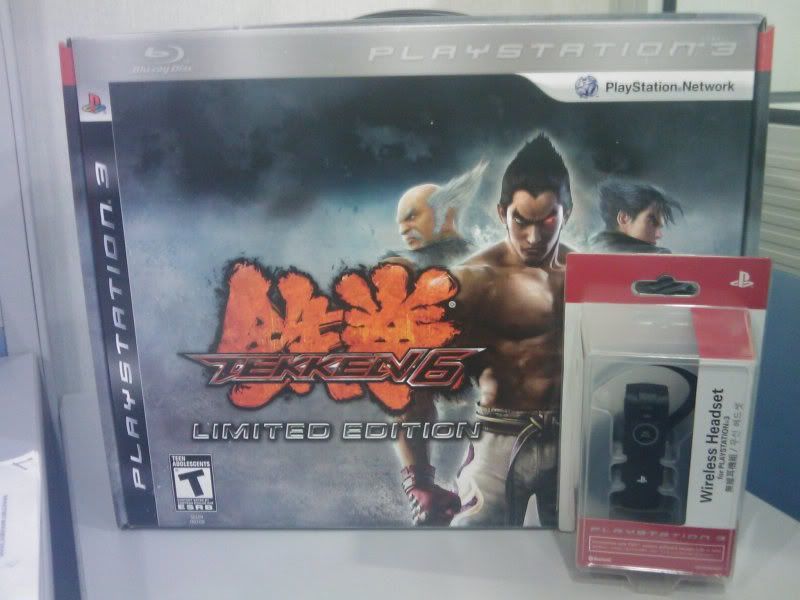


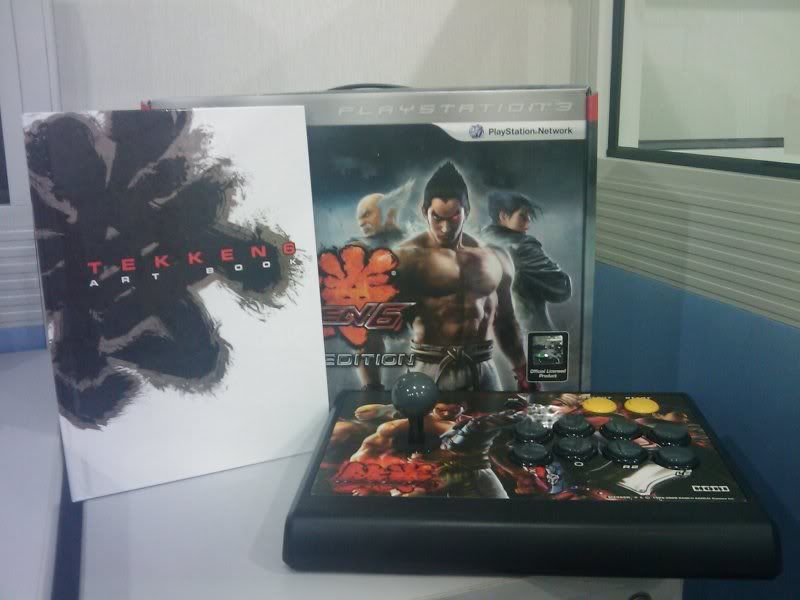
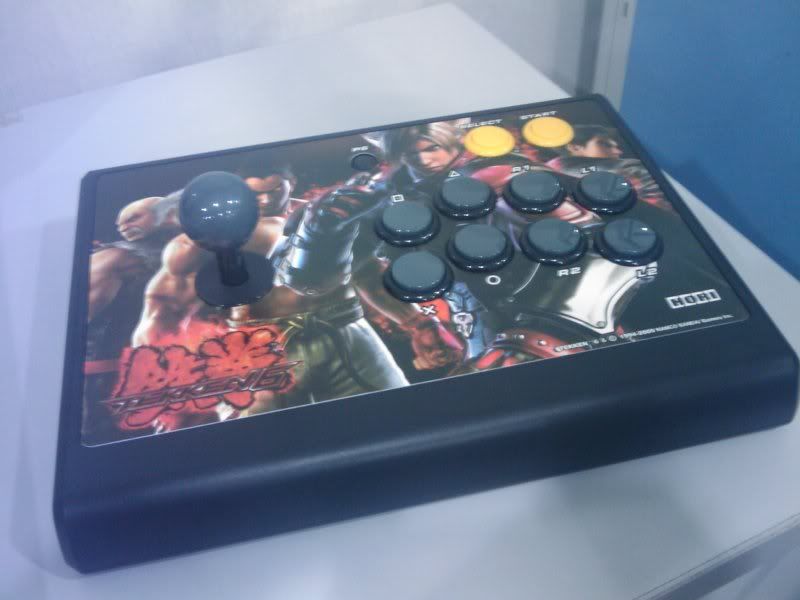

 C u online for T6 then


 0.0436sec
 0.49
0.49
 7 queries
 GZIP Disabled