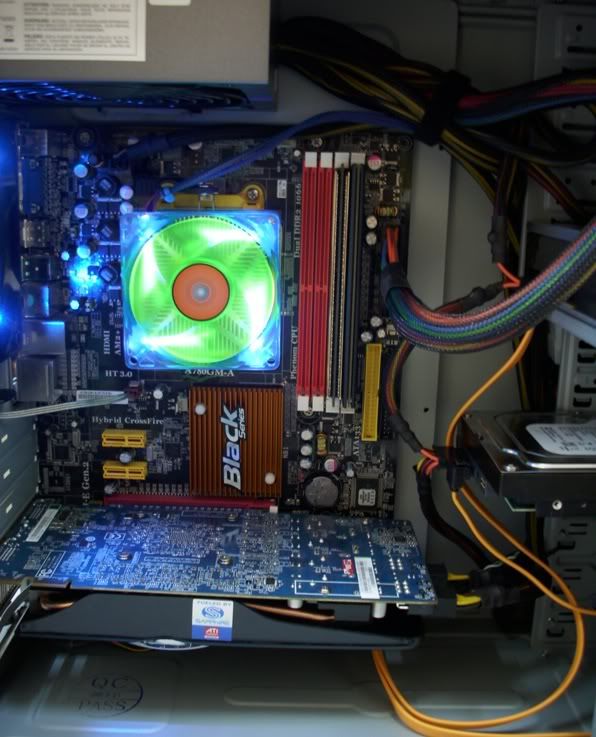
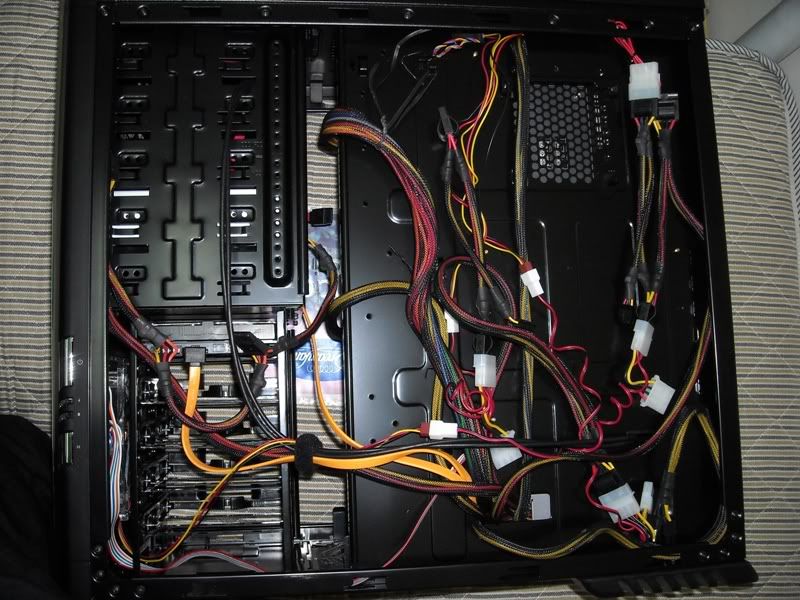
@pitywoman: hi there. as promised, i've taken some pics of the cables behind the mobo tray. my fren's cm scout is not available, so i'm using my own casing as a reference. it's really messy though... noob's work... but i hope it could be of help...
the psu cables are all rerouted through the hole beneath the mobo tray. the hole in cm scout is bigger, so it should be easier. it also helps if u arrange the cables before rerouting them through the holes.. i.e. cables nearest to the hole goes in first, and cables furthest from the hole goes in last..
» Click to show Spoiler - click again to hide... «
view from the back where the cables come out... it's better if the cables do not overlap each other, or crossing other cables... in this pic, it's unavoidable though...

» Click to show Spoiler - click again to hide... «
all of the cables behind the mobo tray... i know it's messy, but no one's gonna see it anyway... except for u guys..

try ur best so that the cables do not overlap or cross each other... lie the casing on it's side when managing cables behind mobo tray. gravity helps to keep the cables in place.
» Click to show Spoiler - click again to hide... «
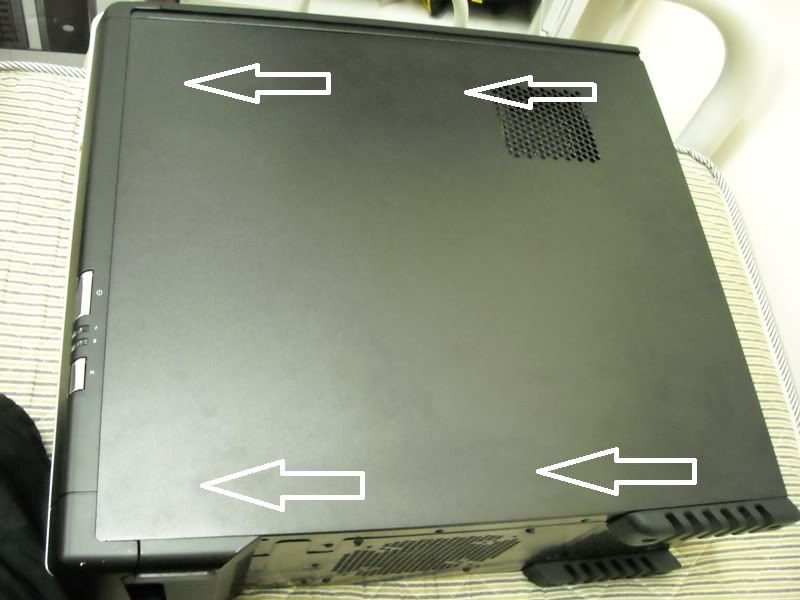
close the side panel by applying firm pressure on the places marked by the white arrows. applying pressure on the center of the side panel will only make it more difficult. u also have to apply pressure on both sides (top and bottom) simultaneously... cos if u apply pressure only on the bottom portion, the top portion of the side panel will be jacked up, vice versa... and u're done!

» Click to show Spoiler - click again to hide... «


 Nov 12 2009, 10:52 PM


 Quote
Quote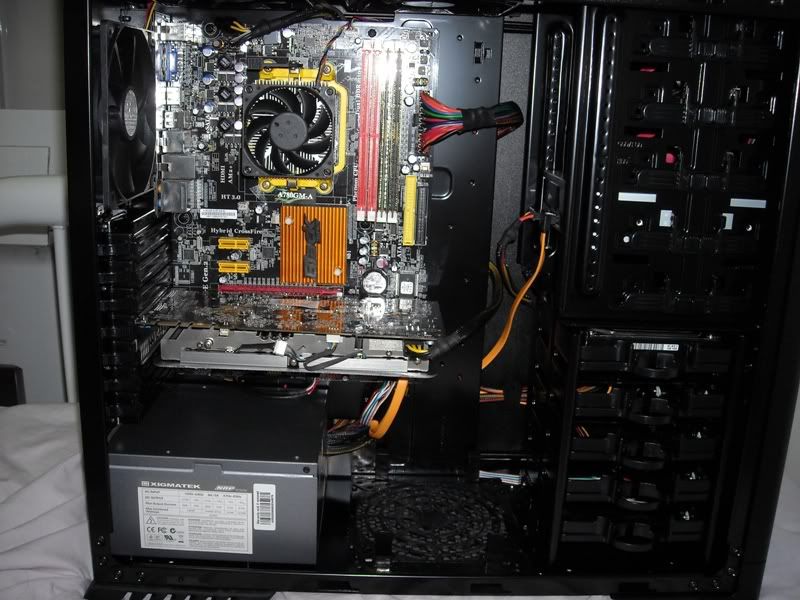


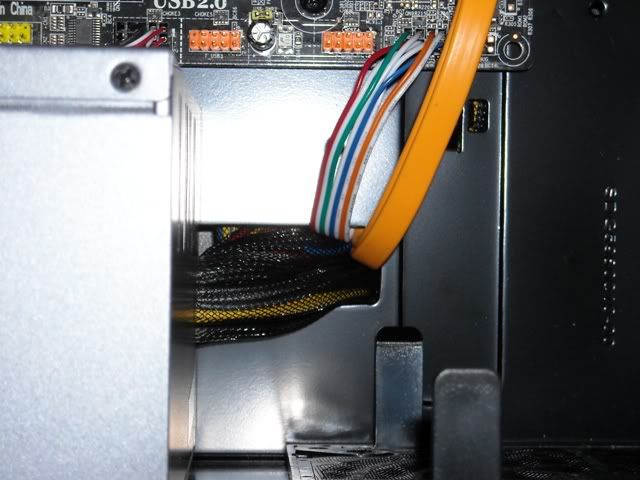
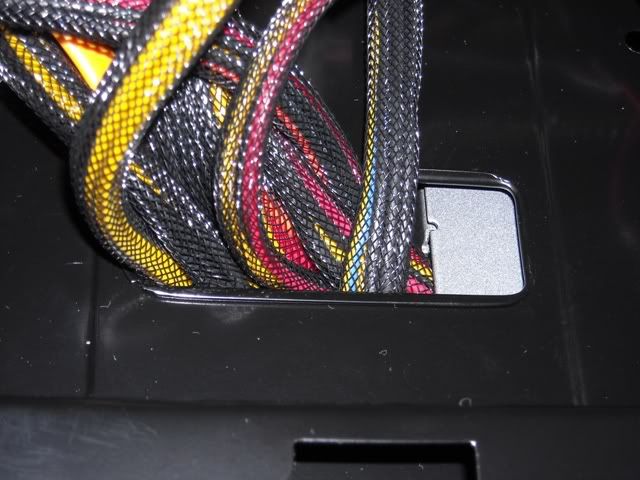

 anyway, the holes arent that big to begin with, but u should be able to squeeze the cables through...

 by the way, ur mom needs the ram cooler?

 0.0476sec
 1.42
1.42
 7 queries
 GZIP Disabled