

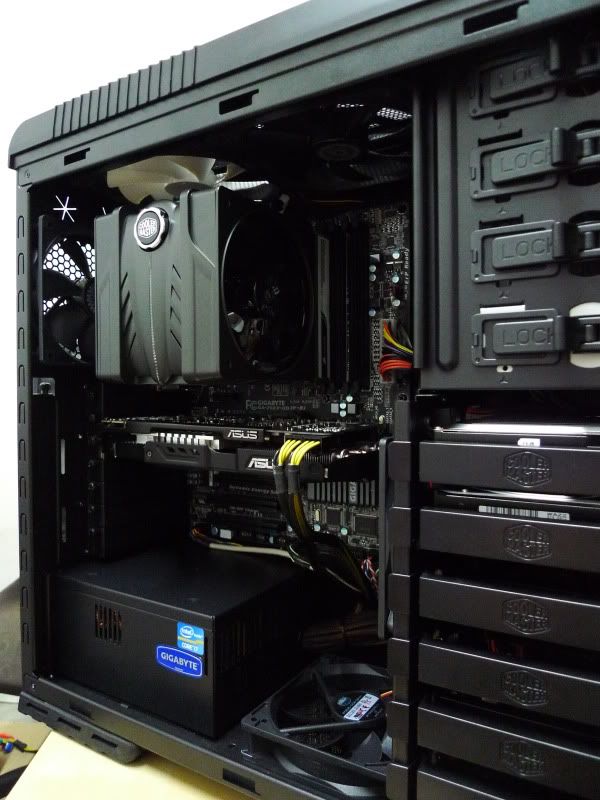
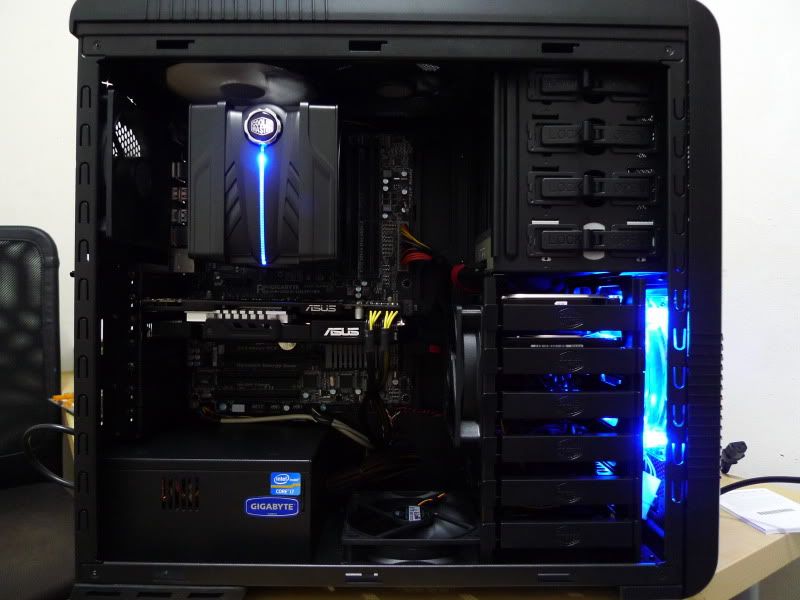
Do comment

This post has been edited by ahhann: Jun 16 2011, 10:47 PM
Cable Management Thread V2, Share your cabling tricks here
|
|
 Jun 16 2011, 10:45 PM Jun 16 2011, 10:45 PM
Return to original view | Post
#1
|
 
Senior Member
545 posts Joined: Mar 2006 From: The Weirdo River O_o  
|
Do comment This post has been edited by ahhann: Jun 16 2011, 10:47 PM |
|
|
|
|
|
Jun 23 2011, 10:41 AM
Return to original view | Post
#2
|
|
Senior Member
545 posts Joined: Mar 2006 From: The Weirdo River O_o
|
QUOTE(Oyaji @ Jun 19 2011, 11:35 PM) » Click to show Spoiler - click again to hide... « what psu are u using? doesn't look familiar. btw mind to share how do you do cable management especially on the psu part because I think that psu is a high wattage one so it might have lots of unused cables.  I "terbalik" it so the ugly sticker side won't be show. I just lost my home connection  , can't screen shot the other side to you to view. Next Thursday after Unifi installed i'll show you the horror side of my casing , can't screen shot the other side to you to view. Next Thursday after Unifi installed i'll show you the horror side of my casing  |
|
|
Jun 25 2011, 10:42 AM
Return to original view | Post
#3
|
|
Senior Member
545 posts Joined: Mar 2006 From: The Weirdo River O_o
|
QUOTE(Jinster @ Jun 24 2011, 10:47 AM) ancient or not ancient.. +1 if it works it's all good xD @ahhann all dark dark theme rox!  |
|
|
Jun 30 2011, 06:41 PM
Return to original view | Post
#4
|
|
Senior Member
545 posts Joined: Mar 2006 From: The Weirdo River O_o
|
» Click to show Spoiler - click again to hide... « 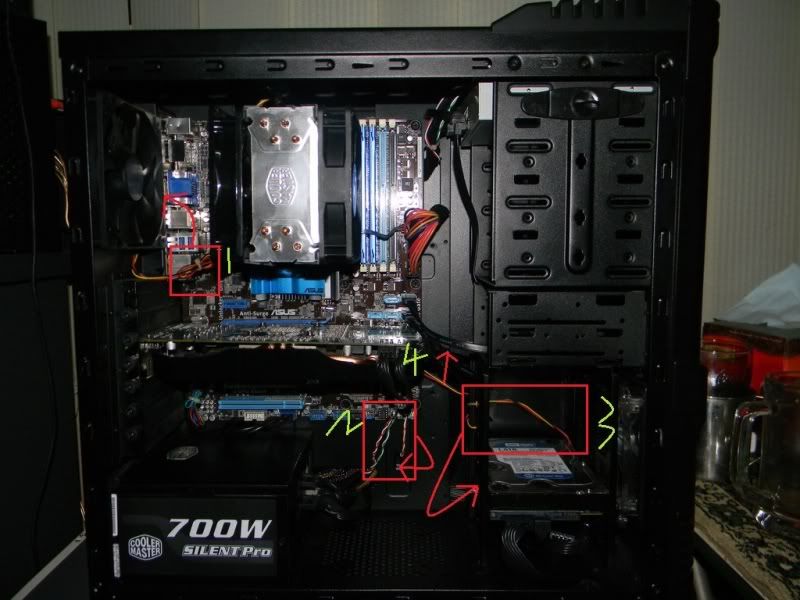 1)Hide the cable at the side of the fan, it should able to sit tight at there. Don't "gulung" your cable, make sure what is expose to your eye is 1 slim wire only. 2)"Gulung" all this 3 system tray wire and pass through the hole where the pointer point. It should able to pass through the hole. 3)Hide this cable behind the HDD or the SATA power cable to HDD. 4)Hide this cable behind those black color SATA cable. This should bring better appearance to de eye  This post has been edited by ahhann: Jun 30 2011, 06:42 PM |
| Change to: |  0.0370sec 0.0370sec
 0.80 0.80
 7 queries 7 queries
 GZIP Disabled GZIP Disabled
Time is now: 5th December 2025 - 06:49 PM |
 Quote
Quote


