Welcome Guest ( Log In | Register )

4 Pages  1 2 3 > » Bottom

Outline · [ Standard ] · Linear+

 Project: Windows G5 24 October FINISHED, Apple G5 mod

views
     
TSsk8roy
post Oct 10 2009, 12:07 PM, updated 16y ago

New Member
*
Junior Member
33 posts

Joined: Oct 2009
Hello everybody
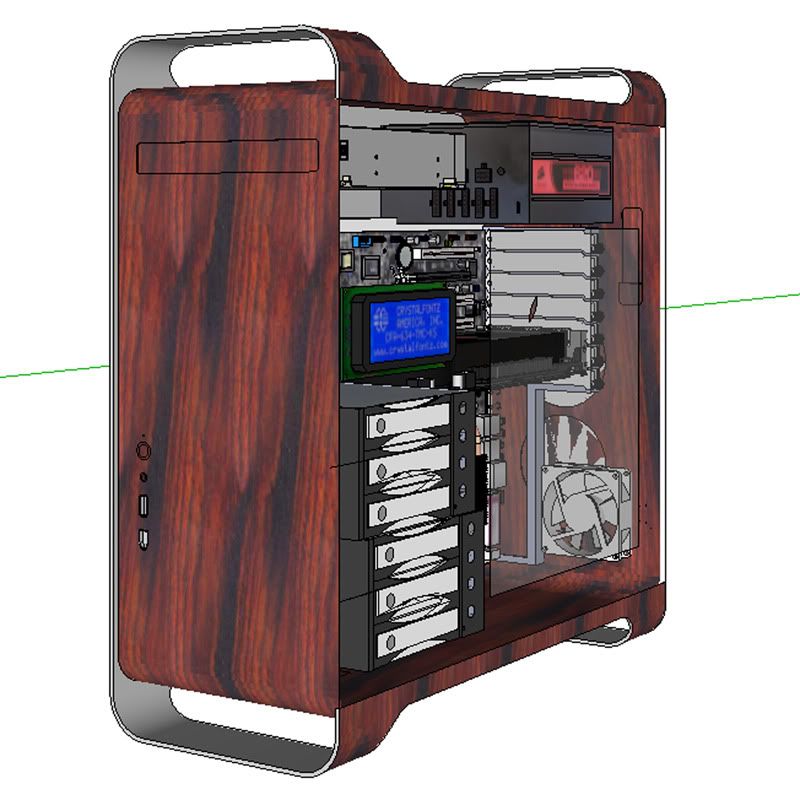
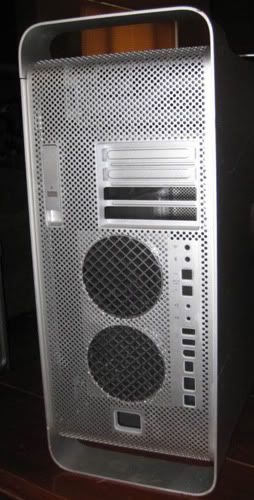
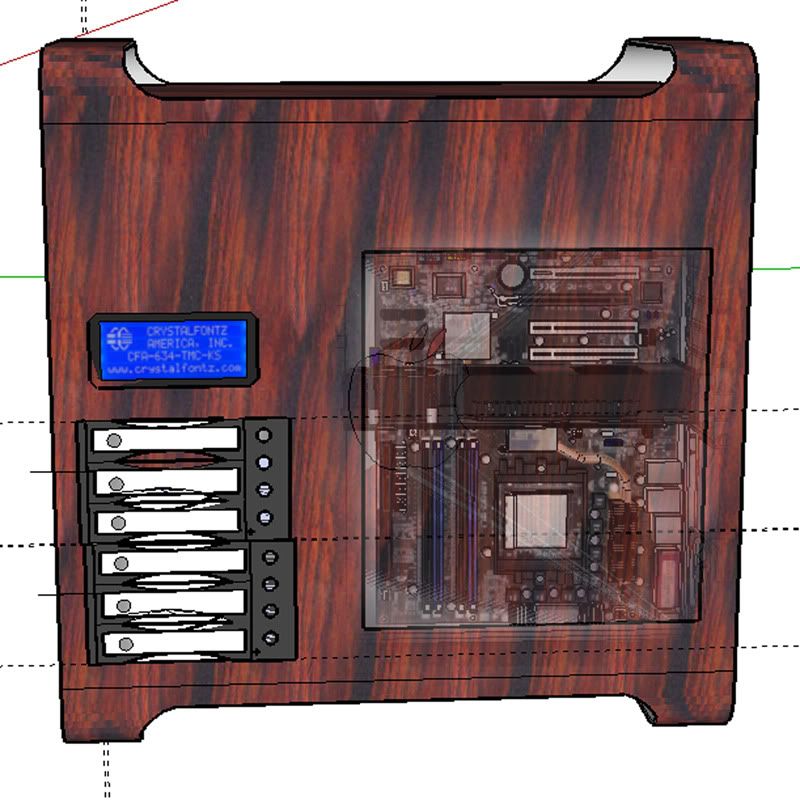
This is my first time modding a PC and will end up being my 3rd time ever building a PC. Built my first PC about 7 months ago, I started this case mod about 2 months ago and built a second PC the other day after taking a little break from my G5. Since I am 2 months into this let's first show what my original concept was. A lot has changed since starting this but still figure I'll show my original plan so you can see how it has evolved.

Original concept
user posted image

user posted image

Original plan was tto use all the components of my current PC and fit them into the G5.
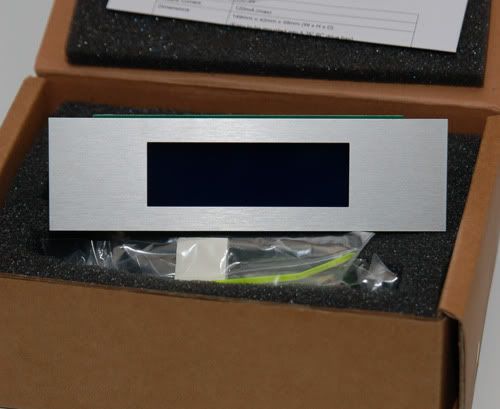
I was going to add an LCD screen to monitor system and add Hot swappable drive bays.

After recieving the case(ordered off E-Bay) I quickly realized things where not going to fit as planned and was not going to be as easy as I thought.
Had to ditch the hottswappable drives since there would only be about 1/8 inch clearance behind them( not enough for the connections) Also since the drive bays are a solid enclosure they would restrict too much air flow from the front to the rear of the case.

So the gears started turning in my mind as what I could do and I decideed to just jump in and see where it took me.
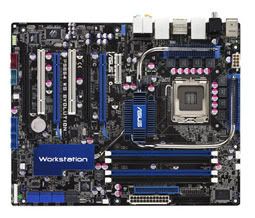
Decided to paint the case rather than putting the wood veneer on it. What color? Decided on Blue and white. Well my current PC components did not meet my Blue and White color scheme so Started looking for new hardware. The only motherboard I could find that both suited the color scheme and features I was looking for was an Asus P5E64 WS Evolution. Very hard board to find and not very cheap.

MB-Asus P5E64 WS Evolution
user posted image

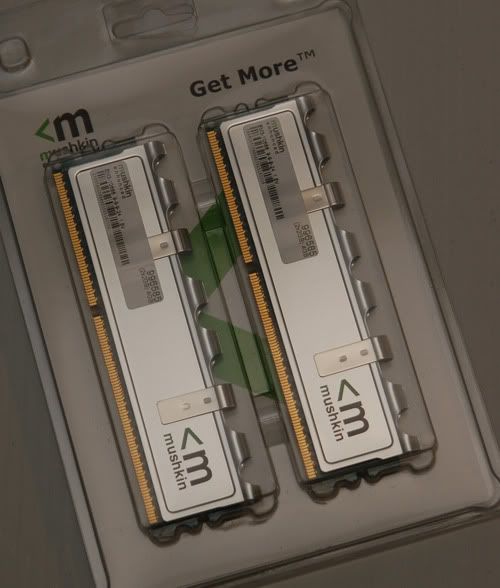
Ram-4GB Mushkin ddr3 1333
user posted image

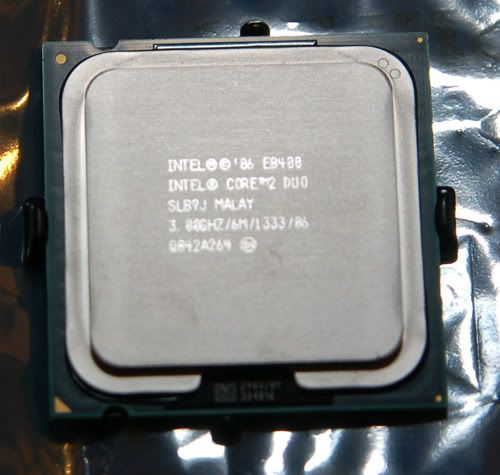
CPU-Core2Duo e8400 3.0 Ghz
user posted image

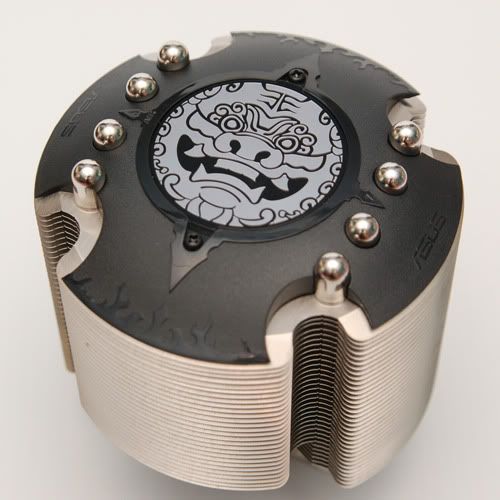
Cooler-Asus 92mm Lion
user posted image
Will paint the black part on top either white or blue, still undecided.

LCD
user posted image

This post has been edited by sk8roy: Oct 25 2009, 08:21 AM
TSsk8roy
post Oct 10 2009, 12:18 PM

New Member
*
Junior Member
33 posts

Joined: Oct 2009
That is some of the hardware now onto the fun stuff.

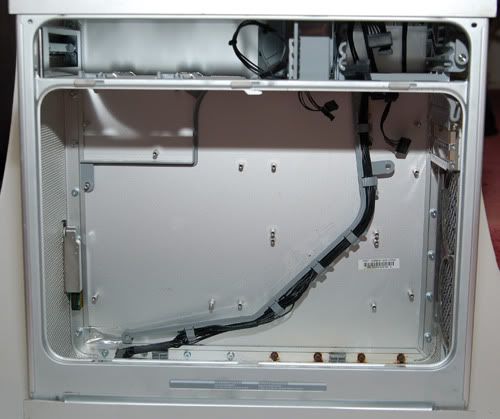
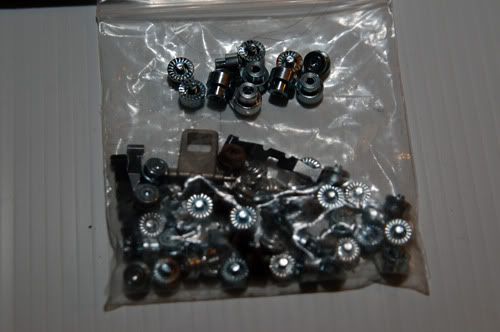
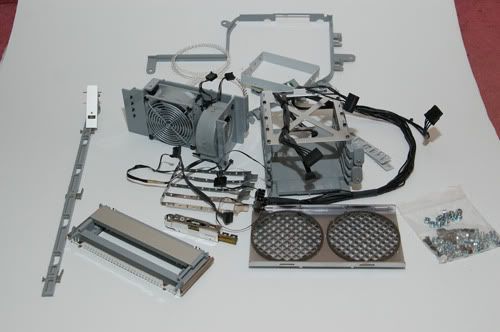
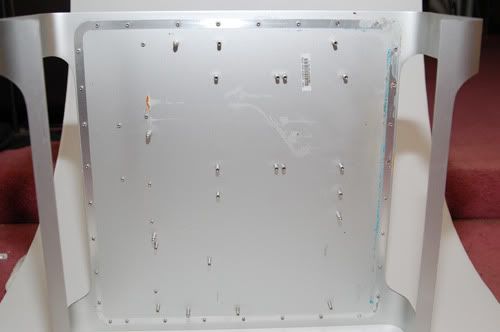
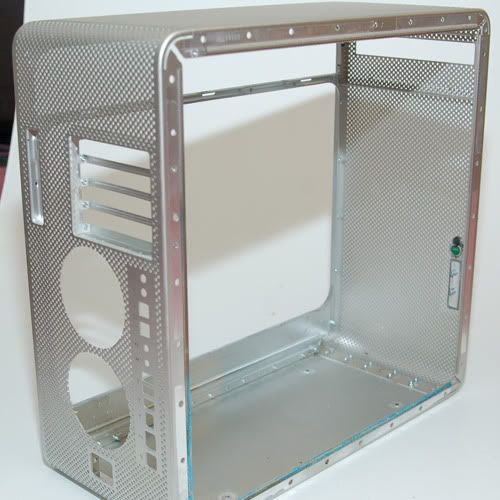
First thing tear this baby apart and strip it of all the Apple junk. They put way too many screws in this thing. Was a long process unscrewing everything and trying to find what order the pieces had to be rmoved in.

user posted image

user posted image

user posted image

user posted image

user posted image
TSsk8roy
post Oct 10 2009, 12:21 PM

New Member
*
Junior Member
33 posts

Joined: Oct 2009
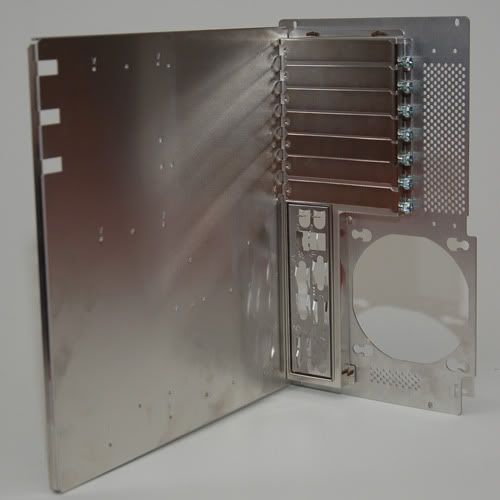
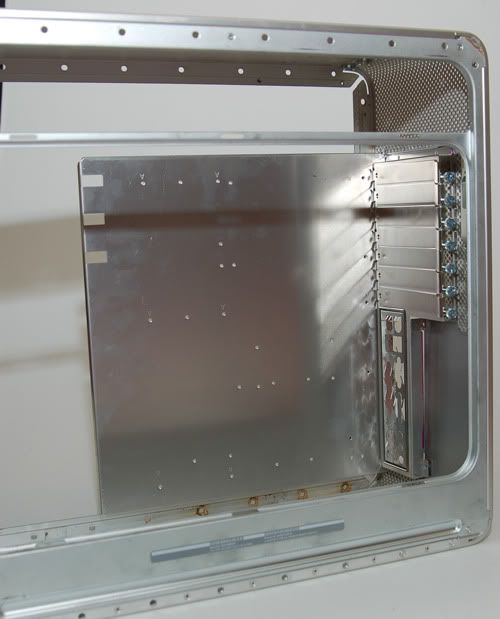
Now with the case empty first thing was to get the Lian-Li Removable MB try Mounted.

user posted image

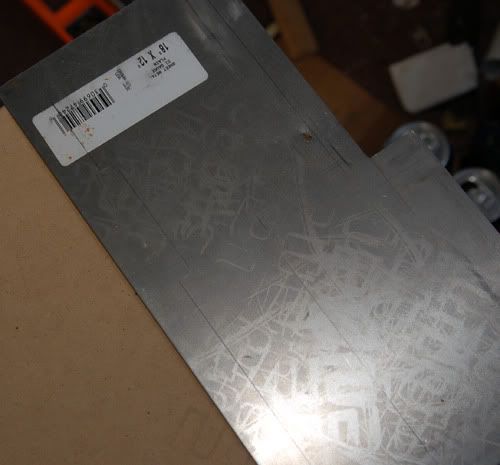
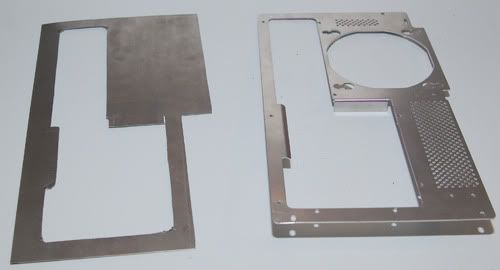
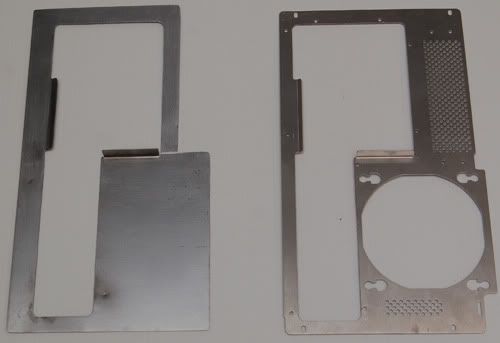
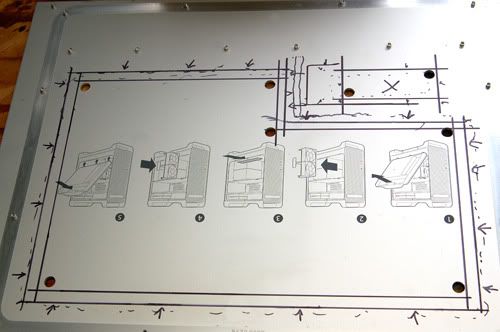
The backplate on this had to be redone because it was to wide. Used a sheet of 22 gauge steel to make a new back plate. Here's a few shots from start to finish.
user posted image

user posted image

user posted image

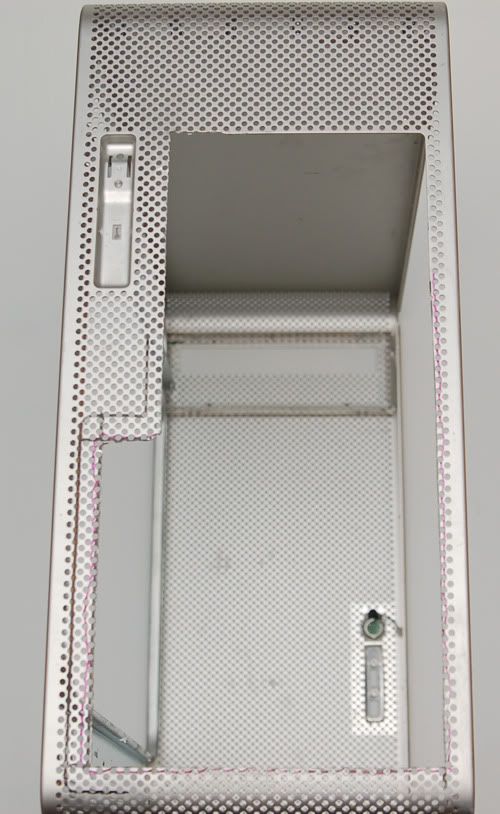
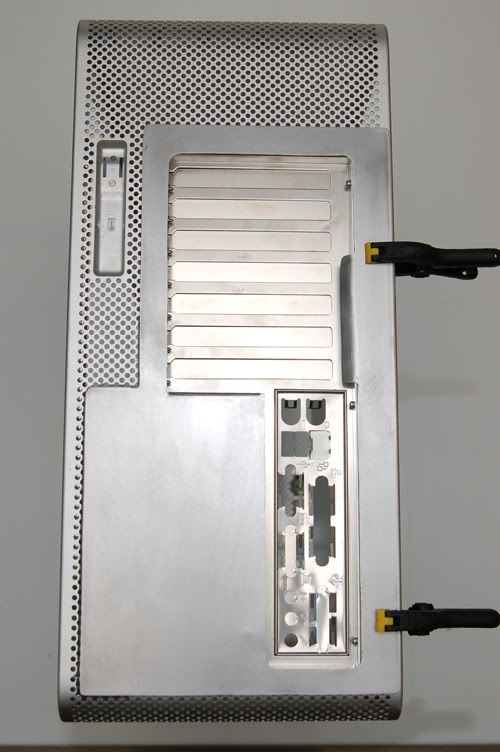
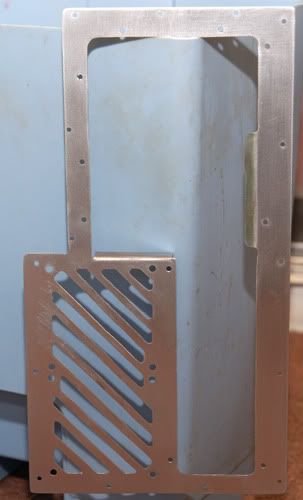
Next Worked on cutting the back of the case to fit the MB tray into the case. Using a dremel just cut it a tad bigger than the rear port opening. Went through quite a few cutting discs tackling this job but in the end the result was nice.

user posted image

user posted image

user posted image

user posted image

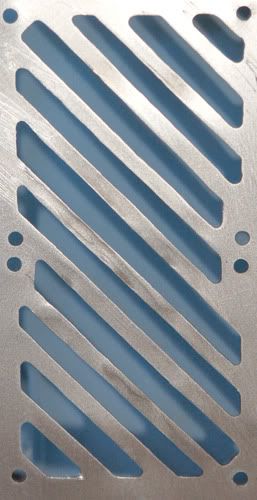
Now how should I do the rear fan opening? Could buy some grills or drill some holes, or maybe this.

user posted image

user posted image
TSsk8roy
post Oct 10 2009, 12:22 PM

New Member
*
Junior Member
33 posts

Joined: Oct 2009
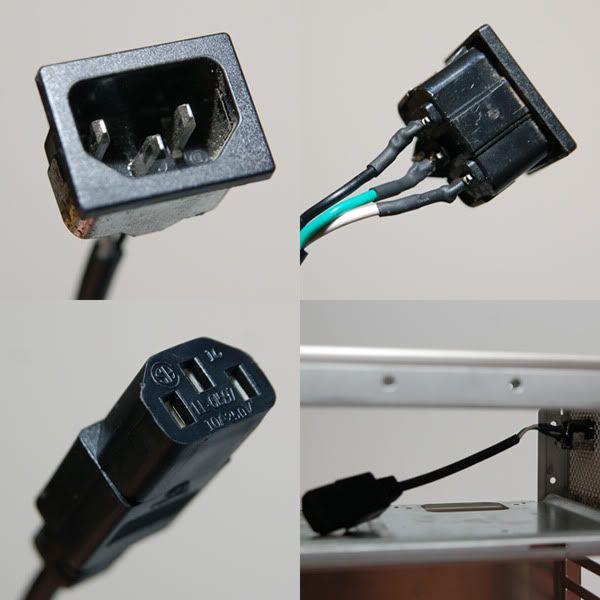
Last part for the rear of the case was to make a power supply extention cord to go from the outside to the inside where the PSU will sit.

user posted image

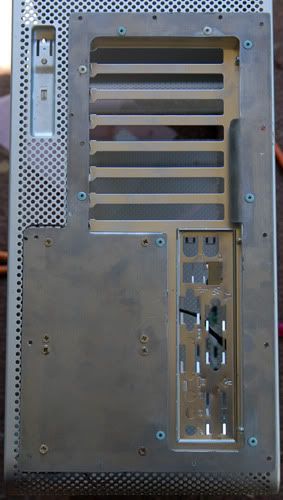
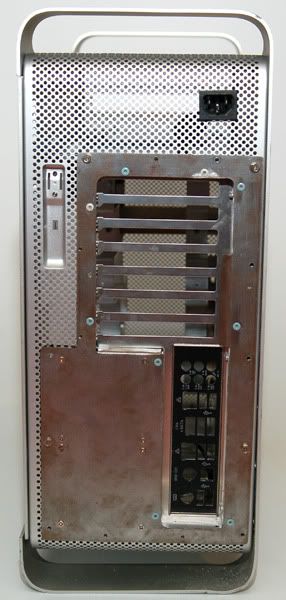
Here is what the rear looks like now. Before and after shot.

user posted image

user posted image

That is all I can share right now because my hands are killing me from typing. Have alot more till I actually bring tthis up to my cuurent standing. Hope you enjoy and comments welcome.

TSsk8roy
post Oct 10 2009, 09:04 PM

New Member
*
Junior Member
33 posts

Joined: Oct 2009
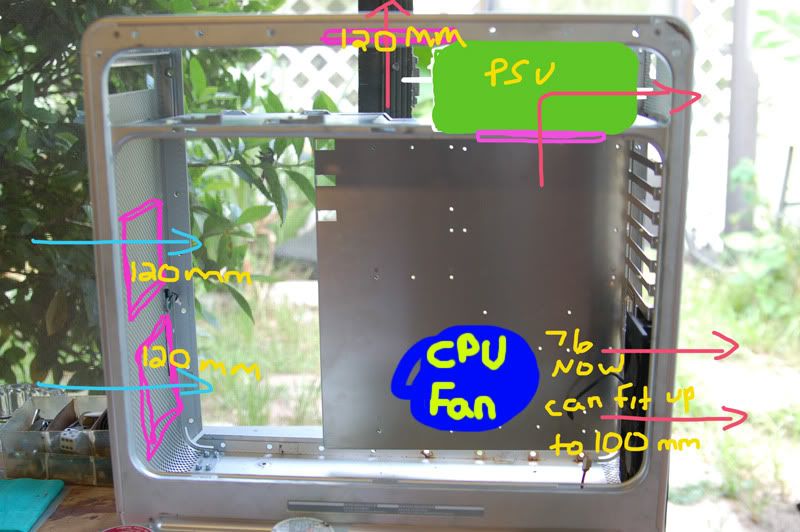
Back for some more. The planned airflow will put 2 120mm in the front and 2 80mm fans in the rear.

user posted image

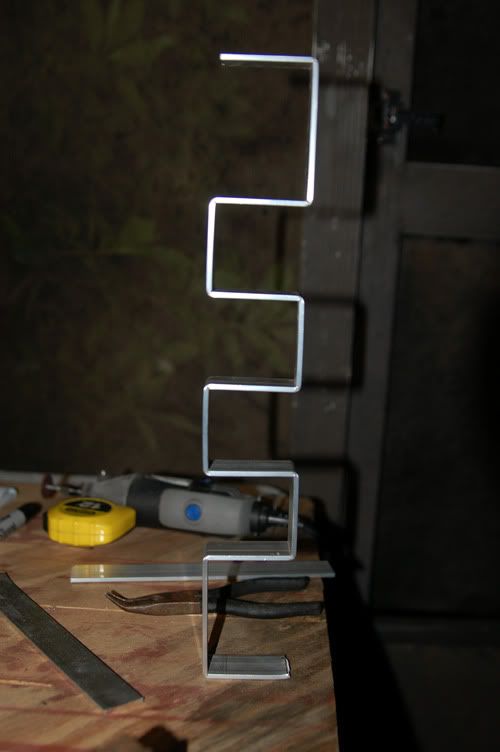
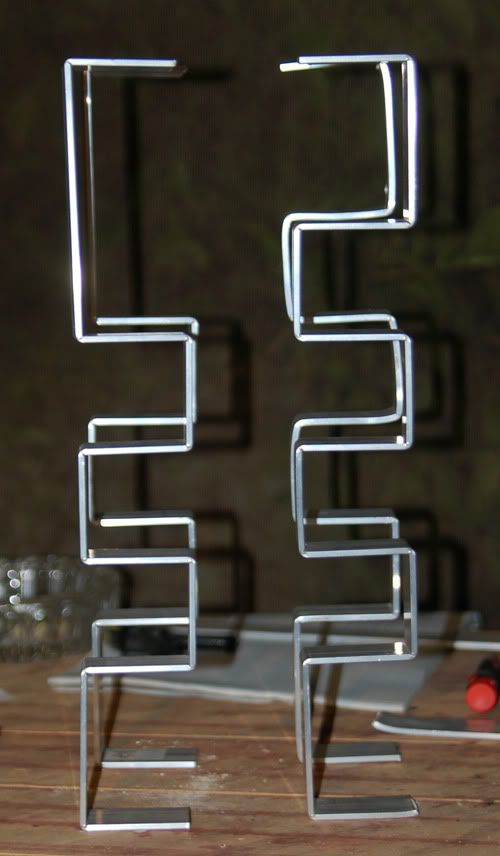
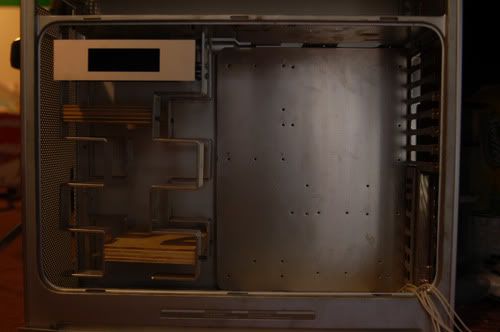
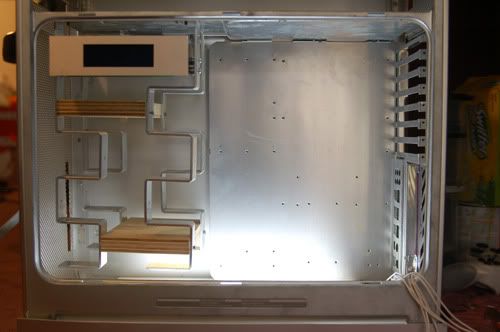
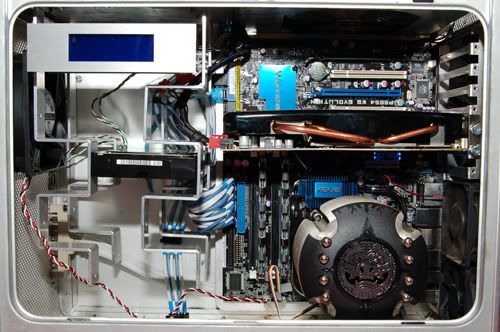
Now for the funnest part of the build yet. Wanted to addd at least 4 HDD because I want lots of storage and wil running dual boot vista and win seven, may even add an xp in there and run triple boot. Could have bought a hard drive cage or used plexi to make one like I seen in many of the other mods I've seen, but I wanted something original. After many different ideas finally decided on making a staggered HDD rack using 1 inch wide strips of aluminum. They would provide a mount for the HDD and also the LCD. First I scetched it out on a piece of graph paper and then measure and marked my bends on the aluminum. I cut the aluminum about half way through at each mark in order to bend it. Here is the first one turned out perfect.

user posted image

Now I just had to make 3 more. They all turned out good except the last one I did. I did not cut deep enough so it did not bend so well. will have to redo the one in the back right.

user posted image

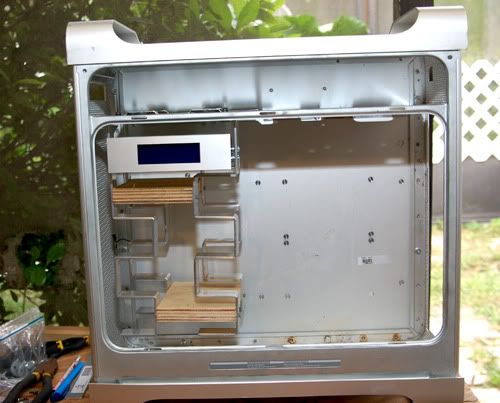
picked up another piece of aluminum and started bending the one I had to redo and get to the last bend and oops, it broke. Got another piece and went at it again, same thing, broke on the last bend. So on the fourth attempt I had success. Made a couple dummy drives out of some scrp wood laying around. Drilled my mounting hole and mocked up the drives. Clipped the lcd screen on there to see how it would all look and thing it turned out good in the end.

user posted image

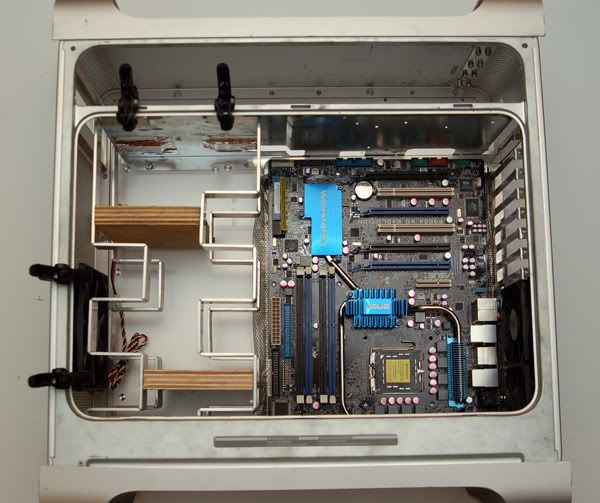
Next step was to make sure it fit withe the MB in place. Fits nicely and leaves enough room to plug all the cables in. not alot of room but enough room.

user posted image

Had to trim off the bottom alittle bit when finally mounting it but still looks good.

user posted image

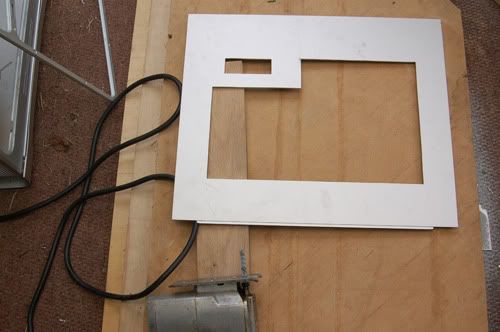
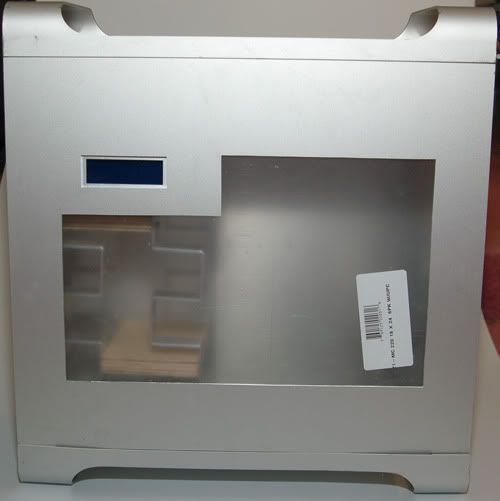
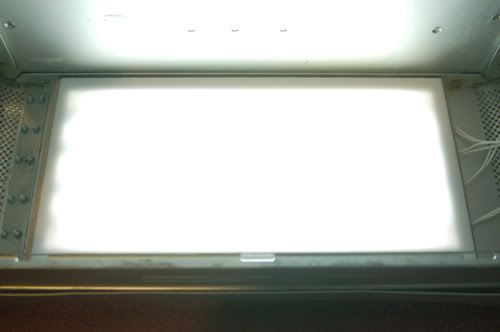
Now to start cutting the side window out. Place the case on the side and took the rear off so I could fit my arm inside. Marked where the lcd screen sits. Then turned it upright removed the door. measured out my cut outs for the lcd screen and the rest of the window. Three jigsaw blades later I have a rough cut. Cleaned it up with a file and pretty happy with the results.

user posted image

user posted image

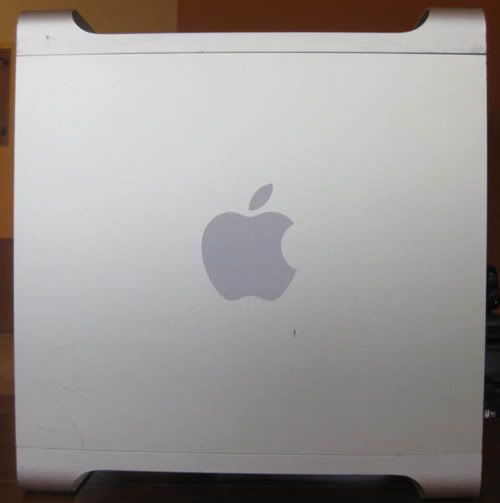
Here is another before and after of the side of the case.

user posted image

user posted image


TSsk8roy
post Oct 10 2009, 09:15 PM

New Member
*
Junior Member
33 posts

Joined: Oct 2009
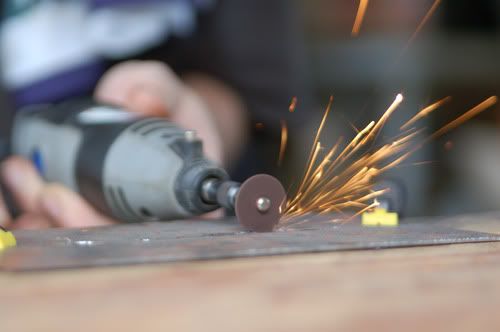
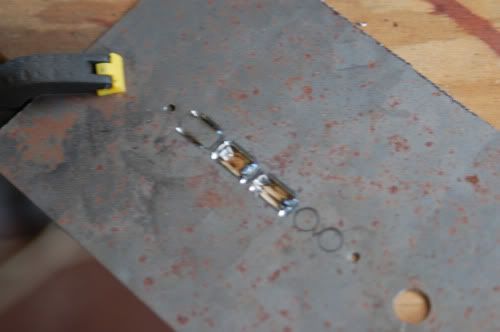
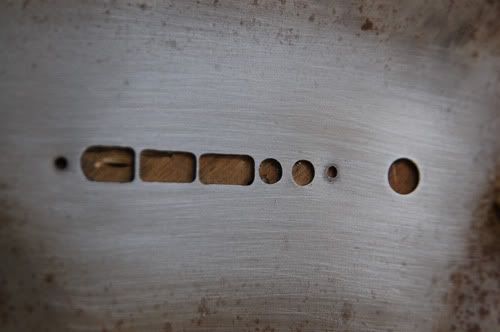
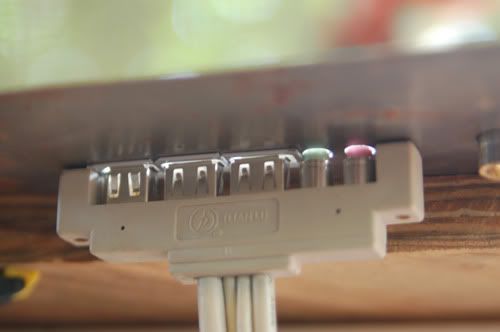
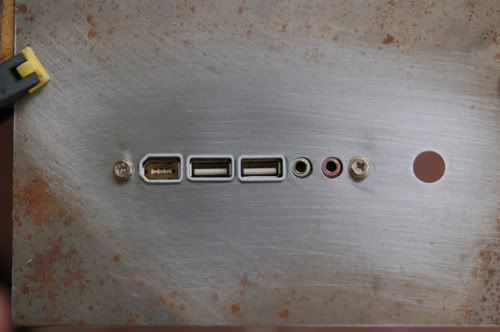
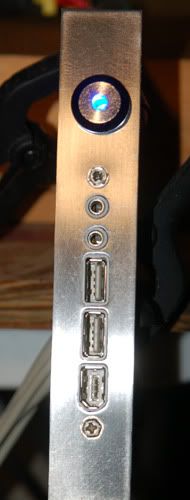
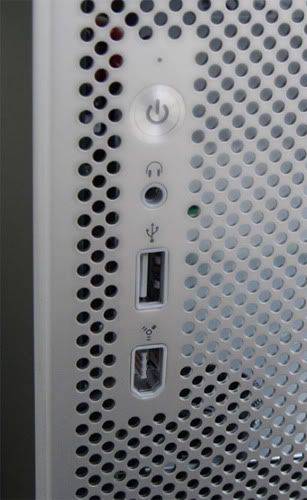
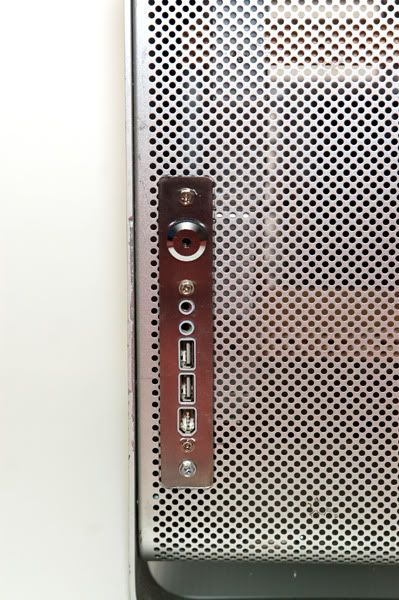
Now let's move to the front of the case. Time to make a new front panel. Same as the rear I used a piece of 22 gauge sheet metal. First thing was to drill the hole for my power switch. then I lined up my Lian-Li front ports and marked out my cutting lines. Then more funn with the dremel. Let the sparks fly.

user posted image

user posted image

user posted image

user posted image

user posted image

With it all cut and fitted then I cut it out of the sheet of metal. Used a scap of the 1 inch aluminum as a guide.

user posted image

I then cut the original front panel off and mounted this bad boy in there. here is a before and after.

user posted image user posted image


ckh93
post Oct 10 2009, 09:21 PM

40k VIP club
******
Senior Member
1,136 posts

Joined: Jan 2009

nice one mate, keep it up.
awaiting end product.
TSsk8roy
post Oct 10 2009, 09:30 PM

New Member
*
Junior Member
33 posts

Joined: Oct 2009
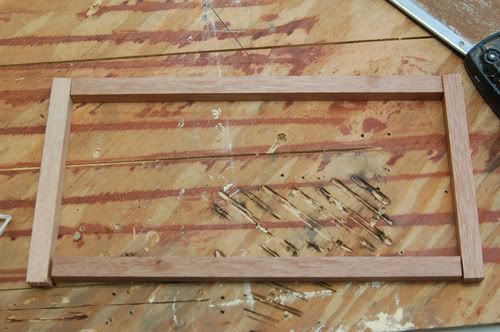
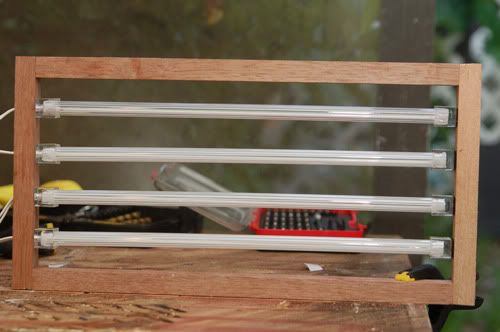
Next I worked on a light panel for the bottom of the case. made a simple wood frame to hold four CCFLs. Got a piece of white plexi for the cover to help diffuse the light. The light falls off alot towards the top of the case but the PSU I will be using has a white LED on the fan so that should provide the fill to light the rest of the case.

user posted image

user posted image

user posted image

user posted image

user posted image

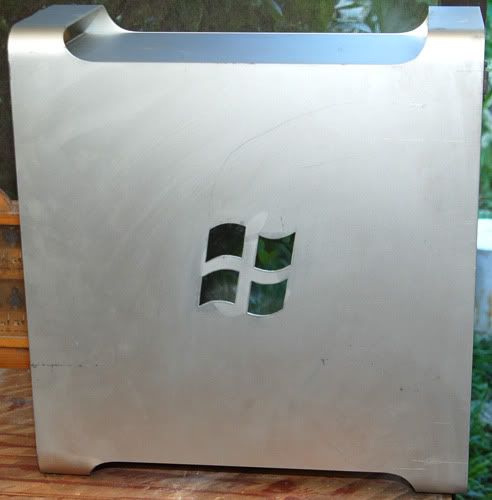
So after all this I called it project Windows G5, Why? Here is where the name comes in. Time to ditch that rotten apple on the other side of the case and cut out a windows logo. Will place a piece of white plexi on the inside so it will light up. Still havn't decided wether or not to ad LED behind it or if the light from the bottom will be enough to light it up.

user posted image

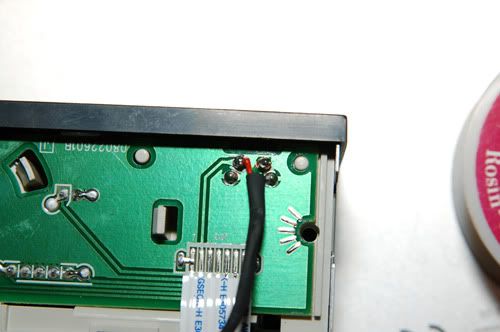
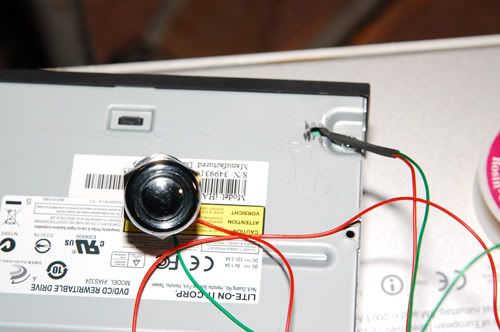
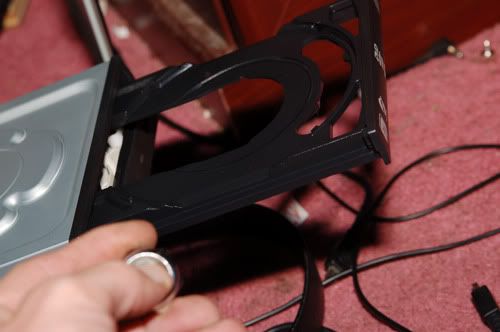
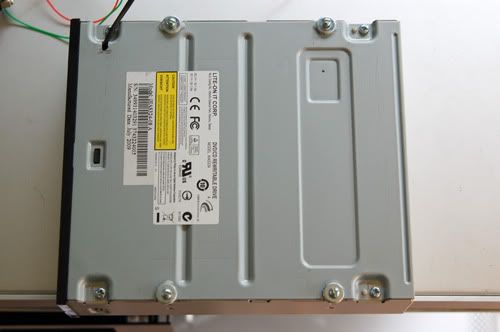
Now this will bring you up to where I am currently at in this mod. The last 2 items the dvd drive and PSU sleeving. For the dvd drive the apple case has a sliding door so I had to bypass the ejecttt button and will place one on the outside of the case. Opened up the drive found the eject button and soldered 2 wires on the pins. Put the switch on and presto.

user posted image

user posted image

user posted image
TSsk8roy
post Oct 10 2009, 09:42 PM

New Member
*
Junior Member
33 posts

Joined: Oct 2009
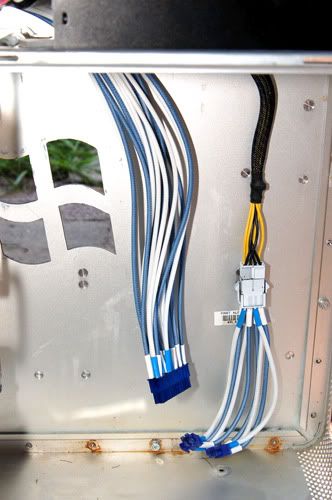
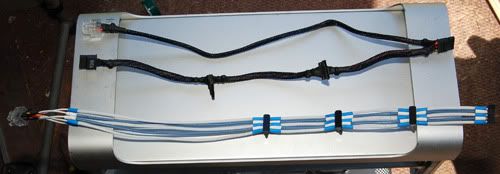
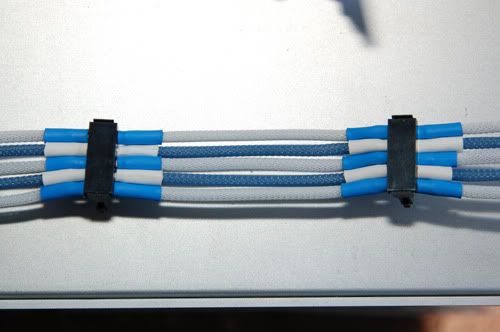
PSU sleeving. What a pain this is. Did not have a proper pin removal tool so used a few trusty staples to tackle this job. Not going to go into the whole process of sleeving but here is what I got so far. Sleeved the 24-pin and 8 pin power supplies. Also got the sata power sleeved. The sata cables were shortened and I spaced the connectors out so the would just reach from one drive to the next with no extra slack. The end result a cable half the length of the original and flatter to alow better airflow. Also alot more sexy.... drool.gif

user posted image

user posted image

user posted image

This about bring me up tto my current progress hope you have enjoyed it so far. I have a few more cables to sleeve and mount the dvd drive. I should then be able to paint and then complete the final assembly. Will update this when I work on it again. Probably be next weekend before I get started again.

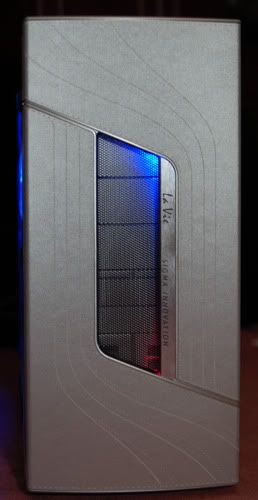
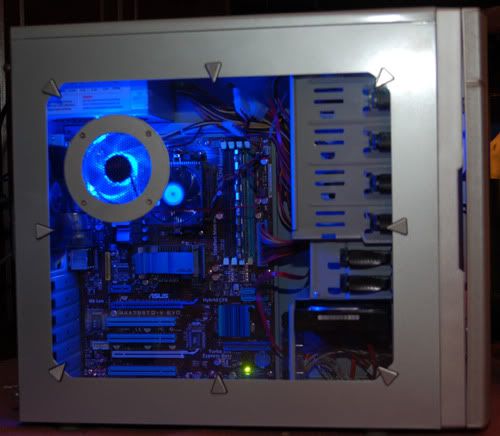
Here is a pic has nothing to do with this build but wanted to share. In the first post I said I built my 2nd pc while taking a break well here it is. This was built for my sister inlaw. No mods on this one all store bought. I relly like the shot of the side.

user posted image

user posted image
tjay_tj
post Oct 11 2009, 11:37 AM

retire
******
Senior Member
1,140 posts

Joined: May 2008
whoa shocking.gif
you done all this urself alone? brows.gif

i saw this over other website too wink.gif
TSsk8roy
post Oct 11 2009, 02:33 PM

New Member
*
Junior Member
33 posts

Joined: Oct 2009
a buddy of mine helped me cutting half the hole in the rear of the case. Then handed the dremel over and told me to take it home with me. I also had no clue how to solder at first. He soldered the PSU extender for me and showed me how to do it properly. Then told me the same thing as with the dremel, now you know so take it home and do it yourself
blacktubi
post Oct 11 2009, 08:32 PM

-
Group Icon
Elite
8,421 posts

Joined: Jul 2008

Good Job bro, awaiting your update...
rublik
post Oct 11 2009, 10:42 PM

Getting Started
**
Junior Member
286 posts

Joined: Jun 2008
From: Muar, Johor


nice
gengstapo
post Oct 12 2009, 01:43 AM

Retired enthusiast
********
All Stars
10,688 posts

Joined: Jan 2005
Is that a real G5 casing? shocking.gif shocking.gif
Where the heck you all get it?
kimimaro_kun
post Oct 12 2009, 09:07 AM

I Am Whatever You Say I Am
****
Senior Member
669 posts

Joined: Jan 2006
From: Anfield


QUOTE(sk8roy @ Oct 10 2009, 09:42 PM)
This was built for my sister inlaw.
*
can i be ur brother in law?? brows.gif
nice mod. nice cutting. nice.. nice.. nice.. thumbup.gif

wub.gif
TSsk8roy
post Oct 12 2009, 09:19 AM

New Member
*
Junior Member
33 posts

Joined: Oct 2009
I got my case on ebay. when I started looking for one I saw a bunch on there. Then by the time I saved up money for one there weren't any. So I waited and finally saw a couple more, and jumped on one.
nkarul85
post Oct 12 2009, 01:24 PM

newbies
******
Senior Member
1,480 posts

Joined: Mar 2009
From: puchong, selangor


wow.. nice , really nice job...
just asking,
u open service also?
can sent modding casing to u? hehe

djlah
post Oct 13 2009, 11:22 AM

Look at all my stars!!
*******
Senior Member
7,723 posts

Joined: Jan 2005

QUOTE
LCD
user posted image
*
where did you get this lcd? and how much?


TSsk8roy
post Oct 13 2009, 07:39 PM

New Member
*
Junior Member
33 posts

Joined: Oct 2009
got it off ebay...only $25...$34 total shipped to my door.

CODE
http://cgi.ebay.com/Serial-USB-20x4-LCD-LCM-Computer-Bay-PC-Modding-HD44780_W0QQitemZ260486525093QQihZ016QQcategoryZ51064QQcmdZViewItemQQ_trksidZp4340.m444QQ_trkparmsZalgo%3DCRX%26its%3DC%252BS%26itu%3DSI%252BUA%252BLM%252BLA%26otn%3D5%26ps%3D63

TSsk8roy
post Oct 18 2009, 03:03 AM

New Member
*
Junior Member
33 posts

Joined: Oct 2009
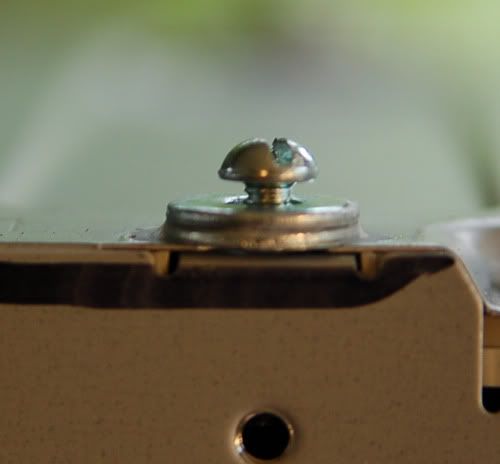
Finished mounting the DVD this morning. My original plan was to use the aluminum strips I had left over to make some what of a bracket to mount it. I ditched that plan and went about using the original clips that came with the case ( I completly forgot about them ) I glued two washers together for the spacers to raise the drive up to the right hieght and glue them over the bottom mounting holes. Screwed in some bolts that had the right size head for the G5 clips to grab ahold of properly. Here are some pics and made a video. Video is not that great, Used my Moto Q9c.

user posted image

user posted image


Added on October 18, 2009, 7:55 amPut most of it together and fired it up to make sure everything was working. Several problems to work out and then I can paint and put do a final build. 2 fan cables are too short, the aftermarket pci connectors were %#$ up. The middle pin on the top is suppose to be rounded off but it is square, will either have to try and round it off myself or will be using the stock red connectors. So now I off to tear it back apart, extend and sleeve my fan cables, work on the pci connectors and paint this puppy.

user posted image

On the bright side successfully installed win7 even though asus said the board did not support it and temps are low even though I'm only using 2 fans at the moment.

Next update should be the last final assembly

This post has been edited by sk8roy: Oct 18 2009, 07:55 AM

4 Pages  1 2 3 > » Top
 

Change to:
| Lo-Fi Version
0.0215sec    1.00    6 queries    GZIP Disabled
Time is now: 19th December 2025 - 10:18 AM