
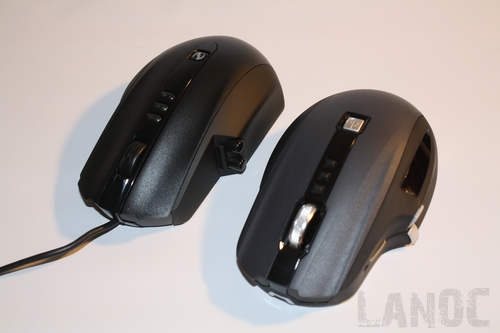
X8 Specs:
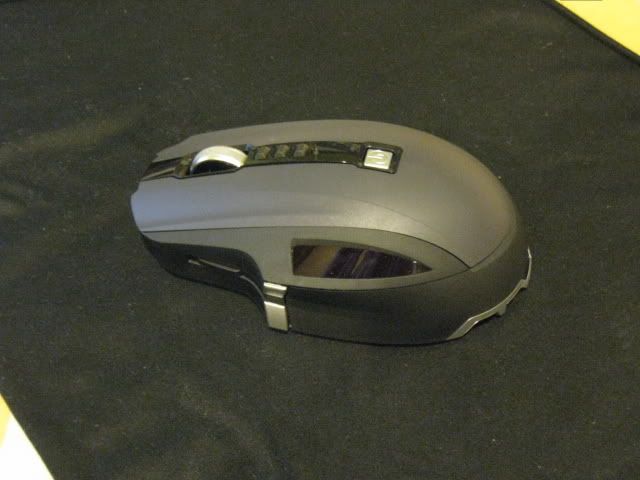
2.4 GHz Wireless connection
Reliable wireless connection built for lag-free play.
#
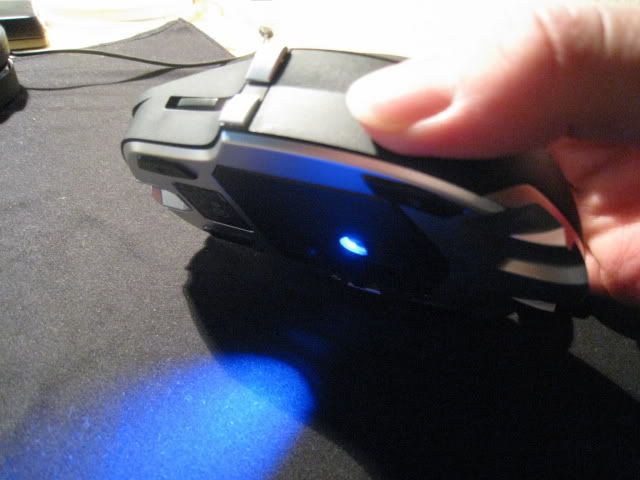
BlueTrack Technology
World's most advanced tracking technology for gaming with image processing of 13,000 frames per second.
#
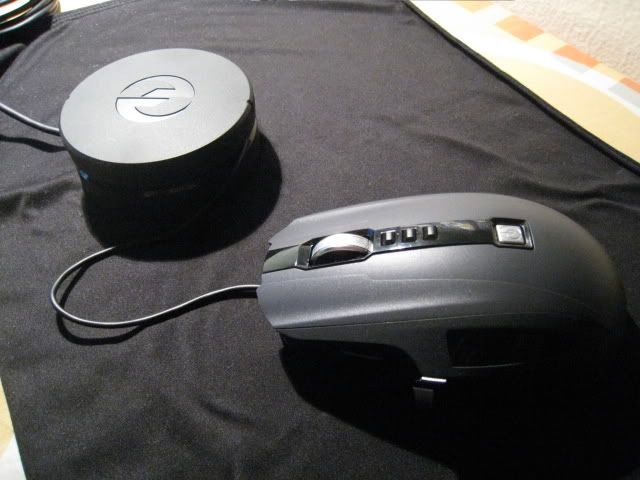
Play and Charge
Up to 30 hours of active gaming on a single charge, or use the play-and-charge cable for non-stop action.
#
Twelve Buttons – Seven are programmable
Customize the five programmable main buttons, plus left/right tilt wheel—seven programmable buttons— to customize your gaming experience.
#
Scroll Wheel with Tilt
Better feel and response with detents for precise control.
#
Full-Speed USB Reporting
Full-speed, 500 Hz USB reporting is built for lag-free play.
#
Engineered for Speed
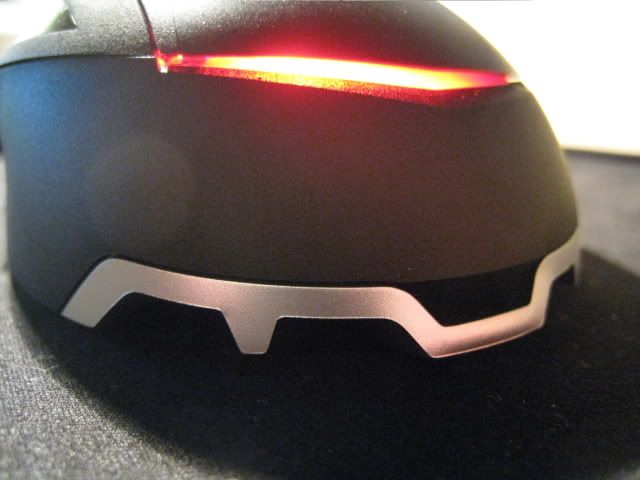
Shape designed for quick, balanced, precision gaming action.
#
Vertical side buttons
Don’t make mistakes. The top/bottom design makes locating the side buttons easier and reduces the inadvertent actuation risk.
#
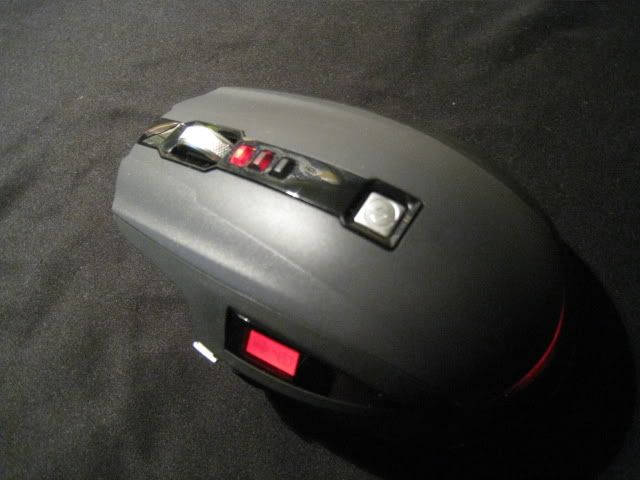
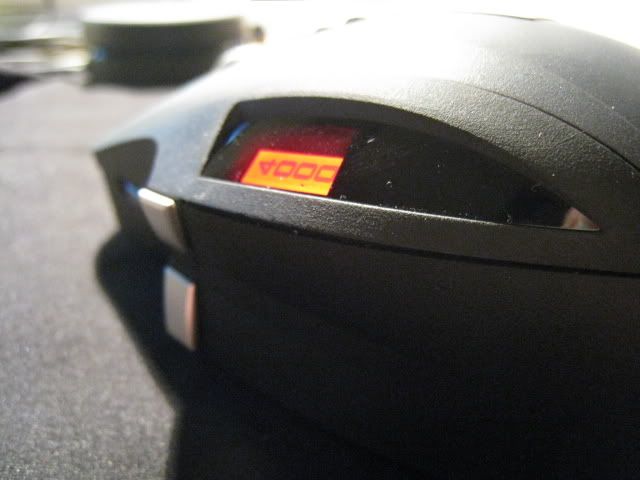
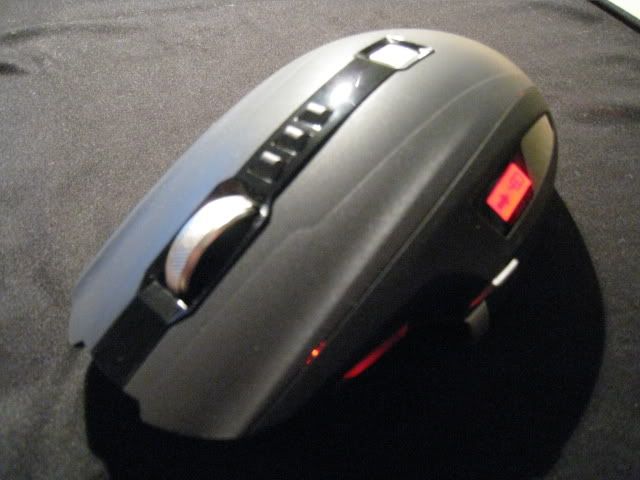
LCD Display
Quickly view DPI settings and macro-recording.
#
Quick Launch Button
One-touch access to Microsoft PC Gaming features.
#
DPI Switching
Instantly switch sensitivity between high, medium, and low with one click.
#
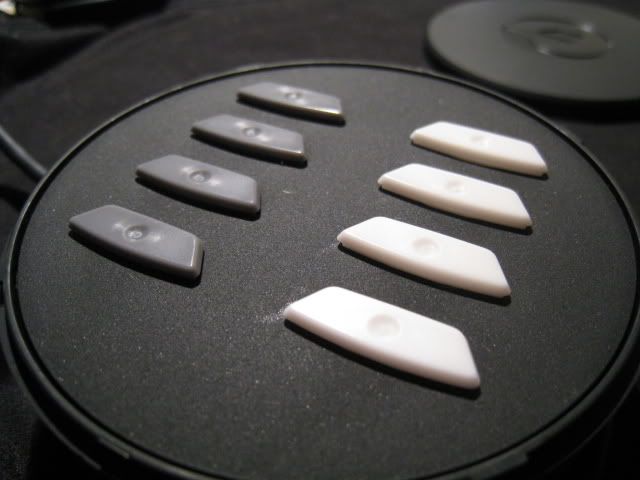
Replaceable Mouse Feet
Choice of three different materials for glide preference.
#
Macro Record
Easily record macros while in game with the dedicated button.

X6 Specs:
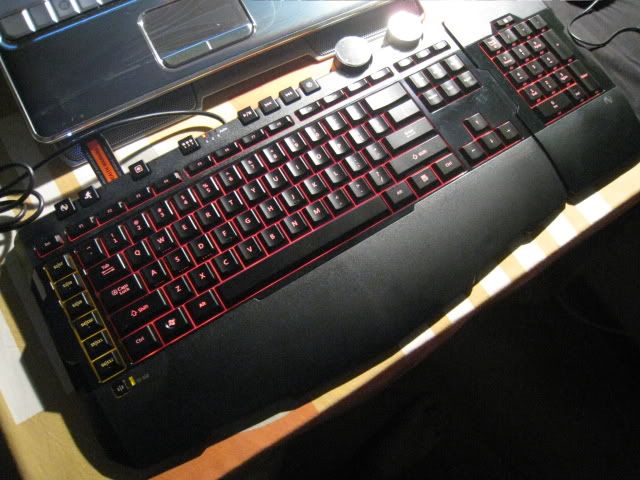
Switchable key pad
Flexible design, choose right side or left side configuration. Switch between standard key pad and macro pad in gaming mode.
#
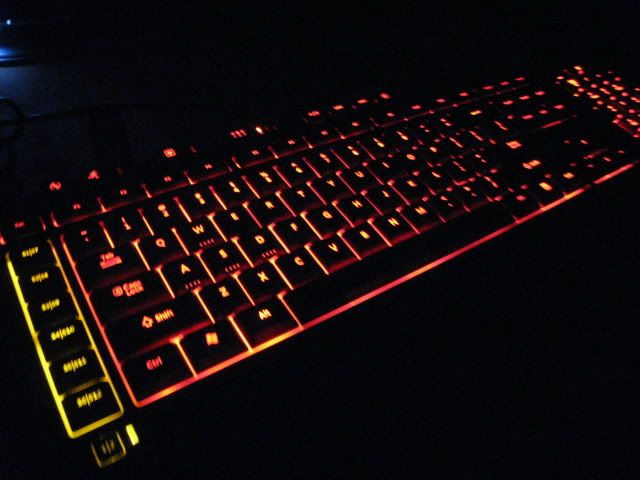
Two-color adjustable backlighting dial
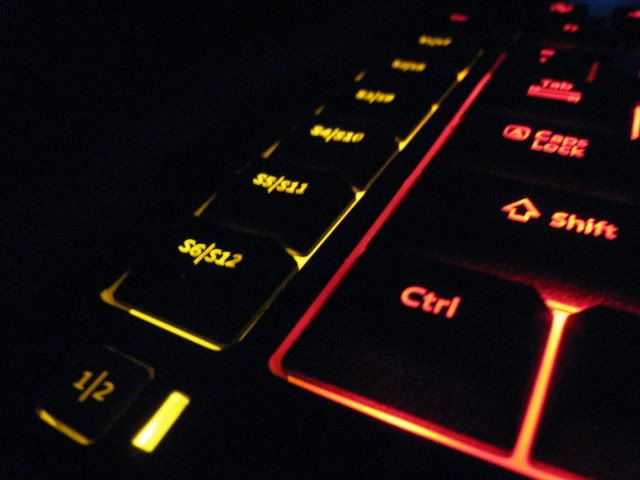
Keyboard keys are red, and key pad and Macro keys are amber in Game mode. Lighting dial adjusts the brightness of the keyboard and key pad.
#
Macro keys
Up to 30 programmable keys that can allow up to 90 programmable options with an assigned gaming profile.
#
Mode switching
Manually toggle the keyboard from standard mode to either of two gaming modes. LEDs show the selected mode.
#
Cruise Control
Use Cruise Control to continue an action without having to hold down the key or keys assigned to the action. You can use Cruise Control with up to four keys at a time.* (* Cruise Control does not work with programmable macro keys.)
#
In-game macro record button
Record any sequence of keystrokes—even standard chat messages. Macros are stored on your hard drive and can be easily shared.
#
Automatic profile switching
When a game or application profile is assigned using the software, the keyboard detects the game or application you are running and applies your custom profile to the application.
#
WASD gaming keys
Have front-face lighting for enhanced visibility.
#
Media keys
Play/Pause, Previous Track, Next Track, and Mute.
Product Tours:
http://www.microsoft.com/hardware/gaming/d..._swx6_tour.htmlhttp://www.microsoft.com/hardware/gaming/d..._swx8_tour.htmlOwners do PM me yea, plan to add your proud names to an owner's list.

Surprise fellas!!
Sidewinder X3 Mouse:
Pros
-Cheap
-Has macro buttons.
-Switchable DPI On the fly.
-Fits nicely
Cons
-Design not to everyone's taste.
-Too light.
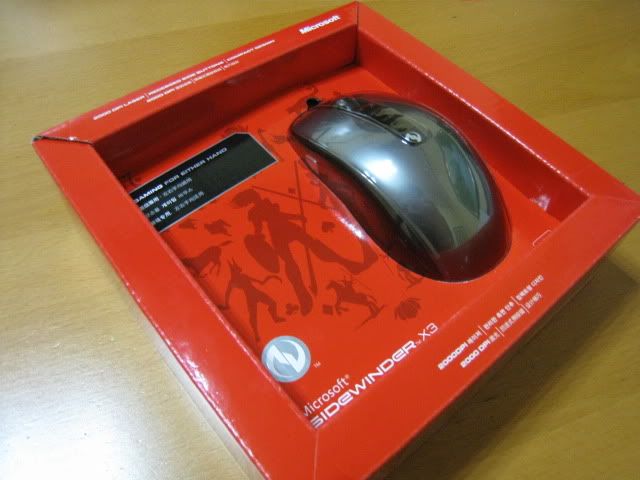
^Sidewinder X3 Box
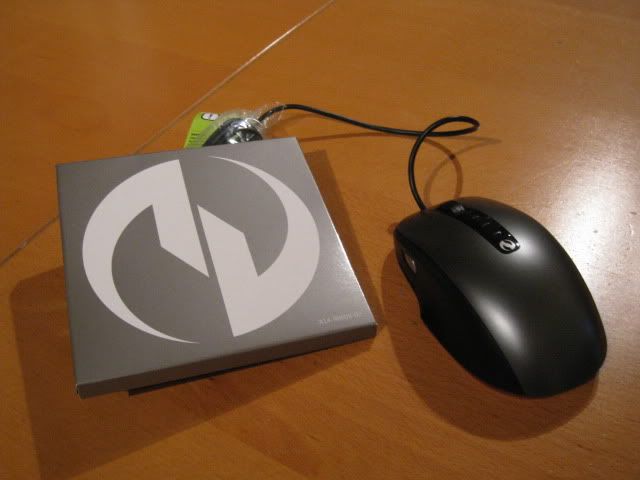
^Sidewinder X3 box contents.
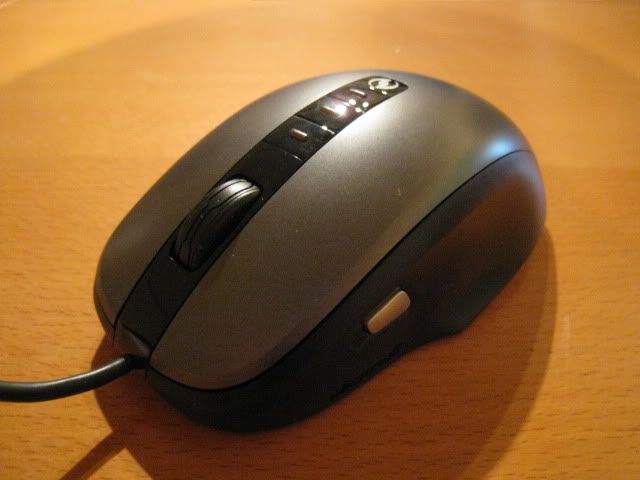
^Front shot of the X3.
http://forum.lowyat.net/index.php?act=Post...&p=25341913&st=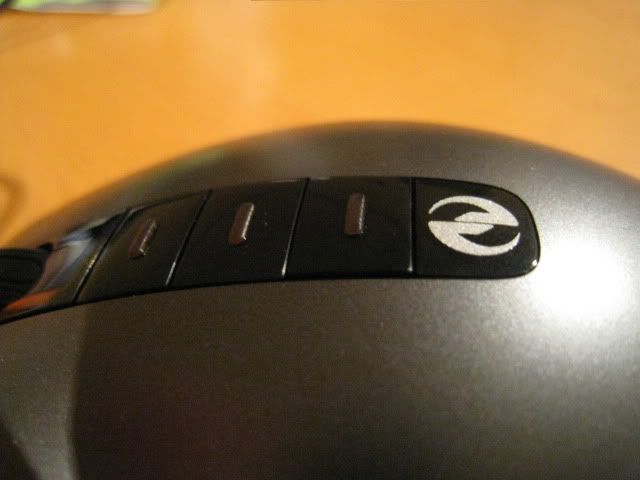
^X3's DPI switchers.
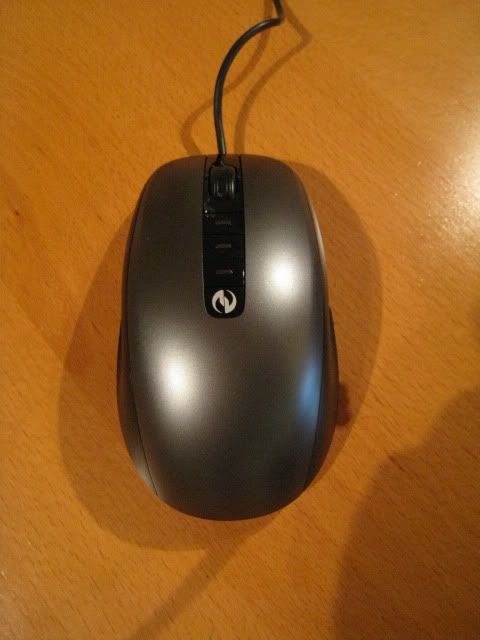
^Top shot of the X3.
P.S. I'm bulking this item now, join me here:
http://forum.lowyat.net/topic/1026370wingster's SideWinder™ X8 Reviews and Pictures:
http://forum.lowyat.net/index.php?showtopi...post&p=26908139http://forum.lowyat.net/index.php?showtopi...post&p=26912073SIDEWINDER X8 OWNERS:
Enigmare
wingster
hamlau
silencer
skyliner66
TomatomanzSeedlezz
AceCombat
This post has been edited by Enigmare: Jun 29 2009, 04:48 PM 


 Apr 22 2009, 10:20 PM, updated 17y ago


 Quote
Quote








 as for that price of the x8 mouse compared to the up coming mamba, wonder which will be more significant




 0.0227sec
 0.38
0.38
 6 queries
 GZIP Disabled