

 Dec 14 2012, 03:05 AM, updated 13y ago


QUOTE
"Any aluminum product may scratch or chip with use, exposing its natural silver color. That is normal". Phil Schiller, 2012.
Update
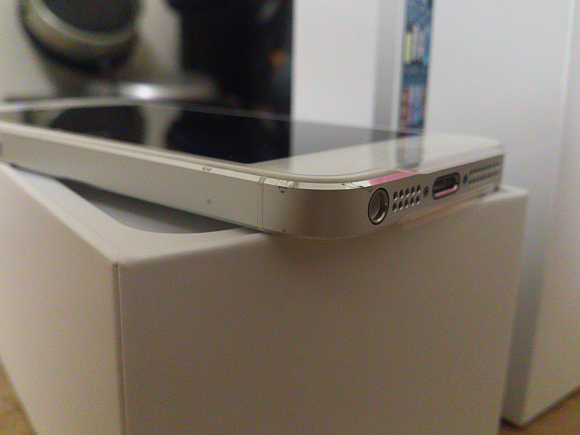
Post from SC, Got a Scratched iPhone 5 Right Out of the Box? Apple Says No Warranty for You
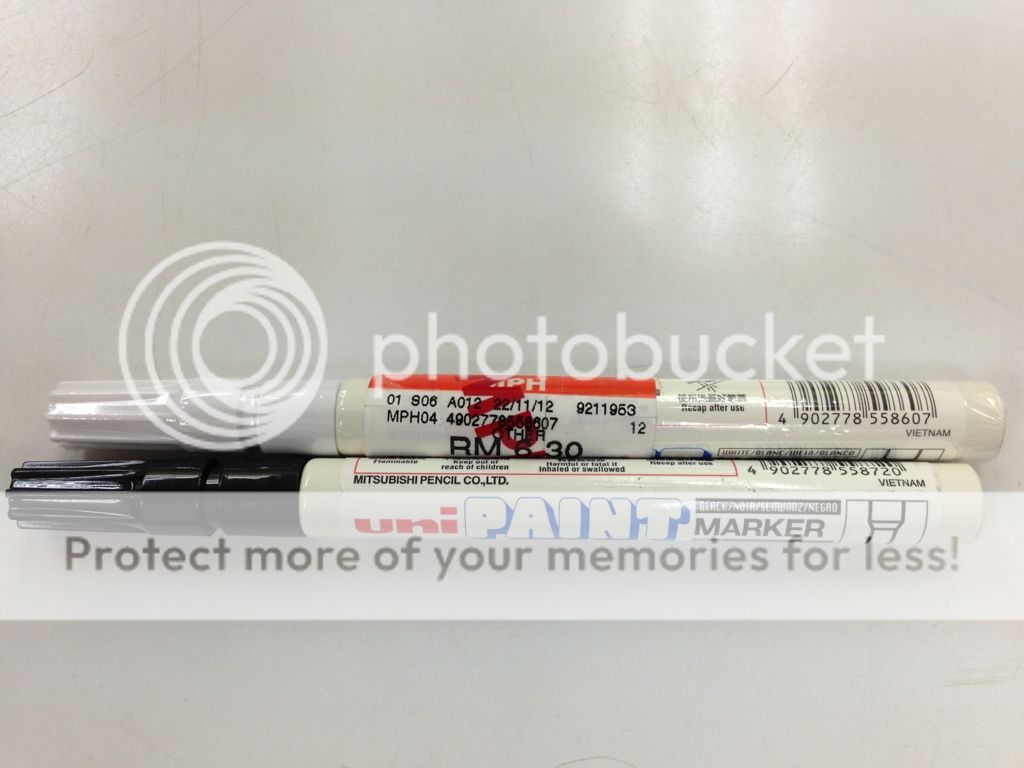
Update 2: *Last Resort to Cure Scuffgate*
» Click to show Spoiler - click again to hide... «
QUOTE
In Malaysia, if you purchased an iPhone and its defective, you will have to take your claims for a replacement with the retailer that you bought the device with and not with Apple. It is up to the retailer to replace your defective unit.
If you bought your iPhone from Apple’s online store you might have a better chance of getting a replacement for your defective iPhone 5 but for everyone else, it all comes down to luck.
If you bought your iPhone from Apple’s online store you might have a better chance of getting a replacement for your defective iPhone 5 but for everyone else, it all comes down to luck.
Sauce
When buying your iPhone 5, check for the condition as follows before you leaving the counter, if got defects, some can change some cant change, depends on your nego skill and luck...
Tools
1. flash light (handphone type) or under bright light
2. your eyes
3. calm and detailed mind
4. free time
Procedures
1. Check the box is completely unseal set, check is the capacity and colour you want, check serial and imei with invoice before open the box (if applicable)
2. check for any scuffs or dents at chamfer and edges
3. check for any scratches at front and back
4. check any chips at lightning dock area
5. shake the phone and use your ears to hear, some of the units have rattling sound, not sure is normal or not, using google they say either is loose power button or loose battery, or is vibrator sound, yet to clarify (UPDATE: some say is power button, if this is so, holding the button and shake it the sound is gone. Else, mostly they say is vibrator sound due to its design (same with iP, when shake sideways, facing the back of the phone to your ear, you will hear it. The solution is stop shaking it
 )
)Power up the phone
1. check if any dead pixels
2. check if any back-light bleeding issues
3. activate the phone
4. test camera
5. check capacity, serial and imei code
Reminder
1. Reject the phone and demand a new set (you have the rights to do it before leave the store)
2. Explain how bad is it (as bad as words can say, dont angry, just talk with reasons) and do not accept anything that is not perfect when out of the box
3. Do not accept second best
if anyone have better ideas and checklist let me know i will update it
Apple Online Store Claim Replacement
QUOTE(ftan @ Dec 20 2012, 10:22 PM)
Getting a replacement was the easy part for me. Just talked to them nicely and they offered replacement immediately. Kudos to them for being very professional. But trying to call in was a pain. Took more than half hour coz line always busy.
Apple arrange dhl to pick up from my home. Foc.

This post has been edited by xproc: Jan 4 2013, 09:47 PMApple arrange dhl to pick up from my home. Foc.
 Quote
Quote



 .. please keep us updated..
 0.0513sec
 0.64
0.64
 7 queries
 GZIP Disabled